

Hackers go after weaknesses, not brand names. Cybercriminals plan their attacks with care rather than acting at random. They search for outdated software, exposed servers, and poor security settings. At the same time, cyber threats continue to rise in 2026, while exploited system flaws now account for more initial break-ins than in earlier years. Meanwhile, the global vulnerability management market keeps expanding as more organizations invest in better protection. For this reason, choosing the right Software for Vulnerability Management and Scanning in 2026 plays a major role in protecting systems and keeping operations running.
Why It Is Important
Software for Vulnerability Management and Scanning matters since attackers focus on weak, outdated, or misconfigured systems, while modern IT environments keep shifting through cloud platforms, remote devices, and third-party tools, which increases exposure. This type of software constantly searches for security gaps and flags them early, so teams can fix issues before criminals take advantage of them. As threats grow more aggressive, this approach reduces the chances of data leaks, ransomware attacks, and service disruptions. In addition, it supports compliance with standards such as PCI-DSS and ISO 27001 through clear reporting and fix tracking. At the same time, it helps security teams prioritize the most serious risks first, therefore preventing wasted effort on low-impact issues.
We explore the top Software for Vulnerability Management and Scanning in 2026, while also breaking down their features, strengths, weaknesses, pricing, and final evaluations to support confident decision-making.
Top 13 Best Software for Vulnerability Management and Scanning in 2026
1. Qualys



5. CrowdStrike Falcon Spotlight

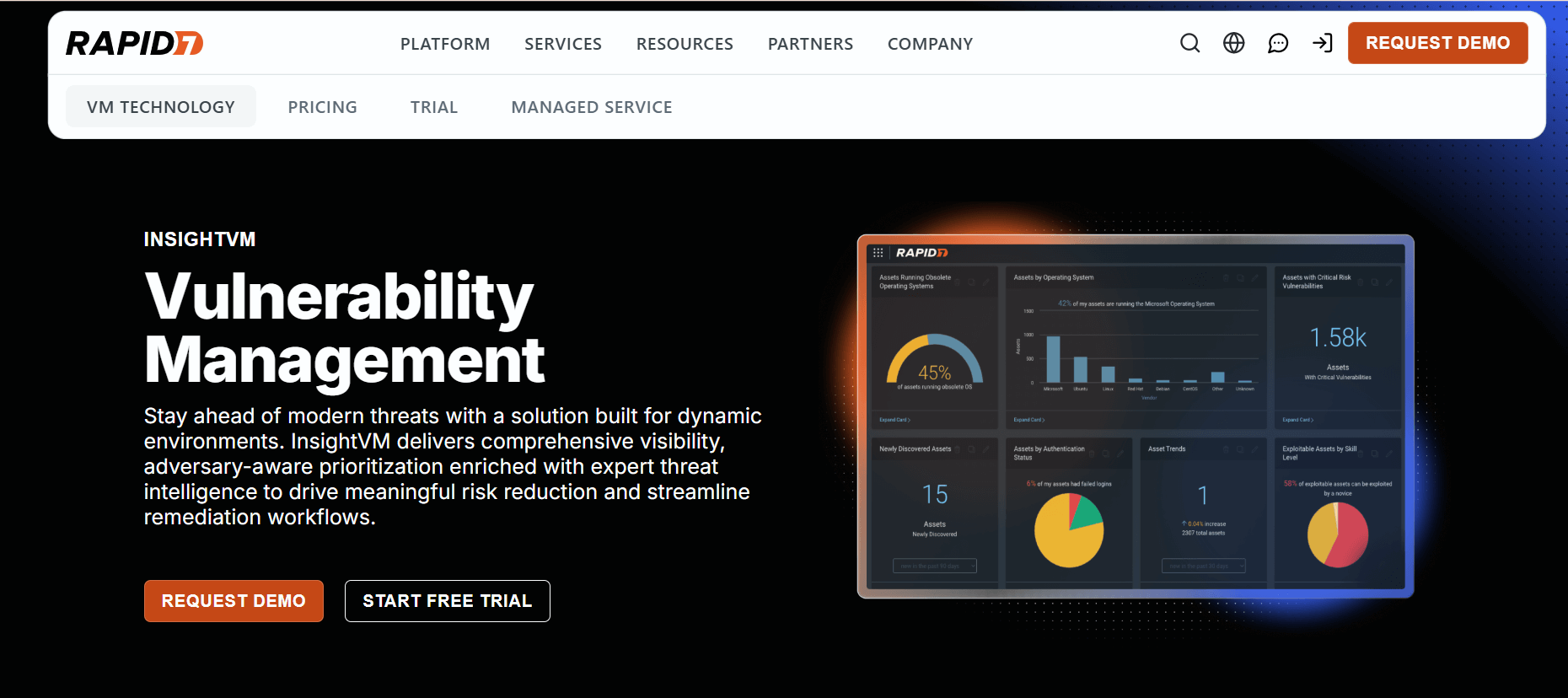
CrowdStrike Falcon Spotlight delivers endpoint-focused vulnerability management that connects threat intelligence with ongoing scanning. It sits inside the Falcon ecosystem; therefore, teams deploy one lightweight agent and gain constant insight into security gaps on every device. In addition, the platform blends AI-driven malware protection with vulnerability checks, which means security teams can see risks and active threats in one place. Moreover, its cloud-native design keeps endpoints protected while giving full visibility across the network.
Features
- Endpoint vulnerability scanning
- Alerts powered by threat intelligence
- Automated guidance for fixing issues
- Connection to Falcon’s wider endpoint security tools
Pros
- Real-time visibility into exposure
- Tight link between threat data and vulnerability insights
- Lightweight agent that scales easily
Cons
- Still developing when compared with specialized VMDR tools
- Cloud features and API support continue to grow, yet they feel uneven
Pricing
- Falcon Go: $59.99 per device each year (up to 100 devices)
- Falcon Pro: $99.99 per device each year (includes firewall management)
- Falcon Enterprise: $184.99 per device each year (adds XDR and managed threat hunting)
Best For
CrowdStrike Falcon Spotlight fits small and mid-size businesses that want endpoint protection and vulnerability management under one roof. Meanwhile, companies with remote or widely spread teams gain value from its cloud-based setup that keeps devices protected anywhere. Furthermore, organizations that value trusted, independently tested security will find it appealing, even though it does not go deep into advanced vulnerability analysis.
Final Verdict
CrowdStrike Falcon Spotlight provides dependable vulnerability management within a broader endpoint security platform. It offers strong protection, low impact on device performance, and easy cloud deployment; therefore, many teams find it practical for daily operations. However, tools such as Tenable or Qualys deliver more advanced features when vulnerability management stands alone. Even so, for businesses that want both endpoint security and vulnerability insight together, Falcon Spotlight presents a sensible and well-balanced choice.
6. OpenVAS / Greenbone

Greenbone Vulnerability Management (GVM), formerly OpenVAS, provides an open-source vulnerability scanning system that security teams actively use to find and track weaknesses. It runs more than 200,000 vulnerability tests, while the Greenbone team adds new checks every day. In addition, the platform includes a web application scanning service, so teams can also protect public-facing sites and online services. Greenbone operates through physical appliances, virtual machines that work with major hypervisors, and a cloud-native setup. The company also introduced OPENVAS BASIC as an entry-level option. Today, more than 100,000 installations and over 100 partner companies use Greenbone worldwide, which shows its strong global adoption.
Features
- Detects over 50,000 vulnerabilities and updates its feeds daily, so users always receive current threat data
- Uses its own internal scripting language, which allows teams to create custom vulnerability tests
- Supports both authenticated and unauthenticated scans, therefore offering deeper and broader coverage
- Handles large network scans, so security teams can assess many systems at once
- Produces detailed reports with clear remediation guidance, which helps teams fix issues faster
- Works with many network protocols and services, so it fits into complex IT environments
Pros
- Offers core scanning tools at no cost, which reduces security spending
- Allows deep customization, therefore letting teams adjust tests to their own setups
- Maintains a large vulnerability database that receives frequent updates
- Performs well for network-level security checks, so it suits infrastructure-focused teams
Cons
- Presents a learning curve for new users, since the documentation can feel difficult to follow
- Includes fewer built-in automation tools, which means more manual work than many commercial products
Pricing
- Greenbone provides a 14-day free trial, and interested buyers must contact the vendor for paid plans
Best For
Greenbone fits organizations that already have technical staff who can manage setup and ongoing upkeep. It works well for security teams that use Linux, rely on command-line tools, and prefer open-source software for vulnerability scanning.
Final Verdict
Greenbone delivers strong scanning capabilities without license fees, so it offers serious value for teams with technical skills. However, the platform demands time and effort to configure and maintain, therefore it does not suit every organization.
7. Acunetix
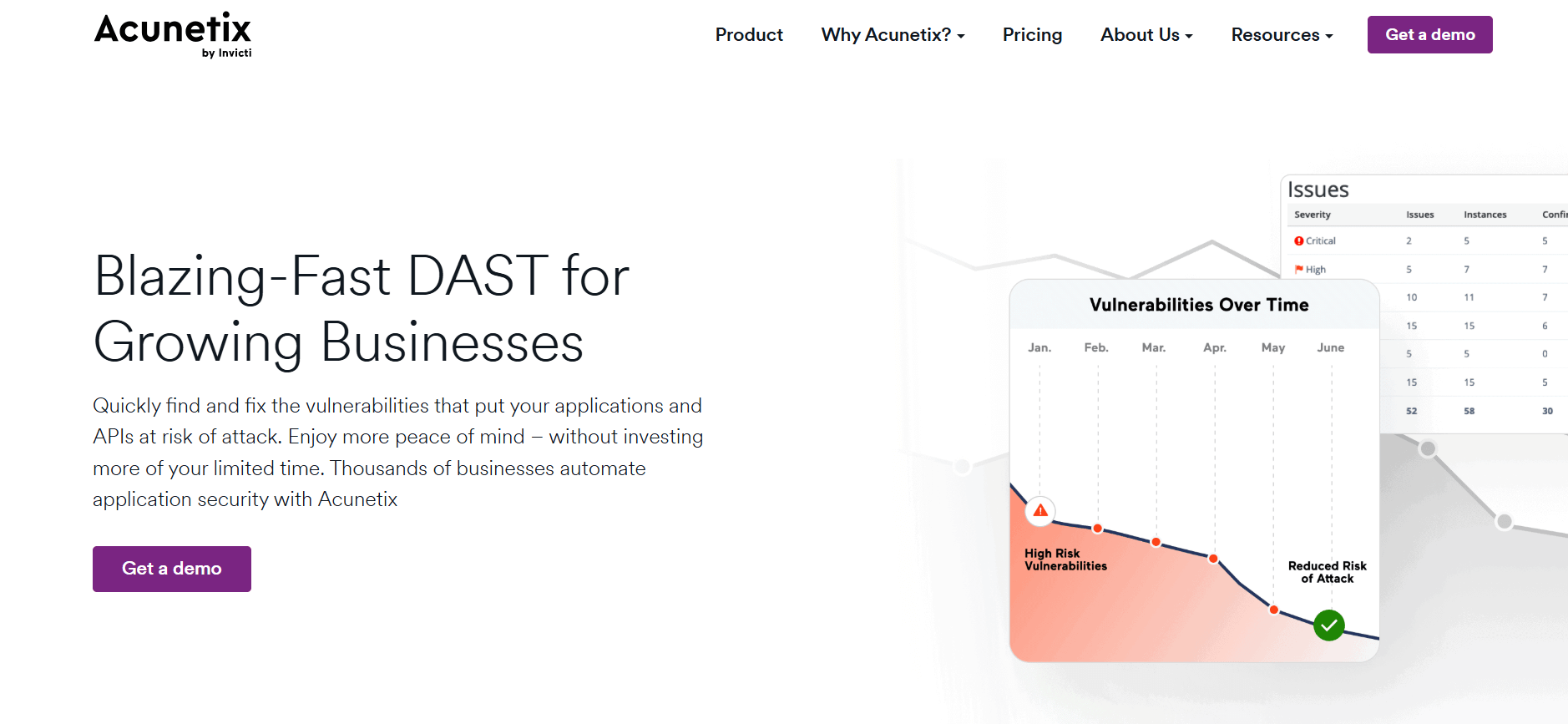
Acunetix, developed by Invicti, is a cloud-based digital security solution that helps security analysts protect data, conduct manual testing, and generate compliance reports. It scans websites to uncover vulnerabilities that could threaten networks. The platform focuses on web application security, using both dynamic (DAST) and interactive (IAST) testing methods to deliver thorough vulnerability assessments.
Features
- Records macros to scan multi-level forms and pages requiring authentication
- Verifies vulnerabilities with proof-based testing to reduce false alerts
- Automatically crawls JavaScript applications and single-page applications (SPAs)
- Runs scheduled or continuous automated scans
- Integrates with CI/CD pipelines to support security within development workflows
- Provides detailed regulatory and technical reports
Pros
Very low rate of false positives
Highly automated web and API testing
Friendly for developers and technical teams
Cons
Offers limited scanning for networks and infrastructure
Pricing
Contact Acunetix for custom pricing details
Best For
Acunetix suits organizations that rely heavily on web applications or develop web-based software and need thorough application security testing. It fits teams that include security scanning within their CI/CD processes.
Final Verdict
Acunetix offers in-depth web application vulnerability scanning that general-purpose scanners cannot match. Its IAST capabilities, accurate results, and low false-positive rate make it a strong investment for organizations focused on securing web assets. The platform balances precision with automation, giving security teams the tools to protect applications effectively.
8. Microsoft Defender for Endpoint
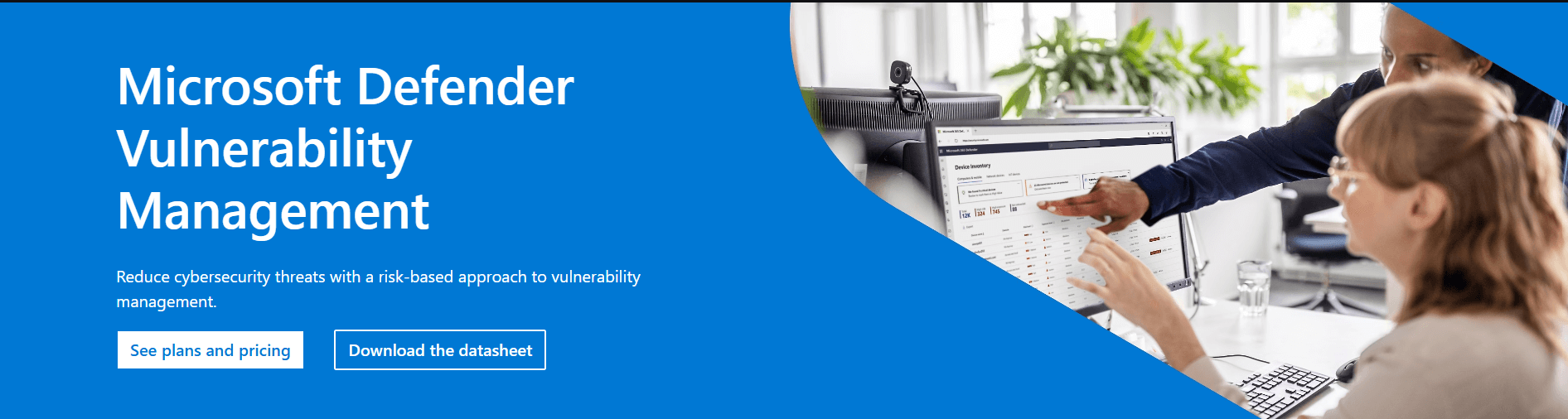
Microsoft Defender for Endpoint offers Threat and Vulnerability Management built into Microsoft’s endpoint security platform. It continuously identifies assets, inventories software, assesses vulnerabilities, and manages configurations. The platform integrates directly with Windows environments and the wider Microsoft security ecosystem, helping IT teams maintain visibility and control over their endpoints.
Features
- Works natively with Windows and Microsoft 365 environments
- Continuously discovers devices and inventories software
- Correlates threats and vulnerabilities in real time
- Uses Microsoft Threat Intelligence for up-to-date insights
- Automates remediation with Microsoft Endpoint Manager
- Tracks exposure scores to monitor security posture over time
Pros
- Integrates smoothly into Microsoft-heavy environments
- Included with Microsoft 365 E5 licenses
- Eliminates the need for separate agent installation
- Provides strong protection for Windows endpoints
- Offers unified management through familiar Microsoft tools
Cons
- Performs less effectively outside the Microsoft ecosystem
- Provides fewer advanced features than specialized vulnerability platforms
Pricing
- $2.50 per user/month
- $5.20 per user/month
Best For
Microsoft Defender works well for organizations heavily invested in Microsoft technologies, especially those running Windows endpoints and using Microsoft 365 subscriptions. IT teams seeking centralized management through familiar Microsoft tools will find it particularly useful. Companies that prefer native integration over standalone best-of-breed solutions benefit from Defender’s unified approach.
Final Verdict
Microsoft Defender for Endpoint delivers reliable vulnerability management for organizations committed to Microsoft. Its native integration, centralized management, and inclusion with Microsoft 365 E5 licenses provide strong value. It works best as part of a broader endpoint security strategy rather than as a standalone solution. Organizations with mixed environments, significant Linux or macOS usage, or advanced vulnerability management needs may find specialized platforms more suitable.
9. FortiVM

Fortinet’s vulnerability scanning works most effectively when used within its broader security framework. It examines enterprise setups and specific network types, including industrial IoT, and compares them against FortiGate data and known threats to guide remediation. The tool immediately notifies teams about newly discovered vulnerabilities. Additionally, FortiVM provides insights that help organizations maintain awareness of potential threats across their networks.
Features
- Integration with Fortinet Security Fabric: Sends scan results directly to firewalls or SIEM solutions for centralized monitoring.
- Industrial IoT Scanning: Monitors ICS and SCADA systems regularly to detect weaknesses.
- Policy-Based Execution: Allows scheduling of patches or tasks based on pre-defined policies.
- Adaptive Attack Surface Views: Visualizes assets that may be exposed or at risk.
- Threat Intelligence Updates: Evaluates new disclosures or exploit data to identify relevance to existing threats.
Pros
- Effective scanning for networks and infrastructure
- Strong integration with other Fortinet tools
- Cost-efficient for organizations already using Fortinet products
Cons
- Performance and innovation may lag outside the Fortinet ecosystem
- Fewer advanced features compared to some newer platforms
Pricing
Contact Fortinet for a quote. A free demo is available.
Best For
Organizations using Fortinet products who want continuous vulnerability monitoring, especially those managing industrial IoT or enterprise networks.
Final Verdict
Fortinet’s solution excels for companies committed to its ecosystem. It provides timely notifications and actionable insights, making vulnerability management more manageable and more organized across complex networks.
10. Burp Suite

Burp Suite Enterprise builds on PortSwigger’s well-known manual penetration testing tools and adds enterprise-level automation. Organizations can schedule scans, discover APIs, and uncover security vulnerabilities that affect both development and security teams. The platform incorporates Burp Professional’s trusted capabilities directly into CI/CD pipelines, enabling continuous security testing throughout the software lifecycle.
Features
- Performs automated vulnerability scanning using Burp’s penetration testing expertise
- Detects advanced web vulnerabilities, including OWASP Top 10 issues
- Discovers APIs and conducts security testing for them
- Provides an interactive interface for detailed vulnerability analysis
- Supports GraphQL introspection and fuzzing for single-page application (SPA) backends
Pros
- Handles complex web application assessments effectively
- Offers extensive configuration options for specific security requirements
- Supports modern web technologies with strong detection capabilities
- Reduces false positives by verifying vulnerabilities
Cons
- Primarily designed for users with security expertise
- Achieving full enterprise automation requires some tuning
- API discovery may need additional extensions to reach maximum depth
Pricing
- Community Edition: Free (limited features, no automation)
- Volume-based pricing available for larger enterprise deployments
Best For
Burp Suite Enterprise fits organizations with dedicated security teams performing thorough web application security testing. Companies with mature security practices benefit most from a combination of automated scans for ongoing testing and manual tools for in-depth vulnerability assessments.
Final Verdict
Burp Suite Enterprise gives security teams both breadth and depth in web application security testing. Its blend of automated scanning and manual testing tools allows professionals to uncover vulnerabilities that might otherwise be missed. Although its cost and complexity make it less suitable for teams without security expertise, organizations with skilled teams will find it highly valuable. The free Community Edition offers a learning opportunity, while the Professional and Enterprise editions provide the comprehensive tools necessary for serious web security work.
11. AccuKnox

AccuKnox provides a cloud-native zero-trust platform for vulnerability management and runtime security. It protects containerized applications and multi-cloud environments by combining vulnerability detection, enforcement, and automated remediation. Teams can identify risks, apply security policies, and fix issues faster, making it suitable for modern DevSecOps practices.
Features
- Zero Trust Runtime Protection: Implements microsegmentation and access controls across containers, Kubernetes clusters, and cloud workloads, allowing only authorized entities to interact with resources.
- CI/CD Pipeline Integration: Checks code and container images before deployment, catching vulnerabilities early in the development process.
- Automated Compliance Reporting: Generates reports for PCI-DSS, SOC 2, HIPAA, and NIST standards, simplifying audits and supporting continuous compliance.
Pros
- Covers cloud, container, and runtime workloads comprehensively
- Integrates effectively with CI/CD pipelines for DevSecOps teams
- Uses AI to detect threats and remediate vulnerabilities proactively
- Generates automated compliance reports across multiple frameworks
- Reduces attack surface through zero-trust enforcement
Cons
- Teams new to cloud-native security may face a learning curve
- Initial setup and configuration can require dedicated resources
Pricing
Available via custom quote
Best For
AccuKnox enables security teams to focus on the highest-risk vulnerabilities through a simple, actionable workflow:
- Filter Findings by Date: Focus on vulnerabilities discovered today for current insights
- Prioritize Critical Findings: Use risk level filters (Medium, High, Critical) to address the most severe issues first
Final Verdict
AccuKnox offers a complete solution for organizations seeking proactive security in containerized and multi-cloud environments. It combines detection, enforcement, and automated remediation in a way that aligns closely with DevSecOps practices, helping teams reduce risk efficiently.
12. BeyondTrust

BeyondTrust provides a vulnerability management platform that focuses on privileged access and endpoint security. It helps organizations detect, assess, and fix security risks across on-premises systems, cloud environments, and hybrid setups while keeping compliance requirements intact. The platform integrates identity security with vulnerability data to strengthen defenses and prevent unauthorized access.
Features
- Performs continuous scanning on endpoints, servers, and cloud workloads
- Manages privileged accounts to monitor and control high-risk access
- Prioritizes risks to address the most critical vulnerabilities first
- Generates automated compliance reports for standards like PCI-DSS, HIPAA, and ISO 27001
Pros
- Protects high-risk accounts and endpoints effectively
- Provides detailed reporting to support compliance efforts
- Helps focus attention on critical issues before less urgent ones
Cons
- Offers less focus on cloud-native solutions compared to newer CNAPP tools
- Initial setup and configuration can be complicated
- Requires dedicated personnel for ongoing management
Pricing
Contact BeyondTrust for detailed pricing information
Best For
Organizations that want thorough, lifecycle-based security will benefit from BeyondTrust Vulnerability Management. It suits teams that need to identify, analyze, and fix cyber risks across networks, endpoints, and cloud environments while integrating vulnerability insights with identity security. The platform reduces attack surfaces, stops lateral movement, and simplifies compliance through detailed reporting and account monitoring.
Final Verdict
BeyondTrust provides a powerful approach to reducing cyber risks, especially for organizations prioritizing endpoint protection and privileged access control. It delivers visibility into vulnerabilities and strengthens defenses across multiple environments, making it a strong choice for teams aiming to maintain high security standards while keeping compliance in check.
13. Intruder
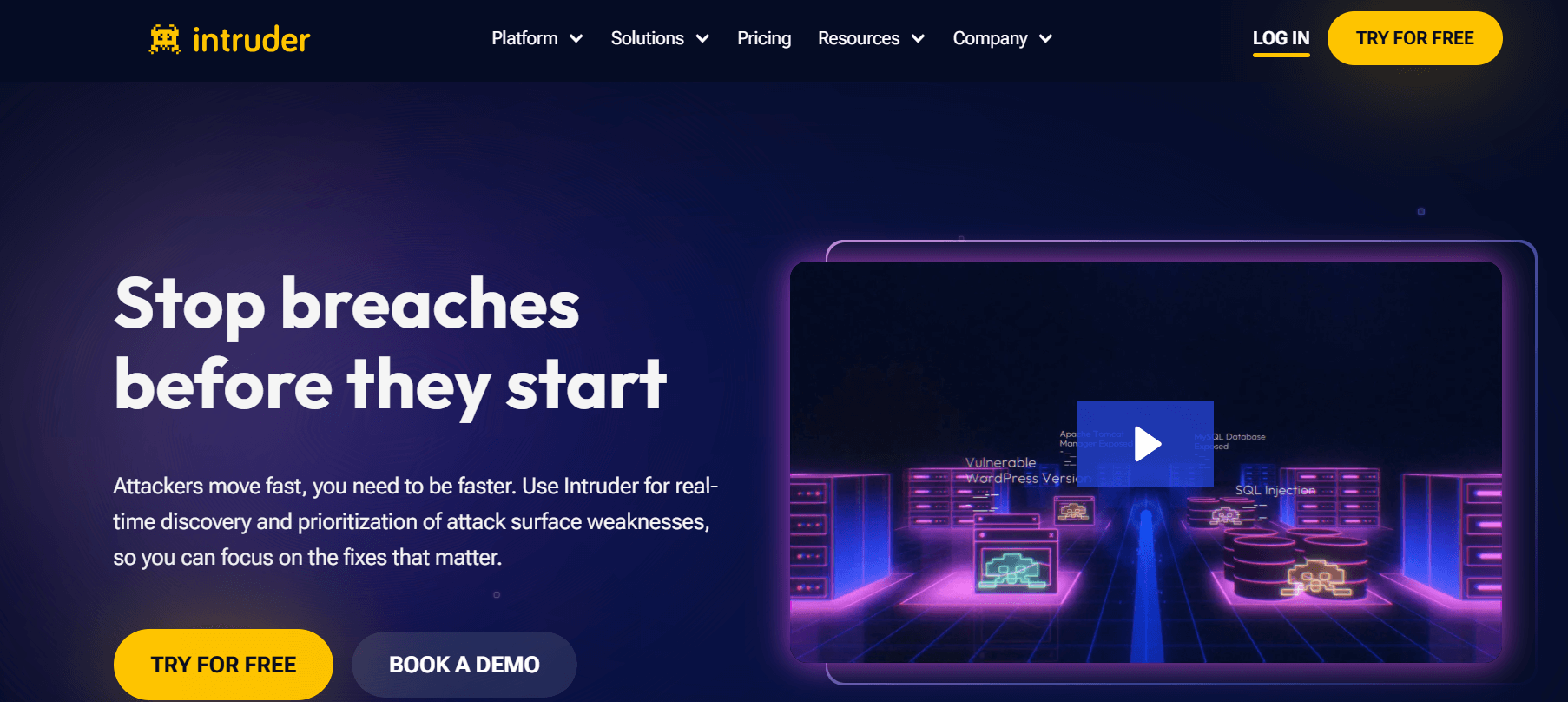
Intruder is a cloud-based vulnerability management platform designed for small to medium businesses and agile teams. It performs proactive scans to detect newly released vulnerabilities and continuously monitors networks to track attack surfaces. The platform prioritizes results based on context, allowing users to focus on the most urgent security issues.
Features
- Integrates with CI/CD pipelines, enabling DevOps teams to include security checks in their workflow.
- Connects with compliance platforms to maintain automated adherence to security standards.
- Provides 24/7 threat monitoring, displaying all assets exposed to the internet.
- Automatically discovers assets across cloud infrastructure.
- Offers detailed reports and analytics, helping teams monitor vulnerability trends, scan results, and attack surface changes over time.
Pros
- Quick setup and easy deployment.
- Affordable for small to medium businesses.
- Conducts continuous automated scans without manual scheduling.
- Delivers actionable insights with clear remediation steps.
- No hardware or infrastructure installation required.
Cons
- May not meet the needs of highly complex IT environments.
- Integration options are fewer than those of larger enterprise solutions.
Pricing
- Essential: $149/month
- Cloud: $299/month
- Pro: $499/month
Best For
Intruder suits small to medium businesses, startups, and agile development teams that need straightforward vulnerability management. Companies with primarily internet-facing assets will benefit most from its perimeter-focused scanning. Teams without dedicated security staff gain value from automated scans that produce clear, actionable results.
Final Verdict
Intruder delivers an uncomplicated vulnerability management experience for organizations that prefer simplicity and automation. It brings enterprise-level scanning capabilities to smaller teams without requiring specialized security personnel. While it does not offer the extensive features of enterprise-grade platforms, this focused design ensures users can quickly identify and fix critical vulnerabilities. For teams seeking effective vulnerability management without unnecessary overhead, Intruder provides practical performance and excellent value.
Conclusion
When choosing Software for Vulnerability Management and Scanning in 2026, focus on solutions that detect threats accurately while minimizing false positives to prevent alert fatigue. Look for tools that prioritize risks effectively, directing efforts toward vulnerabilities that pose the greatest threat. Ensure the software works well with your existing security tools and workflows. Evaluate pricing to confirm it fits your organization’s budget and size, and check that it supports compliance with relevant regulations.
Effective vulnerability management goes beyond selecting the right software. Successful programs combine frequent assessments, timely patching, continuous monitoring, and security awareness training to maintain strong protection.
The Software for Vulnerability Management and Scanning in 2026 highlighted here represents top-performing options. Ultimately, the best solution depends on your organization’s specific needs, technical setup, and security maturity.