

Looking through last quarter’s business records shouldn’t feel like detective work. But when receipts go missing, bank transactions remain uncategorised, and paid invoices still show as unpaid, getting a clear picture of your finances becomes difficult. Bookkeeping software in 2026 offers plenty of options, from free tools for small businesses to advanced platforms built for accountants and finance teams. The challenge is finding one that fits the way you work. This guide compares 20 options, covering their key features, pricing, pros, cons, and the types of businesses they suit best.
What Is Bookkeeping Software?
Bookkeeping software records and organises your business transactions: money in, money out, and what you owe or are owed. Most tools import bank activity, let you categorise each transaction, attach receipts, send invoices and track whether they’ve been paid, then summarise everything in reports such as profit and loss.
Accounting software goes further, usually adding payroll, tax filing support, inventory, budgeting or multi-entity reporting. Some products on this list are mainly bookkeeping tools. Others are full accounting platforms with a bookkeeping layer, and each review says which is which.
What to Look for in Bookkeeping Software
- Bank connections and reconciliation: confirm your bank is supported and that reconciliation is included in the plan you’d actually buy.
- Invoicing and payment tracking: check client or invoice limits.
- Receipt capture and expense categorisation: useful if paper and email receipts pile up.
- Reports: at minimum profit and loss, balance sheet and a tax-time summary.
- Payroll and inventory: only if you need them, and often sold as add-ons.
- Users and accountant access: some plans cap users or exclude bookkeeper access.
- Pricing, limits and fees: compare the plan with the features you need, not the cheapest one advertised.
Tax support and bank coverage vary by country, so check both before committing.
Top 20 Best Bookkeeping Software in 2026
1. QuickBooks Online
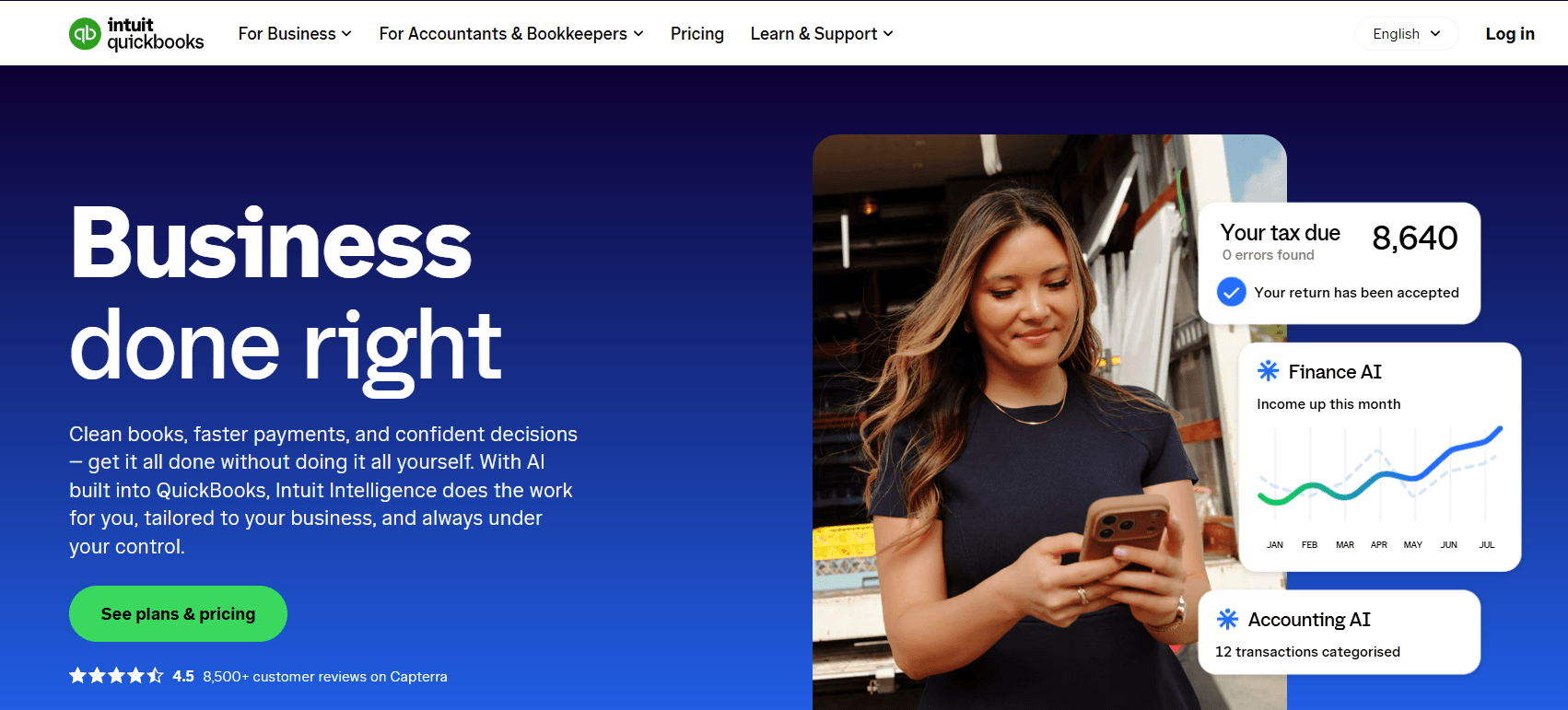
QuickBooks Online is a cloud accounting platform that matches imported bank transactions to categories it has learned from how you’ve coded similar items before. Invoices can be paid by card or bank transfer through QuickBooks Payments, and reports start with profit and loss and sales summaries. It’s a full accounting product rather than a pure bookkeeping tool, so you’ll find more than a freelancer needs on the higher tiers. Intuit also sells a lighter Solopreneur line for self-employed users, which is separate from the four main plans reviewed here.
Features
- Automated bookkeeping: learns your categorisation habits and records matched transactions automatically.
- Invoicing with payments: accepts cards and bank transfers directly from the invoice.
- Accountant access: each plan connects your accountant, with two accounting firms on Simple Start and Essentials.
- Multi-currency: recording transactions in other currencies is available from Essentials upward.
- Budgeting: available on Plus.
Pros
- Scales across four tiers, so a growing business can upgrade without changing platforms.
- Accountant collaboration is built into every paid plan.
- Multi-currency support suits businesses that invoice abroad.
Cons
- Intuit tends to raise prices about once a year, which is a common complaint among users.
- Payroll is a separate optional add-on, so the real monthly cost can exceed the plan price.
- Per-user pricing climbs quickly on the higher plans.
Pricing
- Free: $0 per month, one user, no accountant access, no credit card required.
- Simple Start: $38 per month, with a 50% introductory discount for three months.
- Essentials: $85 per month for three users.
- Plus: $140 per month.
- Advanced: $340 per month.
Best For
Small businesses that expect to add users, inventory or reporting over time and want one platform to grow into.
Verdict
QuickBooks Online has the widest plan ladder here, but you’ll pay for that range and for annual price rises.
2. Xero
Xero is cloud-based accounting software that helps small businesses track income and expenses, manage invoices, reconcile bank transactions, and monitor cash flow. It keeps financial records in one place, so business owners can see what customers owe, which bills need payment, and how the business is performing without relying entirely on spreadsheets. Xero also supports collaboration with accountants and bookkeepers, making it useful for businesses that want to manage their books and share financial information with their advisers.
Features
- Bank reconciliation and transaction tracking.
- Invoicing, quotes and bill management.
- Receipt and document capture through Hubdoc.
- Financial reports and cash flow forecasting.
- Multi-currency accounting on eligible plans.
- Integrations with third-party business and accounting apps.
Pros
- Hubdoc comes bundled rather than as a separate purchase.
- Per-organisation plans suit people running more than one business.
- The Lite plan gives a low-cost entry point.
Cons
- Lower-tier plans limit the number of invoices and bills you can manage.
- Subscription costs can add up as a business needs more advanced features.
Pricing
80% off your plan for your first 3 months
- Early: $27 per month
- Growing: $59 per month
- Established: $97 per month
Best For
Business owners and bookkeepers handling several small organisations, or anyone who wants document capture included.
Verdict
Xero’s bundled Hubdoc and flexible plans are its draw, though the invoice caps on lower plans need checking against your billing volume.
3. FreshBooks
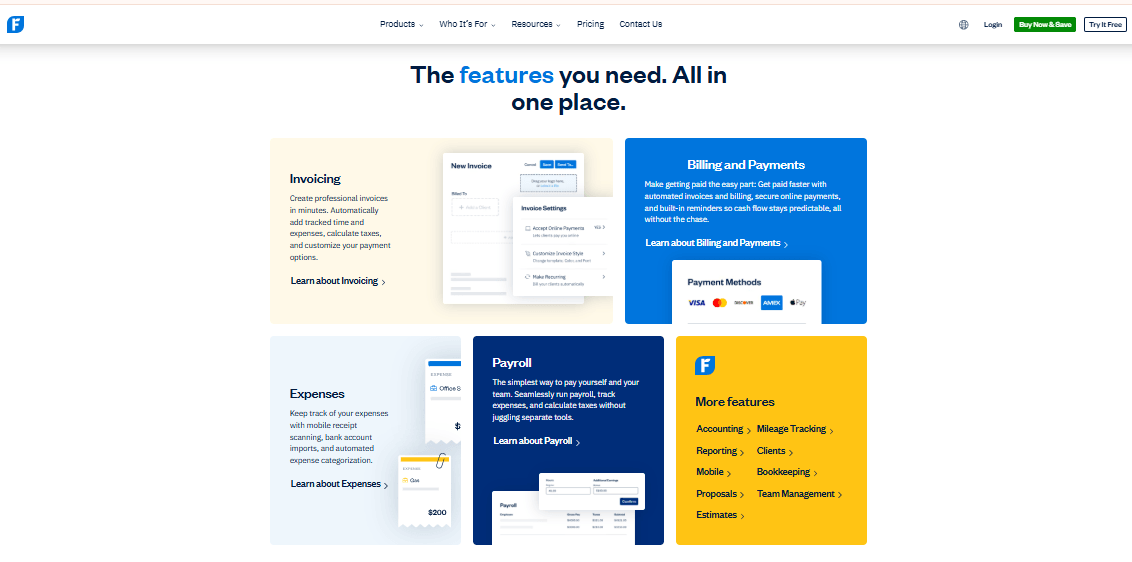
FreshBooks is cloud-based bookkeeping and accounting software built mainly for freelancers, self-employed professionals and small businesses. It helps users create invoices, track expenses, record billable hours and monitor payments without spending hours on manual paperwork. The platform also supports bank reconciliation, financial reporting and receipt scanning on eligible plans. Its focus on invoicing and project tracking makes it particularly useful for service-based businesses that bill clients by the hour or project.
Features
- Bank import and reconciliation: bank import is on every plan, reconciliation from Plus upward.
- Automatic receipt data capture: from Plus, with bill receipt scanning on Premium.
- Double-entry reports: available from Plus.
- Accountant access: from Plus.
- Accounts payable: Premium and Select only.
Pros
- Receipt scanning and reconciliation arrive at the mid-priced tier.
- Invoicing is strong, with recurring invoices, late fees and deposits on every plan.
- Pricing is based on client limits, so solo users aren’t charged per seat.
Cons
- The Lite plan limits users to five billable clients, while Plus allows 50.
- Some accounting reports, receipt scanning and bank reconciliation require higher-tier plans.
- Additional team members cost extra.
- Businesses outside supported markets should check payment and bank integration availability before subscribing.
Pricing
80% Off for 3 Months
- FreshBooks lists its standard US monthly rates at $23 for Lite, $43 for Plus and $70 for Premium. A Select plan is also available with customised pricing.
Best For
Freelancers and service businesses that bill a limited number of clients and want invoicing first, with bookkeeping on top.
Verdict
FreshBooks is strongest on invoicing and receipts from Plus upward, but the five-client Lite plan is too limited for real bookkeeping.
4. Wave
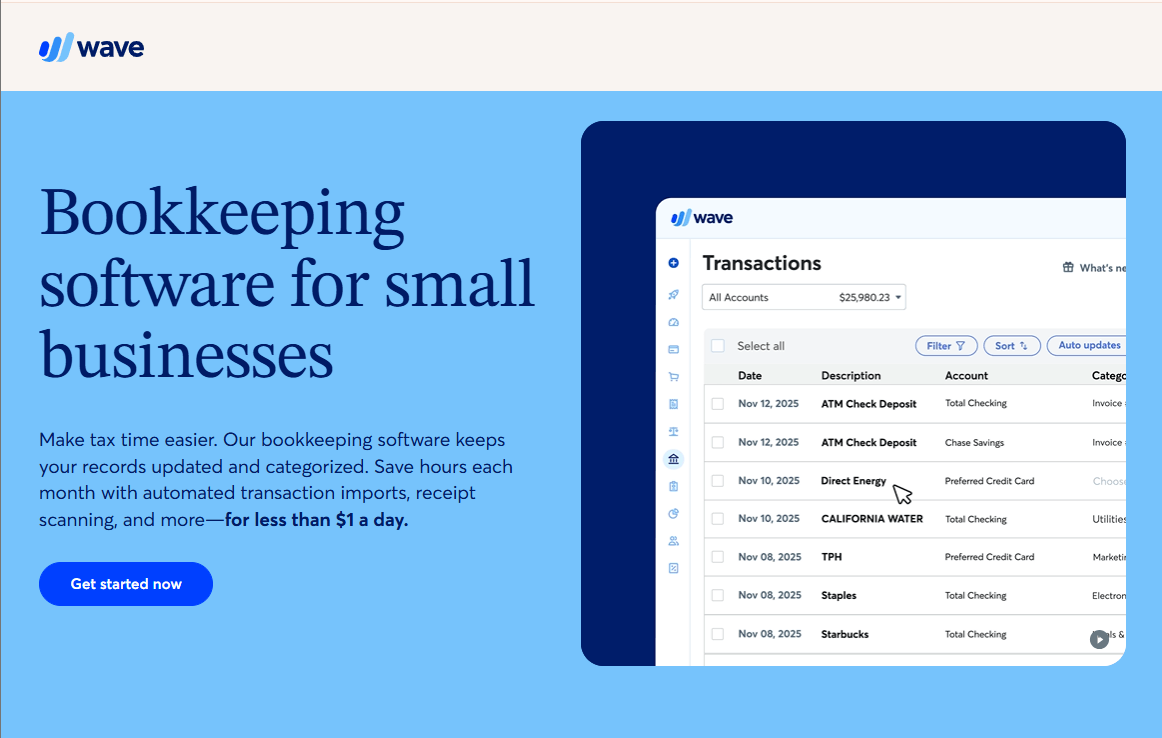
Wave is bookkeeping and accounting software built for small businesses, freelancers and sole proprietors who want to manage their finances without paying for an expensive accounting platform. It lets users create invoices, record income and expenses, track bills and view financial reports from one dashboard. The free Starter plan covers basic bookkeeping and invoicing, while the paid Pro plan adds automatic bank transaction imports, transaction categorisation and unlimited receipt capture.
Features
- Bookkeeping records: free Starter plan with unlimited invoices and bills, as reported by review sites.
- Invoicing: send invoices and take card or bank payments, with processing fees.
- Automatic bank imports: reported as a Pro feature.
- Receipt scanning: unlimited on Pro.
Pros
- A free plan with no invoice cap makes it attractive for very small businesses.
- Pro is a single paid tier, so there is no ladder to compare.
- Wave Payroll is available for users who need it.
Cons
- Card and bank payment fees apply on both plans.
- Review sites report few integrations beyond Wave’s own payroll product.
- Availability of payments and payroll varies by country.
Pricing
- Starter is free
- Pro: $19 Per month
Best For
Freelancers and very small businesses with simple needs and a high tolerance for payment processing fees.
Verdict
Wave’s free bookkeeping is its strongest reason for consideration, while its limited integrations and country coverage are the trade-off.
5. Zoho Books
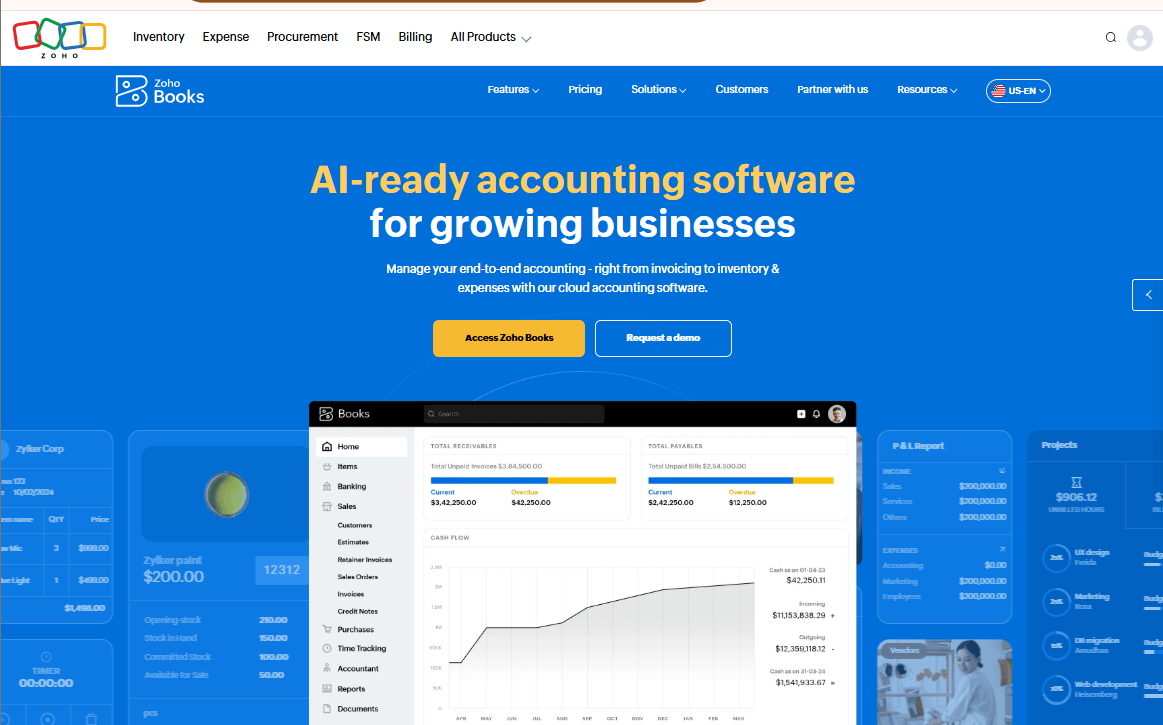
Zoho Books helps businesses manage their finances without keeping separate records for every transaction. It tracks income, expenses, invoices, bills and bank transactions, while generating reports that show how the business is performing. It also includes inventory management, recurring invoices and payment reminders, so business owners can spend less time chasing records and more time running their businesses.
Features
- Invoicing with annual caps: 5,000, 10,000, 25,000 or 100,000 invoices a year depending on plan.
- Multiple organisations: run separate businesses under one account.
- Bank reconciliation: Match bank transactions with recorded income and expenses.
- Expense tracking: Record business expenses, manage vendor bills and scan receipts.
- Financial reporting: Generate profit and loss statements, balance sheets and cash flow reports.
- Inventory management: Track stock, product costs and purchase orders on eligible plans.
Pros
- Published usage limits let you check a plan against your volume before paying.
- A free plan lets very small businesses start without a subscription.
- Links to other Zoho apps suit businesses already using them.
- Combines bookkeeping, invoicing and inventory management in one platform.
- Supports collaboration with accountants and team member
Cons
- Caps on invoices, expenses and users mean growing businesses may outgrow a plan.
- Premium allows up to 10 users, which may matter for larger teams.
- Pricing differs by region, and we could not confirm a current figure for any market.
Pricing
- Zoho publishes a free plan and Standard, Professional, Premium, Elite and Ultimate paid plans. We could not confirm current amounts from an official page, and Zoho shows prices by country. Check Zoho’s pricing page for your region.
Best For
Small businesses that want clear plan limits, or that already use Zoho’s CRM or other apps.
Verdict
Zoho Books is transparent about what each plan allows, but you need to check regional pricing and make sure the caps fit your volume.
6. Sage Accounting
Sage Accounting is Sage’s cloud product for small businesses, and its name, plans and features differ by country, so the version you can buy depends on where you are. It covers the usual bookkeeping tasks of recording income and expenses, sending invoices and producing financial reports. Sage’s tax and compliance features are tied to specific countries, which makes it more of a regional choice than a global one.
Features
- Income and expense recording: log business transactions and categorise them.
- Invoicing: create and track invoices and payments.
- Financial reports: summaries of income, expenses and position.
- Country-specific tax tools: available only in supported markets.
Pros
- Strong fit for businesses in countries where Sage has localised tax and compliance support.
- Part of a wider Sage product range, so there is a route up to larger systems.
Cons
- Plan names and contents vary by country, so global comparisons can mislead.
- We could not confirm current prices or plan limits from an official page.
Pricing
- Contact for pricing
Best For
Small businesses in markets where Sage offers local tax and compliance features.
Verdict
Sage Accounting makes most sense when your country has a localised version, and you should confirm plans and prices locally.
7. FreeAgent
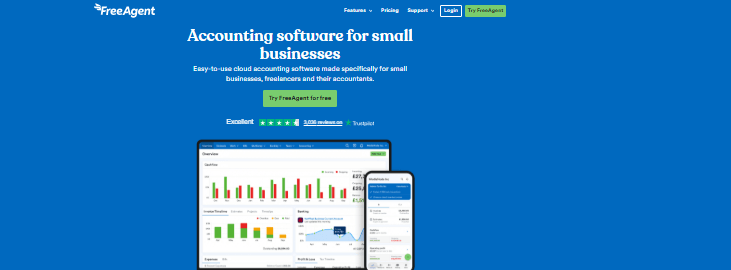
FreeAgent is cloud-based accounting software built for small businesses, freelancers and their accountants. It helps users manage invoices, record expenses, track time, reconcile bank transactions and monitor cash flow from one platform. You can also organise income and expenses by project, send automatic payment reminders and generate financial reports. Its receipt capture tool lets you upload photos of receipts, reducing the need to enter every expense manually. FreeAgent is particularly useful for service-based businesses that want to manage their finances without spending hours on bookkeeping.
Features
- Business-type pricing and setup: plans are reported to vary for sole traders, partnerships and limited companies.
- UK tax tools: VAT and payroll support aimed at UK businesses, as reported by review sites.
- Receipt and bill capture: a small monthly allowance, with unlimited capture as an add-on.
- Multi-currency: reported support for foreign-currency bank transactions.
Pros
- Built around UK freelancer and small company workflows.
- Reported free access through specific UK business banks.
- Pricing by business type means a sole trader is not paying for a limited company.
Cons
- Unlimited receipt capture is a reported paid add-on.
- Tax features are UK-centred, so it is a poor fit elsewhere.
- A single main plan structure may not scale for larger teams.
Pricing
- Prices depend on business type and region. We could not confirm current amounts from an official page, so check FreeAgent’s pricing page for your situation.
Best For
UK freelancers, sole traders and small limited companies.
Verdict
FreeAgent is a focused UK choice, with the receipt add-on and its regional focus as the main trade-offs.
8. Patriot Accounting
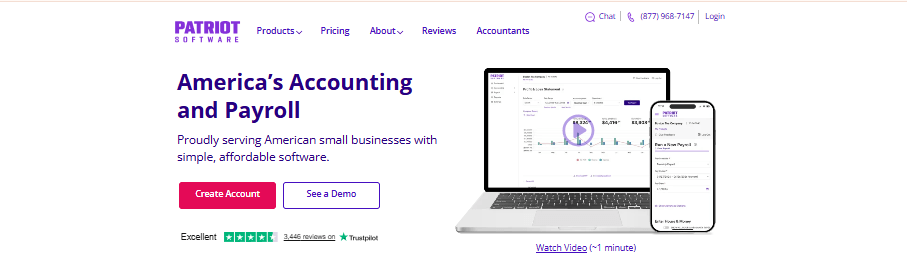
Patriot Accounting is small business accounting software sold alongside Patriot’s payroll product, and it is aimed mainly at US businesses. It suits owners who want accounting and payroll from one vendor. As a US-oriented product verify bank connections and tax features for their own situation.
Features
- Income and expense tracking: record transactions and categorise spending.
- Invoicing: bill customers and track payments.
- Financial reports: summaries for owners and accountants.
- Payroll pairing: available as a separate Patriot product.
Pros
- A single vendor for accounting and payroll simplifies billing.
- Straightforward feature set for owners with simple books.
Cons
- Built for US businesses, so international use is limited.
- Payroll is a separate product with its own cost.
- We could not confirm current plan details from an official page.
Pricing
- Accounting Basic: Price: $10 per month
- Accounting Premium: Price: $15 per month
- Bookkeeping Service: Price: Starts at $100 per month, plus a one-time onboarding fee
Best For
US small businesses that want accounting and payroll from the same provider.
Verdict
Patriot suits straightforward US books with payroll attached, but it is not designed for businesses outside the US.
9. GnuCash
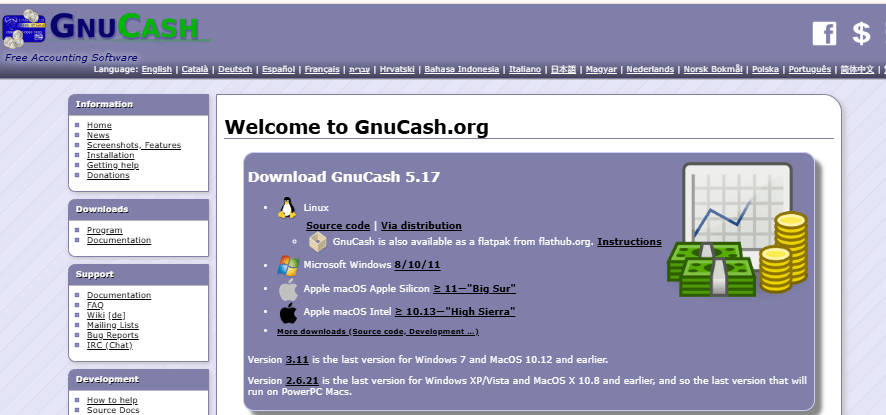
GnuCash is free, open-source accounting software that you install on your own computer. It uses double-entry bookkeeping and handles accounts, transactions, customers and vendors, with reports to match. Because it runs locally rather than in the cloud, there is no subscription and no hosted bank connection, so you typically import bank files and reconcile manually. It rewards people comfortable learning accounting concepts and punishes anyone expecting a polished app.
Features
- Double-entry accounts: every transaction is recorded in two accounts, which keeps books balanced.
- Bank file import: bring in statements and match them to records.
- Reconciliation: compare your records with statement balances.
- Reports: standard financial summaries from your data.
Pros
- Free to use with no subscription.
- Your data stays on your own machine.
- Suited to people who want to understand the underlying accounting.
Cons
- No hosted cloud service or live bank feed.
- A steeper learning curve than cloud tools.
- Less suited to teams that need shared access.
Pricing
- Free and open source. Confirm current download terms on the GnuCash website.
Best For
Individuals and very small businesses that are comfortable with accounting concepts and want a no-cost tool.
Verdict
GnuCash costs nothing and gives you real double-entry control, but you give up cloud convenience and collaboration.
10. Akaunting
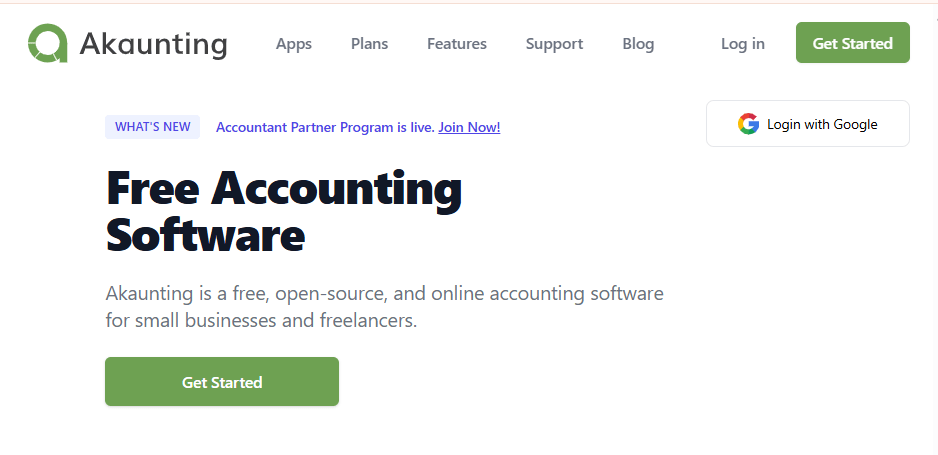
Akaunting is open-source accounting software you can host yourself, with optional paid apps and a hosted version for people who do not want to manage a server. It covers invoices, bills, expense tracking and reports, and its add-on model lets you pay only for the extras you need. Self-hosting gives you control of your data but also makes you responsible for setup and updates, which is a real cost for non-technical owners.
Features
- Invoices and bills: record what customers owe you and what you owe suppliers.
- Expense tracking: categorise business spending.
- Reports: financial summaries from your recorded data.
- Add-on apps: extend the core software with paid modules.
Pros
- The core software is open source, so there is no mandatory licence fee for self-hosting.
- Modular add-ons mean you only pay for extras you use.
- Self-hosting keeps your data under your control.
Cons
- Self-hosting needs technical setup and ongoing maintenance.
- Useful extras may be paid add-ons, which changes the real cost.
- We could not confirm current paid plan prices from an official page.
Pricing
- Standard Cloud: $8 per month
- Premium Cloud: $24 per month
- Elite Cloud: $56 per month
- Ultimate Cloud: $145 per month
Best For
Technically comfortable owners or small agencies who want control over their accounting software and data.
Verdict
Akaunting offers flexibility and a free core, but the self-hosting effort and optional add-ons are the trade-off.
11. Odoo Accounting
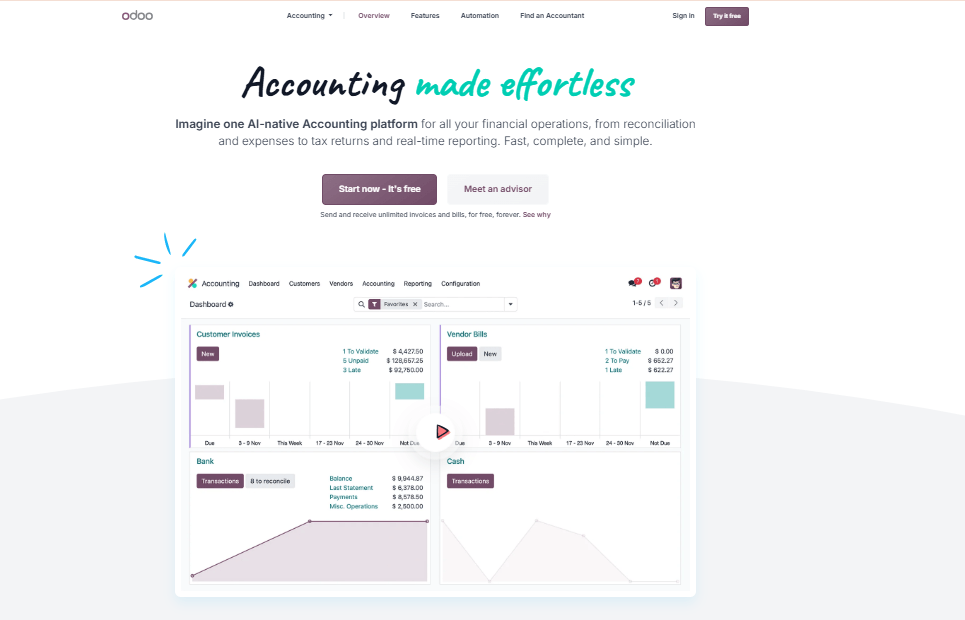
Odoo Accounting is one app inside Odoo’s modular business suite, which also covers sales, inventory and other functions. It handles invoicing, bank synchronisation and reconciliation as part of that wider system. The appeal is that accounting data sits alongside the rest of your operations.
Features
- Invoicing: create and track customer invoices and vendor bills.
- Bank synchronisation and reconciliation: connect bank activity and match it to records.
- Connected apps: link accounting with sales, inventory and other Odoo modules.
- Financial reports: summaries drawn from the shared data.
Pros
- Accounting shares data with sales and inventory modules.
- Modular design lets a business add functions over time.
Cons
- More setup effort than a standalone bookkeeping tool.
- Pricing depends on Odoo’s plans and the apps you choose, and we could not confirm current figures.
Pricing
- Pricing depends on the Odoo plan, number of users and apps selected.
Best For
Growing businesses that want accounting, inventory and sales in one system.
Verdict
Odoo suits businesses that will use several modules together, but it is more than a freelancer needs for simple bookkeeping.
12. Manager.io
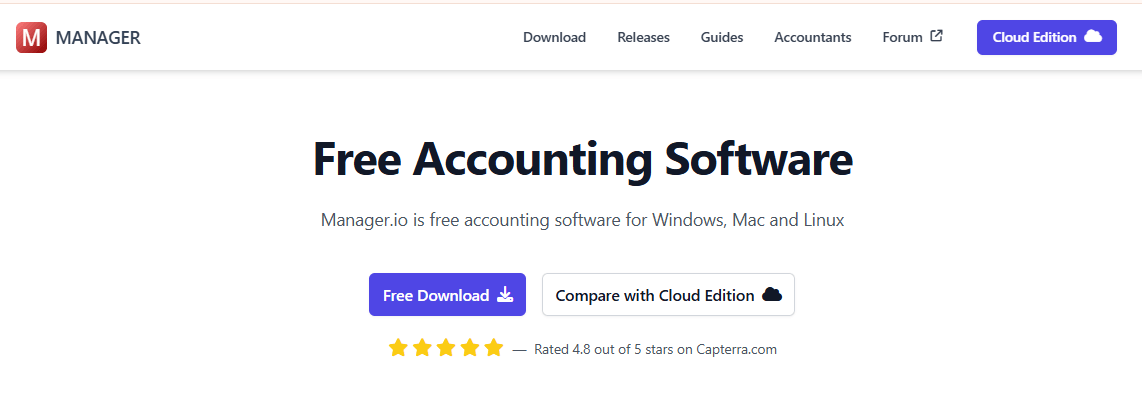
Manager.io is accounting software that offers a free desktop edition for Windows, macOS and Linux, along with a paid cloud option. It records transactions, customers, suppliers and inventory, and produces standard financial reports. It is a plain, utilitarian tool that appeals to small businesses willing to learn double-entry concepts rather than choose an app for its looks.
Features
- Double-entry bookkeeping: transactions are recorded in two accounts.
- Customer and supplier records: track invoices, bills and payments.
- Inventory: basic stock tracking.
- Financial reports: statements generated from recorded data.
Pros
- A free desktop edition is available.
- Runs on several operating systems.
- Covers invoicing, suppliers and inventory in one tool.
Cons
- The interface is functional rather than polished.
- A learning curve for people new to accounting.
- We could not confirm current cloud pricing from an official page.
Pricing
- A free desktop edition is offered and a paid cloud edition exists.
Best For
Small businesses that want a free desktop tool with inventory and double-entry accounting.
Verdict
Manager.io gives you a lot for no cost, but expect a plainer interface and a learning curve.
13. Dext
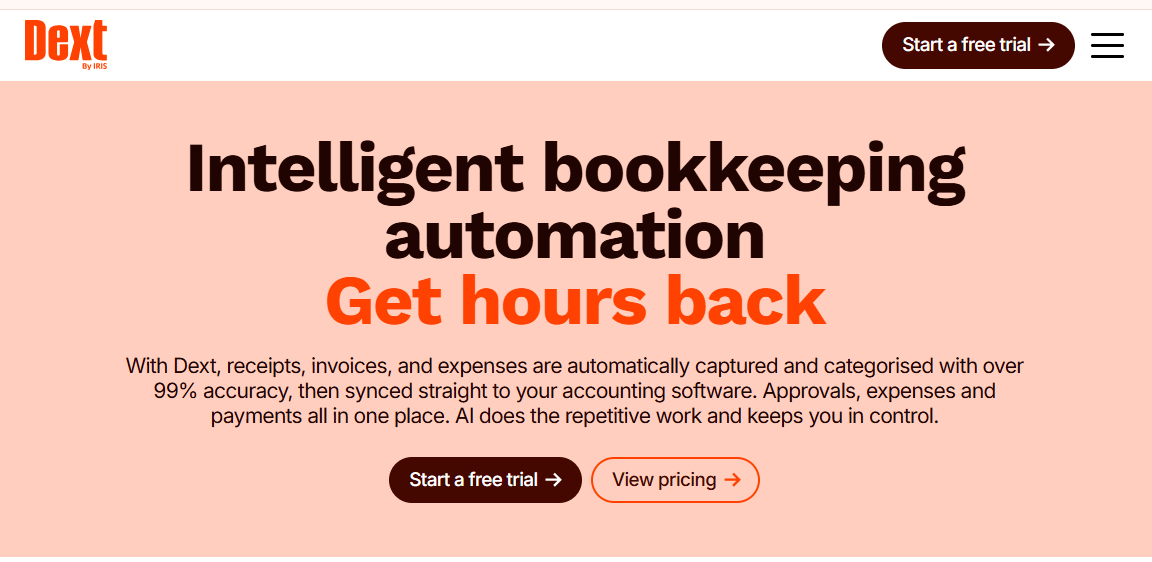
Dext is a receipt and invoice capture tool, not a full bookkeeping system. It extracts data from receipts, bills and invoices and sends it to accounting software such as Xero or QuickBooks, which then holds the actual books. It earns a place on this list because document capture is where many bookkeeping backlogs begin. Buy it only if you already use, or plan to use, a compatible accounting platform.
Features
- Receipt and invoice capture: pull data from images and documents.
- Accounting software connections: pass extracted data to compatible platforms.
- Document storage: keep source documents attached to the records.
Pros
- Targets the receipt backlog that slows most bookkeepers.
- Works with accounting software you may already use.
Cons
- Not a standalone bookkeeping system, so you pay for it on top of accounting software.
- We could not confirm current pricing from an official page.
Pricing
- Price: $31.50 per month
Best For
Bookkeepers and businesses that process many receipts and already use a supported accounting platform.
Verdict
Dext fixes document capture, not bookkeeping itself, so it works as an add-on rather than a replacement.
14. Bonsai
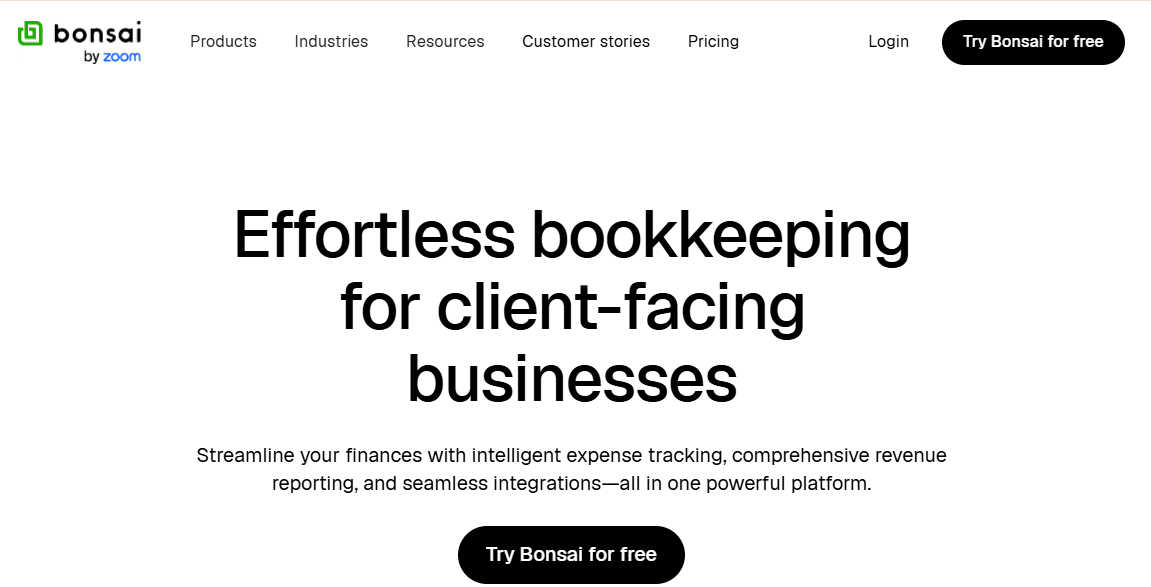
Bonsai is built for freelancers and small agencies, and it combines contracts, proposals, time tracking and invoicing with expense tracking. Its centre of gravity is running client work, not keeping formal books. Freelancers who mainly need to get contracts signed and invoices paid will find it practical, while those who need reconciliation and detailed reports should check whether Bonsai meets that need or whether an accounting tool is still required.
Features
- Contracts and proposals: formalise client work.
- Time tracking and invoicing: bill hours and projects.
- Expense tracking: record business spending.
- Client management: keep client details in one place.
Pros
- Client work, contracts and billing live together.
- Aimed squarely at freelancers and small agencies.
Cons
- Lighter on formal bookkeeping than dedicated accounting tools.
- We could not confirm current plan prices from an official page.
Pricing
- Basic: $9 per user per month
- Essentials: $19 per user per month
- Premium: $29 per user per month
- Elite: $49 per user per month
Best For
Freelancers and small agencies that manage client work and billing more than formal accounting.
Verdict
Bonsai is strong on running client work, but it is not a full bookkeeping system.
15. Expensify
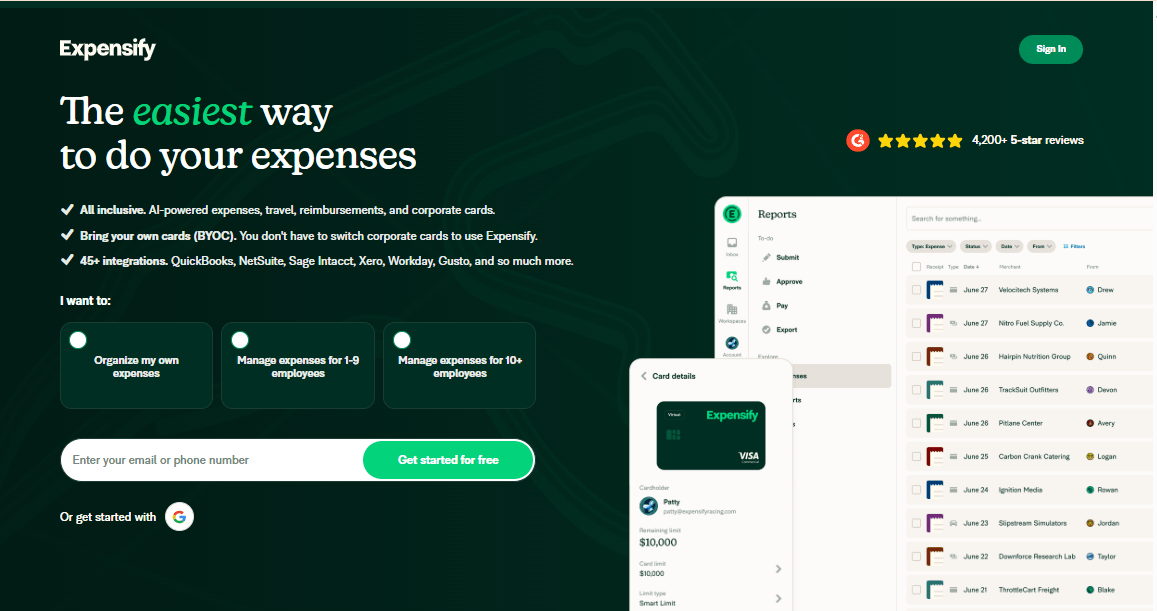
Expensify is an expense management tool, not a full bookkeeping system. You or your employees scan receipts with SmartScan, assign expenses to categories, and submit them for approval or reimbursement, and the data can then feed accounting software. It earns a place on this list because bookkeeping records start with captured expenses. Individuals can use it free, with up to 25 SmartScans a month.
Features
- SmartScan receipt capture: unlimited scans on the paid Collect and Control plans.
- Reimbursements: Collect is built for tracking receipts and getting reimbursed.
- Approvals and workflows: Control adds smoother approvals and automated workflows for growing teams.
- Expensify Card: an optional card that earns 1% cash back on US purchases.
Pros
- Unlimited receipt scanning on paid plans.
- Collect is billed month to month with no annual contract.
- A free tier lets individuals track expenses.
Cons
- It does not keep your books, so you still need accounting software.
- The lowest Control price depends on an annual subscription and heavy Expensify Card use.
- Plan pricing depends on when your first workspace was created.
Pricing
- Collect: $5 per unique member per month, month to month
- Control: $9 per active member per month with an annual subscription
- Individuals can use Expensify free with up to 25 SmartScans a month.
Best For
Small teams and self-employed owners who need receipts captured and expenses reimbursed.
Verdict
Expensify is strong on receipt capture and reimbursement, but it works alongside bookkeeping software rather than replacing it.
16. AccountEdge
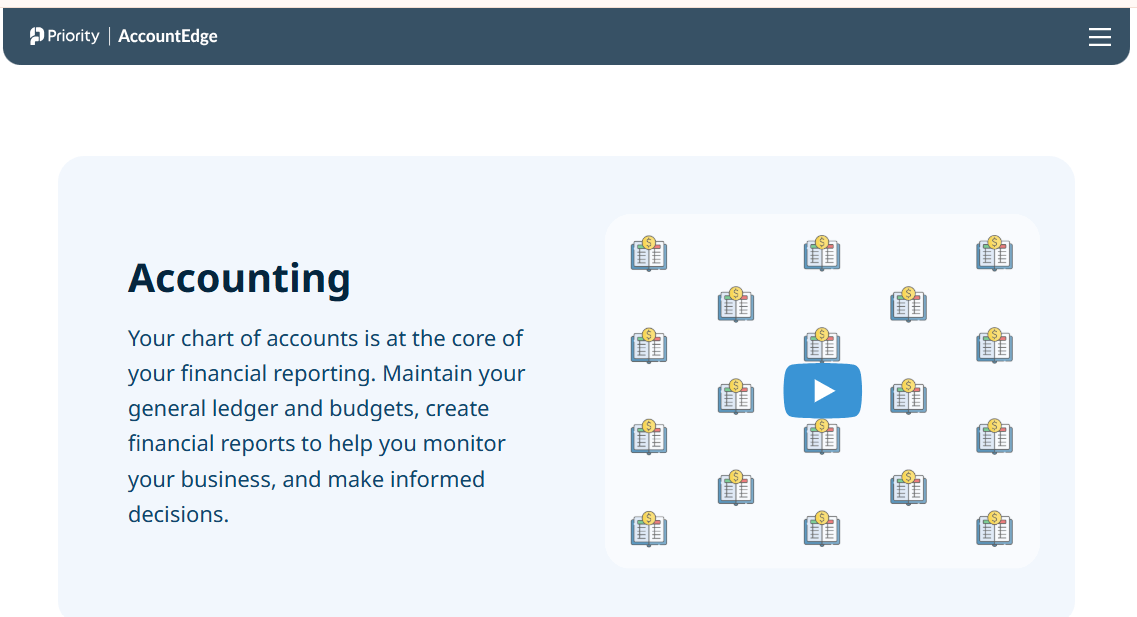
AccountEdge is desktop accounting software for Mac and Windows, aimed at small businesses that prefer installed software to a subscription cloud tool. It was acquired by Priority Software in 2018, and it combines bookkeeping with payroll, job tracking, inventory and custom reporting in one system. Company files can move between Mac and Windows without conversion.
Features
- Core accounting: general ledger, banking, payables and receivables for small businesses.
- Payroll: payroll processing listed as part of the product family.
- Job tracking and inventory: link stock and project costs to sales and purchasing.
- Custom reports: build financial and operational reports from your data.
Pros
- Runs on both Mac and Windows, which is unusual among desktop accounting tools.
- One product covers bookkeeping, payroll, jobs and inventory.
- Company files transfer between Mac and Windows with no conversion, according to a TrustRadius comparison.
Cons
- Some reviewers report problems keeping up with Mac operating system updates.
- Desktop software, so remote access depends on a network or hosted edition.
- We could not confirm current pricing from an official page.
Pricing
- Capterra lists pricing as contact vendor, with a free trial. We could not confirm current amounts from AccountEdge’s own site, so check it before buying.
Best For
US small businesses, including Mac-based offices, that want installed accounting software with payroll and inventory.
Verdict
AccountEdge is a rare Mac and Windows desktop option with broad features, but its pricing and compatibility need checking.
17. Sage Intacct
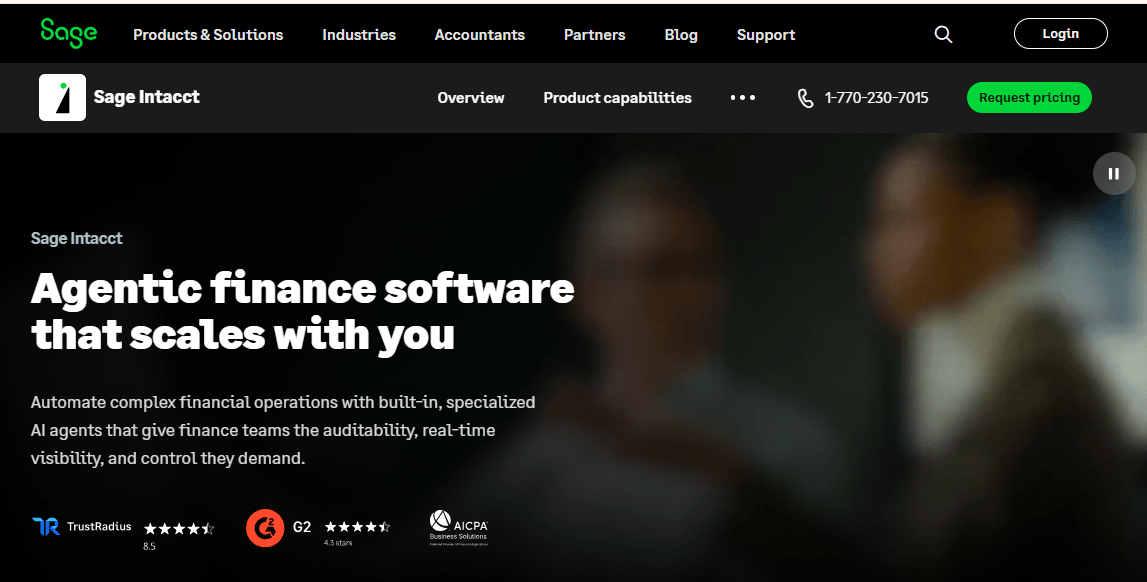
Sage Intacct is cloud financial management software for mid-sized organisations, with multi-entity and departmental reporting. It sits well above basic bookkeeping tools and is more accurately described as accounting and financial management software. It is relevant here for businesses that have outgrown simple bookkeeping and need structured reporting across several entities.
Features
- General ledger and financial management: core accounting for larger organisations.
- Multi-entity reporting: consolidate results across several entities.
- Departmental and dimensional reporting: analyse performance by category.
Pros
- Designed for reporting across several entities.
- Suits organisations that have outgrown small business tools.
Cons
- Far more than a small business or freelancer needs.
- Implementation and cost are likely higher than lightweight tools.
Pricing
- Contact the provider for a quote.
Best For
Growing or mid-sized companies with several entities and structured reporting needs.
Verdict
Sage Intacct handles complexity that small tools cannot, at a level of cost and setup most small businesses do not need.
18. Oracle NetSuite
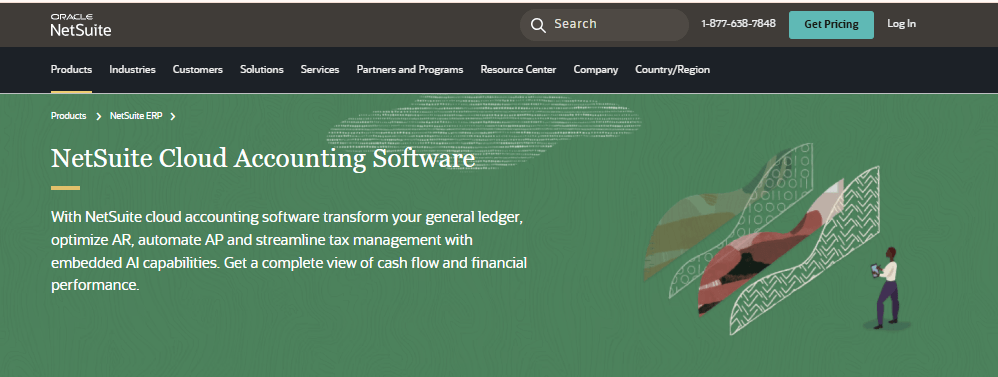
Oracle NetSuite is a cloud business management suite whose financials module covers accounting, with ERP functions such as inventory and order management alongside it. It is a platform for larger or fast-growing businesses, not a bookkeeping tool for a sole trader. Readers should treat it as the point at which a business moves from bookkeeping software to enterprise resource planning.
Features
- Financial management: general ledger and core accounting.
- ERP modules: inventory, orders and other operations alongside accounting.
- Reporting across the business: financial data connected to operations.
Pros
- One system for accounting and operations.
- Built for businesses that expect to scale.
Cons
- Far too large for freelancers and most small businesses.
- Implementation effort and cost are substantial.
Pricing
- Contact the provider for a quote.
Best For
Larger or fast-growing businesses that need accounting and operations in one platform.
Verdict
NetSuite is an ERP rather than bookkeeping software, so it only makes sense once your needs reach that scale.
19. Hnry

Hnry is aimed at sole traders, who can use it to invoice, pay themselves and have tax handled through the service. It works as a combined bookkeeping and tax service for self-employed people in the countries it supports. It narrows the choice for readers: it is a good fit only if you are a sole trader in a supported country.
Features
- Invoicing: bill clients from the platform.
- Income and expense records: track earnings and spending.
- Tax handling: set aside and manage tax for supported countries.
Pros
- Designed around sole traders rather than companies.
- Combines record-keeping and tax admin.
Cons
- Only suitable for sole traders in supported countries.
- We could not confirm current fees from an official page.
Pricing
- Contact for pricing
Best For
Sole traders in supported countries who want income, expenses and tax handled together.
Verdict
Hnry is a specialist for sole traders, and its limited country coverage is the main trade-off.
20. Holded
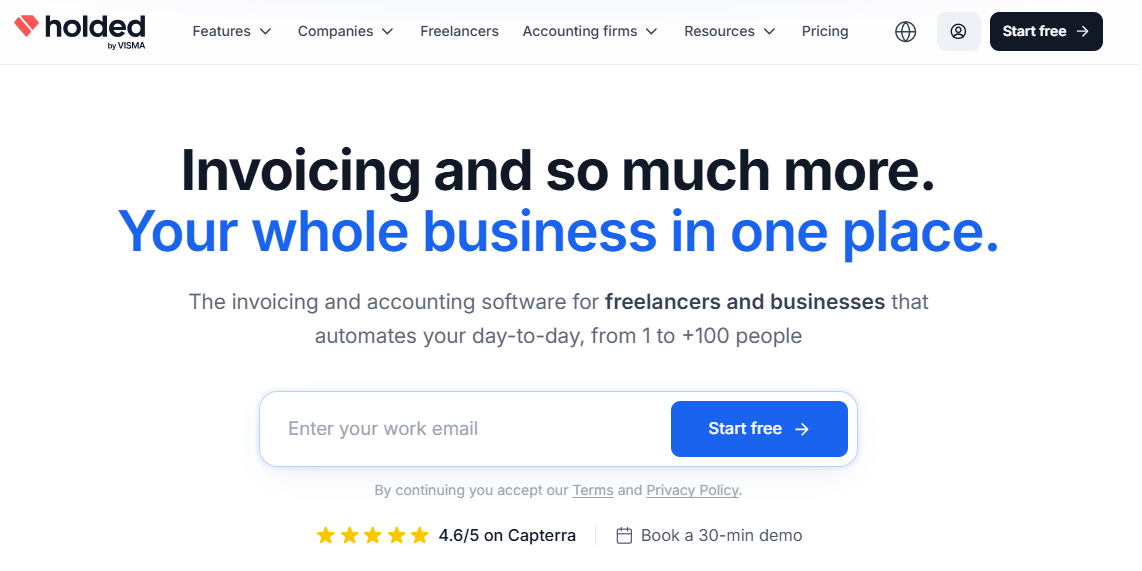
Holded is a business management platform with an accounting module aimed at small and medium businesses, particularly in Europe. It combines invoicing and accounting with other business functions in one system.
Features
- Invoicing and accounting: record sales, purchases and ledger entries.
- Connected business functions: link accounting with other modules.
- Reports: financial summaries for owners and accountants.
Pros
- Accounting sits alongside other business functions.
- Aimed at SMEs rather than just freelancers.
Cons
- Primarily built for European businesses.
- We could not confirm current plan prices from an official page.
Pricing
- Basic: $16.24 per month
- Standard: $33.04 per month
- Advanced: $55.48 per month
Best For
Small and medium businesses, mainly in Europe, that want accounting and other functions in one platform.
Verdict
Holded fits European SMEs that want an all-in-one system, but verify local support before committing.
Conclusion
The right bookkeeping software depends on how complex your business is, which tasks you need handled, the integrations available for your bank and tools, and what the plan with those features really costs. Do not choose from a ranking alone, because several tools here serve narrow needs, such as nonprofits or mileage tracking, or are built for much larger businesses.
Shortlist two or three products that fit your size and needs, check their current pricing on the official pages, and run a free trial using real transactions from your last month of records. Test the workflow you do most, whether that is reconciliation, invoicing or receipt capture, before you commit.