

Three overdue invoices, a bank feed that quit syncing weeks ago, and a bookkeeper asking for receipts nobody can find usually mean the spreadsheet has run its course. Choosing accounting software in 2026 comes down to how your business actually operates, because a freelancer sending a few invoices a month has different needs than a distributor tracking inventory or a company with several legal entities.
This guide compares 10 accounting products that US businesses use, from free plans to platforms that require a formal implementation.
What to Look for in Accounting Software
Not every business needs every feature below. Size, industry, accounting complexity, and budget decide which ones matter.
- Income and expense tracking, bank feeds, and reconciliation. Reconciliation means matching your records to your bank statement. Check whether automatic bank imports are included on the plan you’re pricing, since some vendors reserve them for paid tiers.
- Invoicing and receivables. Look for recurring invoices, payment reminders, and any caps on invoices or clients.
- Bills and payables. Some entry plans limit how many bills you can enter each month.
- Reports and cash flow visibility. Profit and loss, balance sheet, and cash flow reports are the baseline. Forecasting and budgeting often cost more.
- Payroll and contractor payments. Payroll is frequently a separate paid add-on.
- Inventory and cost tracking. Product sellers need stock counts and cost of goods sold.
- Project accounting and time tracking. Service firms that bill by project need profitability by job.
- Integrations. Check connections to your bank, payment processor, and payroll provider.
- Ease of use and accountant access. Count how many accountant seats a plan allows.
- Pricing, limits, and scalability. Watch for user, invoice, and client caps, plus add-ons that raise the real monthly cost.
Top 10 Best Accounting Software in 2026
1. QuickBooks Online
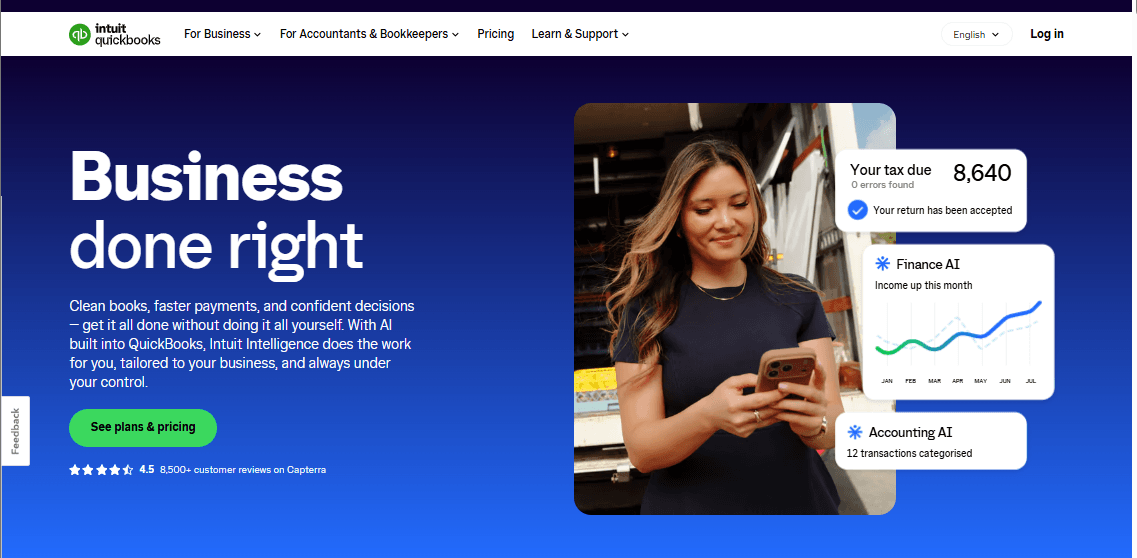
Accountant access is built into every paid plan, which makes QuickBooks Online a natural fit for owners who hand their books to a bookkeeper or CPA. Intuit’s cloud product handles bank transaction matching, invoicing, bill management, and financial reports, and the plan you pick decides how much of the rest you get. Tiering sets it apart from flatter pricing models like Xero’s: you can start with basic bookkeeping and add depth, but you pay more at each step. It suits US small businesses that expect their needs to grow.
Features
- Automated bookkeeping: QuickBooks learns how you categorize income and expenses, then matches and records transactions automatically.
- Invoicing with online payments: Customers can pay invoices by credit card or bank transfer through QuickBooks Payments, and you get status updates and reminders.
- Bill pay: Free ACH bill pay is included up to a monthly allotment, then costs $0.50 per standard ACH transaction. Intuit notes that allotments may vary.
- Inventory, projects, and budgets: adds inventory tracking, project profitability, budgeting, and class and location tracking.
- Advanced reporting: The Advanced plan includes one license of Smart Reporting powered by Fathom at no extra charge
Pros
- Two accountants can connect on each paid plan. Simple Start, Essentials, and Plus each list access for 2 accountants
- Plus covers inventory, projects, and budgets in one subscription. Product sellers and project-based service firms don’t need separate software for those basics.
- ACH bill pay has a free allotment, which lowers the cost of paying vendors by bank transfer.
Cons
- Payroll costs extra. Intuit lists payroll as an optional add-on that is priced separately.
Pricing
- Simple Start: $21
- Essentials: $31 per month
- Plus: $46 per month, 5 users.
- Advanced: $89 per month.
Best For
Small businesses that work with an outside bookkeeper or CPA and expect to add inventory or project tracking later.
Verdict
Shortlist it when accountant compatibility and a clear upgrade path matter most.
2. Xero
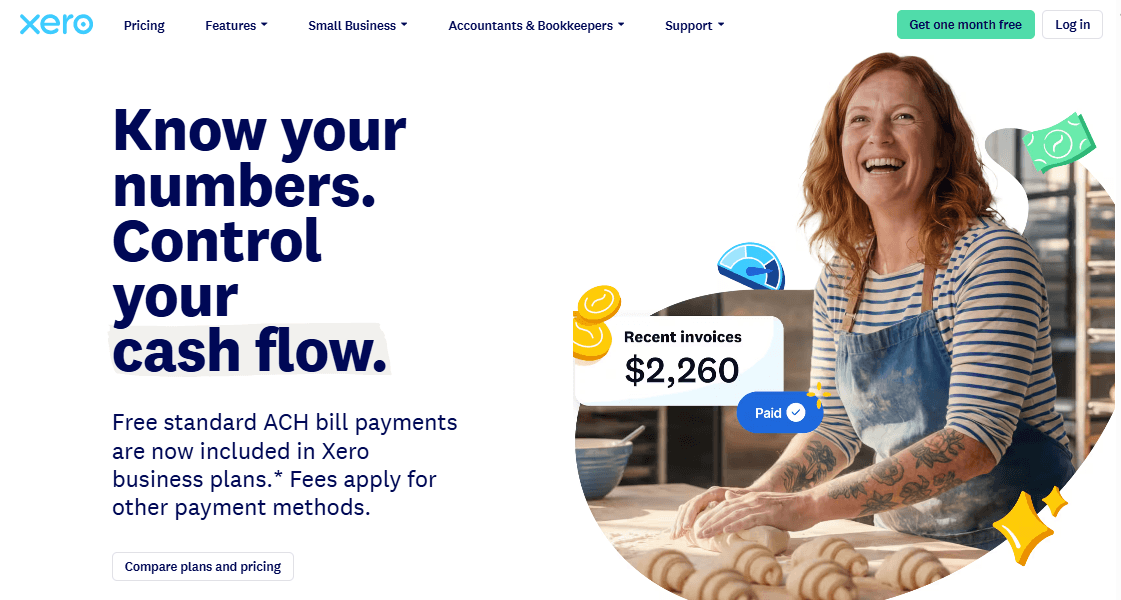
Xero is a strong choice for small businesses that want to manage their books without making accounting more complicated than it needs to be. It brings invoicing, bank reconciliation, expense tracking, financial reporting, and cash flow monitoring into one online platform.
Its biggest advantage is that all plans support unlimited users, so business owners can give their bookkeeper and accountant access without paying for additional seats. Xero also connects with hundreds of third-party applications, making it easier to build an accounting workflow around the tools a business already uses.
Features
- Invoicing and payments: Create invoices, send quotes, accept online payments, and track outstanding balances.
- Bank reconciliation: Connect bank accounts and match transactions against accounting records.
- Expense and bill management: Record business expenses, capture receipts, and track supplier bills.
- Financial reporting: Generate profit and loss statements, balance sheets, and cash flow reports.
- Cash flow forecasting: Forecast cash flow up to 30 days on Early, 60 days on Growing, and 180 days on Established.
- Integrations: Connect Xero to payroll, e-commerce, payment processing, and other business applications.
- Multi-currency accounting: Available on the Established plan for businesses working with international customers and suppliers
Pros
- Unlimited users on every plan. Xero advertises no per-user license fees
- Straightforward interface for business owners without an accounting background.
- Project costing and multi-currency on one tier. Established suits service businesses with international customers or job-level tracking.
Cons
- The Early plan limits users to 20 invoices and five bills per month.
- Direct phone support is unavailable; customers can request a callback.
- Advanced inventory features require an optional add-on.
Pricing
- Early: $27 per month.
- Growing: $59 per month.
- Established: $97 per month
Best For
Growing service businesses with several people in the books, and owners who want to give an accountant access without paying per seat.
Verdict
Worth a look when more than one person needs access. Xero is a strong choice for growing small businesses that value ease of use, team access, and financial visibility.
3. FreshBooks

FreshBooks is cloud-based accounting software built for freelancers, consultants, and small businesses that bill clients for their work. It combines invoicing, expense tracking, time tracking, online payments, and financial reporting in one platform. Businesses can also track projects and see how much they earn from their work without managing every task in a separate tool.
Features
- Invoicing and payments: Create professional invoices, send recurring bills, accept online payments, and automate payment reminders.
- Expense tracking: Record business expenses, import bank transactions, and scan receipts.
- Time tracking: Record billable hours and add them to client invoices.
- Project management: Track projects, manage estimates and proposals, and monitor project profitability on eligible plans.
- Financial reporting: Generate reports to review income, expenses, profits, and other financial data.
- Accountant collaboration: Give an accountant access to financial records to help with bookkeeping and tax preparation.
Pros
- Easy to learn and use.
- Strong invoicing and client billing tools.
- Built-in time and project tracking.
- Useful for service businesses that bill by the hour or project.
Cons
- Lower-tier plans restrict the number of billable clients.
- Advanced accounting features require higher-tier plans.
- Businesses with complex accounting needs may prefer a more comprehensive platform.
Pricing
- Lite: $73 per month, up to 5 billable clients.
- Plus: $137 per month, up to 50 billable clients.
- Premium: $224 per month, unlimited billable clients.
- Select: Contact the provider for a custom quote. Public pricing is not disclosed.
Best For
Freelancers, consultants, and small service firms that bill by project or hour and have fewer than 50 active clients.
Verdict
A strong shortlist pick for client-billing workflows, with Plus as the realistic starting plan. Watch the client caps and per-user add-ons as you grow.
4. Zoho Books
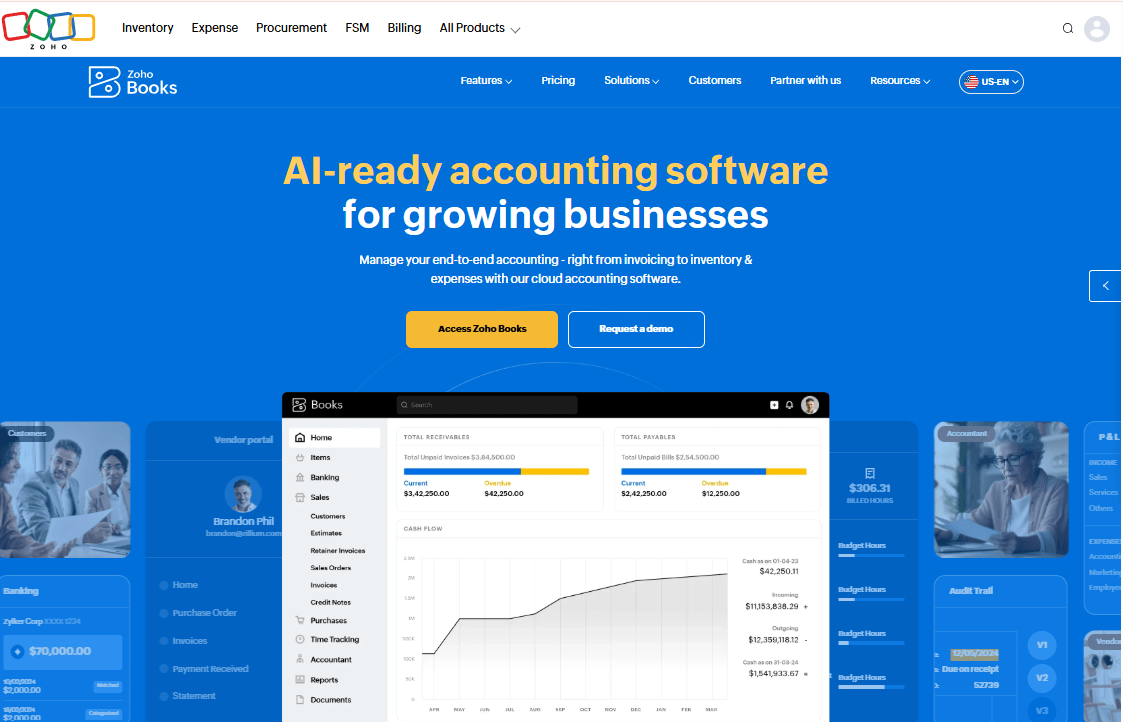
Zoho Books is cloud-based accounting software that helps small and growing businesses manage invoices, track expenses, reconcile bank transactions, monitor cash flow, and prepare financial reports. It brings everyday bookkeeping tasks into one platform, making it easier for business owners to keep their records organised and understand their financial position.
Features
- Invoicing and payments: Create professional invoices and quotes, track overdue payments, and send automatic payment reminders.
- Expense tracking: Record business expenses, scan receipts, and organise vendor bills.
- Bank reconciliation: Import bank transactions, match them against accounting records, and identify discrepancies.
- Inventory management: Track stock levels, product costs, sales prices, and purchase orders.
- Financial reporting: Generate profit and loss statements, balance sheets, cash flow reports, and tax summaries.
- Automation and AI: Use Zia AI tools to analyse financial data, identify unusual transactions, and automate selected accounting tasks.
- Tax management: Manage VAT records and generate tax reports for Nigerian businesses.
Pros
- Offers a free plan for eligible small businesses.
- Combines bookkeeping, invoicing, expenses, and reporting.
- Supports mobile and desktop access.
- Provides inventory and project accounting tools on eligible plans.
Offers features for Nigerian VAT compliance.
Cons
- Advanced inventory and automation features require higher-tier plans.
- Businesses may need time to learn the platform’s more advanced tools.
- Some integrations and bank-feed features may depend on the user’s country and provider.
Pricing
- Standard plan: $15/month
- Professional plan: $40/month
- Premium plan: $60/month
Best For
Budget-conscious small businesses that want inventory or project tracking, and micro-businesses starting on a free plan.
Verdict
Shortlist it when you need inventory, projects, or sales tax tracking without top-tier pricing. Confirm the user limits and invoice caps for your plan, and ask your accountant whether they’re comfortable working in it.
5. Wave
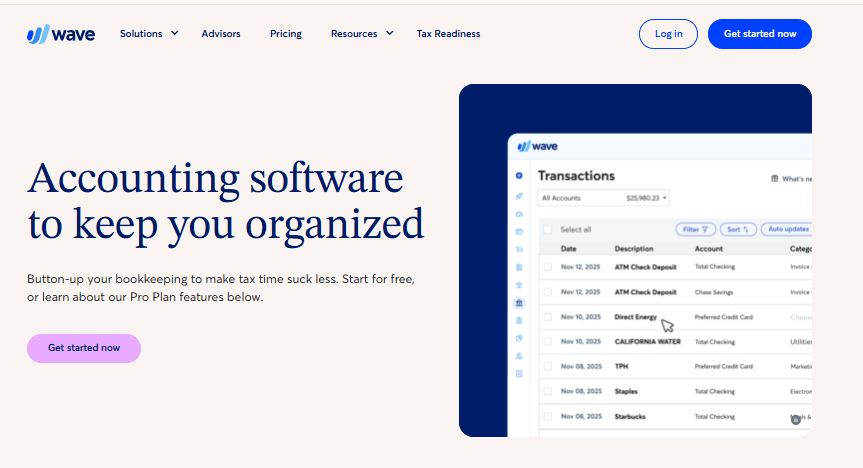
Wave stands out for its free accounting features, making it a practical option for businesses that need basic bookkeeping without a monthly software subscription.
Features
- Bank imports and categorization: Pro automatically imports and categorizes bank transactions through Plaid. Wave notes that not every financial institution is supported.
- Receipt scanning: Pro includes unlimited receipt capture with OCR, and you can bulk upload up to 10 receipts at a time.
- Cash flow tools: Recurring invoices, automated late payment reminders, and deposit requests on estimates.
- Reports: Profit and loss, balance sheet, and cash flow reports.
- Accountant access: Pro lets you add users, including your accountant or bookkeeper.
Pros
- A free Starter plan for invoicing and bookkeeping basics.
- Live chat and email support are included in Pro, which is rare at this price.
- Unlimited users on Pro make it easy to include a bookkeeper.
Cons
- Automation sits behind Pro. Wave lists automatic bank imports as a Pro feature
- Bank connections aren’t guaranteed.
- Scope is narrow. Payment processing carries fees, payroll is a separate paid add-on.
Pricing
- Starter: Free.
- Pro: $19 per month, or $190 per year billed annually.
Best For
Verdict
6. Patriot Accounting
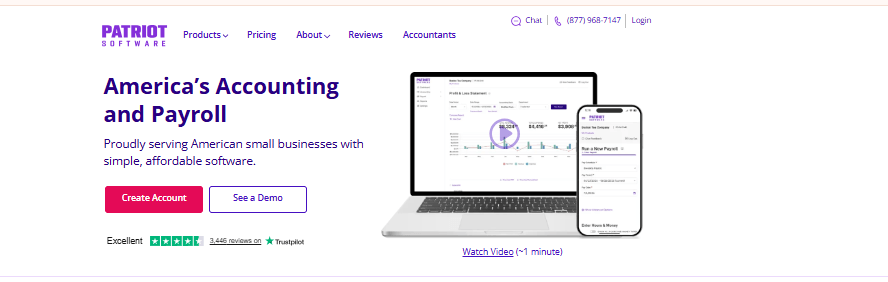
Patriot Accounting is online accounting software designed for small businesses that need a straightforward way to manage invoices, track income and expenses, reconcile bank accounts, and prepare financial reports. It also integrates with Patriot Payroll, allowing businesses to keep their accounting records and payroll data connected.
The accounting product itself is deliberately simple: unlimited customers, invoices, vendors, and users, automatic bank imports, account reconciliation, and financial reports across two plans priced at $20 and $30 per month.
Features
- Invoicing and payments: Unlimited customers and invoices, with credit card, Apple Pay, Google Pay, and ACH payments through a Stripe integration.
- Bank imports and reconciliation: Both plans import bank transactions automatically and support account reconciliation.
- Premium workflow tools: Estimates, recurring invoices, invoice payment reminders, customer statements, receipt and document management, and subaccounts up to 8 levels deep.
- Users and permissions: Both plans allow unlimited users, and user-based permissions require Premium.
- Departments: Break income and expenses down by department.
Pros
- Low monthly cost with no user or invoice caps. That matters for teams with several people entering transactions.
- Free integration with Patriot’s payroll products keeps payroll expenses flowing into the books.
Cons
- Basic leaves out common tools. Estimates, recurring invoices, and payment reminders require Premium.
- Narrow scope. The pricing page lists no inventory, project accounting, or multi-currency features.
- Payroll is separate. Basic Payroll is $17 per month plus $4 per worker paid, and 1099 e-filing carries nominal fees.
Pricing
- Accounting Basic: $20 per month.
- Accounting Premium: $30 per month.
- Payroll is priced separately: Basic Payroll at $17 per month plus $4 per worker paid, and Full Service Payroll at $37 per month plus $5 per worker paid.
Best For
Small service businesses and contractor-heavy companies that want low-cost bookkeeping and one vendor for payroll.
Verdict
Worth considering when simplicity and price matter more than depth. Choose Premium if you need estimates or recurring invoices, and look elsewhere if you carry inventory.
7. Sage 50
Sage 50 is accounting software designed for small and growing businesses that need more control over their finances, inventory, and project costs. It helps businesses manage invoices, expenses, bank reconciliation, cash flow, and financial reporting from one system. Its more advanced plans also support multiple companies, detailed inventory tracking, and job costing, making it a strong option for businesses with more complex accounting needs.
Features
- Core accounting (Pro): Invoice and bill tracking, purchase orders and approvals, expense management, automated bank reconciliation, and reporting including financial statements and cash flow.
- Inventory: Pro manages stock, assemblies, and FIFO or LIFO costing. Premium adds serialized inventory tracking.
- Job costing: Pro includes job management and costing. Premium adds advanced job costing by phase and cost level.
- Premium controls: Multiple companies, advanced budgeting, advanced reporting by department, and audit trails.
- Quantum: Role-based permissions, workflow management, and project management, with up to 40 users.
- Payroll: An integrated do-it-yourself payroll module is available, with pricing tiered by number of employees.
Pros
- Inventory costing and assemblies on the entry plan. Product sellers get FIFO and LIFO methods without moving up a tier.
- Multi-company and audit trails on Premium help businesses that run more than one entity and need a record of changes.
- Free QuickBooks data migration. Sage says you can import data from most QuickBooks versions for free, and support experts can run the import
Cons
- The highest entry price in this list. Pro is $132.17 per month for one user.
- A one-year commitment. Sage’s plan auto-renews, and if a subscription lapses you keep read-only access until the account is current.
- User caps and extras. Pro allows 1 user, Premium 1 to 5, and Quantum up to 40. Payroll costs extra, and the desktop edition requires installation.
Pricing
- Pro Accounting: $132.17 per month, 1 user.
- Premium Accounting: from $182.50 per month for 1 user, up to 5 users.
- Quantum Accounting: from $271.17 per month for 1 user, up to 40 users.
- Sage lists a minimum one-year commitment on these plans.
- Payroll is separate. A Pro Accounting with Payroll bundle is listed at $1,155 per year, and pricing is tiered by number of employees.
Best For
Established small businesses with an in-house bookkeeper that carry inventory or run jobs and need job costing.
Verdict
Shortlist it when inventory costing and job tracking outweigh a higher price. Compare the cloud and desktop editions and the one-year commitment before you sign.
8. Odoo Accounting
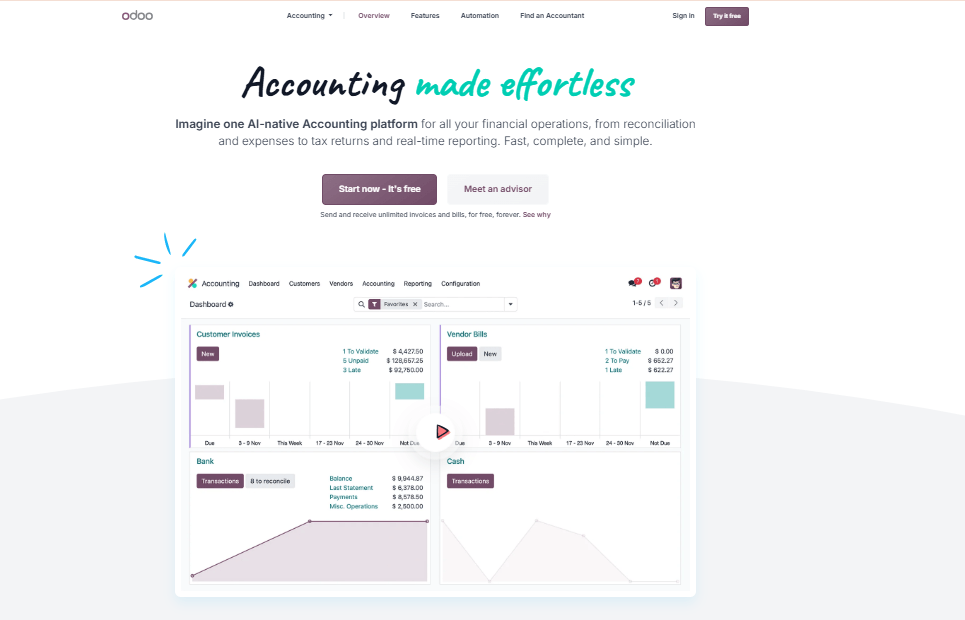
Odoo Accounting is part of Odoo, an integrated business management platform that connects accounting with sales, inventory, purchasing, customer management, and other business operations. It helps businesses manage invoices, record payments, reconcile bank transactions, monitor financial performance, and track what they owe or are owed.
Features
- Accounting inside an app suite: The Accounting app is included in the Standard and Custom plans alongside every other Odoo app.
- Bank synchronization: Odoo lists bank synchronization as part of the Standard plan.
- Multiple companies: The Custom plan is the option for managing several companies in one database.
- Customization: Custom adds Odoo Studio, custom development, and API access.
- Hosting: Standard runs on Odoo Online without custom modules. Custom allows additional hosting options for custom development.
Pros
- Unlimited users on the free single-app plan, which lets very small teams test one app without per-seat cost.
- One price covers every app, which helps a company that needs inventory, sales, and accounting connected.
- Multi-company in one database on Custom suits owners with several entities.
Cons
- Per-user pricing grows with headcount. A paying user is an employee with back-end access to create, view, or edit documents.
- Key options require Custom. Multi-company, Odoo Studio, and external API access are Custom features.
- Pricing may differ by location. Location-based pricing and different figures for some plans, confirm the price shown for your billing country
Pricing
- One App Free: $0 for one app and unlimited users.
- Contact for custom pricing
Best For
Growing businesses that want accounting, inventory, and sales in one system and have time to implement an ERP.
Verdict
A good fit when accounting is one piece of a larger operations system. Skip it if you only need bookkeeping, and confirm US tax handling before committing.
9. Sage Intacct

Sage Intacct is cloud-based accounting and financial management software designed for growing and mid-sized businesses with complex accounting needs. It helps finance teams manage accounts payable, accounts receivable, cash flow, purchasing, budgeting, and financial reporting from one platform. Its multi-entity accounting tools also help businesses consolidate financial records across subsidiaries and operating companies.
Features
- General ledger: Organise financial transactions and track performance across departments, locations, and business units.
- Accounts payable and receivable: Automate supplier payments, manage customer invoices, and monitor outstanding balances.
- Multi-entity accounting: Manage multiple companies and consolidate their financial records in one system.
- Financial reporting: Build custom reports and dashboards to track revenue, expenses, cash flow, and profitability.
- Budgeting and forecasting: Compare actual spending against budgets and use financial data to plan ahead.
- AI-powered automation: Use finance AI tools to process bills, flag unusual transactions, answer questions about financial data, and help speed up month-end closing.
- Integrations: Connect Sage Intacct with other business applications, including Salesforce, to bring financial and operational data together.
Pros
- Strong financial reporting and analytics.
- Supports multi-entity accounting and consolidated reporting.
- Automates many routine accounting processes.
- Offers industry-specific features for sectors such as healthcare, nonprofit, professional services, and wholesale distribution.
Scales with businesses that have more complex financial operations.
Cons
- Pricing is quote-based, making costs harder to compare before speaking with sales.
- May be more complex than necessary for freelancers and small businesses with basic bookkeeping needs.
- Implementation and staff training may require considerable time, depending on the organisation’s needs.
Pricing
Sage Intacct does not publish a standard US subscription price. Request a customised quote from Sage.
10. Oracle NetSuite
Oracle NetSuite is cloud-based accounting software built into a broader enterprise resource planning (ERP) platform. It helps businesses manage their general ledger, accounts payable, accounts receivable, cash flow, taxes, fixed assets, and financial reporting from one system. Unlike basic bookkeeping tools, NetSuite connects financial data with inventory, order management, customer management, and other business operations, making it a strong option for growing and larger businesses with complex accounting needs.
Features
- Multi-subsidiary accounting: Supports global, multi-subsidiary organizations, with subsidiary-specific data available for reporting.
- Consolidated reporting: Consolidated reports aggregate financial statements with foreign currency translation for child subsidiaries.
- Chart of accounts: A single chart of accounts works alongside subsidiary-specific accounts.
- Modular add-ons: Third-party analysts list Advanced Financials, covering multi-currency, revenue recognition, fixed assets, and advanced budgeting, as a module
Pros
- Consolidation across subsidiaries in one system, including foreign currency translation.
- Modular design lets companies activate only the areas they need.
- A path beyond accounting, since the same platform extends into operational modules.
Cons
- Pricing isn’t public. Analysts describe it as modular and mostly quote-based
- Oversized for small businesses. A freelancer or small shop will not use most of the platform.
Pricing
Pricing could not be verified from an official public source. Contact the provider for current pricing.
Best For
US companies with multiple subsidiaries, including foreign entities, that want accounting and operational modules on one platform.
Verdict
Consider it when your structure has outgrown mid-tier tools. Treat it as a scoped implementation project, not a plan you can compare from a price list.
Conclusion
The right choice depends on your business size, accounting workflows, industry, budget, and plans for growth. Start by listing the tasks you need the software to handle, then shortlist two or three products that cover them on plans you’d actually buy. Confirm current pricing on each vendor’s own page, including any add-ons for payroll, users, or payments. Finally, run your most frequent workflows in a trial or demo, such as reconciling a month of bank transactions, sending an invoice, and giving your accountant access, before you commit.