

The modern workplace has undergone a dramatic transformation as employees increasingly rely on smartphones, tablets, and personal laptops to access corporate resources from anywhere. Consequently, organizations face unprecedented challenges in securing sensitive data while accommodating the growing trend of Bring Your Own Device (BYOD) policies. The best software for mobile devices and BYOD security has become essential for businesses seeking to balance productivity with protection.
Moreover, the complexity of managing diverse device types—from iOS and Android smartphones to Windows laptops and tablets—requires sophisticated platforms that can enforce consistent security policies across all endpoints. Traditional security approaches simply cannot address the unique challenges that mobile devices and BYOD programs present. Therefore, organizations must invest in specialized software solutions designed specifically for the mobile-first workplace.
On the other hand, employees expect the freedom to workflexibly using their preferred devices without sacrificing user experience. This expectation creates tension between security requirements and usability, demanding solutions that protect corporate data invisibly while respecting employee privacy. The right software bridges this gap effectively, enabling secure productivity without friction.
This comprehensive guide explores the thirteen best software platforms that address these critical needs, examining their features, pricing, and ideal use cases. Subsequently, you’ll gain the insights necessary to select the perfect solution for your organization’s mobile security requirements, ultimately creating a protected yet productive mobile workforce.
Top 13 Best Software for Mobile Device and BYOD Security in 2026
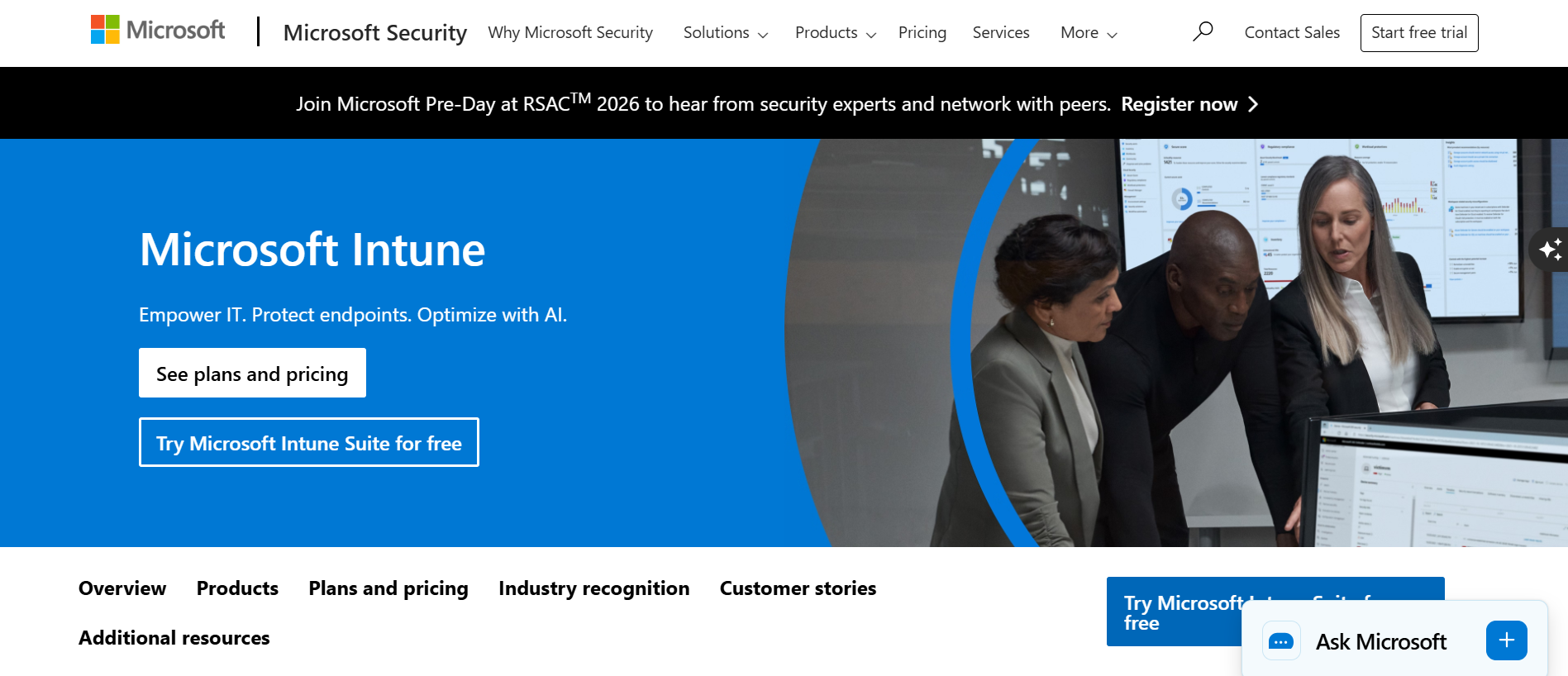
Microsoft Intune is a cloud-based service that integrates tightly with Microsoft 365. It helps companies manage and secure their employees’ devices, whether they’re using phones, tablets, or computers through either full enrollment or app-level protection policies. Intune provides granular control over applications, data, and device configurations without requiring physical access to endpoints. They can even remotely wipe data if a device is lost or stolen. It supports Windows, macOS, iOS, and Android. It works especially well for businesses already using Microsoft 365 and Microsoft Entra ID, formerly known as Azure Active Directory, making it one of the best Software for Mobile Device and BYOD Security.
Features
- Microsoft Intune applies security policies such as PIN, encryption, and data transfer restrictions directly on business apps like Outlook or Teams, even if the device isn’t enrolled.
- Works seamlessly with Microsoft Entra ID (formerly Azure AD) to allow only compliant devices or apps to access sensitive company resources.
- Enrolls both organization-owned and personally owned (BYOD) devices, with support for app-only management
- Enforce minimum OS versions, password rules, firewall settings, and more; block access for noncompliant devices
- Prevent copy-paste, screenshots, or unauthorized data sharing from managed apps.
Pricing
- Intune Plan 1: $8/user/month
- Intune Plan 2: $16/user/month
- Enterprise App Management add-on: $2/user/month
Best For
Organizations already invested in Microsoft ecosystems are seeking unified endpoint management.
2. Omnissa Workspace ONE

Omnissa UEM, formerly known as VMware Workspace One, combines device management with identity and access controls for secure BYOD deployment. It stands out for its ability to manage a wide range of devices, including smartphones, tablets, laptops, desktops, rugged devices, and even wearables, making it a strong choice for organizations with diverse device needs beyond just typical BYOD scenarios with mobile phones. Omnissa ensures the secure distribution of work content on employee devices, adding another layer of control for BYOD deployments. The platform empowers employees on day one with freedom of device choice, custom deployment options, and a self-service catalogue for all work apps.
Features
- Proactively identifies and resolves endpoint performance issues before they impact productivity
- Provides employees with a unified portal for accessing applications, workflows, and IT support
- Continuously verifies device health and user identity before granting resource access
- Automates complex workflows across devices, applications, and services without coding
- Manages iOS, Android, Windows, macOS, Chrome OS, and rugged devices from one console
- Securely delivers and manages corporate documents with granular sharing controls
Pricing
VMware Workspace ONE pricing typically ranges from $6 to $15 per device per month, depending on the edition and features selected.
Best For
Workspace ONE excels in complex enterprise environments requiring comprehensive endpoint management across diverse platforms.
3. IBM MaaS360
IBM MaaS360 establishes itself as a mature, AI-enhanced unified endpoint management platform backed by IBM’s extensive security expertise and enterprise credibility. The solution leverages IBM Watson artificial intelligence to provide predictive analytics, threat detection, and automated remediation that anticipates security issues before they materialize. Organizations trust MaaS360 to manage complex, global device deployments while maintaining compliance with industry regulations and corporate security standards. The platform distinguishes itself through comprehensive visibility across endpoints, applications, and user behavior, creating a holistic security posture.
Features
- Create secure containers for corporate apps and data while maintaining personal privacy.
- Advanced insights into device usage, security posture, and compliance status.
- Manages mobile devices, desktops, laptops, IoT, and purpose-built devices from a single console
- Connects with Active Directory and behind-the-firewall systems for seamless access and identity management
- Separates personal and business data on mobile devices using a workplace container and enterprise apps
Pricing
- Standard plan: Starts around $4-$8 per device per month
- Advanced features: Cost $10-$15 monthly.
Best For
Businesses prioritizing predictive security analytics and automated threat response find the Watson integration particularly valuable.
4. ScaleFusion

Scalefusion is a mobile device management solution for managing both company-owned and shared devices like kiosks, tablets, and point-of-sale systems. It supports Android, iOS, Windows, and macOS.
IT teams can lock devices into specific apps, schedule updates, track device location, and even control them remotely for support.
One of its key strengths is how simple it is to set up and use, especially for companies without large IT departments. Scalefusion is popular in industries like retail, logistics, and education, where devices are shared or used in specific work modes.
Features
- Scalefusion makes it clear to employees that personal data, such as photos, messages, or browsing history, remains private
- Policies prevent copy-paste, screenshotting, and unauthorized file sharing from the work container.
- IT admins can view and control devices remotely to quickly resolve issues without needing physical access.
- Manage Android, iOS, Windows, macOS, and Linux devices from a single unified console.
- Support for Android work profile and iOS User Enrollment creates a secure workspace for business apps and data while leaving personal apps untouched.
- IT teams can push business apps, restrict usage of non-approved apps, and manage corporate content in a secure container.
Pricing
- Essential: $2/device/month
- Growth (BYOD included): $3.5/device/month
- Business: $5/device/month
- Enterprise: $6/device/month
Best For
5. Jamf PRO

Jamf Pro establishes itself as the best best software for Mobile Device and BYOD Security (specifically for Apple), delivering unparalleled expertise in managing Mac, iPhone, iPad, and Apple TV devices across enterprise environments. The software leverages deep integration with Apple’s native frameworks to provide management capabilities unavailable in multi-platform solutions. IT administrators appreciate how Jamf Pro simplifies complex Apple deployments while maintaining the intuitive user experience that Apple device users expect. Organizations choose Jamf when they recognize that Apple devices require specialized management approaches that respect Apple’s design philosophy. Additionally, Jamf’s commitment to same-day support for new Apple operating systems ensures organizations can adopt the latest features without deployment delays.
Features
- Tailored to fully support Apple’s native capabilities for device management, configuration, and security
- Ensures compatibility and security on the day of each new Apple OS release, reducing downtime and patch delays
- Uses Apple’s latest management framework for more efficient and battery-friendly policies
- Distributes internally developed applications and configuration profiles seamlessly
- Supports CIS benchmarks and compliance reporting; includes Apple-based threat intelligence and natural language policy queries
- Remotely deploys, updates, and patches App Store, third-party, and custom applications
Pricing
- Basic management: $4 per device per month
- Jamf offers volume discounts and custom enterprise agreements for large deployments
Best For
Organizations with significant Apple device deployments find Jamf Pro indispensable, especially creative agencies, educational institutions, technology companies, and enterprises embracing Apple’s ecosystem.
6. Miradore

Miradore is one of the best cloud-based MDM softwware solution that empowers you to centrally manage a diverse device fleet, including Android, iOS, Windows, and macOS devices. This translates to seamless BYOD implementation, allowing employees to use their own devices for work while maintaining robust security protocols. Miradore also makes it easy to gain real-time insights into your device inventory and enforce data protection regulations like GDPR and HIPAA.
The platform also prides itself on unified device management, providing a single platform to manage all your devices, streamline IT operations, and reduce complexity when implementing BYOD. You can enforce strong passcodes, data encryption, and application restrictions to safeguard your organization’s data. Meanwhile, lost or stolen devices can be remotely wiped for added protection, preventing security threats from gaining access to your network through the lost device.
Features
- Supports Android, iOS/iPadOS, macOS, and Windows devices from a unified interface
- Easy setup process allows companies to begin managing devices in minutes
- Enforces safe passcodes, encrypts data, restricts unauthorized apps, and separates work and personal use
- Install device settings, deploy updates, and manage configurations without physical access
- Control which apps can be installed or used, and block unwanted applications
Pricing
- Free trial for 14 days
- Premium: $2.30 per device/month
- Premium+: $3.30 per device/month
Best For
7. Hexnode

Hexnode excels at managing BYOD programs, allowing businesses to securely integrate personal devices into their work environment and manage all devices, regardless of operating system, from a single intuitive dashboard. The platform appeals to IT teams seeking flexibility and customization without complexity, providing extensive configuration options through an intuitive interface. Organizations appreciate how the solution balances powerful enterprise capabilities with accessibility for smaller teams, scaling seamlessly from dozens to thousands of devices.
Hexnode offers both cloud-based and on-premise deployment options for mobile device management to suit your organization’s specific needs. You can configure settings, deploy updates, and even remotely wipe compromised devices for enhanced security. If you’re looking for a scalable and secure UEM solution for your BYOD program, with the ability to manage a diverse device landscape, Hexnode is a great option to consider.
Features
- Creates locked-down device experiences for retail, hospitality, and dedicated-use scenarios
- Restricts resource access based on device compliance, location, and security posture
- Distributes, configures, and secures corporate applications with granular policies
- Enables screen sharing, troubleshooting, and control from the admin console
- Tracks cellular data usage, roaming costs, and device-related expenses
Pricing
- Pro: $2.2 per device/month
- Enterprise: 3.2 per device/month
- Ultimate: $4.7 per device/month
Best For
Organizations managing diverse device fleets across multiple platforms benefit from the consistent policy implementation, while companies requiring extensive customization appreciate the flexibility.
8. Cisco Meraki Systems
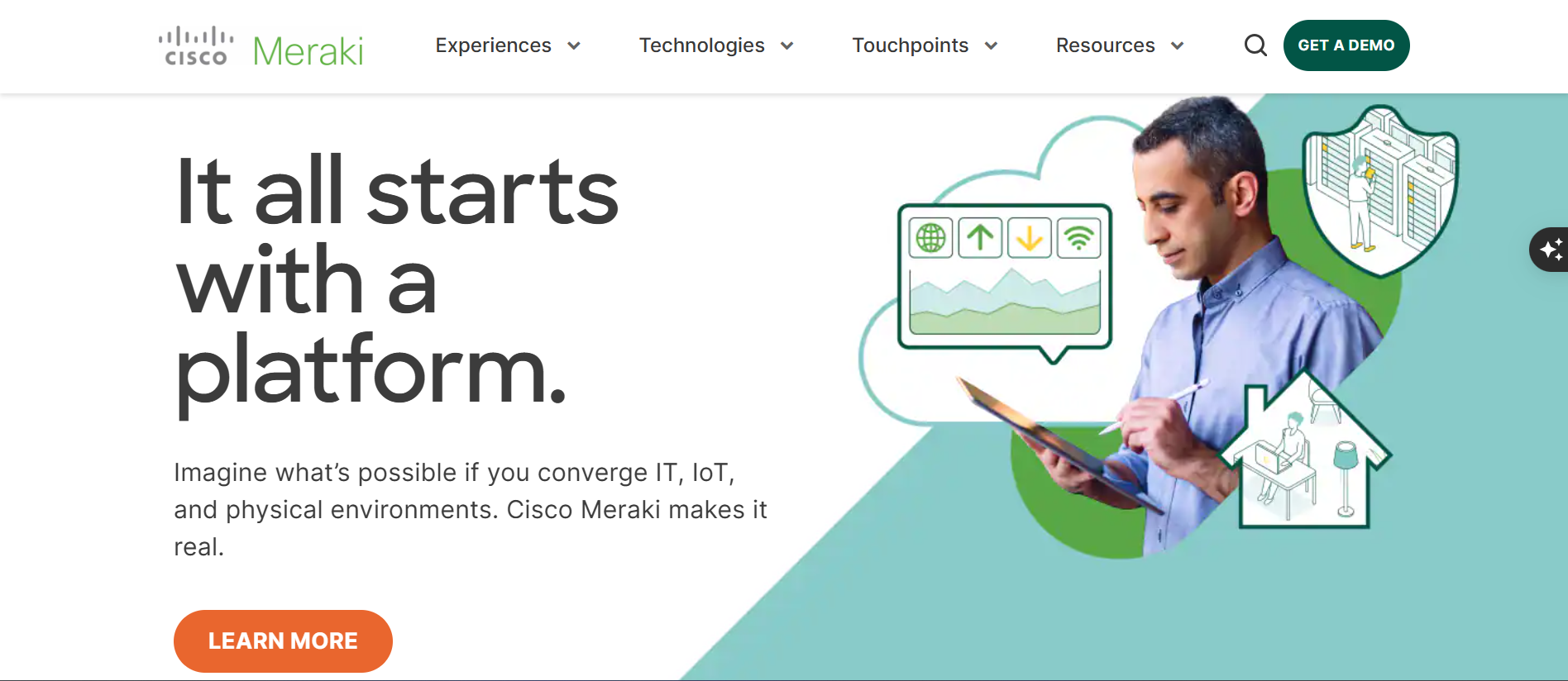
Cisko Meraki is a powerful cloud-based networking and mobile device management solution designed to streamline BYOD management. The platform eliminates the complexity of on-premises infrastructure by providing entirely cloud-based management accessible from any web browser making it one of the best software solutions for Mobile Device and BYOD Security. It integrates seamlessly with Cisco Meraki wireless access points, providing a unified platform for network security and device control, and providing continuous insights into all devices connected to your network. IT teams appreciate how Meraki Systems Manager extends Cisco’s unified networking approach to endpoint management, creating seamless integration between network access control and device security policies. Organizations leverage the solution to manage smartphones, tablets, laptops, and IoT devices while maintaining visibility across their entire technology infrastructure.
Features
- Eliminates server infrastructure requirements and provides instant scalability
- Manages devices, networks, and security from a single intuitive interface
- Automatically enforces network segmentation based on device compliance
- Provides real-time device location data for asset management and theft recovery
- Controls which applications users can install and tracks usage patterns
Pricing
Cisco Meraki Systems operates on a subscription-based licensing model, typically charged per device per year.
Best For
It’s well-suited for businesses of all sizes that want to simplify BYOD management and ensure a secure network environment.
9. Citrix Endpoint Management
Citrix Endpoint Management is part of the broader Citrix platform, helping companies manage mobile devices, apps, and desktops from a single location. It’s beneficial for businesses already using Citrix for virtual apps or desktops. It blends mobile device management (MDM) with mobile application management (MAM). Admins can push apps, enforce security settings, and control data access without touching personal information. The solution excels at protecting corporate data through micro-VPN technology and containerization that creates secure tunnels for individual applications. Moreover, Citrix Endpoint Management integrates deeply with Citrix Virtual Apps and Desktops, enabling organizations to extend existing virtual infrastructure investments to mobile and BYOD scenarios.
Features
- Creates per-app VPN tunnels that secure individual applications without routing all traffic
- Secures and manages applications without requiring full device enrollment
- Streams Windows applications to mobile devices through Citrix virtualization
- Provides a unified portal for accessing corporate applications, files, and virtual desktops
- Supports multi-factor authentication, certificate-based authentication, and biometrics
Pricing
Organisations often access the platform through Citrix Workspace
- Premium: $20 per user/month
- Premium plus: $27/user/month
Best For
Enterprises requiring secure delivery of Windows applications to mobile devices find the platform uniquely capable, particularly those in healthcare, finance, and professional services.
10. Manage Engine

Manage Engine Mobile Device Manager combines robust feature sets with flexible deployment options, allowing organizations to choose between cloud-hosted, on-premises, or hybrid architectures based on their specific requirements. The platform makes it easy to distribute apps, enforce BYOD security policies, and remotely wipe lost or stolen devices, offering features like strong password enforcement, data encryption, and app management. It is a good choice for organizations that want full control over both corporate and personal devices, prefer on-premises deployment options, or operate in regulated industries. MDM Plus offers a free tier for up to 3 devices and affordable pricing plans for larger deployments, making it attractive for budget-conscious organizations. It’s also known for its user-friendly interface, making it easy for IT administrators to manage BYOD devices without needing extensive technical expertise. This makes ManagEngine one of the best software solutions for mobile device and BYOD security in 2026.
Features
- Manages Android, iOS, iPadOS, macOS, Windows, Chrome OS, and tvOS devices from a single dashboard
- Supports easy onboarding of both BYOD and corporate devices with secure authentication and provisioning workflows
- isolates corporate applications and data from personal content on BYOD devices
- monitors device locations and triggers automated actions based on boundaries\
- Distribute, update, and manage business apps while securing corporate email access.
- IT admins can remotely troubleshoot, lock, or wipe devices.
Pricing
Pricing varies depending on the number of devices, edition, and whether you choose cloud or on-premise deployment.
- Standard plan: Starts at $64/month for 50 devices (cloud-based).
- Professional plan: Starts at $119/month for 50 devices (cloud-based).
- Free edition: Available for up to 25 devices.
Best For
Budget-conscious organizations seeking enterprise features without premium pricing find ManageEngine ideal.
11. Blackberry UEM
Blackberry UEM continues the company’s decades-long security legacy by delivering government-grade protection across mobile, desktop, and IoT devices through a unified management platform. The solution leverages BlackBerry’s renowned expertise in secure communications and cryptography to create an uncompromising security posture without sacrificing usability. Organizations in highly regulated industries trust BlackBerry UEM to protect their most sensitive data and communications against sophisticated threats. You can manage all your devices from a single console, simplifying administration and providing a holistic view of your BYOD environment. The platform also offers encryption, strong password policies, and application management to safeguard corporate data on employee-owned devices.
Features
- Creates secure application containers with end-to-end encryption and data loss prevention
- Includes encrypted email, instant messaging, voice, and video conferencing
- Protects data at rest and in transit with FIPS 140-2 validated cryptography
- Leverages CylanceAI to identify and prevent malware and zero-day attacks
- Supports iOS, Android, Windows, macOS, Chrome OS, and BlackBerry devices
Pricing
BlackBerry UEM pricing typically ranges from $5 to $15 per device per month, depending on the edition and features selected.
Best For
Overall, BlackBerry UEM is a great choice for organizations prioritizing bulletproof security for their BYOD program and is well-suited for businesses that need to manage a diverse range of devices beyond just mobiles.
12. Ivanti UEM

Ivanti UEM delivers a centralized and security-driven approach to managing mobile devices, desktops, and endpoints across modern enterprises. Actively designed to support BYOD environments, the platform enables IT teams to enforce policies, protect corporate data, and maintain visibility across diverse operating systems—including iOS, Android, Windows, and macOS. Moreover, Ivanti UEM unifies endpoint management and security into a single console, thereby reducing operational complexity. By continuously assessing device posture and user behavior, the platform proactively mitigates risks before they escalate. As a result, organizations gain both flexibility for users and control for administrators without compromising security.
Features
Centralized management of mobile, desktop, and remote endpoints
Strong BYOD support with containerization and data separation
Automated policy enforcement based on device compliance
Real-time visibility into endpoint health and security posture
Patch management and OS update controls
Secure access to enterprise apps and resources
Pricing
- Modular pricing: Starts at $5 per user/month
Best For
IT teams focused on automation and patch management and Organizations managing a high volume of BYOD and remote devices
13. SOTI MobiControl

SOTI MobiControl is an enterprise mobility management (EMM) solution to provide visibility and control over mobile devices, IoT endpoints, and other business-critical hardware across major operating systems. The platform extends beyond traditional smartphone and tablet management to support barcode scanners, mobile printers, wearables, IoT devices, and ruggedized tablets used in warehousing, manufacturing, transportation, and field service environments. Organizations choose SOTI when device uptime directly impacts revenue, safety, or operational continuity, requiring advanced remote troubleshooting and management capabilities. Furthermore, SOTI’s commitment to extensive device certification ensures compatibility with thousands of device models across every major manufacturer and operating system.
Features
- Accelerates app and data delivery by up to 10X, reducing deployment times across remote sites and large device fleets
- Enables IT to view screens and resolve issues without physical device access
- Tracks device locations and triggers actions based on geographic boundaries
- Optimizes bandwidth usage by routing updates to multiple devices through a single local hub, cutting down repetitive transfers
- Enforces strong passwords, manages firewalls, blocks USB access, and protects against phishing and unauthorized access
Pricing
SOTI MobiControl pricing typically ranges from $4 to $10 per device per month, depending on features, device types, and deployment scale.
Best For
Organizations operating large fleets of rugged or specialized devices find SOTI MobiControl purpose-built for their needs, particularly in logistics, warehousing, transportation, retail, manufacturing, and healthcare.