

Florist software plays an essential role in helping flower businesses manage their daily operations, streamline order processing, and improve customer experiences. From managing flower inventory and processing payments to coordinating deliveries and handling customer orders, the right software can simplify complex tasks and improve business efficiency. Furthermore, as the floral industry continues to embrace digital transformation, florists need reliable solutions that help them manage sales, monitor business performance, and stay competitive.
However, choosing the right solution can be challenging, especially with the growing number of platforms offering different features and pricing structures. While some florist software focuses on point-of-sale operations and inventory management, others provide advanced tools for online ordering, delivery scheduling, customer relationship management, and event planning. Therefore, understanding what each platform offers is essential before making a decision.
This guide explores the top 20 best florist software in 2026 key features, pros & cons, and pricing to help you compare available solutions and identify the right platform for managing and growing your floral business.
What florist software should include
Before comparing vendors, identify the workflows that matter most to your business. In particular, assess whether the system can:
- Capture floral orders: Record the buyer, recipient, delivery address, delivery date, card message, product, payment and special instructions in one place.
- Coordinate production: Generate work tickets, design queues, recipes, stem counts and preparation lists so the team knows what to make.
- Manage stock and purchasing: Track flowers, hard goods and finished products, account for waste and prepare supplier orders.
- Control deliveries: Group orders by date, assign drivers, map routes and record delivery completion or proof.
- Support customer relationships: Store order history, important dates, preferences, account balances and marketing permissions.
- Handle events: Create proposals, contracts, payment schedules, recipes, timelines and team assignments for weddings and installations.
- Connect sales channels: Bring together in-store, phone, website, marketplace and florist-to-florist relay orders where relevant.
Top 20 best Florist Software in 2026
1. Floranext
Floranext combines florist websites, point of sale and wedding/event management in a single product family. Its website tools support online flower sales, while the POS handles counter and phone orders, product management and reporting. The wedding manager adds proposals, contracts, signatures, stem counts and payment scheduling. The vendor advertises pay-as-you-go terms, free onboarding and support, and says shops retain the full value of website orders rather than paying a per-order commission.
Features
- Florist ecommerce websites with custom themes, online ordering and subscription options.
- POS tools for walk-in, phone and website orders, plus product and inventory management.
- Delivery routing and a driver app to coordinate fulfilment.
- Wedding and event proposals, contracts, signatures, stem counting and scheduled payments.
Pros
- Because the website, POS and event manager share one vendor ecosystem, a shop can reduce the number of disconnected systems it operates.
- The product covers both everyday retail and higher-value event work, which can simplify reporting and administration.
- The vendor advertises free onboarding and support, as well as no long-term commitment.
Cons
- However, the breadth of the platform may make initial configuration more involved than a basic checkout tool.
- The vendor does not publish a clear universal starting price on its main product page, so buyers need a quote to compare total costs.
Pricing. Quote-based; the vendor offers a free trial and pay-as-you-go options. Confirm the monthly charge for the specific combination of website, POS and wedding tools.
2. Hana Florist POS
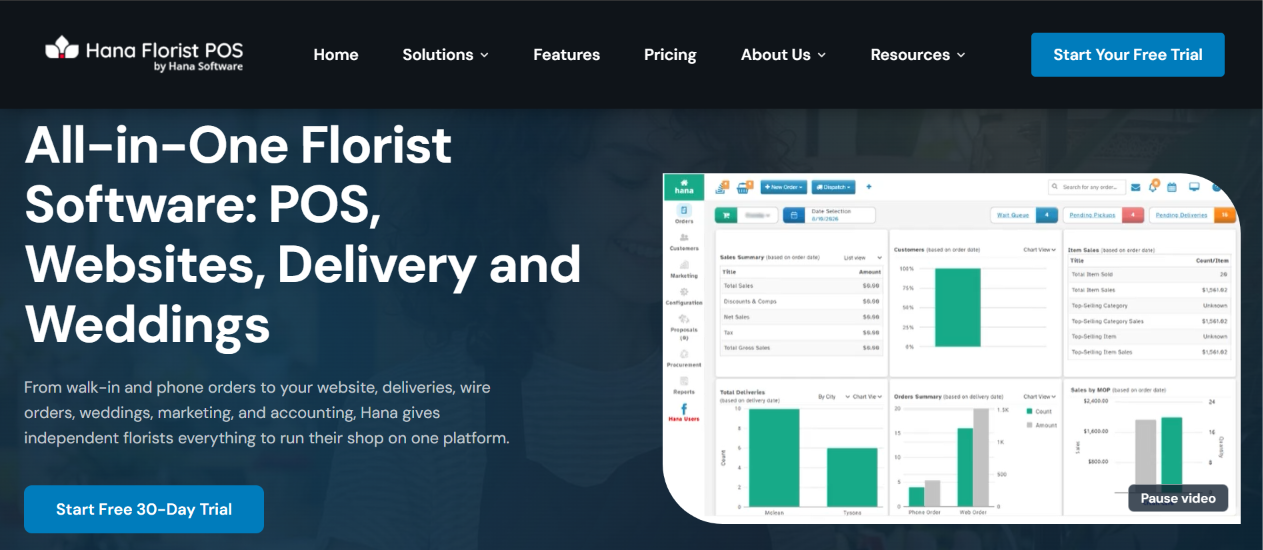
Hana is an all-in-one florist management platform that combines POS, websites, delivery, marketing, wire orders and wedding workflows. It targets independent flower shops and multi-location operations that want their core activities connected. Hana advertises a 30-day trial, free setup and training, and no long-term contracts. Its product positioning focuses on handling walk-in, phone, website and wire-service orders from one operational system.
Features
- Florist POS captures orders from multiple channels and supports shop sales.
- Website tools let customers place orders online, with orders feeding into the shop workflow.
- Marketing and CRM capabilities support customer records, loyalty and automated reminders.
- Delivery and wedding tools extend the system beyond checkout into fulfilment and event work.
Pros
- In addition, the broad feature set can reduce the need to combine separate POS, website and marketing products.
- A 30-day trial gives a shop time to test common workflows before committing.
- Free setup and training can help teams move from an older system.
Cons
- However, buyers should ask for a detailed quote because the vendor does not display a single standard subscription price on its main page.
- A wide feature set can require staff training and careful configuration.
Pricing. Pricing by quote. Hana advertises a 30-day free trial, no credit card requirement, free setup and training. https://www.hanafloristpos.com/
3. IRIS
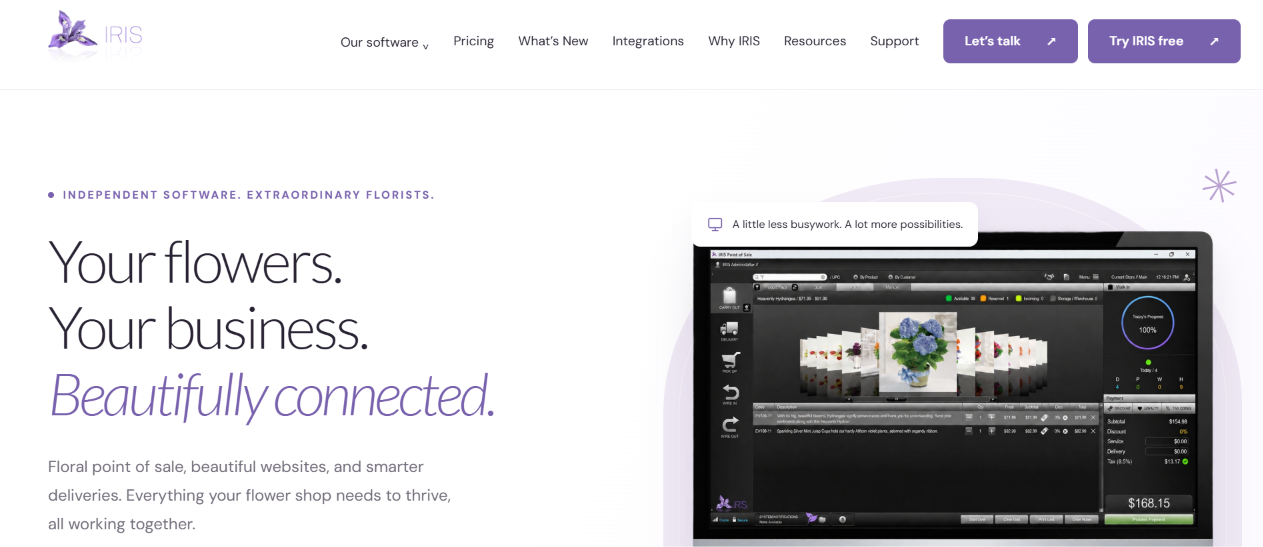
IRIS connects florist POS, websites, delivery routing and reporting. It is designed around the specific order patterns of flower shops, including delivery, pickup, walk-in and wire orders. Its POS supports customizable product pads, customer history, flexible payments and multi-store transfers. The platform also provides an offline mode for core POS tasks, which can be useful when a shop’s internet connection becomes unreliable.
Features
- Customizable product pads let staff organise products by occasion, season or category for faster order entry.
- Delivery tools map destinations, create optimised routes and produce driver manifests.
- Florist websites include mobile-friendly ecommerce and delivery settings.
- IRIS Insight provides sales, tax, employee and inventory reporting, while integrations include QuickBooks Online and Flower Shop Network.
Pros
- For shops that experience connectivity interruptions, offline POS capability can keep core work moving.
- Furthermore, the product pads and multi-order functions reflect florist-specific checkout requirements.
- The provider advertises a 14-day trial, no long-term contract, training and support.
Cons
- However, some connected services still require internet access, even though core POS tasks can work offline.
- The vendor does not publish a standard public subscription price, so total costs require a sales conversation.
Pricing. Quote-based. IRIS advertises a 14-day trial without a credit card or long-term contract. Confirm module and hardware costs with the vendor.
4. FloristWare
FloristWare is a florist-specific POS and shop-management system focused on retail operations. It handles order taking, production, delivery, customer records, reporting and integrations with ecommerce and florist relay services. The platform also offers features such as employee timekeeping, gift cards, loyalty programmes, charge accounts and floral accounting tools. It supports Windows and macOS, with options for cloud or local deployment.
Features
- Order-entry and production-management tools track work from the initial sale through fulfilment.
- Delivery mapping and route optimisation help organise driver schedules; its mobile app can capture signatures and delivery confirmations.
- Customer-management features include history and deduplication, while marketing tools can prepare targeted customer lists.
- Integrations include Flower Shop Network, Shopify, selected website providers, Mailchimp and payment services.
Pros
- Because it offers deep florist-specific functions, it can support more complex retail workflows than a basic general-purpose register.
- The ability to choose payment processors and connect different ecommerce providers gives shops some operational flexibility.
- It also supports multiple locations, subscriptions, standing orders and detailed production documents.
Cons
- However, the extensive feature set may take time to configure and learn.
- Some capabilities depend on integrations or optional services, so the shop should confirm exactly what its quote includes.
Pricing. FloristWare uses quote based pricing
5. QuickFlora

QuickFlora provides florist POS and shop-management software, alongside FLORICA for wholesale floral operations. Its retail product is designed to handle front-of-house sales and back-of-house organisation, including pickup and delivery orders. The company positions the software as an alternative to costly wire-service POS arrangements and says shops can use mouse, touchscreen or keyboard shortcuts for order entry.
Features
- POS tools support counter sales and floral order entry.
- The workflow covers pickup and delivery, helping staff organise orders beyond immediate in-store purchases.
- Different input methods, including touchscreens and keyboard shortcuts, allow shops to adapt the interface to their counter setup.
- The company also offers FLORICA for wholesale flower businesses.
Pros
- The vendor publishes an entry price, making initial budgeting easier than with quote-only systems.
- In addition, the product is positioned as a florist-focused alternative to generic retail POS software.
- The separate wholesale offering may appeal to businesses operating across retail and wholesale.
Cons
- However, the public website provides less detailed feature documentation than some competing platforms.
- The published starting price may not represent the full cost of hardware, setup or additional modules.
Pricing. QuickFlora advertises pricing from US$99 per month.
6. Digital Florists

Digital Florists is an all-in-one florist workspace covering shop orders, POS, delivery, events, customer records and reporting. Its design reflects the workflows of working flower shops, with order and task dashboards, a production queue, driver tools and event proposals. It also offers a mobile companion app for drivers and florists, including route information and delivery photo proof.
Features
- Orders from phone, walk-in and website channels can be managed in a shared workspace, with a production queue for designers.
- Delivery management includes route planning, driver navigation, status updates and photo proof.
- Event tools support branded proposals, e-signatures, deposit tracking, recipe costing and production timelines.
- Reporting covers sales, customer insights, product performance and team activity; accounting exports support packages such as Sage, Xero and QuickBooks.
Pros
- Because the platform connects shop and event work, teams can reduce duplicate data entry across separate tools.
- The companion app and paperless workflows can make delivery and production updates easier to share.
- The vendor offers a 30-day trial without requiring a card and says it helps with data migration.
Cons
- However, pricing is structured around modules and shop requirements, so buyers should compare the exact Orders, Events, Complete and POS combination.
- The POS is described as an optional add-on on some plans, which can increase the total cost.
Pricing. Plans start from £75 per month according to the vendor’s trial page; POS may be an additional £15 per month on specified plans. Confirm the complete package and local taxes.
7. Floral Frog
Floral Frog is a cloud-based florist management and electronic point-of-sale system. It is presented as a solution for small and midsize florists that need to organise sales, orders and shop administration. The product is also listed by software directories as offering custom reporting, making it relevant to businesses that want operational visibility alongside checkout tools.
Features
- Cloud-based EPOS supports retail sales and florist shop management.
- Order and customer-management functions help centralise routine shop administration.
- Custom reporting can help owners review sales and operational performance.
- The system is designed for florist businesses rather than general retail alone.
Pros
- A cloud-based approach can make access and updates more convenient than a system tied to one workstation.
- Additionally, specialist florist positioning may reduce the amount of customisation needed for everyday flower-shop tasks.
- Independent software directories report strong user ratings, although review volumes remain relatively small.
Cons
- However, the public product information and pricing details are less extensive than those of some larger competitors.
- Before buying, request a walkthrough of delivery routing, inventory depth, website orders, accounting exports and mobile access.
- A small number of public reviews should not replace a practical trial.
Pricing. Pricing is quote based
8. FlowerBuddy

FlowerBuddy is a floral operating platform for retail and event businesses. It connects proposals, contracts, recipes, purchasing, inventory, production plans and reporting. The platform also uses AI to work with a florist’s own flower data, markups and files when helping create recipes, descriptions and operational content. Its plans distinguish event-only operations from businesses that also run retail.
Features
- Event tools include proposals, contracts, invoices, payment schedules, recipes and build lists.
- Retail capabilities include inventory, forecasting, ordering and cooler pull lists.
- Shared flower data connects retail and event recipes, while team permissions control access to sensitive pricing and margin information.
- AI features assist with recipes, descriptions, imagery and organising business information.
Pros
- A free Starter tier lets users explore event workflows without a fixed subscription, although a booking fee applies when proposals are signed.
- Moreover, the connected retail and event data can help teams understand costs and margins across both sides of the business.
- The vendor offers migration and guided setup on paid plans.
Cons
- However, the free event plan applies a 2% booking fee to signed proposals, which can become material as event revenue grows.
- The full retail and AI capabilities require paid plans, and the higher-tier subscription may be substantial for a small studio.
Pricing. Published pricing: Events Starter at US0plusa2%bookingfee;EventsUnlimitedatUS150/month. Retail + events plans are listed at US150/monthplusa2%eventbookingfeeorUS300/month without that fee. Enterprise pricing is custom. Payment processing is additional.
9. Evoflor
Evoflor is an all-in-one platform for flower shops that combines orders, POS, delivery, events, customers, recipes, stock, invoicing and online sales. It supports bouquet and counter businesses as well as event florists and multi-shop operations. Its public pricing page is unusually transparent and includes a free tier, paid monthly plans and annual-billing discounts.
Features
- Order management records delivery slots, addresses, card messages and order status.
- POS and till functions handle counter payments, receipts and invoicing.
- Delivery tools create routes and provide a driver app with proof of delivery.
- Recipes, stock control, purchasing, CRM, loyalty, email marketing and online shop tools share business data.
Pros
- The free account gives businesses a way to test the platform without a subscription commitment.
- Furthermore, the vendor publishes prices and explains what each tier includes, making budget comparisons easier.
- Its broad feature coverage can reduce the need for separate systems for recipes, ecommerce and delivery.
Cons
- Some advanced features, user limits and setup services vary by tier.
- The platform’s breadth may be more than a very small shop needs.
Pricing. Published annual-billing rates: Basic €29/month, Pro €69/month and Premium €99/month, billed annually and excluding VAT. Monthly billing is higher. A free plan and 15-day full-feature trial are also advertised; setup assistance is listed as a separate €199 service.
10. The Floral POS
The Floral POS is an independent, florist-focused point-of-sale system from a family-operated company. It emphasises giving flower shops freedom to select their own website and payment processor rather than requiring one bundled ecosystem. Its feature set includes order entry, delivery management, inventory, customer communications and integrations with accounting and payment tools.
Features
- One-screen order entry supports in-store, pickup, delivery and wire orders.
- Delivery management includes driver assignment, trip planning, mobile tracking, signatures and proof-of-delivery photos.
- Inventory tools manage products, prices, images and barcodes, while employee permissions control access.
- Payment and communication features include supported card processors, gift cards, texting, email and QuickBooks Online integration.
Pros
- The independent approach gives shops more choice over website providers and payment processors.
- In addition, the vendor advertises a free trial and says its core florist features are included without expensive feature modules.
- Local installation with cloud backup may appeal to shops that prefer a desktop workflow while retaining a backup.
Cons
- However, the product is Windows-focused, so Mac-only shops should verify compatibility before proceeding.
- Pricing is not prominently published and requires a conversation with the vendor.
Pricing. Quote-based. The vendor offers a free trial; request a current quote and confirm hardware, support, backup and payment-processing costs.
11. BloomNation
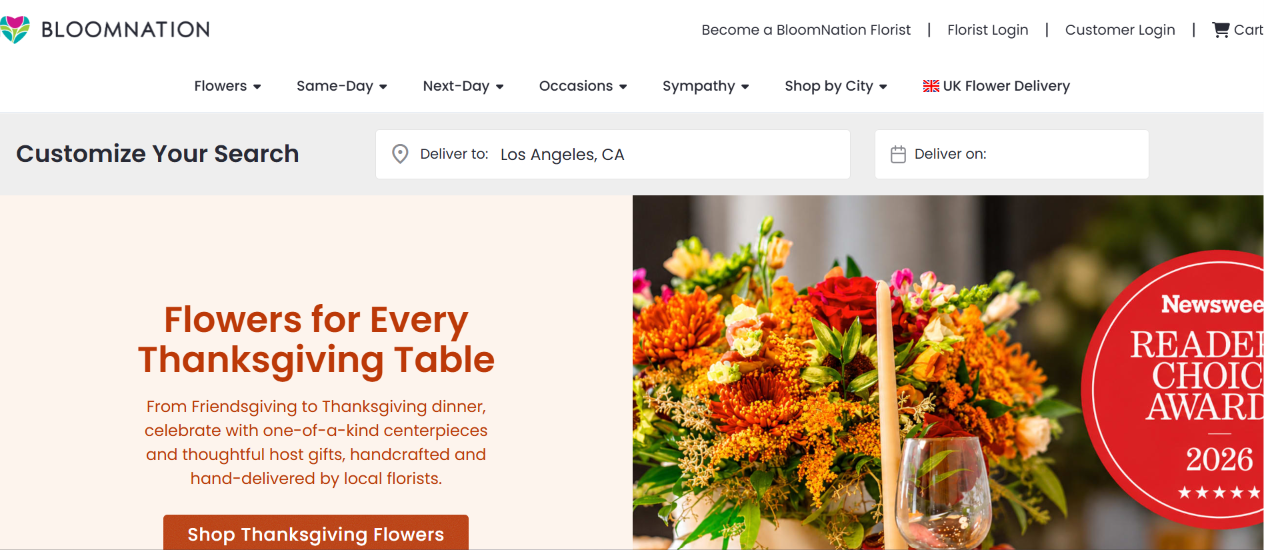
BloomNation combines online florist storefronts and marketplace exposure with shop-management and POS capabilities. It helps independent florists present their own products online and receive orders through digital channels. Its value proposition centres on ecommerce, product presentation and customer reach, although individual shop packages and available operational tools should be confirmed with the provider.
Features
- Customised online storefronts let florists display arrangements, gifts and product collections.
- Ecommerce and payment-processing tools support online checkout.
- The platform provides marketplace exposure and marketing-related integrations for participating florists.
- POS and shop tools can connect online activity with in-store operations, depending on the selected package.
Pros
- The marketplace model can introduce a shop to customers who may not otherwise discover its own website.
- Additionally, branded storefronts can help a florist maintain a distinct visual identity online.
- It combines ecommerce with florist-oriented services rather than functioning only as a generic website builder.
Cons
- However, marketplace participation and platform fees can affect margins; request a full breakdown of commissions and transaction costs.
- Public feature descriptions indicate that delivery routing and some back-office functions may be less extensive than specialist POS products.
Pricing. Pricing is generally custom or quote-based. Third-party listings show a custom Basic package; confirm subscriptions, transaction fees, commissions and optional services directly.
12. Flower Shop Network (FSN)
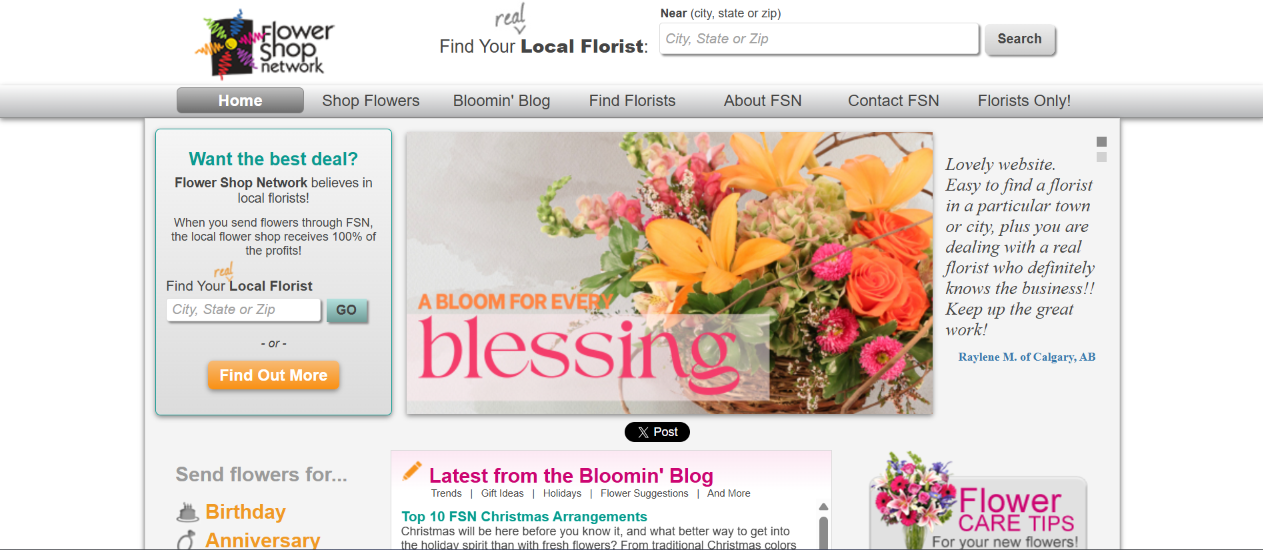
Flower Shop Network provides florist-industry services that help independent flower shops connect with consumers and other florists. Its ecosystem includes florist website and marketing services as well as order-relay/network functions. For shops that regularly send and receive florist-to-florist orders, network connectivity can be an important part of the workflow.
Features
- Florist network services support sending and receiving orders between participating shops.
- Website and online marketing services help florists promote products and attract local customers.
- Network participation can complement a florist POS that integrates with FSN.
- Industry resources and business services support independent flower-shop operations.
Pros
- The network can extend a shop’s reach beyond customers who visit its own storefront or website.
- Moreover, integrations with florist POS products can reduce manual re-entry of relay orders.
- Its industry-specific focus may be more relevant to florists than a general online marketplace.
Cons
- However, network membership and website services are not a substitute for a complete POS, inventory or delivery-routing system.
- Costs and order economics depend on the selected membership and services, so request a detailed fee schedule.
Pricing. Membership and service pricing varies; contact FSN for a current quote. Ask about setup, annual membership, website packages, order fees and any additional network charges.
13. Details Flowers

Details Flowers is a design and event-management platform for wedding and event florists. It focuses on the planning work behind large floral installations: building proposals, creating arrangements, calculating stems and costs, and turning approved designs into production information. It is not a direct replacement for every retail POS function, but it can help event studios manage complex projects more consistently.
Features
- Proposal and design tools help florists present event concepts and pricing to clients.
- Recipe and stem-counting functions translate designs into quantities for purchasing and production.
- Costing tools help designers review material costs and margins while preparing arrangements.
- Event records keep client details, design information and planning tasks together.
Pros
- Because it focuses on floral design and event workflows, it can support more detailed planning than a general invoicing app.
- In addition, recipe costing can improve visibility into stem requirements and event profitability.
- It can complement a separate POS when retail and event operations need different specialist tools.
Cons
- However, an event-planning platform may not provide the full retail POS, delivery routing or daily shop inventory controls a flower shop needs.
- Studios should test whether its proposal and production outputs match their existing design process.
Pricing. Pricing varies by plan. 2026 third-party comparisons report paid plans in the approximate US95–US150/month range; verify current tiers, trial terms and billing directly with Details Flowers.
14. Curate
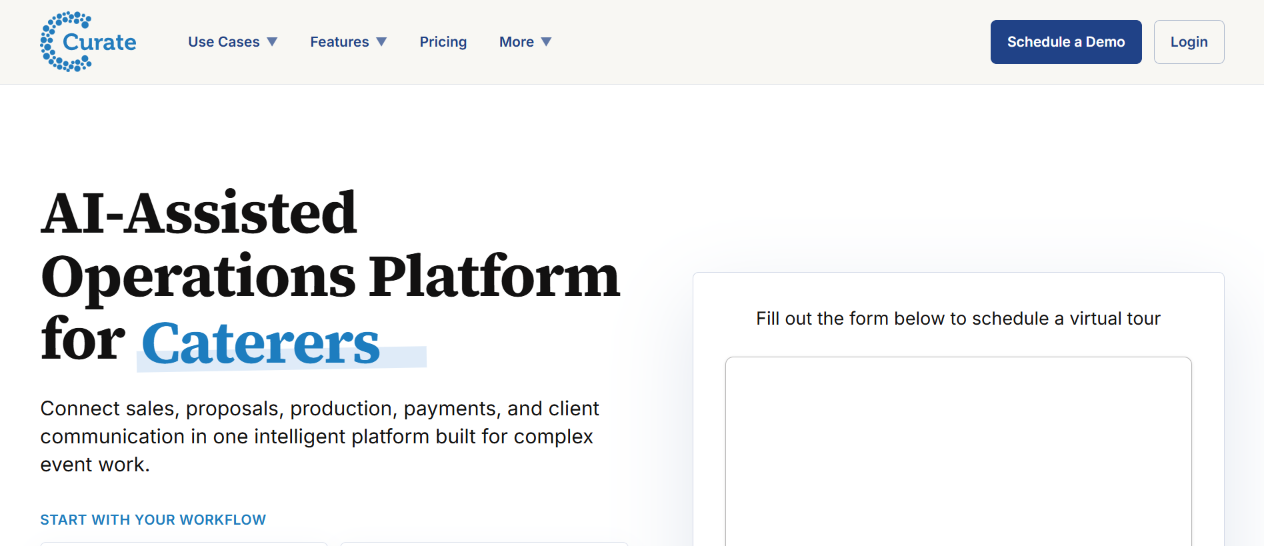
Curate is an event-management platform used by event professionals, including floral designers. It brings client proposals, contracts, payments, scheduling, staffing and event production into a single workflow. For florists who handle weddings, corporate installations and other event work, it can organise the commercial and operational stages from enquiry to event execution.
Features
- Proposal and quote tools help create client-facing event documents.
- Contracts, electronic signatures and payment tools support client approvals and deposits.
- Scheduling, task management and team coordination help organise event preparation.
- Event production and reporting tools support operational follow-through and business review.
Pros
- The platform can centralise client communication and event administration rather than scattering details across email and documents.
- Furthermore, its broader event-industry design can suit businesses that coordinate more than floral design alone.
- It can complement a florist POS when event work requires more detailed client and project management.
Cons
- However, Curate is not a florist-specific POS, so shops may need another product for daily retail sales, stem inventory and delivery routes.
- Its breadth may be unnecessary for a florist who only handles small bouquets and walk-in orders.
Pricing. Pricing is quote-based on the vendor’s site. Third-party software directories have reported higher-tier event-platform pricing; request a current written quote and confirm any onboarding or payment fees.
15. HoneyBook
HoneyBook is a client-management and business workflow platform used by independent service businesses, including wedding and event professionals. Florists can use it to manage enquiries, proposals, contracts, invoices, payments and client communication. It is not a dedicated flower-shop POS, but it can help event florists manage the customer journey and administrative work around projects.
Features
- Lead and client management tools organise enquiries, contact details and communication.
- Proposals, contracts and electronic signatures help formalise event agreements.
- Invoices, payment schedules and online payments support deposits and balances.
- Automations and templates can reduce repetitive follow-ups and standardise the client process.
Pros
- It provides a structured client journey from first enquiry to signed agreement and final payment.
- In addition, reusable templates and automated reminders can reduce administrative work for event teams.
- A general service-business platform can be easier to adapt if the florist already uses it for other creative services.
Cons
- However, HoneyBook does not replace florist-specific inventory, stem recipes, production tickets or delivery routing.
- Payment processing and regional availability should be checked before relying on it for transactions in a particular country.
Pricing. Plans are subscription-based. Pricing pages and promotions can change; check the live plan page for current monthly and annual rates, trial eligibility and payment-processing fees.
16. Shopify
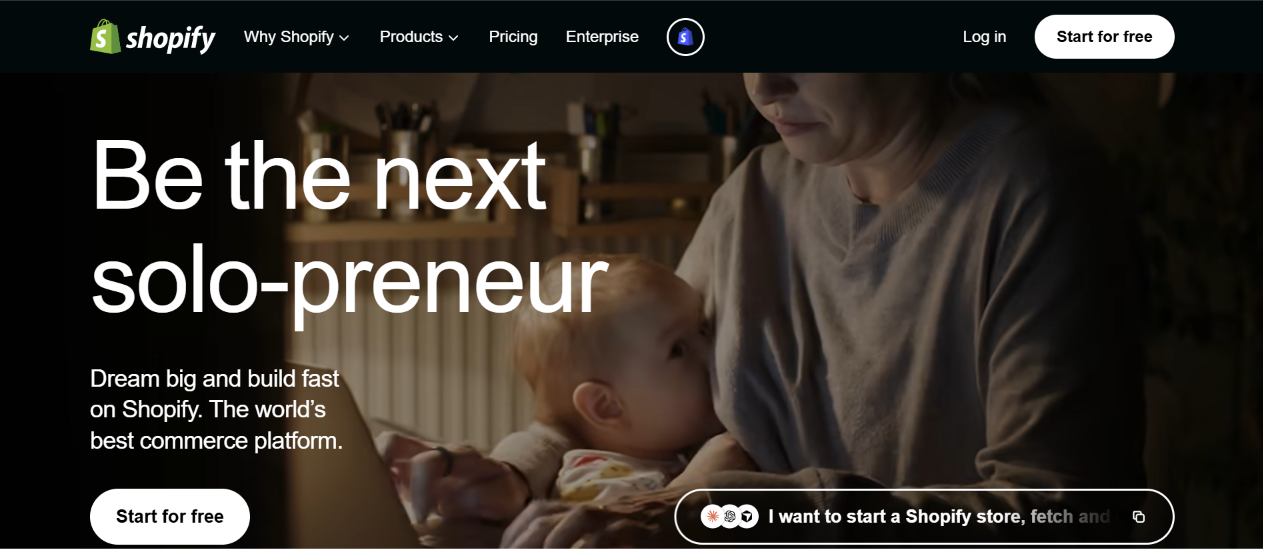
Shopify is an ecommerce platform that florists can use to build an online store, sell arrangements and gifts, manage product catalogues and accept online payments. It is not purpose-built for flower shops, but its app ecosystem and sales-channel integrations make it a flexible foundation for ecommerce-first floral brands. Florists can add specialist apps for subscriptions, delivery scheduling, local fulfilment and inventory workflows.
Features
- Online storefront themes and checkout tools support direct-to-customer flower sales.
- Product and inventory management help organise arrangements, plants, gifts and add-ons.
- Sales channels connect the store with social platforms and other marketplaces.
- Third-party apps extend the platform with subscriptions, local delivery, marketing, customer support and accounting.
Pros
- Shopify offers a mature ecommerce foundation with a large ecosystem of integrations.
- Furthermore, florists can control their branding and customer-facing storefront rather than depending entirely on a marketplace.
- The platform supports online and in-person selling through its broader commerce tools.
Cons
- However, florist-specific features such as stem recipes, event proposals and delivery routing generally require apps or separate software.
- App subscriptions and transaction/payment fees can increase the total monthly cost.
Pricing. Official pricing lists Basic at US29/monthwhenbilledyearly(US39 month-to-month), Grow at US79/monthyearlyandAdvancedatUS299/month yearly. Payment processing and paid apps may add costs.
17. Square

Square provides POS, payments and business-management tools that small retailers can adapt for flower-shop sales. It can handle counter transactions, product catalogues, customer records and basic inventory. Florists can also use its online and appointment or invoice tools where available, although specialist flower-shop workflows may require integrations or manual processes.
Features
- POS checkout supports in-person sales and payment acceptance.
- Product catalogues and inventory tools help track finished arrangements and retail items.
- Customer profiles, sales reports and digital receipts support day-to-day retail management.
- Online ordering and integrations can extend sales beyond the physical counter, depending on region and plan.
Pros
- A free entry-level POS option can make it easier for a new shop to start accepting payments.
- Moreover, the interface and hardware ecosystem are familiar across many general retail settings.
- It can work well when a florist sells standard products and does not need complex production or event planning.
Cons
- However, Square is not designed around stem-level floral inventory, recipe costing or wire-service order handling.
- Delivery routing and driver proof-of-delivery may require another application.
Pricing. Square offers a free POS tier in supported markets, with paid plans and payment-processing charges varying by country. Confirm current regional availability and rates on the official site.
18. Clover
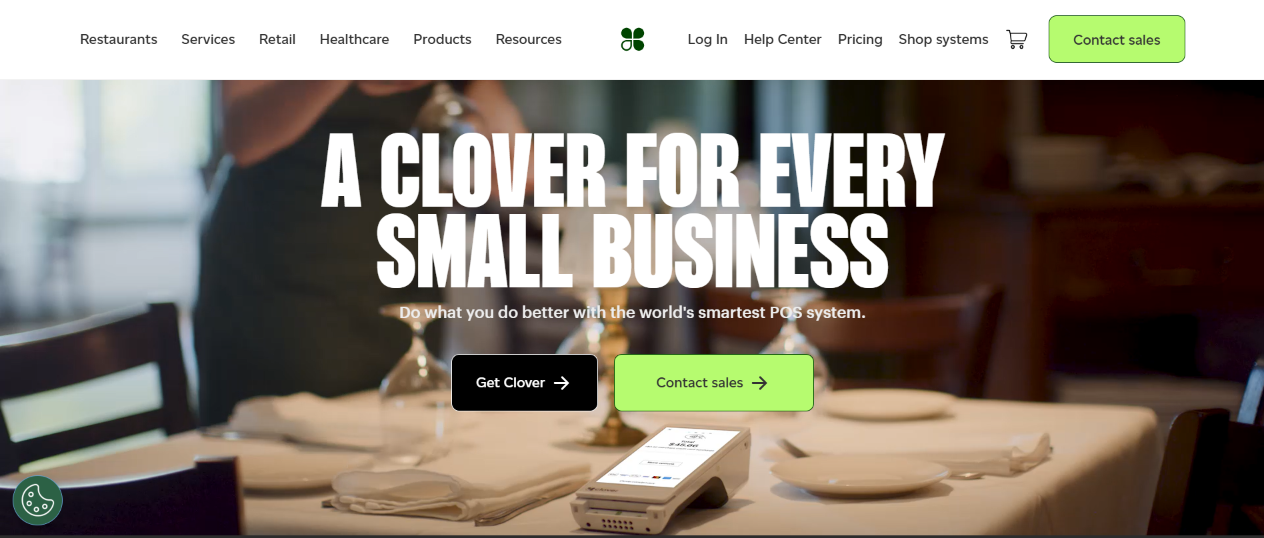
Clover is a general-purpose POS and payments platform with hardware options for retail businesses. A flower shop can use it to process in-person payments, manage products, review sales and access business apps through the Clover App Market. However, it does not provide the same depth of florist-specific order, stem and delivery workflows as dedicated floral platforms.
Features
- POS devices support in-person checkout and payment acceptance.
- Business tools include sales tracking, reporting and customer-engagement functions.
- The app marketplace offers integrations that can extend inventory, accounting and other business workflows.
- Hardware options support different counter layouts and mobility requirements.
Pros
- Clover offers a broad hardware and software ecosystem, which can suit shops that need a conventional retail register.
- In addition, merchants can add third-party applications as their needs evolve.
- Its payment and reporting functions can cover core checkout requirements.
Cons
- However, subscription, hardware and payment-processing costs vary by business type and sales channel.
- Florist-specific capabilities such as recipe costing, relay orders and delivery routing may require external apps.
Pricing. Pricing depends on business type, hardware and merchant agreement. Clover’s official pricing page explains subscription and processing charges but requires selecting a business category or obtaining a tailored offer.
19. Epos Now
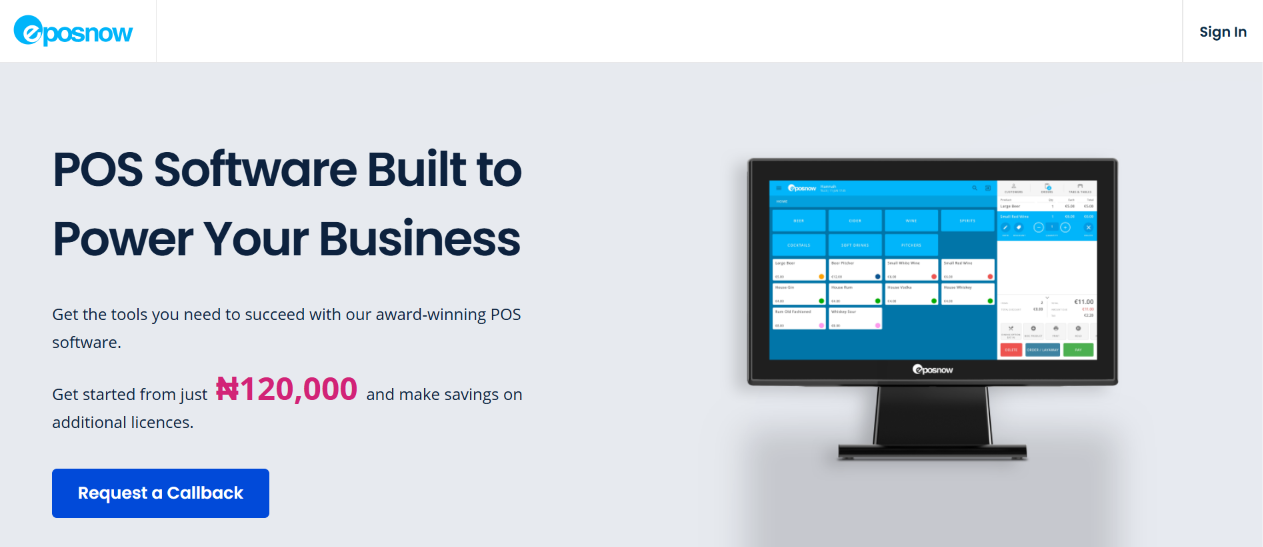
Epos Now is a general retail POS platform that florists can configure to manage checkout, products, inventory and sales reporting. It offers cloud-based business tools and integrations, with hardware bundles available for businesses that want a complete till setup. It can suit a flower shop whose main requirement is retail checkout rather than specialised floral production or event management.
Features
- Retail POS supports product sales and payment processing.
- Inventory tools help manage products and stock levels.
- Reporting provides visibility into sales and shop performance.
- Hardware and software packages can support a physical retail counter, with integrations extending the system.
Pros
- A retail-focused system can provide a familiar checkout workflow for staff.
- Furthermore, packaged hardware may simplify setup for shops that want a till, receipt printer and related equipment together.
- Integrations can expand its capabilities beyond the standard POS functions.
Cons
- However, florists should verify whether the inventory tools can handle perishable stems and recipe-level stock consumption.
- Delivery routes, floral work tickets and event proposals may require separate products.
- Hardware bundles, support and contract terms can materially affect the total cost.
Pricing. Pricing depends on the hardware bundle, software package and current promotions. Request a full quote that separates upfront equipment, subscription, payment processing and support charges.
20. Lightspeed Retail
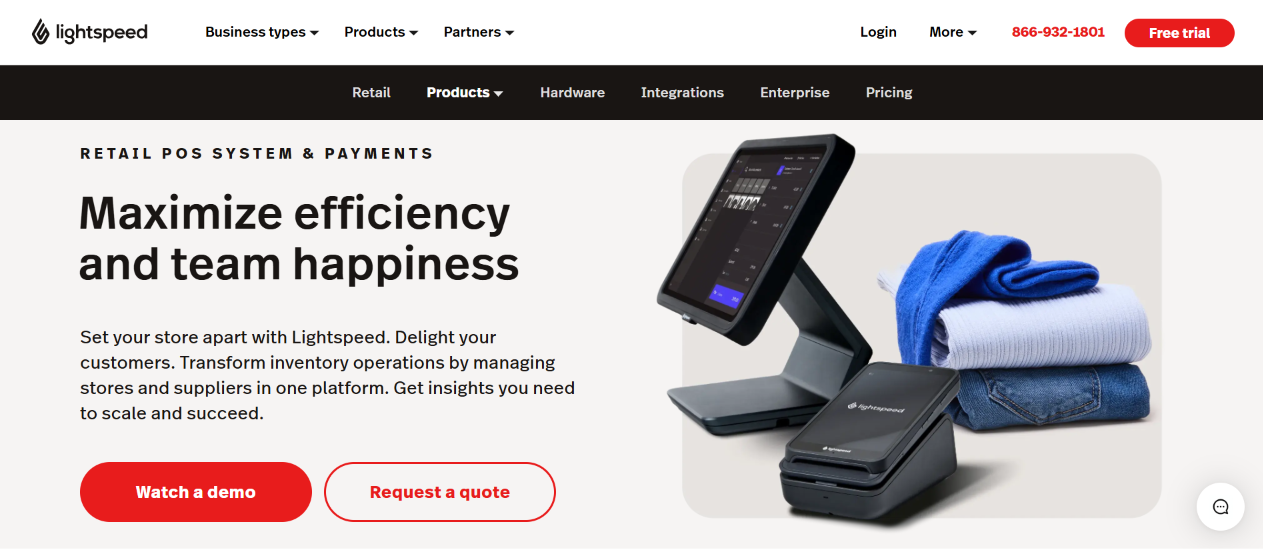
Lightspeed Retail is a general retail POS and inventory platform that can support flower shops with multiple product lines, suppliers and sales channels. It provides product and inventory controls, reporting and integrations. Although it is not designed exclusively for florists, it may be relevant to larger gift-and-flower retailers that need broader retail management capabilities.
Features
- Retail POS tools support in-store checkout and product catalogue management.
- Inventory functions help track products, suppliers and stock across locations, depending on plan.
- Reporting and analytics provide visibility into sales and retail performance.
- Integrations can connect ecommerce, accounting and other business applications.
Pros
- The platform’s broader retail inventory capabilities can support shops that sell flowers alongside gifts, plants and homewares.
- Additionally, multi-location and reporting features may help larger operators standardise retail processes.
- Its integration ecosystem can connect the POS with other systems already used by the business.
Cons
- However, it does not provide a complete florist-specific workflow out of the box, particularly for stem recipes, sympathy orders and wedding production.
- Pricing and included features vary by region and plan, so buyers need a tailored quote.
Pricing. Subscription pricing varies by region, plan and billing term. Request a current quote and confirm POS hardware, ecommerce, payment processing and multi-location costs.