

A food manufacturer receives a new order, but the production team cannot confirm whether enough ingredients are available. Some raw materials are close to expiration, suppliers have changed their prices, and the production schedule is already full. At the same time, the quality assurance team needs accurate batch records to identify the ingredients used in each finished product. These problems become harder to manage as production volumes grow, especially when teams keep purchasing, manufacturing, inventory, and quality records in separate spreadsheets or systems. Food manufacturing software in 2026 brings these activities together. Depending on the platform, manufacturers can connect recipes and raw materials to production schedules, monitor inventory movements, record quality checks, calculate production costs, manage supplier information, track expiration dates, and trace affected products during a recall.
However, food manufacturing systems do not all serve the same purpose. Some manage the wider business through enterprise resource planning (ERP), while others focus on production execution, formulation, inventory control, or food safety.
We compared 20 food manufacturing software in 2026. It examines each product’s capabilities, advantages, limitations, pricing, and suitability for different food production environments.
What Is Food Manufacturing Software?
Food manufacturing software is a category of business applications that helps food producers plan, execute, monitor, and document manufacturing operations.
Unlike basic inventory management software, which primarily records stock quantities and movements, food manufacturing systems can connect ingredients to recipes, production orders, batches, finished products, and manufacturing costs.
For example, a packaged food manufacturer may use the software to calculate ingredient requirements for a production order, check available stock, schedule a manufacturing run, record consumed ingredients, and assign a batch number to the finished product. If a supplier later reports a problem with an ingredient, the manufacturer can use traceability records to identify potentially affected batches.
Common capabilities include production planning, recipe management, material requirements planning (MRP), batch tracking, inventory management, quality control, supplier management, production costing, and manufacturing reporting.
Food manufacturing software generally falls into several categories:
- Food manufacturing ERP: Connects manufacturing, inventory, procurement, sales, accounting, and other business functions.
- Manufacturing resource planning (MRP): Calculates material requirements and helps schedule production based on demand and available resources.
- Manufacturing execution systems (MES): Monitor and control production activities on the factory floor, including batch execution, production performance, and quality checks.
- Recipe and formulation software: Manages ingredient specifications, formulas, product development, and recipe versions.
- Food quality and safety management software: Digitizes inspections, food safety documentation, corrective actions, and supplier quality processes.
Some Food Manufacturing Software products combine several categories. Others work alongside an existing ERP system rather than replace it.
What to Look for in Food Manufacturing Software
The right features depend on the products being manufactured, production methods, regulatory requirements, and existing technology infrastructure.
Recipe and formulation management is particularly important for businesses producing sauces, beverages, baked goods, and other products that rely on consistent ingredient proportions. Look for version control, formulation scaling, and ingredient substitution functionality where required.
Production planning and scheduling helps manufacturers convert customer demand into manufacturing orders while accounting for material availability, equipment capacity, and production deadlines.
Ingredient and raw material inventory should provide visibility into available quantities, stock movements, purchasing requirements, and, where supported, expiration dates.
Batch and lot traceability connects received ingredients to production runs and finished goods. Manufacturers should distinguish basic lot numbering from bidirectional traceability that supports investigations and recalls.
Quality assurance and food safety documentation helps businesses record inspections, monitor production conditions, investigate deviations, and maintain evidence for audits.
Yield, waste, and production costing are valuable when actual output differs from planned production quantities. These functions help businesses identify material losses, evaluate production efficiency, and understand product profitability.
Other considerations include warehouse management, supplier records, allergen controls, labeling, reporting, integration with accounting or production equipment, multi-plant support, and deployment options.
For US manufacturers, software should support the records and processes relevant to their regulatory obligations. FDA requirements, USDA oversight where applicable, and Food Safety Modernization Act (FSMA) provisions can influence software selection. Under the current FDA enforcement restriction, FDA cannot enforce the Food Traceability Rule before July 20, 2028. Manufacturers should still review the rule and their applicable obligations rather than assume it covers every food product.
Finally, evaluate total cost of ownership rather than subscription fees alone. Implementation, data migration, hardware, integrations, user licensing, support, and additional modules may significantly affect the investment.
Top 20 Best Food Manufacturing Software in 2026
1. Aptean Food & Beverage ERP
Aptean Food & Beverage ERP is designed for food processors, manufacturers, and distributors that need to manage production, inventory, purchasing, traceability, and commercial operations within an integrated system. Its food-specific functionality addresses challenges that conventional ERP systems may require additional customization to handle, including ingredient traceability, allergen management, variable-weight products, expiration dates, and manufacturing quality controls.
Production teams can use Aptean to coordinate manufacturing orders and material requirements, while warehouse teams maintain visibility into stock movements and product lots. Traceability records help identify the ingredients used in finished products and support recall investigations.
Aptean offers different ERP editions, including solutions built on Microsoft Dynamics 365. JustFood is marketed within its food and beverage ERP portfolio rather than being an unrelated competitor. Manufacturers should therefore select the relevant edition before comparing functionality and costs.
Features
- Recipe and formulation management: Supports food production requirements and ingredient specifications.
- Lot and batch traceability: Connects materials and finished products for investigations and recalls.
- Production planning: Coordinates production scheduling and manufacturing requirements.
- Quality and food safety controls: Supports quality records, allergen management, and food safety workflows.
- Inventory and warehouse management: Tracks material availability, stock movements, and relevant shelf-life information.
- Complementary applications: Enterprise asset management, OEE, PLM, and transportation management are available through other Aptean solutions, subject to the purchased scope.
Pros
- Food-industry functionality addresses requirements that generic ERP products may need customization to support.
- Connects manufacturing, inventory, purchasing, and traceability records.
- Offers ERP editions for different operational requirements.
- Provides complementary products for businesses expanding their technology environment.
Cons
- Capabilities vary between product editions.
- Additional Aptean applications may require separate licensing and implementation.
- Pricing is not publicly disclosed, making initial budget comparisons difficult.
- A full ERP implementation requires careful planning and data migration.
Pricing
- Contact the provider for a custom quote. Public pricing is not disclosed.
Best For
Mid-sized and large food manufacturers that need an integrated ERP system with dedicated food production, inventory, and traceability functionality.
Verdict
Aptean is worth shortlisting when food-specific operational requirements are central to the ERP selection. Buyers should compare its editions carefully because the available capabilities and implementation scope can differ.
2. Infor CloudSuite Food & Beverage
Infor CloudSuite Food & Beverage is an enterprise software platform developed for food and beverage manufacturers managing complex production, inventory, supply chains, and distribution operations. It is particularly relevant to businesses operating several production facilities or handling numerous product formulations and production processes.
Infor combines ERP capabilities with an industry-specific application ecosystem covering planning, warehouse operations, manufacturing execution, and product lifecycle management. Food manufacturers can coordinate purchasing and production while maintaining information about materials, product specifications, costs, and inventory.
For manufacturers producing beverages, dairy products, meat, packaged foods, or ingredients, this connected approach can help different facilities work with consistent operational data.
However, buyers should not assume every application is included in the standard CloudSuite subscription. Infor identifies MES and other specialized tools as components of its broader solution architecture.
Features
- Food manufacturing ERP: Connects finance, purchasing, production, and supply chain operations.
- Recipe and formulation management: Supports product and manufacturing specifications.
- Manufacturing planning: Helps coordinate materials, capacity, and production requirements.
- Quality management: Supports food manufacturing quality and process controls.
- Supply chain and warehouse applications: Provides additional operational capabilities within the Infor ecosystem.
- Manufacturing execution: Infor MES supports production-floor monitoring and execution as a distinct application.
Pros
- Designed for complex food and beverage manufacturing environments.
- Supports coordination across business functions and facilities.
- Offers specialist applications beyond core ERP.
- Provides an established framework for enterprise-scale operations.
Cons
- Licensing and implementation scope can be substantial.
- MES, PLM, and other applications should not be assumed to be included in the core ERP.
- Smaller manufacturers may not require its full enterprise capabilities.
- Implementation can involve significant process and system integration work.
Pricing
- Contact the provider for a custom quote. Public pricing is not disclosed.
- Request separate pricing for ERP, MES, planning, warehouse applications, integrations, and implementation.
Best For
Large food and beverage manufacturers managing multiple plants, complex supply chains, and extensive production or distribution operations.
Verdict
Infor is a strong candidate for enterprise manufacturers needing integrated planning and operations across facilities. Its broader application ecosystem is useful, but makes licensing and implementation scope especially important.
3. BatchMaster ERP
BatchMaster ERP focuses on process manufacturing, where finished products are made by mixing, blending, or processing ingredients according to defined formulations.
This makes it relevant to food manufacturers producing sauces, beverages, seasonings, baked ingredients, and other formula-based products.
The platform connects formulation management to manufacturing activities, inventory, quality control, procurement, and financial processes. Manufacturers can manage formulas and manufacturing batches while tracking the materials used in production.
For businesses that frequently develop or adjust formulations, the connection between ingredient specifications, recipes, and actual manufacturing is especially important. BatchMaster also supports lot traceability and quality management, helping teams maintain manufacturing records and investigate product issues.
Its process manufacturing focus distinguishes it from general ERP systems originally developed around discrete assembly operations.
Features
- Formula management: Maintains ingredient-based product formulations.
- Batch production: Supports manufacturing activities organized around batches and formulas.
- Inventory management: Tracks ingredients, raw materials, and manufacturing stock.
- Lot traceability: Links manufacturing records with relevant material lots.
- Quality control: Connects quality activities with production processes.
- Financial integration: Links manufacturing information with purchasing, sales, and financial operations.
Pros
- Formula-centered design suits food processing and blending operations.
- Connects production and quality information to inventory.
- Supports batch records and material traceability.
- Reduces reliance on separate systems for formulation and production data.
Cons
- Formula-heavy functionality may exceed the needs of simpler manufacturing operations.
- Implementation requires accurate ingredient, recipe, and inventory data.
- Financial integration and ERP architecture should be confirmed for the selected product edition.
- Public pricing is unavailable.
Pricing
- Contact the provider for a custom quote. Public pricing is not disclosed.
Best For
Food manufacturers managing complex formulations, ingredient specifications, and batch-based production.
Verdict
BatchMaster is particularly relevant where controlling formulations and production batches is more important than managing discrete assembly workflows. Buyers should confirm how the selected edition handles finance, quality, and integrations.
4. Deacom ERP
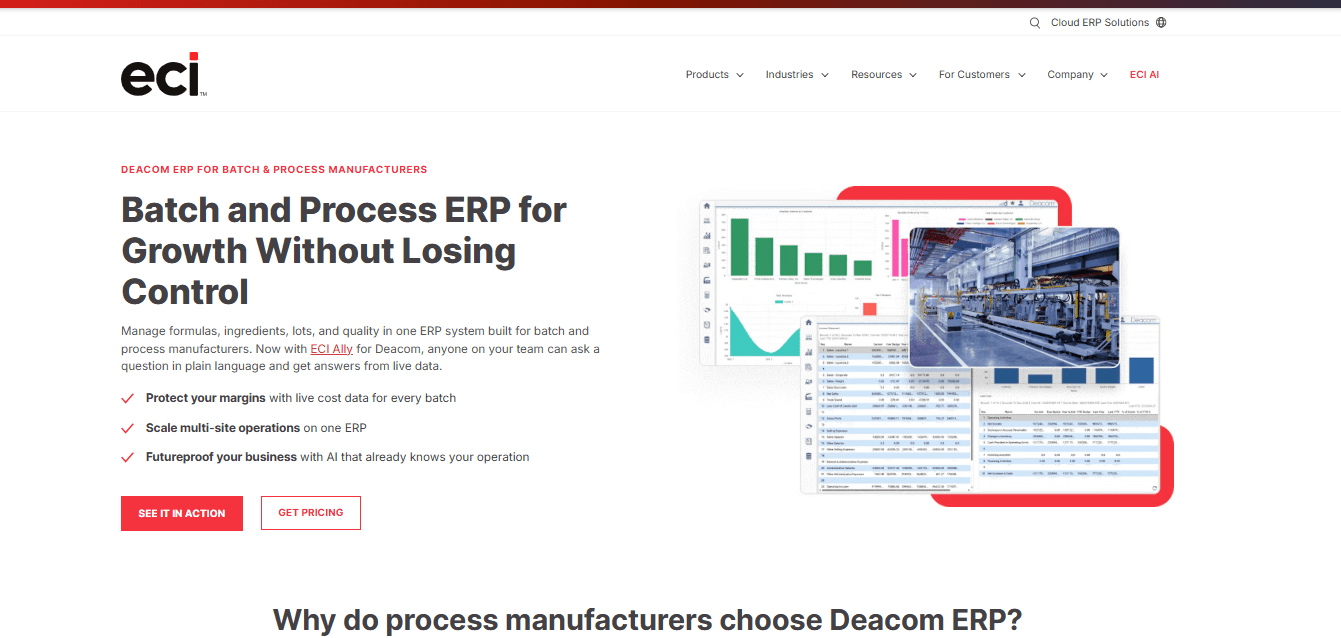
Deacom ERP, developed by ECI Software Solutions, is a process manufacturing ERP platform that connects production, formulation, inventory, quality, purchasing, and financial management.
Its manufacturing capabilities are designed for businesses where batches, raw materials, and product specifications need to be closely controlled. Food processors can use Deacom to manage formulations, plan manufacturing requirements, record lot movements, and monitor production costs. Its material requirements planning functionality provides visibility into ingredient demand, inventory availability, and production requirements across locations.
Deacom also offers quality and document management features for manufacturing operations where product consistency and traceability are important. Unlike ERP products that depend heavily on separate manufacturing applications, Deacom emphasizes a unified operational system. Nevertheless, buyers should establish which capabilities are included in their contracted edition and whether additional integrations are necessary.
Features
- Formula management: Connects recipes and formulations to batch manufacturing.
- Material requirements planning: Calculates material demand and supports multi-location production planning.
- Lot tracking and traceability: Records material movements throughout manufacturing.
- Quality management: Supports production quality records and related documentation.
- Production costing: Provides visibility into material consumption and batch costs.
- Warehouse and purchasing management: Connects procurement and inventory to manufacturing requirements.
Pros
- Designed specifically for batch and process manufacturing.
- Integrates manufacturing and financial information.
- Provides lot-level traceability and production costing.
- Supports planning across several production locations.
Cons
- Its broader ERP scope may be unnecessary for small manufacturers.
- Migration from existing manufacturing systems requires planning.
- Configuration should reflect actual batch and quality workflows.
- Pricing is not publicly available.
Pricing
- Contact the provider for a custom quote. Public pricing is not disclosed.
Best For
Mid-sized and larger food manufacturers with complex batch processes, formulation requirements, and integrated financial management needs.
Verdict
Deacom is a useful option for manufacturers seeking process manufacturing ERP rather than a collection of separate tools. Its main consideration is the implementation effort involved in replacing or consolidating existing systems.
5. Wherefour
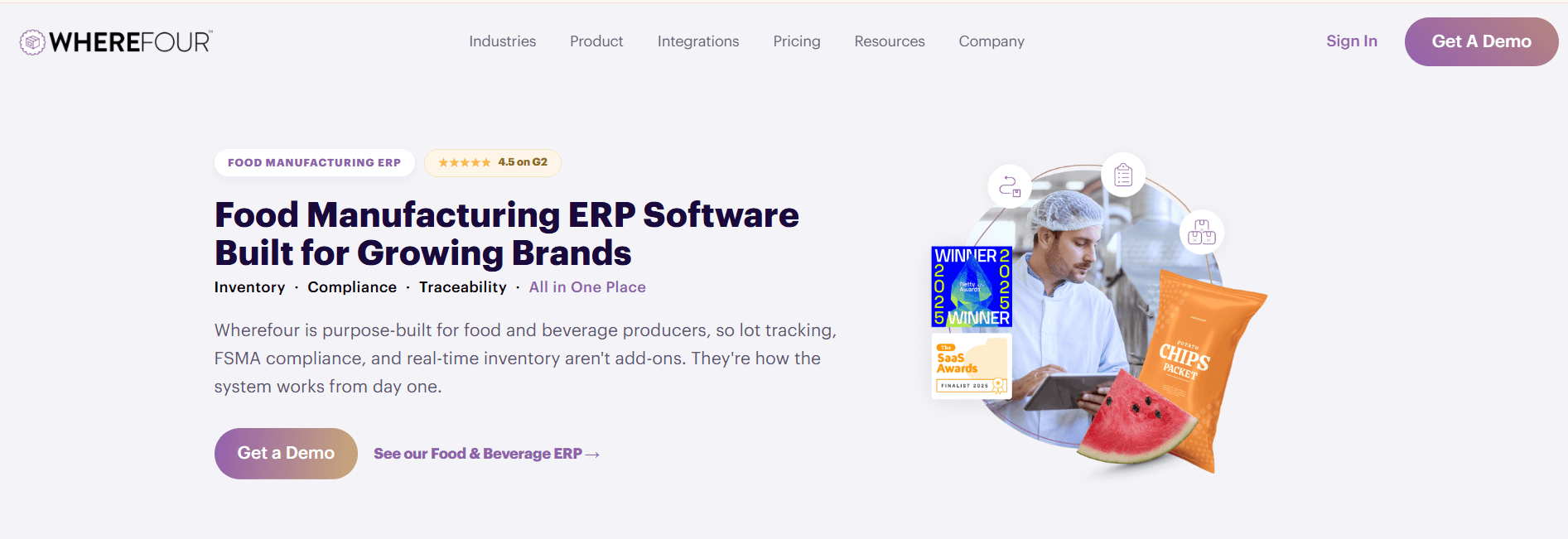
Wherefour is a cloud-based ERP platform developed for food and beverage manufacturers that need to manage ingredients, recipes, production batches, and inventory traceability.
The software is particularly relevant to smaller producers moving away from spreadsheets or separate inventory and production records. Manufacturers can use Wherefour to maintain formulas, manage ingredient inventory, record manufacturing batches, and track materials from receiving through finished goods. Its lot tracking capabilities help businesses identify which raw materials were used in each production run.
Wherefour also incorporates inventory costing and product-related information such as allergens, allowing teams to connect production decisions with stock availability and material costs.
Its food-specific approach makes it different from general inventory software that handles stock quantities but does not necessarily connect those quantities to recipes and manufacturing processes.
Features
- Recipe and formula management: Maintains ingredient requirements for production.
- Batch and lot tracking: Records the materials used in manufactured products.
- Inventory management: Monitors raw materials and finished goods.
- Allergen information: Associates allergen data with relevant ingredients and production records.
- Production management: Connects manufacturing activities to ingredient availability.
- Production costing: Tracks ingredient usage and product costs.
Pros
- Developed around food and beverage production workflows.
- Connects ingredient inventory with manufacturing batches.
- Provides food-specific traceability and allergen functionality.
- Cloud deployment supports access without an on-premises server installation.
Cons
- Manufacturers with extensive multi-plant requirements should verify operational limits.
- Integration requirements must be assessed individually.
- Advanced equipment automation may require other systems.
- Public subscription pricing is not disclosed.
Pricing
- Contact the provider for a custom quote. Public pricing is not disclosed.
Best For
Small and midsize food manufacturers that need food-specific inventory, recipes, production records, and lot traceability.
Verdict
Wherefour is worth considering when ingredient-level traceability and batch production are more important than extensive enterprise ERP complexity. Buyers should test its scheduling and reporting depth against their production requirements.
6. CSB-System
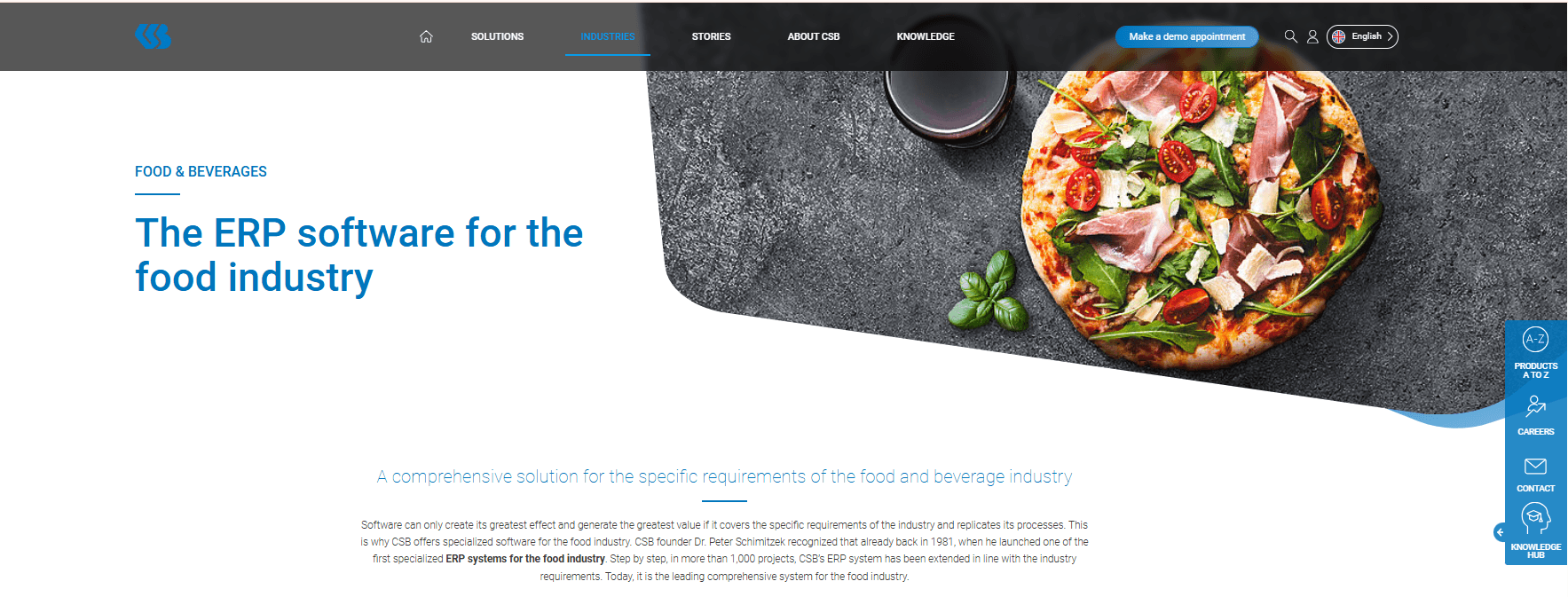
CSB-System provides industry-specific ERP software for food manufacturers, processors, and distributors, with particular relevance to operations that need to connect production, warehousing, quality management, and logistics. The platform supports manufacturing environments where materials move through several processing stages before becoming finished products.
For example, meat processors may need to coordinate incoming raw materials, production activities, batch information, inventory, packaging, and outgoing shipments. CSB provides systems designed to manage these connected workflows.
An important difference is its product structure. CSB offers Basic ERP, Industry ERP, and Factory ERP options, allowing businesses to consider either broader enterprise management or production-site functionality. CSB also provides hardware and automation-related solutions, making it relevant to manufacturers looking to connect software with operational equipment.
Features
- Food industry ERP: Manages purchasing, production, inventory, and related business operations.
- Production planning: Coordinates manufacturing requirements and production activities.
- Batch traceability: Supports material and product tracking throughout processing.
- Quality management: Records and manages manufacturing quality information.
- Warehouse and logistics management: Connects inventory movements with production and distribution.
- Factory integration: Supports production-site operations and relevant equipment connections.
Pros
- Designed for food processing rather than only general manufacturing.
- Offers ERP configurations for different organizational structures.
- Connects production and logistics information.
- Provides options for linking factory operations with enterprise management.
Cons
- Product editions have different scopes.
- Hardware, automation, and factory integrations may increase project complexity.
- Smaller producers may not require its broader functionality.
- Pricing must be obtained directly.
Pricing
- Contact the provider for a custom quote. Public pricing is not disclosed.
Best For
Meat, poultry, dairy, seafood, and other food processors that require coordinated production, traceability, warehouse management, and factory operations.
Verdict
CSB-System is particularly relevant when production and logistics are closely connected. Choosing the correct ERP configuration is essential to avoid purchasing more functionality than the business needs.
7. inecta Food ERP
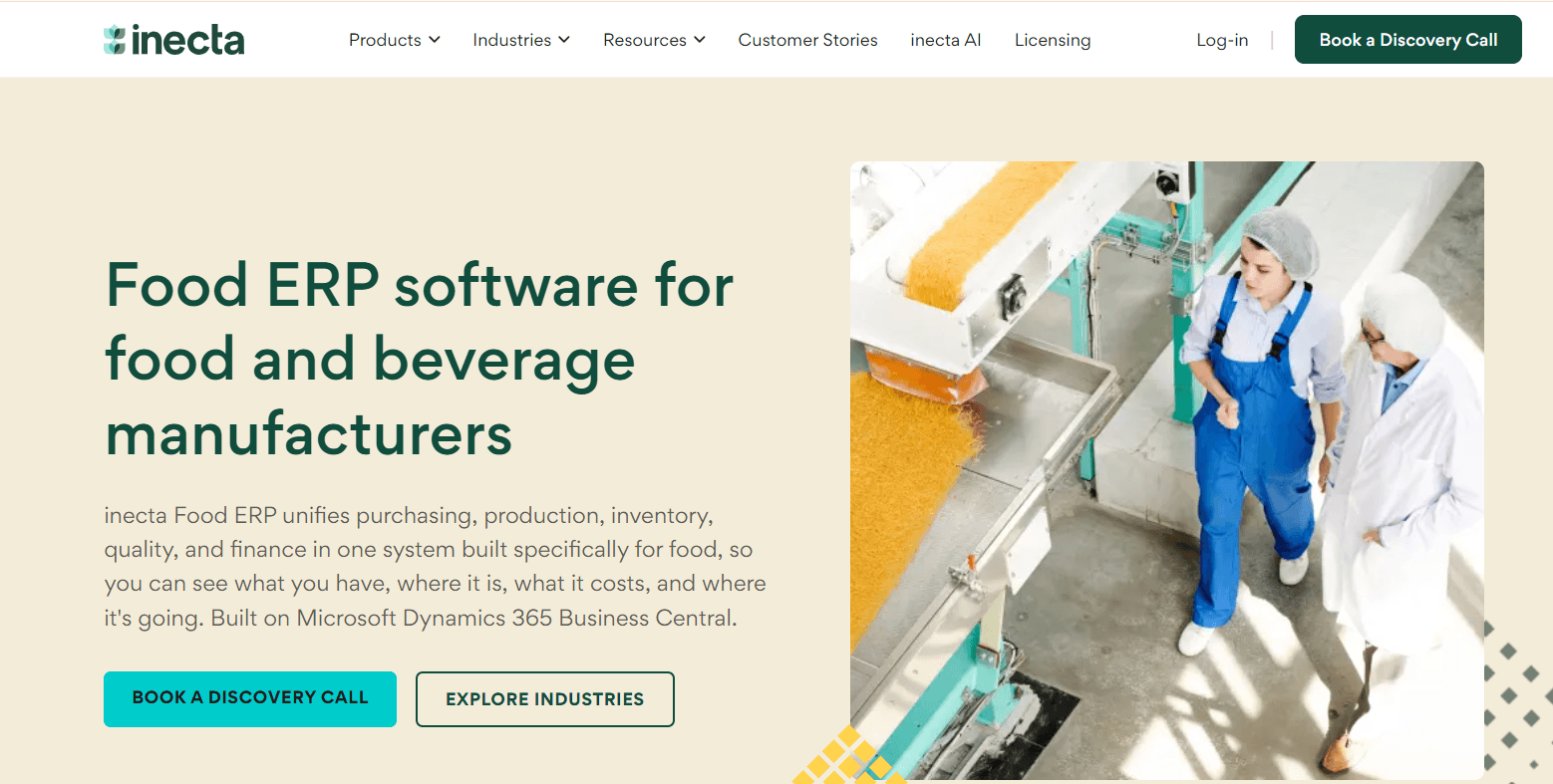
inecta Food ERP is a food manufacturing and distribution solution built around Microsoft Dynamics 365 Business Central. It extends the underlying ERP environment with functionality for food production, ingredient management, traceability, quality, and distribution.
A distinguishing capability is its management of multi-level recipes. This is useful where one finished product contains several intermediate mixtures or sub-recipes. For instance, a bakery may prepare fillings, doughs, and intermediate batches before producing the finished product.
inecta connects these recipes to production worksheets, routing, scheduling, and manufacturing records. It also supports yield tracking and shrinkage calculations, which can help businesses compare expected output with actual production results.
Its connection with Microsoft Dynamics Business Central makes it relevant to manufacturers that want food-specific functionality within a Microsoft-based ERP environment.
Features
- Multi-level recipe management: Supports nested formulations and recipe versions.
- Batch production: Connects production worksheets to manufacturing activities.
- Production scheduling: Uses routing and work center information for planning.
- Yield tracking: Records production output and related shrinkage.
- Lot traceability: Maintains ingredient and finished-product tracking.
- Integrated business management: Connects manufacturing with procurement, warehousing, and accounting.
Pros
- Food-specific functionality extends an established ERP platform.
- Supports complex, multi-stage recipes.
- Connects production data with purchasing and financial records.
- Includes yield and shrinkage management capabilities.
Cons
- Requires planning around the underlying Business Central implementation.
- Customization requirements can increase deployment complexity.
- Businesses should confirm Microsoft and inecta licensing separately.
- Public product-specific pricing is unavailable.
Pricing
- Contact the provider for a custom quote. Public pricing is not disclosed for the complete inecta Food ERP implementation.
Best For
Food processors managing multi-level recipes, batch production, and integrated operations within a Microsoft ERP environment.
Verdict
inecta is particularly attractive for food producers with complex recipe structures. Its main purchasing consideration is understanding the combined Microsoft and food-industry software implementation.
8. Sage X3
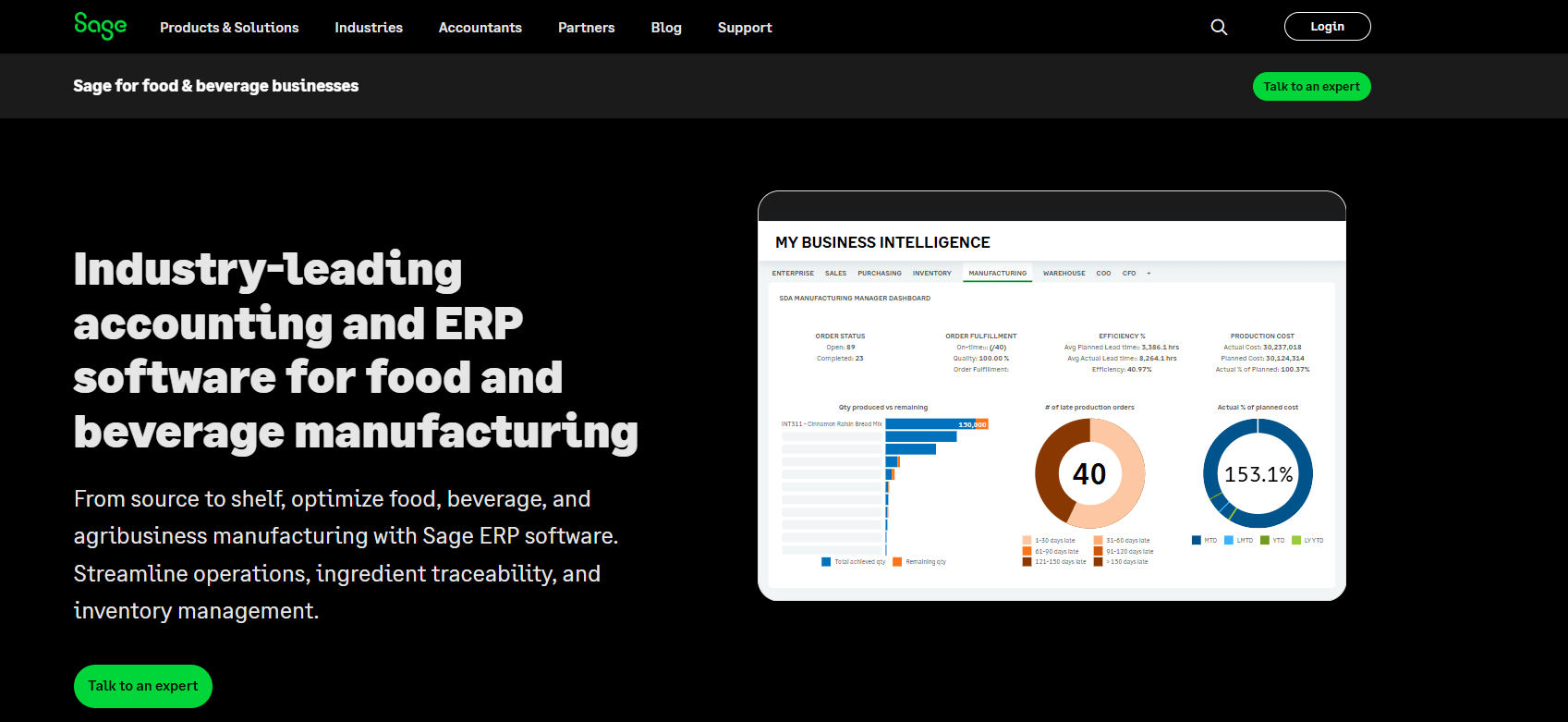
Sage X3 is an enterprise resource planning system that supports manufacturing, supply chain management, inventory, procurement, and financial operations. Unlike software developed exclusively for food production, Sage X3 serves multiple industries but provides documented functionality for food and beverage and other process manufacturing businesses.
Food manufacturers can use the platform to manage production requirements, inventory, formulations, quality processes, and lot information. It also connects manufacturing activities with financial management, giving businesses a more complete view of their operational costs.
Its process manufacturing capabilities are relevant to producers that need to manage recipes and raw materials alongside purchasing, production, and distribution. Sage also provides extensions and partner solutions for additional requirements. Buyers should therefore establish which food-specific functions are available in their proposed configuration rather than assume every specialized capability is standard.
Features
- Process manufacturing: Supports ingredient-based manufacturing operations.
- Production planning: Helps organize manufacturing orders and material requirements.
- Inventory and lot management: Tracks materials and production-related stock.
- Quality management: Supports manufacturing quality control processes.
- Purchasing and procurement: Connects supplier activity to inventory requirements.
- Financial management: Links operations with accounting and cost information.
Pros
- Integrates manufacturing and financial functions.
- Supports several manufacturing industries, including food and beverage.
- Provides process manufacturing functionality.
- Can be extended using Sage and partner applications.
Cons
- Not exclusively designed for the food industry.
- Some specialist functionality may require extensions.
- Configuration and implementation can be complex.
- Public pricing for the complete implementation is unavailable.
Pricing
- Contact the provider for a custom quote. Public pricing is not disclosed.
Best For
Mid-sized and larger food manufacturers requiring process manufacturing and financial management in a single ERP environment.
Verdict
Sage X3 is worth considering when food production forms part of a broader manufacturing and distribution operation. The principal trade-off is determining how much food-specific configuration is required.
9. FoodReady
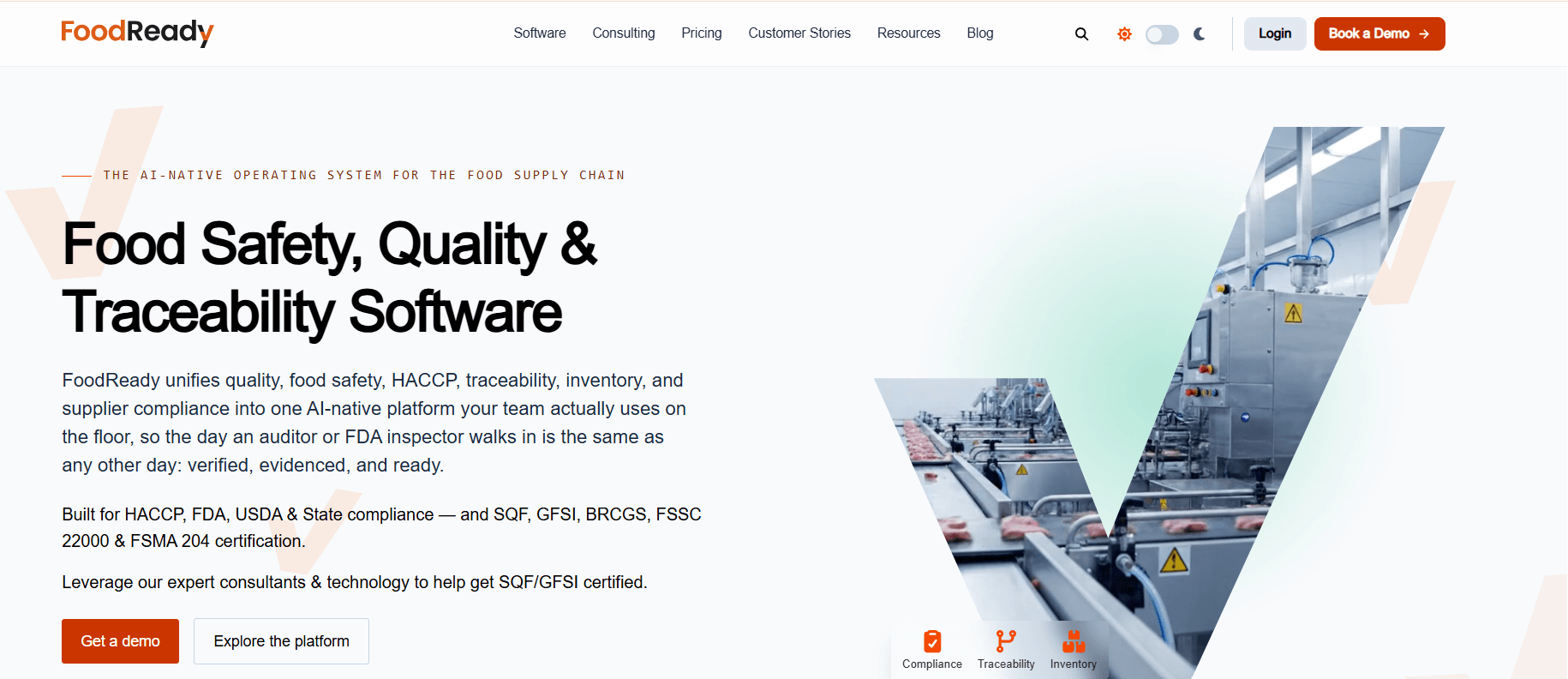
FoodReady combines food safety, quality management, inventory, traceability, and manufacturing operations in a cloud-based platform.
Its approach is particularly relevant to food producers trying to connect production records with quality and regulatory documentation.
The manufacturing functionality allows users to create production orders, associate them with recipes, reserve ingredients, and track work through different production stages. FoodReady also provides capabilities for batch monitoring, inventory management, and ingredient-to-finished-product traceability.
Quality teams can use its food safety tools to manage checklists, procedures, supplier documentation, and inspection-related records.
FoodReady differs from conventional ERP products because food safety and quality management are central to its product positioning. Manufacturers considering it as their main operational system should confirm whether its financial and commercial capabilities meet their requirements or whether an existing accounting or ERP application is still needed.
Features
- Manufacturing orders: Creates production orders linked to recipes and material requirements.
- Batch management: Records batch production and related ingredient information.
- Traceability: Connects ingredient lots to production and finished goods.
- Quality and food safety documentation: Manages inspections, procedures, and operational checklists.
- Supplier management: Supports supplier records and documentation workflows.
- Production reporting: Provides information about manufacturing activity and inventory.
Pros
- Connects food safety records with day-to-day production.
- Supports batch and ingredient traceability.
- Provides tools for digital quality checks and documentation.
- Offers specialized food safety support and consulting services.
Cons
- Manufacturers may still need a separate financial ERP.
- The range of available services depends on the contracted package.
- Buyers should confirm manufacturing functionality in their selected subscription.
- Implementation and consulting requirements can affect overall cost.
Pricing
- Contact the provider for a custom quote. Public pricing is not disclosed on its current pricing page.
Best For
Food manufacturers looking to connect quality, food safety documentation, traceability, and operational production records.
Verdict
FoodReady is a strong candidate when food safety and manufacturing records need to work together. Buyers seeking complete financial ERP functionality should confirm whether the platform meets that need independently.
10. TrakSYS
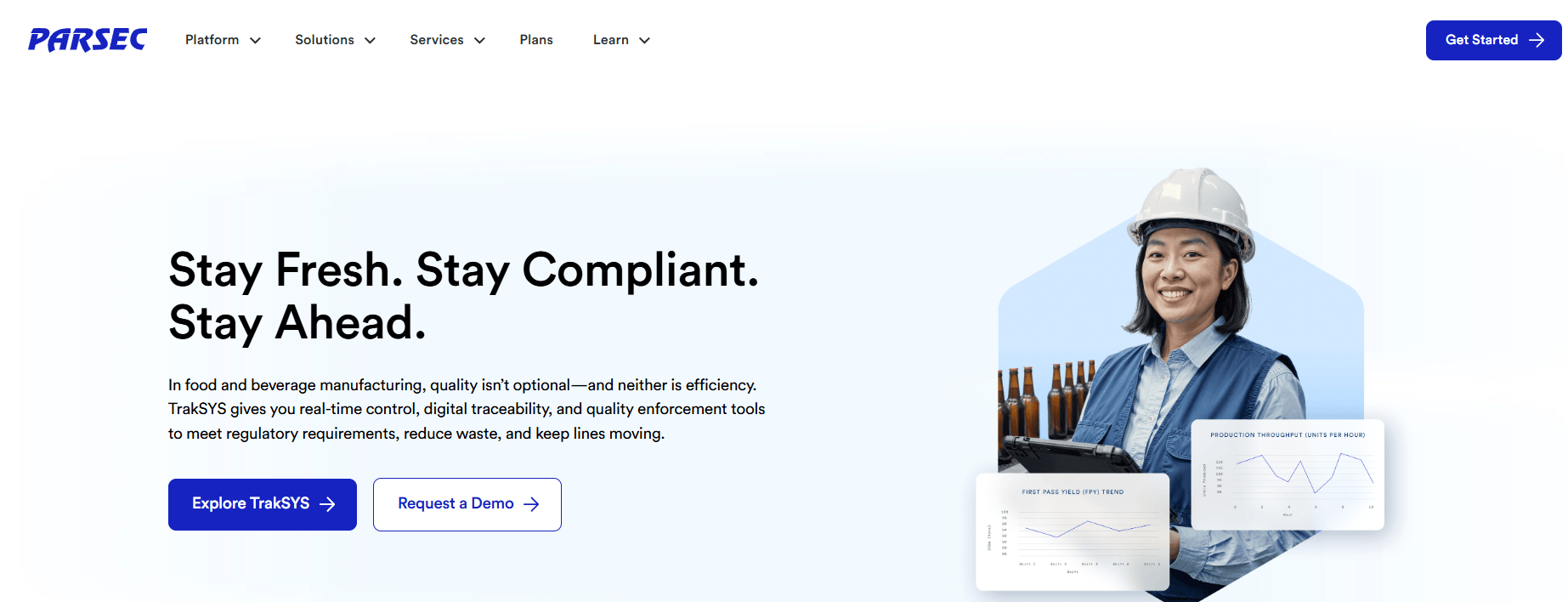
TrakSYS, developed by Parsec Automation, is a manufacturing execution system designed to help manufacturers monitor and manage production-floor activities.
Rather than concentrating on purchasing, accounting, and enterprise finance, TrakSYS focuses on what happens during manufacturing.
Food production teams can use the platform to monitor production performance, record batch-related information, manage quality checks, and investigate operational losses. It provides visibility into manufacturing activity so supervisors can understand production conditions and identify areas that require attention.
For example, a beverage manufacturer operating several filling lines may need to understand downtime, production rates, and quality performance across shifts. TrakSYS supports these types of manufacturing execution and performance management workflows.
It is particularly relevant to businesses that already have an ERP system but need better production-floor visibility and control.
Features
- Manufacturing execution: Supports production-floor processes and operational records.
- Batch management: Provides batch-related manufacturing information and electronic records.
- Production monitoring: Tracks production performance and equipment activity.
- Quality management: Incorporates quality checks into manufacturing workflows.
- Traceability: Connects relevant materials and production records.
- Manufacturing analytics: Supports analysis of downtime, productivity, and operational performance.
Pros
- Focuses on actual production execution and plant performance.
- Provides real-time manufacturing visibility.
- Supports digital quality records within production processes.
- Can complement an existing ERP environment.
Cons
- Does not replace a complete financial ERP.
- Equipment and enterprise integrations require technical planning.
- Configuration depends on the plant’s production environment.
- Public pricing is unavailable.
Pricing
- Contact the provider for a custom quote. Public pricing is not disclosed.
Best For
Food and beverage manufacturers requiring manufacturing execution, production monitoring, and quality visibility across production lines.
Verdict
TrakSYS is a practical option for manufacturers whose primary challenge is controlling and understanding factory-floor performance. It is most appropriately evaluated as an MES rather than a general ERP replacement.
11. MRPeasy
MRPeasy is a cloud-based manufacturing resource planning system designed for small and midsize manufacturers that need to manage production schedules, materials, inventory, and purchasing.
It is not exclusively developed for food production, but its manufacturing capabilities can support food businesses with relatively straightforward production requirements.
Manufacturers can use MRPeasy to maintain bills of materials, plan manufacturing orders, calculate raw material needs, and monitor stock availability. The software also connects purchasing and inventory management with production activities.
For a small packaged food manufacturer, these functions can help determine which ingredients must be purchased and whether production can proceed according to schedule.
MRPeasy also supports batch manufacturing and lot tracking, although food-specific requirements such as expiration management depend on the selected plan. Its published pricing distinguishes it from many larger ERP competitors that require custom quotations.
Features
- Production planning: Schedules manufacturing orders against resources and materials.
- Bill of materials management: Defines materials required to produce finished goods.
- Material requirements planning: Calculates purchasing and production requirements.
- Lot tracking: Maintains production and inventory traceability records.
- Inventory management: Records material availability and stock movements.
- Production costing: Tracks materials, labor, and manufacturing costs.
Pros
- Public pricing makes initial budgeting easier.
- Combines manufacturing planning, inventory, and purchasing.
- Supports small and midsize manufacturing operations.
- Offers integrations with accounting applications such as QuickBooks Online and Xero.
Cons
- Not purpose-built exclusively for food manufacturing.
- Some functionality, including expiration-related controls, depends on the plan.
- Specialized food safety workflows require separate evaluation.
- Large or highly complex production facilities may need more extensive systems.
Pricing
MRPeasy publishes these starting monthly prices:
- Starter: $49 per user/month.
- Professional: $69 per user/month.
- Enterprise: $99 per user/month.
- Unlimited: $149 per user/month.
Best For
Small food manufacturers seeking affordable manufacturing planning, material requirements, inventory, and purchasing software.
Verdict
MRPeasy is worth considering when the main problem is managing production and inventory more systematically. Food manufacturers should verify whether its quality, traceability, and expiration controls satisfy their specific requirements.
12. SYSPRO
SYSPRO is a manufacturing-focused ERP platform with documented functionality for food and beverage manufacturers.
It connects production planning, inventory, purchasing, finance, and distribution while providing manufacturing controls relevant to businesses handling perishable materials and regulated products.
Food manufacturers can use SYSPRO to monitor ingredients and materials, maintain production records, track lots, and coordinate inventory movements. Its traceability capabilities are particularly important for businesses that need to investigate which material batches were consumed in specific manufacturing orders.
SYSPRO also provides manufacturing operations and quality management functionality, helping businesses connect production activity with operational and product information.
The platform is suitable for manufacturers seeking broader ERP control rather than a standalone recipe application or inventory tracker. Its food-specific capabilities should be reviewed against the proposed modules and configuration.
Features
- Manufacturing planning: Coordinates production requirements and manufacturing orders.
- Inventory management: Tracks raw materials, finished goods, and stock movements.
- Lot traceability: Supports material tracking and recall investigations.
- Quality management: Provides quality management capabilities for manufacturing.
- Warehouse management: Supports stock movement and warehouse operations.
- Financial management: Connects manufacturing activities with accounting and cost information.
Pros
- Manufacturing-focused ERP with documented food industry applications.
- Connects production, inventory, purchasing, and finance.
- Provides traceability functionality for regulated manufacturing environments.
- Supports wider manufacturing and distribution operations.
Cons
- Specialized functionality should be checked against the proposed implementation.
- ERP deployment requires process configuration and data migration.
- The breadth of the platform may exceed smaller manufacturers’ needs.
- Public pricing is unavailable.
Pricing
- Contact the provider for a custom quote. Public pricing is not disclosed.
Best For
Mid-sized and larger food manufacturers requiring integrated manufacturing, inventory, quality, and financial management.
Verdict
SYSPRO is a relevant option for manufacturers seeking operational and financial control in one ERP system. Its suitability depends on how closely the configured solution matches the business’s food production requirements.
13. Plex Smart Manufacturing Platform
Plex Smart Manufacturing Platform, part of Rockwell Automation, connects manufacturing execution, ERP, quality management, production monitoring, and other plant operations.
It is particularly relevant to manufacturers that want production-floor information connected with wider business systems.
In food manufacturing, accurate production records and lot genealogy are important for tracing materials, checking quality, and investigating potential recalls. Plex provides ERP and MES functionality that can bring this information together.
The platform has documented use in food manufacturing, including snack food production. Its manufacturing execution capabilities allow businesses to monitor plant activities, while ERP functions support inventory, production-related business processes, and operational reporting.
Because Plex offers several manufacturing products, prospective customers should establish which components are included in the proposed solution.
Features
- Manufacturing execution: Records and monitors production-floor activities.
- Manufacturing ERP: Connects production with business operations.
- Lot traceability: Supports material genealogy and manufacturing records.
- Quality management: Maintains quality-related production information.
- Production monitoring: Provides visibility into factory performance.
- Supply chain applications: Supports broader manufacturing supply chain activities.
Pros
- Combines manufacturing execution and ERP capabilities.
- Offers production-floor visibility.
- Supports traceability and quality operations.
- Has documented applications in food manufacturing.
Cons
- Available functions depend on the selected platform components.
- May require integration with equipment and existing enterprise systems.
- Implementation scope can be substantial.
- Pricing is not publicly disclosed.
Pricing
- Contact the provider for a custom quote. Public pricing is not disclosed.
Best For
Mid-sized and large food manufacturers seeking connected production execution, traceability, quality, and ERP functionality.
Verdict
Plex is worth evaluating when a manufacturer wants stronger coordination between factory activity and enterprise operations. Buyers should determine which manufacturing applications are included in the proposed package.
14. SafetyChain
SafetyChain is a digital plant management platform focused on food safety, quality, compliance, and operational performance in food and beverage manufacturing facilities.
Unlike a traditional ERP system, its main purpose is to help production and quality teams record, monitor, and act on information generated inside the plant. Manufacturers can use SafetyChain to digitize quality checks, manage corrective and preventive actions, monitor production performance, and maintain food safety documentation.
Its quality management functionality is especially relevant to businesses that rely on routine inspections, equipment checks, and operating procedures to maintain product consistency.
SafetyChain also provides operational performance capabilities such as statistical process control and overall equipment effectiveness monitoring. These functions help manufacturers investigate quality deviations and production inefficiencies using operational data.
The platform is best evaluated as a complement to broader business systems rather than as a full financial ERP replacement.
Features
- Food safety management: Digitizes food safety records and operational documentation.
- Quality management: Supports inspections and quality-related processes.
- Corrective and preventive actions: Tracks issues, investigations, and corrective work.
- Statistical process control: Monitors manufacturing process measurements.
- Production performance: Supports OEE and plant performance analysis.
- Supplier compliance: Maintains relevant supplier quality information.
Pros
- Designed specifically for food and beverage plant operations.
- Connects production and quality information.
- Supports digital inspections and corrective action management.
- Addresses manufacturing performance as well as quality documentation.
Cons
- Does not replace complete financial or commercial ERP functionality.
- Production scheduling and recipe management are not its primary focus.
- Integration requirements depend on existing systems.
- Public pricing is unavailable.
Pricing
- Contact the provider for a custom quote. Public pricing is not disclosed.
- Confirm facility licensing, modules, implementation, and integrations.
Best For
Food manufacturing facilities seeking better quality management, operational inspections, corrective actions, and plant performance monitoring.
Verdict
SafetyChain is a relevant choice when quality and operational records are fragmented across production teams. Businesses needing extensive procurement, finance, or ERP functionality should evaluate it alongside their existing systems.
15. TraceGains
TraceGains specializes in food and beverage product development, ingredient information, formulation management, and supplier-related data.
It addresses a different part of food manufacturing than conventional ERP or MES platforms. Its focus is helping manufacturers manage the information required to develop, approve, and maintain food formulations.
Product development teams can use TraceGains to work with ingredient specifications, supplier information, recipe versions, and formulation documentation. This is valuable when manufacturers regularly introduce new products, modify ingredients, or assess alternative formulations.
Features
- Formula management: Maintains food product recipes and formulation information.
- Ingredient specifications: Organizes ingredient and product-related documentation.
- Supplier information: Connects product development with relevant ingredient and supplier data.
- Recipe versioning: Supports the development and comparison of formulations.
- Product development workflows: Helps teams manage information from product design toward approval.
- Formula AI: Provides AI-assisted formulation capabilities within the relevant product offering.
Pros
- Focuses on the specialized requirements of food product development.
- Connects recipes with ingredient and specification information.
- Supports collaboration between formulation and ingredient management processes.
- Provides functionality for evaluating and maintaining product formulations.
Cons
- Not a complete manufacturing ERP.
- Production scheduling and factory execution are not its main functions.
- Some functionality belongs to distinct products or modules.
- Public pricing and AI licensing details require confirmation.
Pricing
- Contact the provider for a custom quote. Public pricing is not disclosed.
Best For
Food manufacturers with substantial product development activity, frequent recipe changes, or complex ingredient and supplier specifications.
Verdict
TraceGains is valuable when formula development and ingredient information are major operational challenges. It is better considered a specialized product development system than a complete production management platform.
16. Sepasoft MES
Sepasoft MES is a collection of manufacturing execution modules designed to operate with the Ignition industrial software platform.
Its capabilities focus on production execution, batch operations, material traceability, and manufacturing data collection rather than enterprise finance.
For food and beverage plants operating automated processing equipment, Sepasoft can help connect manufacturing procedures with operational records.
Its Batch Procedure Module supports batch and continuous processing using ISA-88-based concepts. Manufacturers can use it to define recipes and production procedures while collecting batch information during execution. Sepasoft also provides Track & Trace functionality for recording materials and production activities.
The modular architecture distinguishes it from ready-to-use food ERP products. It is especially relevant to manufacturers with technical resources or implementation partners capable of configuring manufacturing systems around existing industrial equipment.
Features
- Batch procedure management: Supports batch and continuous manufacturing procedures.
- Recipe management: Connects recipe parameters with manufacturing execution.
- Electronic batch records: Captures relevant production and batch information.
- Track and trace: Records materials, sublots, and production operations.
- Manufacturing data collection: Captures production information from configured systems.
- Modular deployment: Allows manufacturers to implement MES functions according to operational requirements.
Pros
- Supports technically complex production environments.
- Provides batch procedure and recipe execution functionality.
- Can connect manufacturing processes with industrial automation.
- Modular architecture allows targeted manufacturing implementations.
Cons
- Requires the Ignition platform and suitable technical implementation.
- Not a complete financial or commercial ERP.
- Configuration can be technically demanding.
Pricing
- Batch Procedure Module: $35,000
- Track & Trace Module: $22,700
- OEE Downtime Module: $22,700
- SPC Module: $9,100
- Settings & Changeover Module: $9,100
- Business Connector Module: $5,400
- Interface for SAP ERP Module: $16,200
- Web Services Module: $5,200
These are individual module prices, not the complete cost of Sepasoft MES. The Production Module is also required to run the core MES modules. Sepasoft’s licensing model includes unlimited lines, machines and users per site license.
Best For
Food and beverage manufacturers with automated production facilities that require configurable batch execution and manufacturing traceability.
Verdict
Sepasoft is particularly relevant when manufacturing execution needs to be integrated with industrial systems. Its technical implementation requirements make it different from subscription-based food production applications.
17. Katana
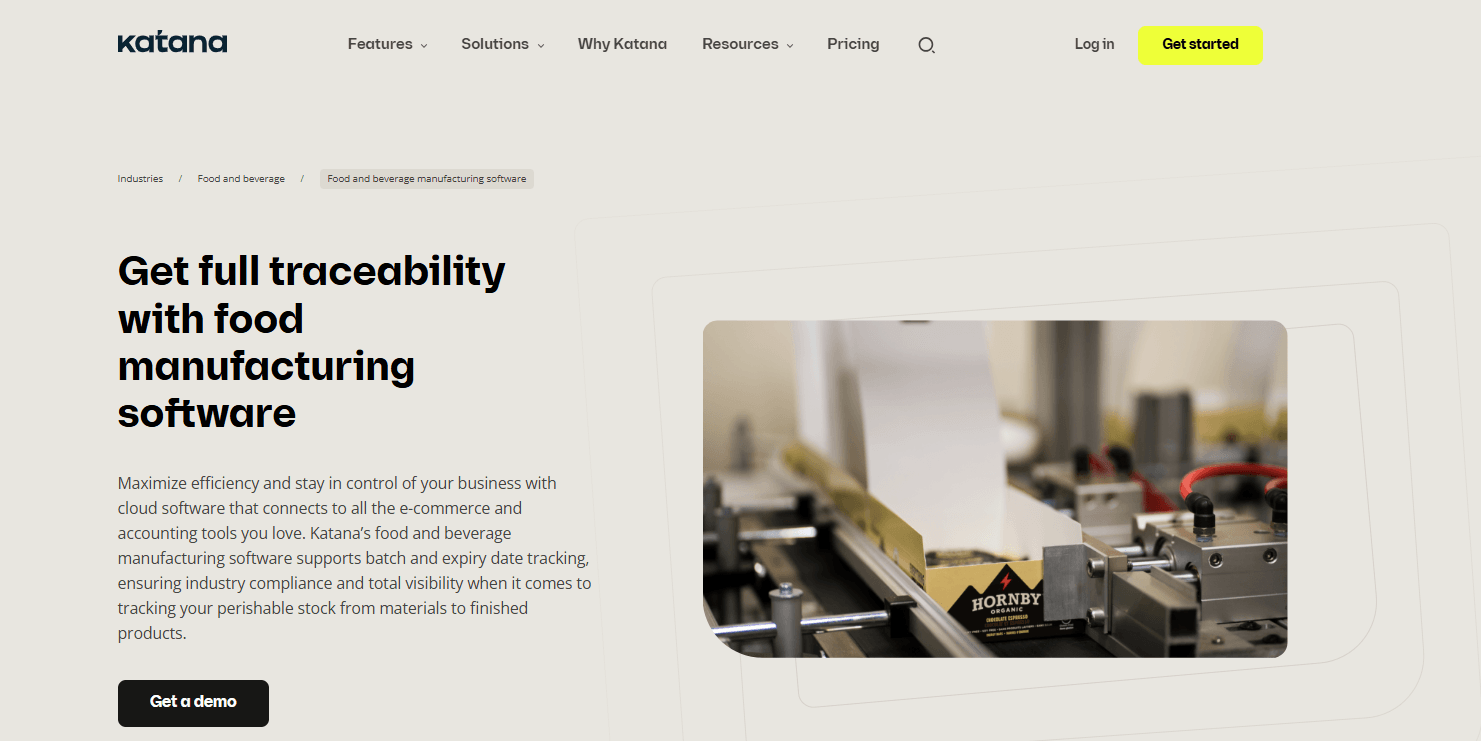
Katana is a cloud-based inventory and manufacturing management platform aimed at businesses that need to coordinate products, materials, orders, and production. Although it is not exclusively developed for food manufacturing, it can support smaller food producers with relatively simple manufacturing workflows.
Manufacturers can use Katana to maintain bills of materials, monitor ingredient availability, manage production-related inventory, and connect purchasing with customer orders.
Its manufacturing management capabilities help teams understand which materials are available for upcoming production activities and how finished products affect inventory.
Katana also offers a Traceability add-on for batch and lot tracking, including expiration dates. This is particularly relevant to food producers, but the functionality should not be mistaken for a complete food safety management system. The platform is most suitable where basic manufacturing coordination and stock visibility are the principal requirements.
Features
- Bill of materials: Defines components and raw materials required for products.
- Manufacturing management: Connects manufacturing activities with inventory.
- Inventory planning: Provides visibility into stock quantities and material availability.
- Purchasing and order management: Links purchasing with inventory and demand.
- Batch and lot tracking: Available through the Traceability add-on.
- Expiration tracking: Supports shelf-life information through the traceability functionality.
Pros
- Combines manufacturing and inventory information.
- Supports straightforward production workflows.
- Provides batch and expiration tracking through an identified add-on.
- Offers integrations and an API for connecting external applications.
Cons
- Not designed exclusively for food manufacturing.
- Traceability is an additional product capability rather than something to assume is included in every subscription.
- Comprehensive food safety management requires separate evaluation.
- Complex process manufacturing may require more specialized tools.
Pricing
- Katana publishes a free entry option with restrictions and paid subscription plans.
- Confirm the billing term, limits, manufacturing features, and Traceability add-on pricing before purchase.
Best For
Small food producers seeking manufacturing and inventory management without implementing a large ERP platform.
Verdict
Katana can be useful for basic food production and stock coordination. Manufacturers with demanding quality, allergen, or traceability requirements should verify its limitations before selecting it as their primary system.
18. SAP S/4HANA Cloud
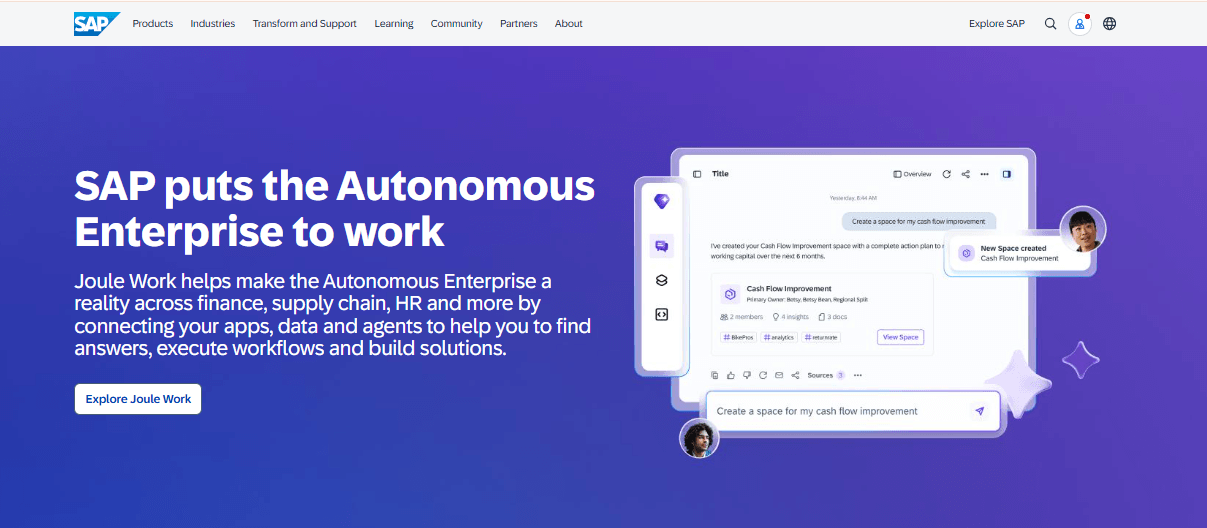
SAP S/4HANA Cloud is an enterprise ERP platform that supports manufacturing, procurement, inventory, finance, and supply chain operations.
For food manufacturers, its relevance comes from process manufacturing functionality and its connection to specialized SAP product development and manufacturing applications.
SAP supports process orders for batch-oriented manufacturing, allowing production activities to be organized around materials, manufacturing requirements, and process information.
Recipe formulation and ingredient management are also addressed within SAP’s broader product lifecycle and integrated product development applications. Released recipe information can connect to manufacturing structures such as bills of materials and master recipes.
This makes SAP relevant to large food manufacturers that need coordinated production and enterprise-wide data management.
Features
- Process manufacturing: Supports batch-oriented manufacturing through process orders.
- Material requirements planning: Connects manufacturing demand to materials.
- Inventory management: Records material and stock movements.
- Procurement: Supports purchasing and supplier-related processes.
- Recipe integration: Connects specialized product development and recipe applications with manufacturing.
- Financial management: Integrates operational activity with enterprise finance.
Pros
- Supports complex enterprise manufacturing environments.
- Connects production with procurement, inventory, and finance.
- Provides a broader application ecosystem for specialized processes.
- Suitable for organizations requiring coordination across multiple business functions.
Cons
- Not a standalone food-specific production application.
- Specialized recipe and manufacturing features may require additional applications.
- Deployment, migration, and integration can be complex.
- Public pricing for the complete food manufacturing solution is unavailable.
Pricing
- Contact SAP or an authorized implementation partner for a custom quote.
Best For
Large food and beverage manufacturers with complex enterprise operations and established requirements for multi-function ERP integration.
Verdict
SAP S/4HANA Cloud is relevant when manufacturing must operate within a large enterprise technology environment. Buyers should identify the precise SAP applications required rather than assume the core ERP subscription includes every food manufacturing capability.
19. DELMIAWorks
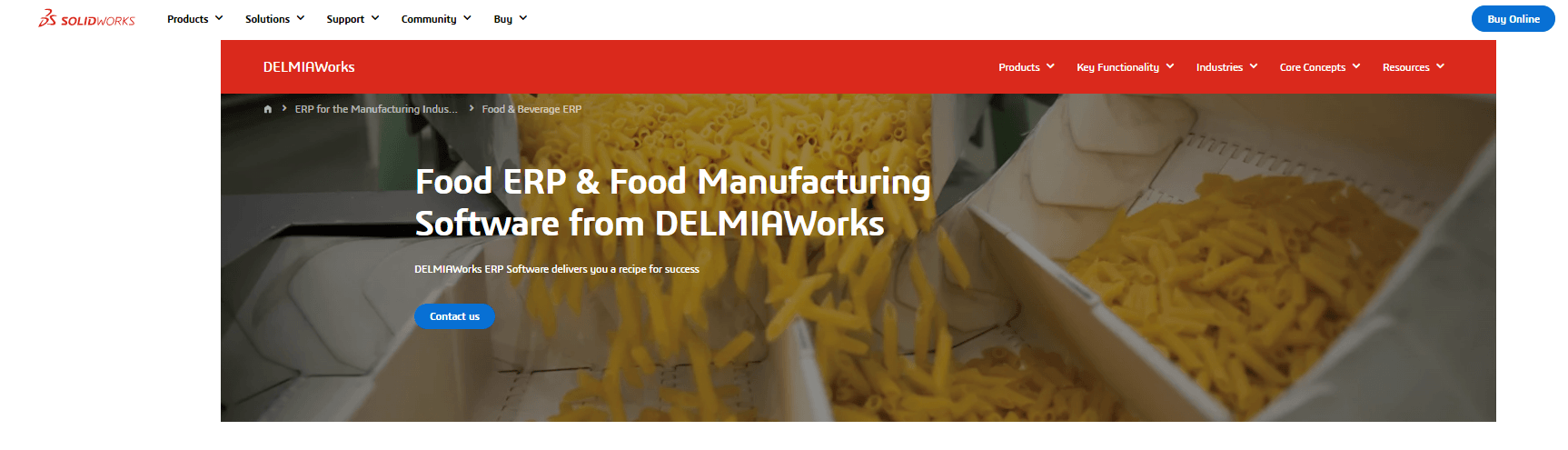
DELMIAWorks, formerly IQMS, is a manufacturing ERP platform from Dassault Systèmes that integrates manufacturing operations with inventory, quality, purchasing, and business management.
The platform has documented food and beverage manufacturing functionality, including recipe management, lot traceability, shelf-life controls, and manufacturing quality management.
Food processors can use DELMIAWorks to coordinate production with material tracking and inventory records. Its bidirectional traceability capabilities help manufacturers investigate ingredient movements and identify affected finished products.
The software also connects ERP and manufacturing execution processes, making it relevant to production environments where operational records and business information need to remain aligned.
For manufacturers producing packaged foods, beverages, and other processed products, these capabilities can help connect purchasing, production, quality inspections, and finished-goods inventory.
Its manufacturing-oriented architecture distinguishes it from standalone inventory or quality applications.
Features
- Manufacturing ERP: Connects production with inventory and business operations.
- Recipe management: Supports product formulas and manufacturing requirements.
- Lot traceability: Provides bidirectional tracking of materials and products.
- Shelf-life management: Supports inventory controls for perishable products.
- Quality management: Records defects, audits, and quality information.
- Manufacturing execution: Connects production activity with ERP records.
Pros
- Provides documented food and beverage manufacturing functionality.
- Combines ERP and manufacturing execution capabilities.
- Supports traceability and quality management.
- Connects production information with purchasing and inventory.
Cons
- Not exclusively developed for food manufacturing.
- Implementation scope depends on manufacturing requirements.
- Equipment integration and customization should be assessed.
- Public pricing is unavailable.
Pricing
- Contact the provider for a custom quote. Public pricing is not disclosed.
Best For
Mid-sized and larger food manufacturers seeking connected ERP and production execution functionality.
Verdict
DELMIAWorks is worth evaluating when a manufacturer wants operational manufacturing control alongside broader ERP processes. Its food-specific functionality should be tested against actual recipes, traceability requirements, and plant workflows.
20. Oracle NetSuite
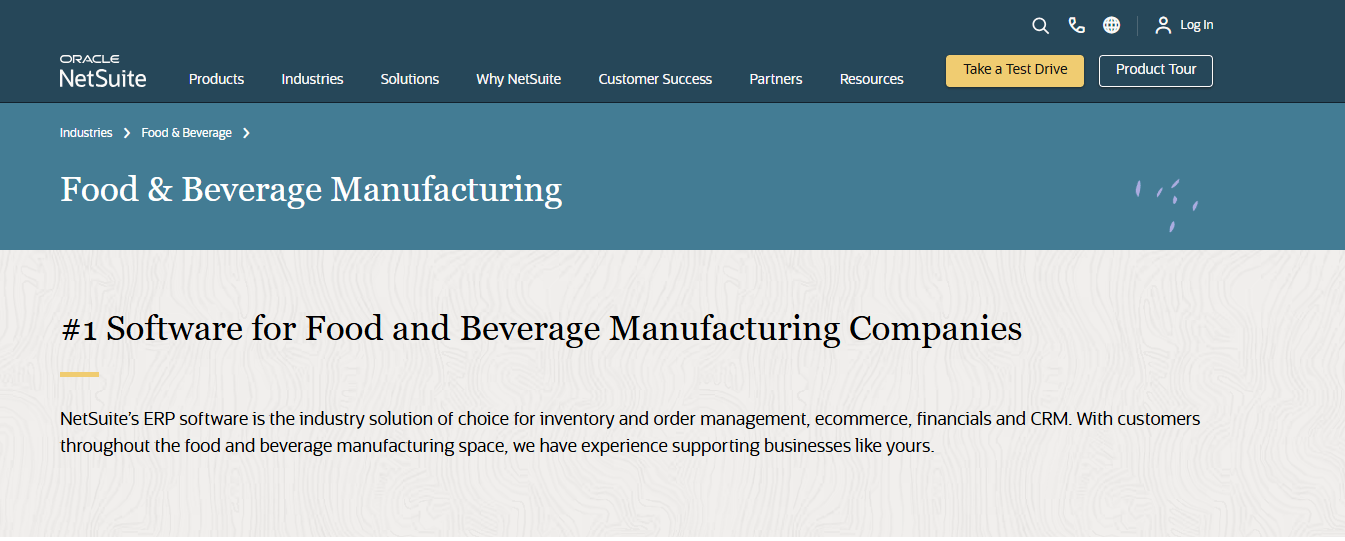
Oracle NetSuite is a cloud-based ERP platform that provides financial management, purchasing, inventory, order management, and manufacturing capabilities.
It is not exclusively designed for food manufacturing, but relevant manufacturing and inventory functionality can support food producers that need their production records connected with wider business operations.
NetSuite supports manufacturing work orders and lot-numbered inventory. Manufacturers can use lot information to track materials and finished products, while expiration dates help identify date-sensitive inventory.
Its manufacturing capabilities also allow businesses to manage production-related material information and record manufacturing activities.
NetSuite’s additional applications, including manufacturing and warehouse management capabilities, can extend the core platform. Oracle also documents a Lot and Serial Number Trace SuiteApp that supports tracing materials, components, and finished products.
Manufacturers should distinguish these additional capabilities from those included in their base ERP subscription.
Features
- Manufacturing work orders: Supports production-related processing and material records.
- Lot-numbered inventory: Tracks products and materials using lot identifiers.
- Expiration dates: Maintains shelf-life information for relevant inventory.
- Lot tracing: An additional SuiteApp supports tracing components and finished goods.
- Inventory and purchasing: Connects materials with procurement and stock management.
- Financial management: Integrates business operations with accounting.
Pros
- Combines manufacturing and financial management in a cloud ERP.
- Supports lot-numbered inventory and expiration information.
- Provides additional manufacturing and tracing applications.
- Connects purchasing, inventory, manufacturing, and order information.
Cons
- Not a dedicated food manufacturing ERP.
- Specialized food functionality may require SuiteApps or customization.
- Some manufacturing and warehouse capabilities require additional applications.
- Public pricing for a complete food manufacturing configuration is unavailable.
Pricing
- Contact the provider for a custom quote.
Best For
Growing food manufacturers that want manufacturing and inventory information integrated with cloud-based financial and business management.
Verdict
NetSuite is a reasonable candidate for businesses prioritizing connected ERP operations. Food manufacturers should verify the functionality and cost of any additional tools needed for recipe management, food safety, or advanced traceability.
How to Choose the Right Food Manufacturing Software
Selecting food manufacturing software should begin with the operations the business needs to improve, rather than the number of features advertised by a vendor.
1. Identify your most expensive operational problems
Examine where the manufacturing process currently experiences delays, inaccuracies, or unnecessary costs.
For example, a manufacturer frequently running out of ingredients may need better material requirements planning. Another business struggling with rejected batches may need stronger quality management and production records.
Document the processes that must improve and prioritize the capabilities that directly address them.
2. Choose the appropriate software category
Not every manufacturer needs a complete ERP replacement.
A small bakery may need recipes, ingredient inventory, and production scheduling. A meat processing company may require extensive lot traceability, yield management, and production records. A large packaged food manufacturer may need an ERP system connecting procurement, production, warehouses, and finance across several plants.
A company with an existing ERP may instead benefit from specialized manufacturing execution or quality management software.
3. Test actual manufacturing workflows
Request demonstrations using realistic production scenarios instead of relying exclusively on vendor presentations.
A useful demonstration should show how the software handles an incoming customer order, ingredient requirements, stock availability, manufacturing scheduling, batch production, quality checks, and finished goods.
For traceability, ask the vendor to identify all finished products manufactured using a selected raw material lot.
4. Evaluate food safety and traceability requirements
Check whether the software records material lots, expiration dates, production batches, and quality information at the level your operation requires.
For US manufacturers, determine which FDA, USDA, FSMA, HACCP-based, and other applicable requirements affect your processes.
Software can support recordkeeping and compliance workflows, but purchasing a platform does not independently establish regulatory compliance.
5. Review integration and deployment requirements
Consider how the software will connect with existing accounting, warehouse, procurement, production equipment, and reporting systems.
Confirm whether integrations are native, delivered through a third party, or require custom development.
Manufacturers operating several facilities should also check support for multiple plants, warehouses, production lines, and legal entities.
6. Calculate the total cost of ownership
Ask providers for a clear cost breakdown that covers licensing, implementation, data migration, employee training, integrations, maintenance, additional modules, and ongoing support.
Where possible, compare the expected costs over three years rather than only the initial subscription price.
Also establish how pricing changes as production volumes, users, or facilities increase.
7. Plan implementation before purchasing
Manufacturing software implementations depend heavily on accurate operational data.
Ingredient lists, recipes, supplier records, stock quantities, production routings, quality procedures, and historical records may need to be cleaned and transferred.
Assign responsibility for data migration, user acceptance testing, production validation, and employee training before deployment begins.
Frequently Asked Questions
1. What is food manufacturing software?
Food manufacturing software helps businesses plan, manage, monitor, and document the production of food products. Depending on the platform, it can manage recipes, ingredients, production orders, inventory, batches, quality control, traceability, and manufacturing costs.
2. What is the best food manufacturing software in 2026?
There is no single best product for every manufacturer.
Wherefour and FoodReady are relevant options for smaller food businesses with food-specific production, traceability, and quality requirements. BatchMaster and Deacom suit formula-intensive process manufacturing. Infor CloudSuite Food & Beverage and Aptean are candidates for more extensive ERP requirements, while TrakSYS and Sepasoft focus on manufacturing execution.
The best choice depends on production processes, existing systems, budget, and compliance obligations.
3. How much does food manufacturing software cost?
Costs vary considerably by product, manufacturing complexity, number of users, facilities, and required modules.
Manufacturers should include implementation, integrations, training, support, and additional modules when evaluating costs.
4. What features should food manufacturing software have?
Important features include recipe management, material requirements planning, production scheduling, ingredient inventory, lot traceability, expiration date management, quality control, production costing, and reporting.
The essential features depend on whether the business needs full ERP functionality, production execution, or a specialized application.
5. What is the difference between food manufacturing ERP and MES software?
Food manufacturing ERP manages wider business operations such as purchasing, manufacturing planning, inventory, finance, and distribution.
Manufacturing execution software focuses on activities taking place during production, including batch execution, equipment performance, production records, and quality checks.
A manufacturer may use both systems, with the ERP managing enterprise requirements and the MES recording factory-floor execution.
6. Can food manufacturing software track batches and expiration dates?
Yes. Many food manufacturing platforms provide lot and batch tracking, with some also supporting expiration dates, shelf-life controls, and bidirectional traceability.
However, not every system includes these capabilities as standard. Some products require particular plans, modules, or add-ons.
7. Is there free food manufacturing software for small businesses?
Some manufacturing software providers offer free plans, trials, or limited entry-level options.
However, free versions may restrict production features, inventory quantities, traceability, users, or available integrations. Katana, for example, advertises a restricted free entry option, while MRPeasy offers a trial rather than a permanently free full manufacturing ERP.
Small food producers should verify whether the available features support their actual production and recordkeeping requirements.
Conclusion
Food manufacturing software can help producers manage ingredient availability, coordinate production, maintain batch records, monitor quality, and understand manufacturing costs.
However, selecting the right platform requires more than comparing feature lists.
Food-specific ERP systems such as Aptean, Wherefour, inecta, and CSB-System address production requirements common to food processors. Process manufacturing ERP platforms such as BatchMaster and Deacom are especially relevant to formulation-based operations.
General manufacturing systems such as MRPeasy and Katana may be sufficient for smaller producers with simpler workflows, while enterprise platforms such as SAP S/4HANA Cloud, Infor, and Sage X3 support broader operational requirements.
Manufacturing execution systems such as TrakSYS and Sepasoft, along with specialized platforms such as SafetyChain and TraceGains, address more focused manufacturing challenges.
The most effective way to choose Food Manufacturing Software is to identify the operational problems that matter most, shortlist products with documented capabilities, test those capabilities against real production scenarios, and compare the complete implementation cost.
Software should fit the manufacturing process, not force the manufacturing process into an unsuitable system.