

Ever wondered how busy warehouses manage to keep trucks from piling up at the gate or drivers from calling every five minutes? That smooth flow doesn’t just happen, it often comes from using dock scheduling software that keeps everything in order.
What is Dock Scheduling Software?
Dock scheduling software helps warehouses, distribution hubs, and logistics teams arrange and manage appointments for truck arrivals and departures. It replaces endless phone calls and confusing spreadsheets with one clear schedule. Everyone involved, facility managers, shippers, and drivers gets the same information, and this creates a smoother routine.
Dock scheduling matters a lot. Delays drop because trucks know exactly when to show up. Overcrowded docks also become less common, since the system spaces out tasks with better timing. Additionally, communication improves, and teams stay ready for each step. The software shows when trucks should arrive, how long each task may take, and which dock doors are free. As a result, businesses cut down long wait times and avoid costly bottlenecks. Operations move faster, and workers deal with fewer disruptions. Dock scheduling software brings clarity, order, and a steady rhythm to an area of logistics that easily becomes chaotic without proper coordination.
Top 10 Dock Scheduling Software
1. OpenDock
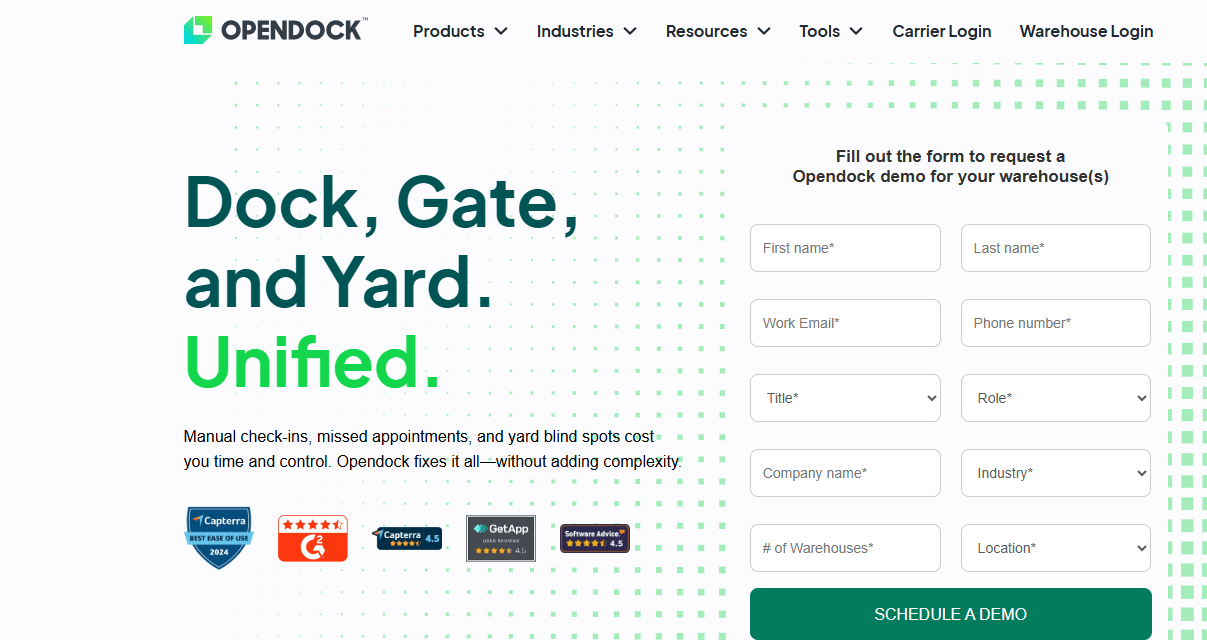
Opendock is a cloud-based dock scheduling system built for carriers, brokers, dispatchers, and warehouses. It helps teams coordinate appointments, manage logistics planning, and view schedules across multiple locations. Warehouses register on the platform so carriers can book appointments, and users can easily monitor bookings, send reminders, and reduce no-shows. Because everything happens online, shippers and carriers communicate more smoothly and avoid the chaos of manual coordination. The system works on both web and mobile, which makes it convenient for teams on the move. Carriers can even sign up for free and search for shippers directly on Opendock.
Features
- Custom scheduling rules: Users can set rules such as lead times, appointment limits, and overbooking options to control how bookings work.
- Carrier scorecard: The platform tracks carrier performance with metrics like on-time arrivals and cancellations.
- Automated notifications: It keeps both warehouse staff and carriers informed whenever appointments change.
- Document upload: Users can attach important documents to each appointment, making record-keeping easier.
- Simple interface: The drag-and-drop calendar, quick filters, and guided workflows help users move through tasks without confusion.
Pros
- You can schedule pick-ups and drop-offs easily, and the system notifies users about every major update during an appointment.
- Automatic booking reduces mix-ups, helps teams maintain accurate inventory, and encourages better communication with carriers.
- The layout feels intuitive, and most users learn how to navigate the platform quickly.
Cons
- Users sometimes miss alerts for new or rescheduled appointments.
- The system captures arrival and departure times but not actual loading times.
- Updating load information can take time, and users may need to log out and back in to refresh the data.
Pricing
Pricing is available only upon request. The platform does not offer a free trial or a free version.
Why Should You Use It?
Opendock works well for warehouses and carriers that want tighter control over appointment flow. Because it allows users to set detailed scheduling rules, it helps teams avoid congestion at the dock and reduce conflicts that normally slow down operations. The automated reminders cut down on missed appointments, while the carrier scorecard gives warehouses clear insight into which partners stay reliable.
2. C3 Reservations
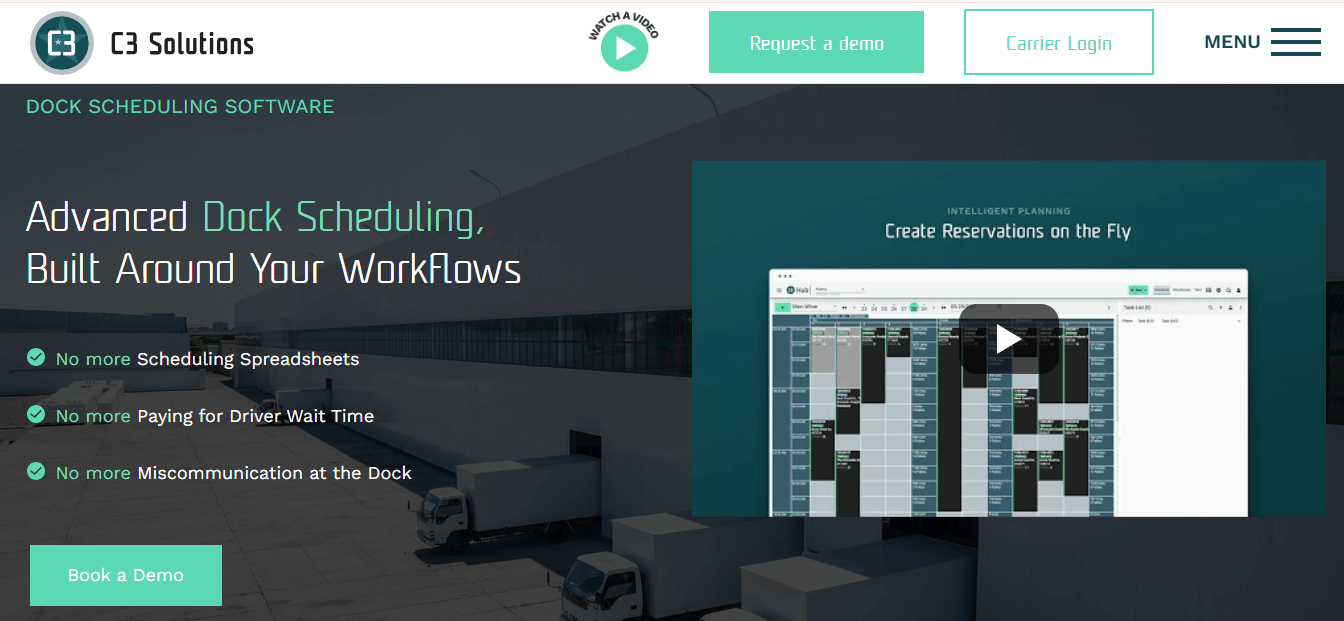
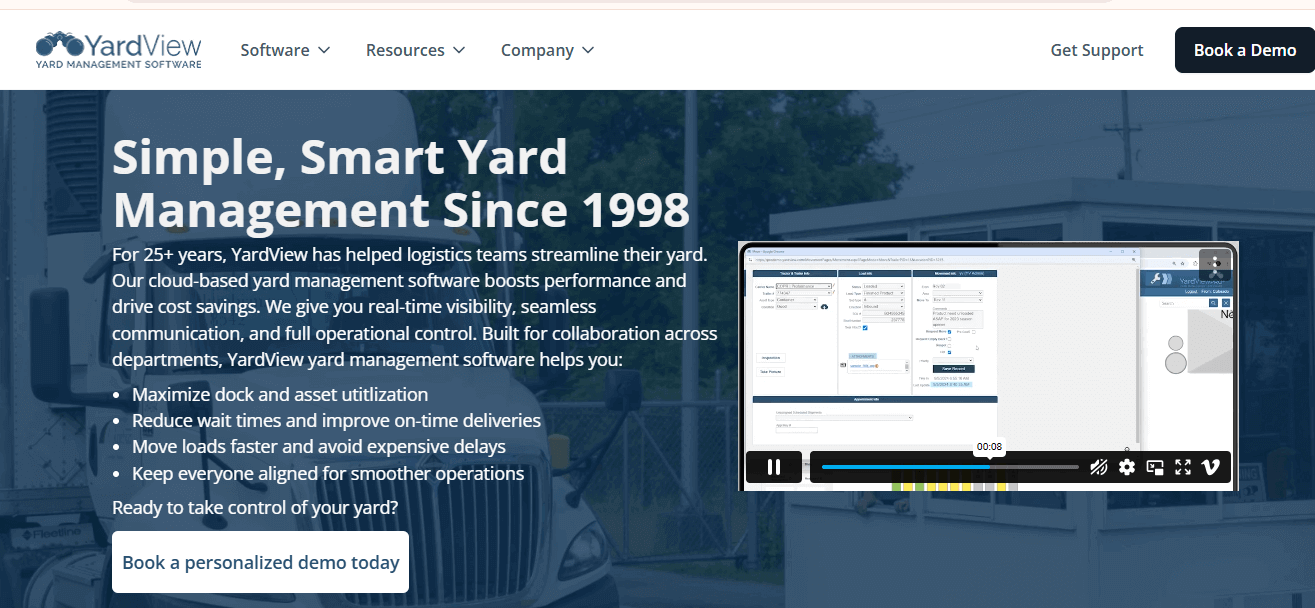
YardView is a yard management software that gives teams real-time insight into what happens across warehouses, distribution centers, plants, and operational yards. It tracks the location, status, and contents of trailers, containers, and intermodal units, so staff can act quickly and stay organized. Because it updates continuously, teams always know where assets are and what needs attention.
Features
- Offers dock and appointment scheduling that updates automatically as conditions change
- Sends alerts and displays live monitors that help teams respond to issues faster
- Provides detailed reporting tools that support better decision-making
- Watches inbound and outbound trailer activity and assigns dock doors based on appointment times, door availability, and load type.
Pros
- Real-time data with helpful reporting tools
- Easy-to-navigate interface
- Works on both iOS and Android devices
Cons
- Offers limited integrations with external systems
- Advanced features cost more
Price
Pricing available upon request
Why Should You Use It?
YardView connects with other supply chain systems, which helps teams move data smoothly across their operations. As a result, logistics providers and manufacturers can manage their yards with greater accuracy, reduce hold-ups, and maintain better productivity every day.
9. Trac Ahead
Trac software helps banks, insurers, and public agencies manage compliance and audits efficiently. It allows users to customize audit reports and handle regulatory work while keeping operations accountable and prepared. The system provides cloud-based tools for managing carrier arrivals, departures, and yard movements. Carriers and vendors can access a self-service portal to view schedules, check in for appointments, and receive alerts about changes. Trac’s Dock Scheduling System tracks metrics such as carrier compliance, turn times, and dock utilization, giving logistics managers insight into the efficiency of their shipping docks.
Features
- Web portal that lets carriers and vendors request and schedule appointments
- Quick notifications and automated scheduling
- Integration with transportation management systems for better operational visibility
- Tools to manage dock assignments and coordinate with carriers and suppliers
Pros
- Helps track vendors and assess risk efficiently
- Maintains up-to-date tools to meet audit and compliance standards
- Provides timely and thorough risk assessments
- Allows users to generate customizable reports for audits and regulators
Cons
- Contract questionnaires can take a long time to complete
- Vendor module does not support mass document uploads
Pricing
Trac uses custom-based pricing tailored to each organization’s needs.
Why Should You Use It??
Trac is ideal for warehouses with complex operations. It works best where different loads require specific dock assignments based on equipment availability, personnel skills, or proximity to storage areas. The software helps keep operations organized and ensures that logistics teams can make informed, timely decisions.
10. FourKites
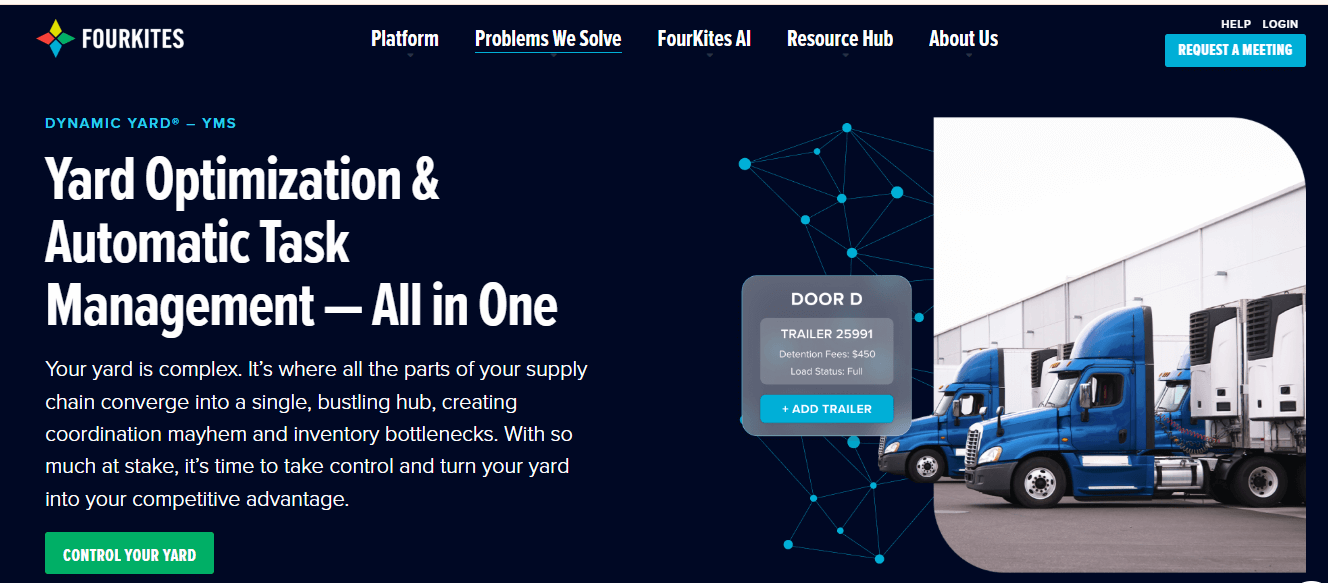
FourKites is an enterprise-level yard management system that connects shipment visibility with yard operations. Additionally, it integrates with an automated appointment management solution, so when appointments change, dock task lists update automatically. This way, teams can focus on the highest-priority jobs without delay. Moreover, the platform helps companies monitor shipments across multiple transportation modes while improving coordination at the dock. By combining predictive insights with live updates, FourKites ensures operations remain efficient even during disruptions.
Features
- Transportation Visibility: Tracks shipments live and provides status updates across all transportation modes.
- Predictive Analytics: Uses machine learning to estimate arrival times and anticipate potential disruptions.
- Yard Management: Updates yard operations dynamically to help teams act quickly and efficiently.
- Multi-Modal Tracking: Monitors shipments via road, rail, ocean, air, and last-mile delivery.
- Appointment Manager: Schedules and tracks truck appointments to reduce wait times and improve coordination.
Pros
- Provides visibility across the supply chain
- Offers advanced tools to increase operational efficiency
- Reduces the need for internal phone calls and follow-ups
Cons
Initial setup requires technical knowledge or professional support
Pricing
FourKites uses customized pricing based on each facility’s requirements, and pricing is not publicly listed.
Why Use FourKites?
FourKites works well for large enterprises and multi-site third-party logistics providers that manage complex supply chains. Companies with high trailer turns benefit from its data-backed tools, which help reduce detention times and improve operational efficiency.
Conclusion
Choosing the right dock scheduling software depends on your warehouse’s operations, budget, and complexity. Each platform offers unique benefits, so you need to match your specific challenges like high detention costs, long manual coordination, low capacity use, or cash flow issues with the software’s strengths. You can explore the interface, run trials, and confirm it fits before committing. Investing in dock scheduling software usually pays off within the first year through lower detention fees, more efficient labor, and stronger relationships with carriers. Very soon, you’ll find yourself reacting faster to scheduling conflicts and making smarter decisions every day.