

Managing finance, inventory, purchasing, and production through separate systems can create problems for growing businesses. Teams may enter the same information several times. They may also struggle to access accurate reports or track business performance across departments. Enterprise resource planning (ERP) software helps solve these problems. It connects important business functions through one system. As a result, finance, operations, sales, and management teams can work with shared information.
However, not every ERP platform serves the same purpose. Some focus on accounting and financial management, while others support manufacturing, supply chains, project management, or asset maintenance.
What Is Enterprise Resource Planning Software?
Enterprise resource planning software connects different business functions through a shared system.
Instead of managing finance, inventory, purchasing, and operations in separate applications, businesses can use an ERP platform to coordinate these activities.
For example, when a sales team records an order, the system can update inventory and create the relevant financial records. Consequently, employees spend less time transferring information between departments.
Depending on the provider, ERP software may include:
- Financial management: General ledger, accounts payable, accounts receivable, and financial reporting.
- Inventory management: Stock tracking, warehouse operations, and inventory planning.
- Procurement: Supplier management, purchasing, and sourcing.
- Manufacturing: Production planning, scheduling, and quality control.
- Supply chain management: Order management, distribution, and logistics.
- Customer relationship management: Customer records, sales activities, and order tracking.
- Human resource management: Employee records, payroll, and workforce administration.
- Project management: Project costing, billing, and resource planning.
- Business intelligence: Dashboards, analytics, and performance reports.
However, not every platform includes all these functions in its base subscription. Some providers sell additional modules separately. Others reserve advanced features for higher-priced editions.
Therefore, businesses should compare the available modules before choosing an ERP system.
10 Best Enterprise Resource Planning Software in 2026
1. Oracle NetSuite
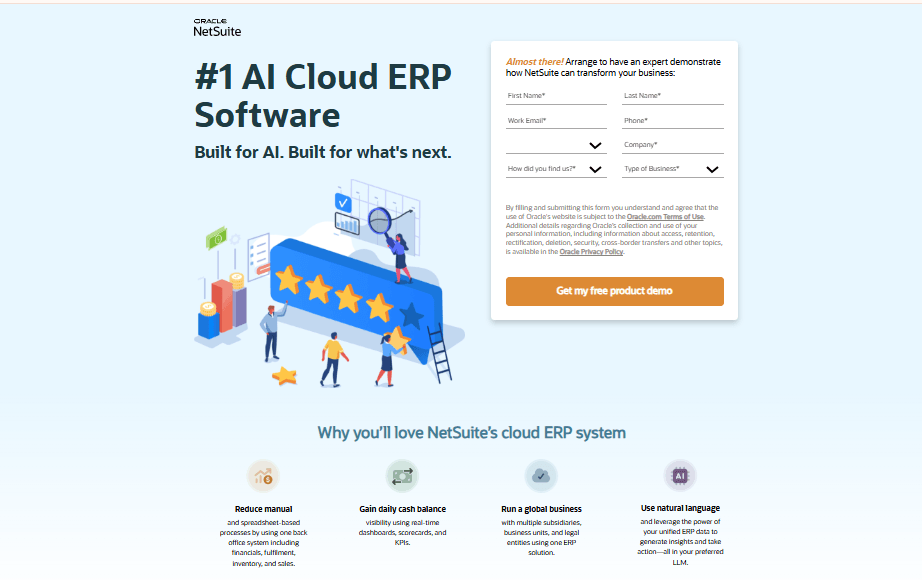
Oracle NetSuite is a cloud ERP platform built around financial management. Its base platform covers general ledger, accounts payable, accounts receivable, and financial reporting.
Businesses can then add modules for inventory, order management, CRM, ecommerce, manufacturing, and warehouse management as their needs change.
For example, finance teams can record transactions that originate from sales or purchasing without entering the information again. Meanwhile, operations teams work with the same product and order records.
NetSuite also supports multi-entity and multi-currency operations. However, these capabilities typically depend on mid-market configurations and the OneWorld add-on. Confirm their availability and cost in your quote.
The platform uses a modular pricing structure. Therefore, the features you receive depend on the modules and licenses you purchase.
It suits growing small and mid-sized businesses, including wholesale distributors, service companies, and ecommerce businesses that have outgrown standalone accounting software.
Features
- The base platform includes general ledger, accounts payable, accounts receivable, financial reporting, and basic dashboards.
- Separate modules add CRM, ecommerce, manufacturing, and warehouse management.
- Inventory and order management connect stock movements to sales and purchasing.
- SuiteAnalytics provides reporting dashboards and business insights.
- Higher-tier configurations support multi-entity and multi-currency operations.
Pros
- Core financial features give finance teams access to accounting and reporting tools from the start.
- The modular design lets businesses add inventory, CRM, and commerce features as they grow.
- SelectHub’s scoring highlights its integration and extensibility capabilities.
Cons
- Oracle doesn’t publish a standard price list, so businesses must request a quote.
- The total cost includes a base platform fee, named user licenses, and module fees.
- Additional modules can increase both subscription and implementation costs.
- Oracle or its implementation partners handle implementation as a separate service.
Pricing
- Custom quote. Public pricing is not disclosed.
Best For
Growing small and mid-sized businesses that need connected financials, inventory, and order management in a cloud ERP system.
Verdict
NetSuite is a strong option for growing businesses that want an expandable cloud ERP. However, expect a quote-based purchasing process. Your final cost will also depend heavily on the number of users and modules you select.
2. SAP S/4HANA Cloud
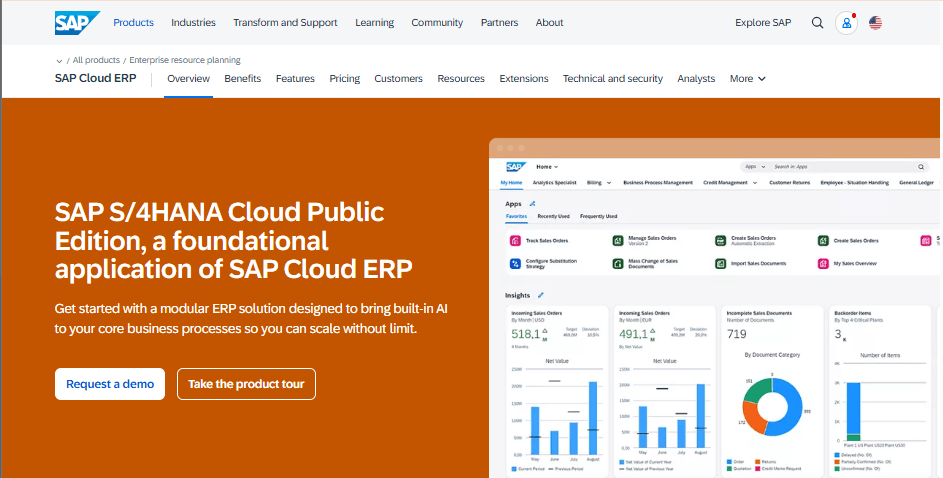
SAP S/4HANA Cloud supports large organizations with complex operations across multiple countries.
The platform covers finance, procurement, supply chain, manufacturing, and sales. It also offers industry-specific capabilities for businesses with specialized requirements.
SAP provides two main cloud editions: Public Edition and Private Edition.
Public Edition uses a multi-tenant cloud environment. It follows standardized business processes and receives regular automatic upgrades. Therefore, it suits organizations that can work with SAP’s established best-practice processes.
Private Edition offers a single-tenant environment with more control over configuration and upgrade timing. It also supports more complex requirements. SAP provides an on-premises option as well.
This flexibility gives large businesses access to extensive finance and operational tools. However, selecting and implementing the right edition requires careful planning.
SAP S/4HANA Cloud suits large enterprises and global mid-market businesses that need standardized processes across multiple entities or extensive customization.
Features
- Finance and accounting form the core of the platform.
- Procurement and supply chain processes connect to shared business records.
- Manufacturing and production capabilities vary by edition.
- Public Edition provides standardized processes and automatic upgrades.
- Private Edition offers more hosting options and configuration flexibility.
- Industry-specific features support different business requirements, although availability varies by edition and deployment.
Pros
- Two cloud editions give businesses a choice between standardization and customization.
- SelectHub’s category ratings highlight its finance, procurement, and supply chain capabilities.
- The platform supports global operations across multiple business entities.
Cons
- SAP doesn’t publish self-service pricing. Quotes depend on users, user types, contract length, and deployment model.
- Public Edition focuses on core business scenarios, while the broader module portfolio generally sits within Private Edition and on-premises deployments.
- Edition selection affects customization options and upgrade schedules.
- Businesses must understand these differences before signing a contract.
Pricing
- Contact SAP for a custom quote. Public pricing is not disclosed.
Best For
Large enterprises and complex multi-entity businesses that need extensive finance, procurement, and supply chain capabilities.
Verdict
SAP S/4HANA Cloud offers broad enterprise functionality. However, its quote-based pricing and implementation requirements make early planning essential. Define your business requirements before choosing an edition.
3. Microsoft Dynamics 365 Business Central
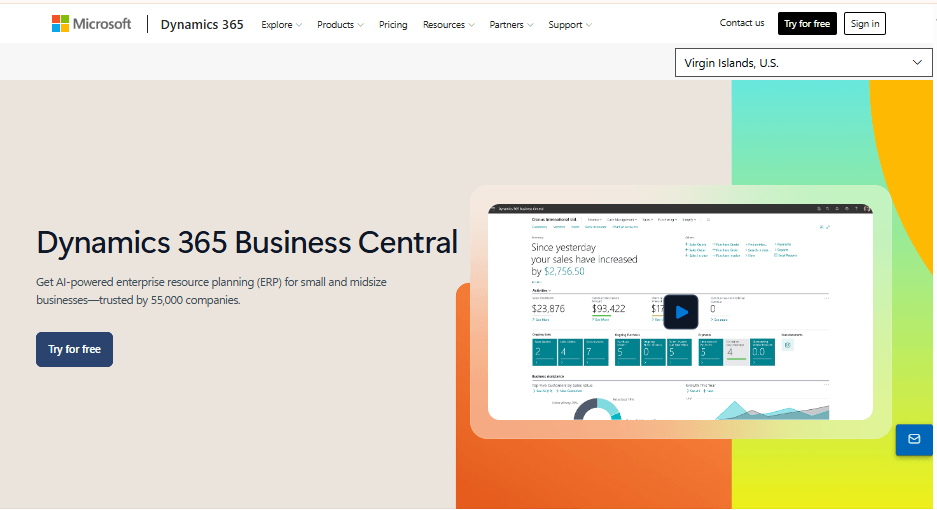
Microsoft Dynamics 365 Business Central brings ERP capabilities closer to the tools many businesses already use.
For companies working with Microsoft 365, the platform combines financial management, supply chain, warehouse management, project management, and HR functions.
Its Essentials license covers core financial and operational features. Meanwhile, the Premium license adds manufacturing and service order management.
This distinction matters for production-focused businesses. They should compare the Premium license with other manufacturing ERP options before making a decision.
Microsoft also offers a lower-cost Team Member license. It supports users who only need limited access, such as viewing information or approving workflows.
Microsoft sells Business Central through its partner network. These partners also handle implementation and related services.
The platform suits small and mid-sized distributors, retailers, and light manufacturers that want integrated business management and published per-user pricing.
Features
- Essentials includes financial management, general ledger, accounts payable, and accounts receivable.
- Supply chain and warehouse management connect to sales and purchasing.
- Project management and job costing support project-based businesses.
- Premium adds manufacturing and service order management.
- Team Member licenses support limited access, including viewing records and approving workflows.
Pros
- Published per-user prices make early budgeting easier than quote-only ERP platforms.
- One license covers finance, supply chain, and project management.
- Premium adds manufacturing capabilities for production-focused businesses.
- Lower-cost Team Member licenses suit employees who don’t need full access.
Cons
- Manufacturing and service management require the Premium license.
- Businesses must choose one full license type for their deployment. As a result, one department’s requirements can increase licensing costs across the organization.
- Per-user pricing means costs rise as the business adds more full users.
- Microsoft partners handle implementation, and their fees are separate.
Pricing
- Essentials: $80 per user per month, billed annually.
- Premium: $110 per user per month, billed annually.
- Team Members: $8 per user per month, billed annually.
Best For
Small and mid-sized businesses, especially those already using Microsoft products, that need integrated accounting, inventory, and purchasing.
Verdict
Business Central is one of the easier ERP platforms in this guide to budget for. However, manufacturing requires Premium, and per-user licensing costs increase with headcount.
4. Acumatica
Acumatica stands out because of its licensing model. Instead of charging per user, it bases pricing on the applications you select and the computing resources and transaction volume you consume.
This approach can benefit businesses with many occasional users. For example, field employees, seasonal workers, and department heads can access the system without increasing license fees for every additional user.
Acumatica covers financial management, distribution, manufacturing, and project accounting. It also offers industry editions, including construction and wholesale distribution.
The platform provides an open API and integration marketplace. These tools help businesses connect Acumatica with ecommerce, CRM, and other applications.
Review sources also report cloud and on-premises deployment options. Confirm available deployment arrangements directly with the provider.
Acumatica suits growing distributors, manufacturers, and construction companies that expect user numbers to increase faster than transaction volume.
Features
- Financial management provides the foundation for the platform.
- Distribution and inventory modules support stock and warehouse operations.
- Manufacturing and project accounting support production and project-based businesses.
- Industry editions address construction and wholesale distribution workflows.
- An open API and integration marketplace connect Acumatica to other business systems.
- Unlimited-user licensing allows businesses to add employees without per-user license fees.
Pros
- Unlimited users can help control licensing costs as headcount grows.
- The open API supports connections with ecommerce, CRM, and other applications.
- Construction and distribution editions address industry-specific workflows.
- The licensing model suits companies with many occasional or seasonal users.
Cons
- Acumatica doesn’t publish standard prices, so businesses must request a quote.
- Consumption-based pricing requires accurate estimates of transaction volume and resource usage.
- Implementation costs are separate.
- Project complexity and implementation expenses depend on the selected modules.
Pricing
- Contact Acumatica for a custom quote. Public pricing is not disclosed.
Best For
Mid-sized distributors, manufacturers, and construction companies with large or fluctuating user numbers.
Verdict
Acumatica is worth considering if per-user licensing would make a traditional ERP too expensive. However, forecast your resource consumption carefully because it affects the final quote.
5. Odoo
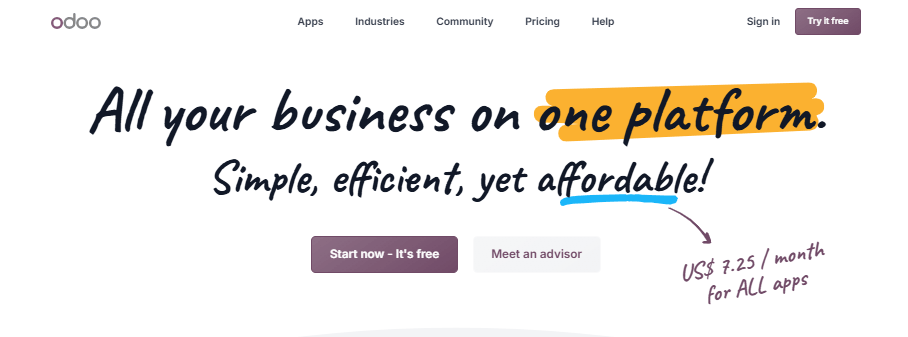
Odoo takes a modular approach to enterprise resource planning. Its application catalog covers accounting, inventory, sales, manufacturing, HR, CRM, and ecommerce.
Businesses can start with one application and add more as their operations grow. This approach gives smaller companies a lower-cost entry point.
Odoo offers a free plan with one application and unlimited users. It also provides paid Standard and Custom plans that unlock all applications.
Odoo also provides an open-source Community edition. Businesses can host it themselves, although it doesn’t include many Enterprise features.
The platform suits small and mid-sized businesses that want modular ERP software and can manage configuration internally or through an implementation partner.
Features
- Paid plans provide access to applications for accounting, inventory, sales, and manufacturing.
- The free plan supports one application and unlimited users.
- Odoo Studio lets Custom users build applications and add custom fields.
- Multi-company support and an external API come with the Custom plan.
- Custom users can choose Odoo Online, Odoo.sh, or on-premises hosting.
- The Community edition offers a self-hosted open-source option with fewer features.
Pros
- A free single-app plan and published per-user prices create a low entry barrier.
- The modular structure lets businesses add applications as their needs change.
- Self-hosting gives technical teams more control over the software environment.
- Businesses can begin with basic applications instead of purchasing a full ERP suite immediately.
Cons
- Multi-company support and the external API require the more expensive Custom plan.
- Pricing varies by region and may include introductory discounts.
- Standard doesn’t support custom development.
- Businesses with unusual workflows may need Custom or external implementation support.
Pricing
- One App Free: $0, one application, unlimited users, and Odoo Online.
- Standard: $7.25 / user / month
- Custom:$13.40 / user / month
Best For
Small and growing businesses that want modular ERP software at a lower entry price and can manage configuration.
Verdict
Odoo offers one of the lowest entry barriers among the platforms in this guide. However, pricing varies by region and plan. Check the current US rates and required features before budgeting.
6. Sage Intacct
Sage Intacct focuses primarily on financial management. It is best understood as a cloud financial management platform with additional operational modules.
Its main strength is accounting for organizations with multiple entities. The platform supports a multi-dimensional general ledger, automated consolidations, intercompany transactions, and project accounting.
Businesses can also add advanced modules for inventory management, contract management, revenue recognition, and spend management.
However, Sage Intacct isn’t a manufacturing ERP. Businesses that need production planning will typically need to connect it to specialist applications.
Pricing depends on the number of users, modules, and business entities. Sage doesn’t publish a standard price list.
The platform suits service companies, nonprofits, and multi-entity organizations where finance teams lead the software selection process.
Features
- Multi-entity accounting supports global consolidations, intercompany transactions, and eliminations.
- A multi-dimensional general ledger supports detailed financial reporting.
- Accounts payable and receivable automation helps finance teams manage transactions.
- Project accounting supports project costs and financial tracking.
- Contract management and revenue recognition are available through modules.
- Inventory management is a separately licensed module.
Pros
- Multi-entity consolidation gives finance teams a clearer view of subsidiary performance.
- Dimensional reporting supports detailed financial analysis.
- Businesses can add modules as their requirements change.
Cons
- Manufacturing and deep supply chain capabilities aren’t native to the platform.
- Operations-heavy businesses may need integrations with specialist systems.
- Quote-based pricing depends on users, modules, and entity count.
- Inventory, project accounting, and other advanced capabilities cost extra.
Pricing
- Contact Sage for a custom quote. Public pricing is not disclosed.
Best For
Multi-entity service companies, nonprofits, and finance-led organizations that need advanced accounting rather than manufacturing management.
Verdict
Choose Sage Intacct when financial management is your main priority. However, businesses that need production planning or extensive supply chain tools should consider manufacturing-focused ERP platforms.
7. Epicor Kinetic
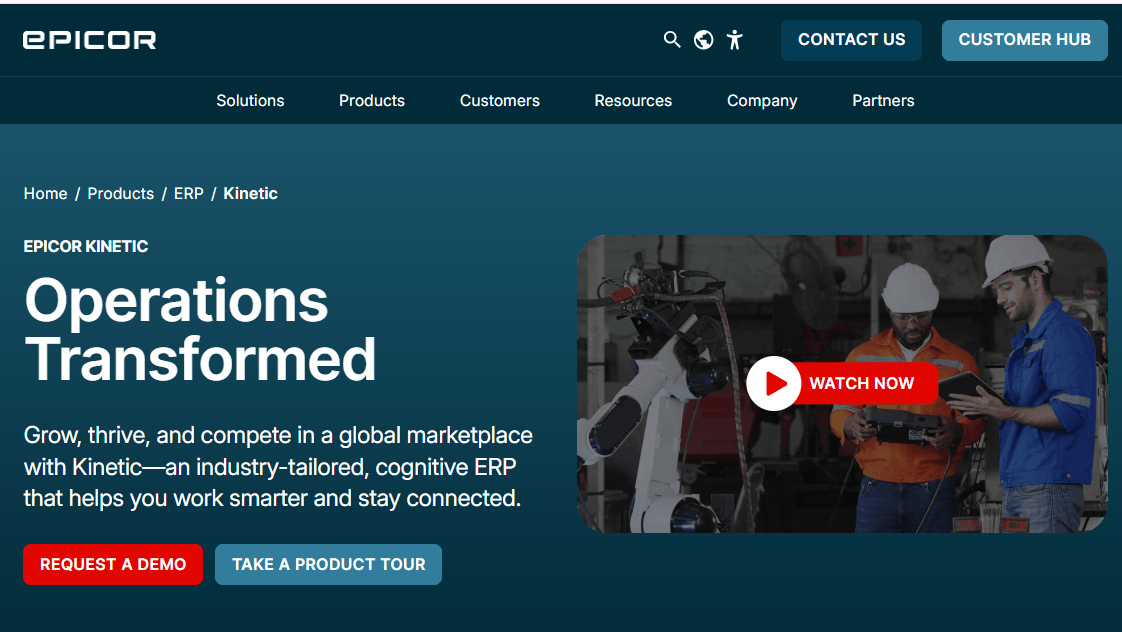
Epicor Kinetic focuses on manufacturing businesses. Its features support different production models, including make-to-order, make-to-stock, engineer-to-order, and configure-to-order.
The platform also provides bill of materials management, product traceability, and quality assurance. Comparison sites credit it with manufacturing execution and advanced scheduling capabilities.
Beyond production, Epicor Kinetic connects finance, supply chain, inventory, quality, and service operations. Epicor Prism adds AI-supported decision-making capabilities. Businesses can also choose cloud, on-premises, or hybrid deployment.
These capabilities make Epicor Kinetic a strong option for small and mid-sized discrete manufacturers. It also suits businesses in regulated industries that need production records connected to inventory and finance.
Features
- Production planning and scheduling support make-to-order, make-to-stock, engineer-to-order, and configure-to-order operations.
- Bill of materials management keeps product information organized.
- Quality assurance and traceability support regulated manufacturing.
- Inventory, warehouse, and order management connect to financial records.
- Cloud, on-premises, and hybrid deployment options support different IT requirements.
- Epicor Prism provides AI-supported decision support.
Pros
- Manufacturing capabilities address production requirements that general-purpose ERP platforms may not cover.
- Flexible deployment suits businesses with specific IT and data requirements.
- Production, inventory, and finance use connected records.
- The platform supports several manufacturing models.
Cons
- Epicor doesn’t publish standard prices. Businesses must request a quote.
- The final cost depends on users, modules, and deployment.
- Comparison sources report a learning curve for new users.
- Customizations can make upgrades more complex.
- Manufacturing-specific features may exceed the needs of distributors and service businesses.
Pricing
- Contact Epicor for a custom quote. Public pricing is not disclosed.
Best For
Discrete and mixed-mode manufacturers that need production planning, quality control, and traceability connected to finance.
Verdict
Epicor Kinetic is a serious option for manufacturers that need detailed shop-floor controls and flexible deployment. However, distributors and service businesses will likely find a more suitable platform elsewhere.
8. Infor CloudSuite Industrial (SyteLine)
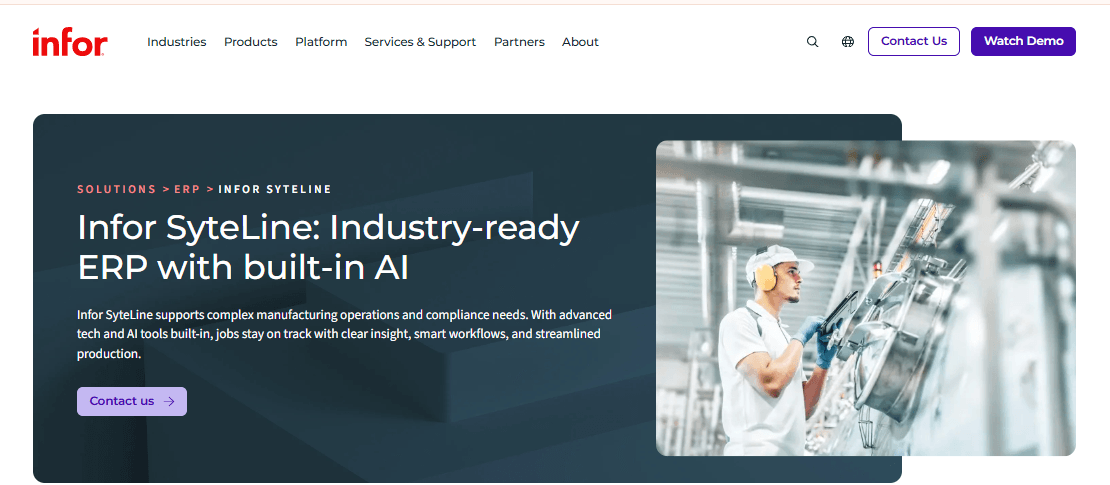
Infor CloudSuite Industrial, also known as SyteLine, focuses on manufacturing businesses.
The platform supports build-to-order, build-to-stock, and mixed-mode production. It also provides planning and scheduling, quality management, service functions, and embedded CRM and order management.
In addition, its financial and supply chain capabilities connect production activities to wider business operations. Infor offers cloud deployment on AWS through Infor OS. Businesses can also consider on-premises or private-cloud deployments if they need more control over their data and infrastructure.
The platform suits mid-sized manufacturers in machinery, equipment, and related industries.
Features
- Planning and scheduling support engineer-to-order, make-to-order, make-to-stock, and mixed-mode manufacturing.
- Quality management supports production standards and product checks.
- Service functionality supports post-production operations.
- Embedded CRM and order management connect customer records to production activities.
- Financial management and supply chain tools support wider business operations.
- Cloud deployment runs on AWS through Infor OS, with on-premises and private-cloud options also available.
Pros
- Multiple production models support manufacturers with different product lines.
- Embedded CRM and order management connect customer commitments to production.
- Deployment options support both cloud-first and on-premises businesses.
- The platform combines manufacturing, financial, and supply chain capabilities.
Cons
- Infor doesn’t publish a standard pricing model.
- Pricing depends on features, users, deployment, and implementation services.
- The SyteLine and CloudSuite Industrial names can confuse buyers during research.
- Businesses should confirm the exact edition and migration path in their proposal.
- Non-manufacturing companies may find the platform too specialized.
Pricing
- Contact Infor for a custom quote. Public pricing is not disclosed.
Best For
Mid-sized manufacturers with engineer-to-order or mixed-mode production that need planning, quality, and order management in one system.
Verdict
Infor CloudSuite Industrial is a good fit for manufacturers with varied production requirements. However, clarify the product edition and deployment model early to avoid confusion during purchasing and migration.
9. IFS Cloud
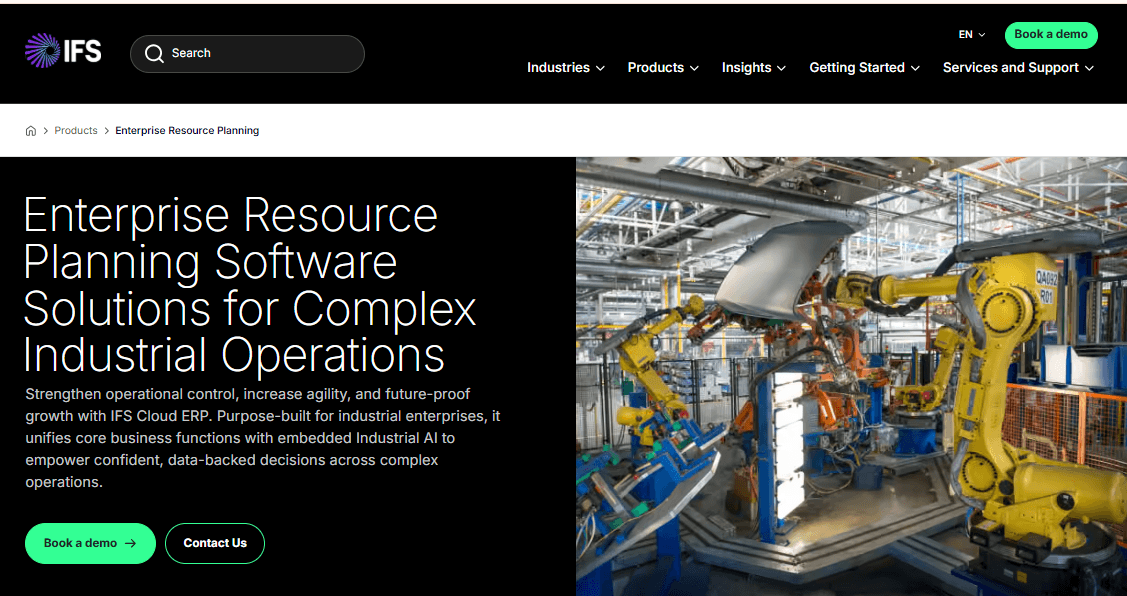
IFS Cloud combines ERP, enterprise asset management, and field service management in one platform.
Alongside financials, procurement, supply chain, manufacturing, and project management, it supports asset lifecycle management and maintenance operations. It also includes technician scheduling and mobile tools for field service teams.
This combination benefits organizations that depend on equipment, infrastructure, and service delivery. Examples include aerospace and defence, construction and engineering, energy, and utilities.
IFS Cloud suits large and upper-mid-market businesses with asset-intensive or project-based operations. It can also reduce the need to connect separate ERP, maintenance, and field service systems.
Features
- Financial management, supply chain, procurement, manufacturing, and project management.
- Enterprise asset management with work orders, maintenance planning, and maintenance, repair, and operations (MRO).
- Field service management with scheduling optimization and mobile technician tools.
- Project-based operations support engineer-to-order and capital projects.
- Multi-site inventory management supports businesses with several operating locations.
Pros
- ERP, asset management, and field service tools operate within one platform.
- Industry-specific capabilities support aerospace, construction, and energy businesses.
- SelectHub’s scores place IFS among the leading products for service management, analytics, and asset management.
- Combining these functions can reduce integration work.
Cons
- IFS doesn’t publish its prices, so businesses must request a quote.
- One review source notes that the platform lacks an ecommerce module.
- Its broad scope may exceed the needs of mid-sized companies without extensive assets or field operations.
- Implementation costs depend on industry requirements and project complexity.
Pricing
- Contact IFS for a custom quote. Public pricing is not disclosed.
- Implementation fees vary according to industry complexity and project scope.
Best For
Asset-intensive and project-based enterprises that need ERP, maintenance, and field service management in one system.
Verdict
IFS Cloud stands out when equipment, maintenance, and field operations drive the business. However, companies without these requirements may pay for capabilities they don’t need.
10. Oracle Fusion Cloud ERP
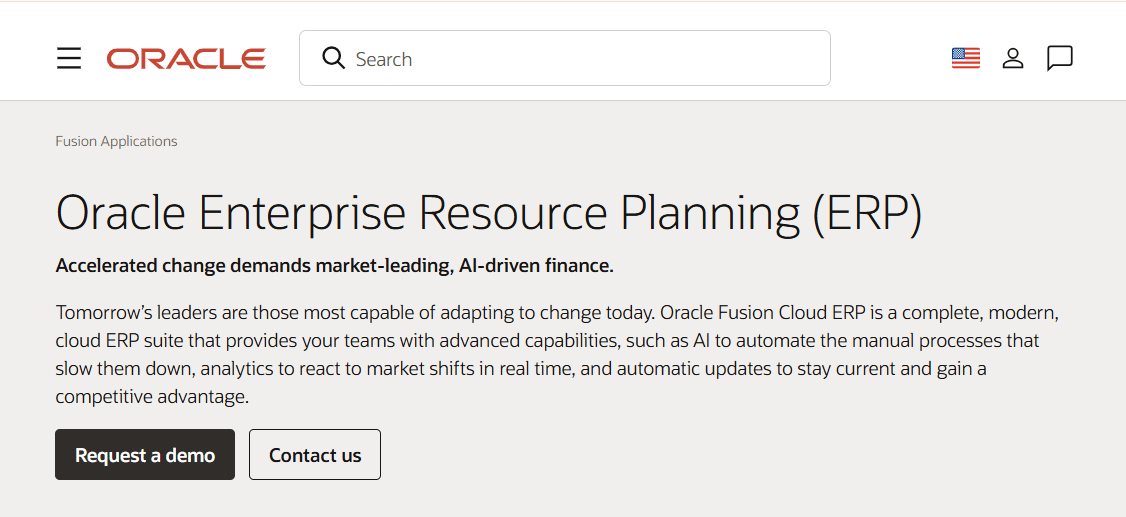
Oracle Fusion Cloud ERP is an enterprise suite with separate application areas, which Oracle calls pillars.
These include Financials, Procurement, Project Portfolio Management, Supply Chain and Manufacturing, Enterprise Performance Management, and Risk Management.
Finance teams can manage general ledger, accounts payable, accounts receivable, fixed assets, and cash management. Meanwhile, procurement teams handle sourcing, purchasing, and supplier management within the same suite.
Project-based organizations can also add project costing and billing tools.
Oracle includes U.S. Federal Financials among its financial capabilities. This feature may interest government contractors with specific reporting requirements.
The platform uses the Redwood interface, which Oracle continues to roll out across its modules.
Oracle Fusion Cloud ERP suits large, complex organizations that need a modular enterprise system and can support a substantial implementation.
Features
- Financials covers general ledger, accounts payable, accounts receivable, fixed assets, and cash management.
- Procurement supports sourcing, purchasing, and supplier management.
- Project Portfolio Management handles project costing, billing, and resource planning.
- Supply Chain and Manufacturing supports inventory, order management, and production.
- Enterprise Performance Management provides budgeting, forecasting, and consolidation.
- Risk Management supports enterprise risk and compliance processes.
Pros
- The pillar-based structure lets enterprises license the application areas they need.
- Project costing and billing support professional services and project-driven organizations.
- U.S. Federal Financials supports specific federal reporting requirements.
- Businesses can add supply chain and planning capabilities as their needs grow.
Cons
- Oracle doesn’t publish standard pricing.
- Modules generally require separate per-user licenses.
- Implementation can take months, according to reviewer accounts.
- Buyers may find overlap between Fusion Cloud ERP and Oracle NetSuite.
- Businesses should compare both products to identify the right fit for their size and requirements.
Pricing
- Contact Oracle for a custom quote. Public pricing is not disclosed.
- Modules are licensed separately, generally per user.
Best For
Large enterprises and project-based organizations that need modular financial management, procurement, and the option to add supply chain and planning tools.
Verdict
Oracle Fusion Cloud ERP offers extensive financial and procurement capabilities for large organizations. However, plan for separate module licenses and a substantial implementation. Compare it with NetSuite before making a final decision.
Conclusion
The right ERP depends less on the longest module list and more on how closely it matches your operations. Small and midsize companies can start with Business Central, Odoo, or NetSuite. Finance-led organizations should consider Sage Intacct. Manufacturers should compare Epicor Kinetic and Infor CloudSuite Industrial, and asset-heavy enterprises should evaluate IFS Cloud. Large global companies will want SAP S/4HANA Cloud or Oracle Fusion Cloud ERP. Shortlist three, test your real workflows, and price the full project before you commit.