

A popular menu item can still lose money. Ingredient prices change every week. Yields vary, portions grow, and a March spreadsheet may not reflect the cost of a dish sold in November. Food costing goes beyond adding up recipe ingredients. Operators need to know what each dish should cost and what it actually costs after purchases and inventory changes. They also need to know which items deserve a place on the menu.
Keeping track of these changes with spreadsheets can become difficult as a food business grows. A supplier changes a price, a recipe uses a different quantity, or a kitchen records more stock than it actually has. Each change affects the cost of preparing a dish. If the numbers are out of date, owners may continue selling meals at prices that leave little room for profit.
Food costing software helps businesses keep these numbers up to date. Depending on the platform, operators can calculate recipe costs, track ingredient prices, process supplier invoices, monitor inventory and compare theoretical food costs with actual spending. Some tools focus on recipe development and menu planning. Others connect purchasing, inventory, accounting and sales data in one system.
The challenge is choosing a tool that fits the way your kitchen operates. A small restaurant that needs reliable recipe costing may not need the same features as a multi-location group managing several suppliers and inventory across different sites. Below are the top 20 food costing software in 2026.
Top 20 Best Food Costing Software in 2026
1. MarketMan
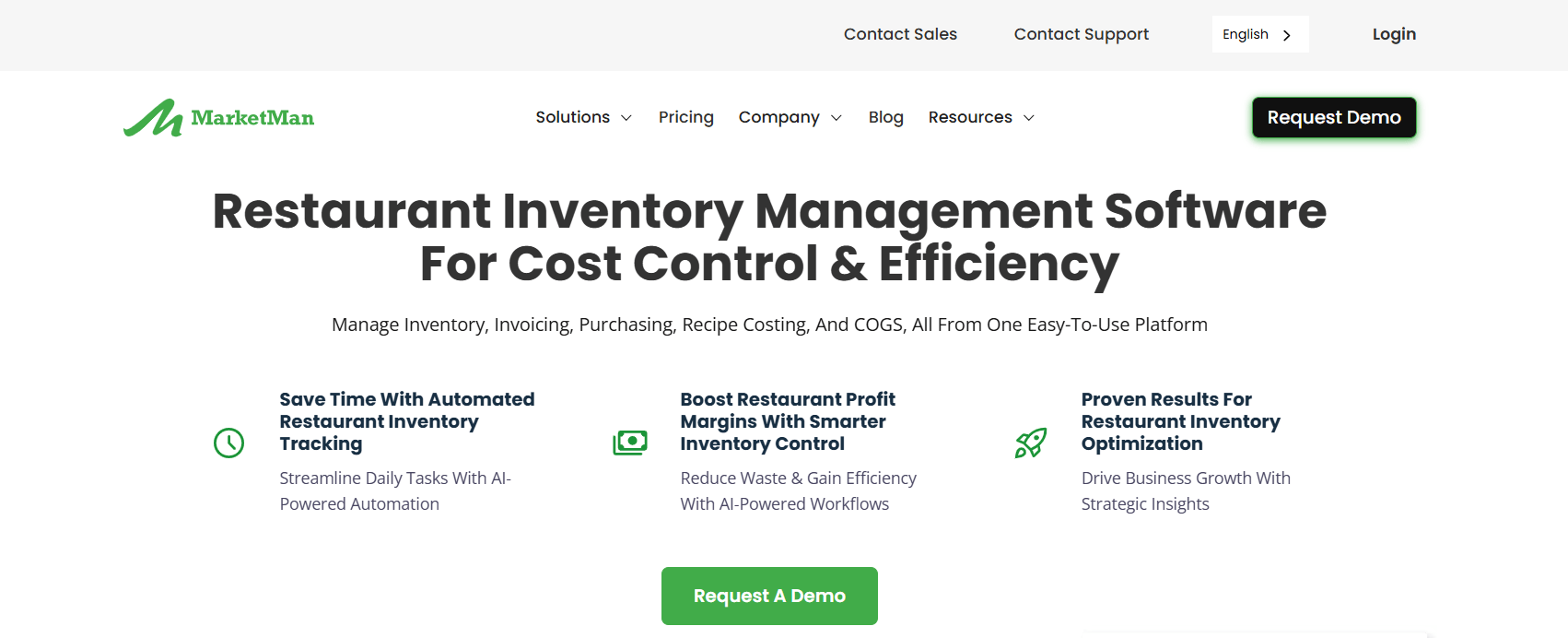
MarketMan provides food costing software that brings purchasing, inventory and recipe costing together. Operators build recipes from inventory items, so the software uses their purchase prices. Every plan includes real-time recipe costing and actual vs. theoretical (AVT) reporting. AVT compares the ingredients a recipe says a kitchen should use with the quantities its inventory counts show. The Growth tier adds Smart Ordering and Order by Recipe. Enterprise adds email invoice scanning and advanced reports. MarketMan suits kitchens that buy from several suppliers and want one system to connect orders, invoices and food cost percentages.
Key Features
- Real-time recipe costing: MarketMan recalculates recipe costs when ingredient prices change. Operators can then compare menu prices with current costs.
- Actual vs. theoretical reporting: The reports highlight differences caused by waste, oversized portions or counting errors.
- AI invoice scanning: Starter includes 50 scans per month. Growth includes unlimited scans.
- Vendor EDI integrations: Starter includes one connection, Growth includes two, and Enterprise includes unlimited connections.
- Waste tracking: Operators can log losses and include them in variance reports.
Pros
- The entry plan includes costing and AVT reporting.
- Orders and invoices update costs directly.
- Integrates with Square, Toast, Lightspeed and Clover.
- Operators can add commissary kitchen modules.
Cons
- At $249 per month, the entry plan may cost too much for a small, single-location cafe.
- Starter limits the number of invoice scans and vendor EDI connections.
- MarketMan charges extra for commissary, API and some kitchen add-ons.
Pricing
- Starter: $249/month
- Growth: $299/month
- Enterprise: From $449/month
Best For
Independent restaurants and small groups that want ordering and food costing tied together.
When to Consider an Alternative
Choose meez if you mainly need recipe documentation and training. Choose Restaurant365 if you want accounting in the same system.
2. Restaurant365
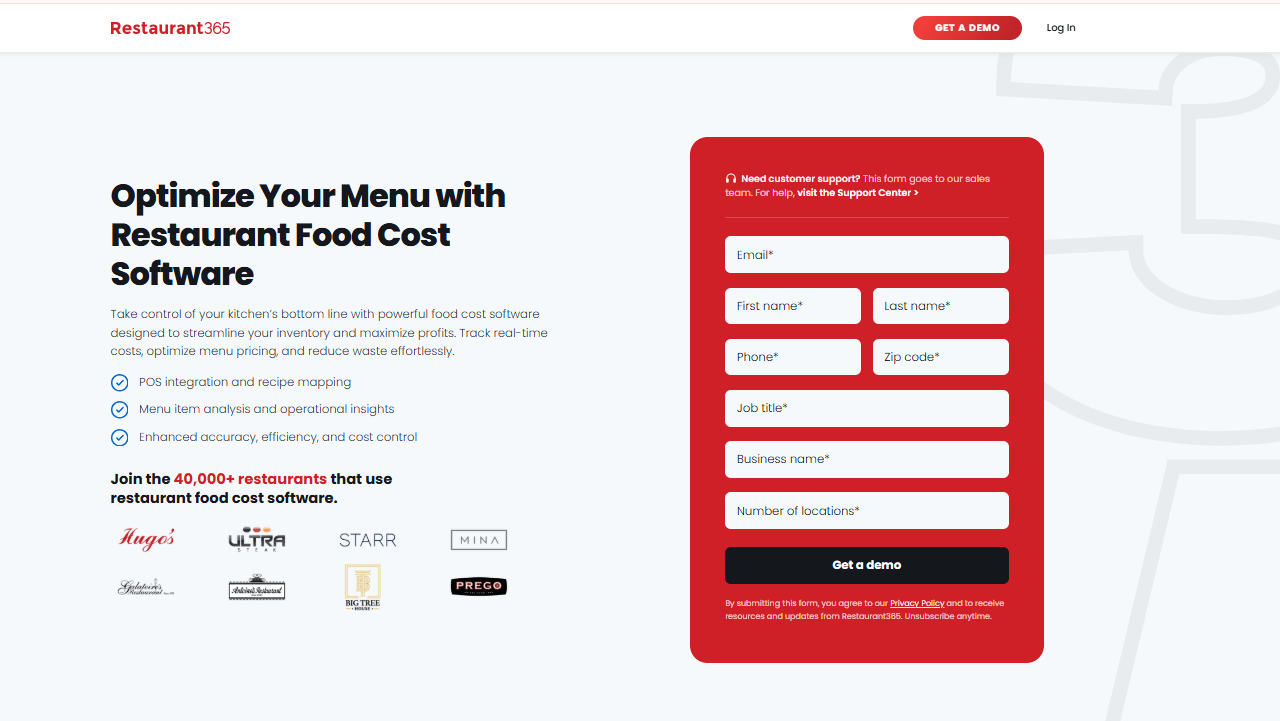
Restaurant365 offers a back-office platform rather than a standalone costing tool. Its official pages list real-time food cost tracking, recipe costing, waste and transfer tracking, vendor integrations, price alerts and prep tools. The platform also includes accounting, AP automation and workforce management. Food cost data flows into the general ledger, which can help finance teams. Restaurant365 uses the term “real-time” in its own description. It also sells inventory as a separate module, so the scope and cost depend on the modules you choose.
Key Features
- Recipe costing and food cost tracking: The platform connects recipe costs with purchasing and sales.
- Price alerts: The system flags ingredient price increases from vendors.
- Waste and transfers: Teams can record losses and stock movements between locations.
- Prep tools: These tools help teams match production to expected demand.
- Accounting integration: AP, bank reconciliation and financial reporting in one place.
Pros
- Food cost data sits inside the accounting system, so teams do not need to enter it again.
- It supports groups with many locations and concepts.
- Its modular setup lets operators choose the tools they need.
Cons
- Reviewers describe it as more than very small operators need. This is a user opinion, not a documented limit.
- Operators may need several modules to get the full value.
Pricing
Restaurant365 provides custom quotes on its official page. Third-party sites list conflicting figures, so we have not included them. See Restaurant365 pricing.
Best For
Multi-unit groups that want controllers and operators to manage food costs and financials in one system.
When to Consider an Alternative
Single-location restaurants that only need recipe costing may find meez or MarginEdge easier to adopt.
3. MarginEdge
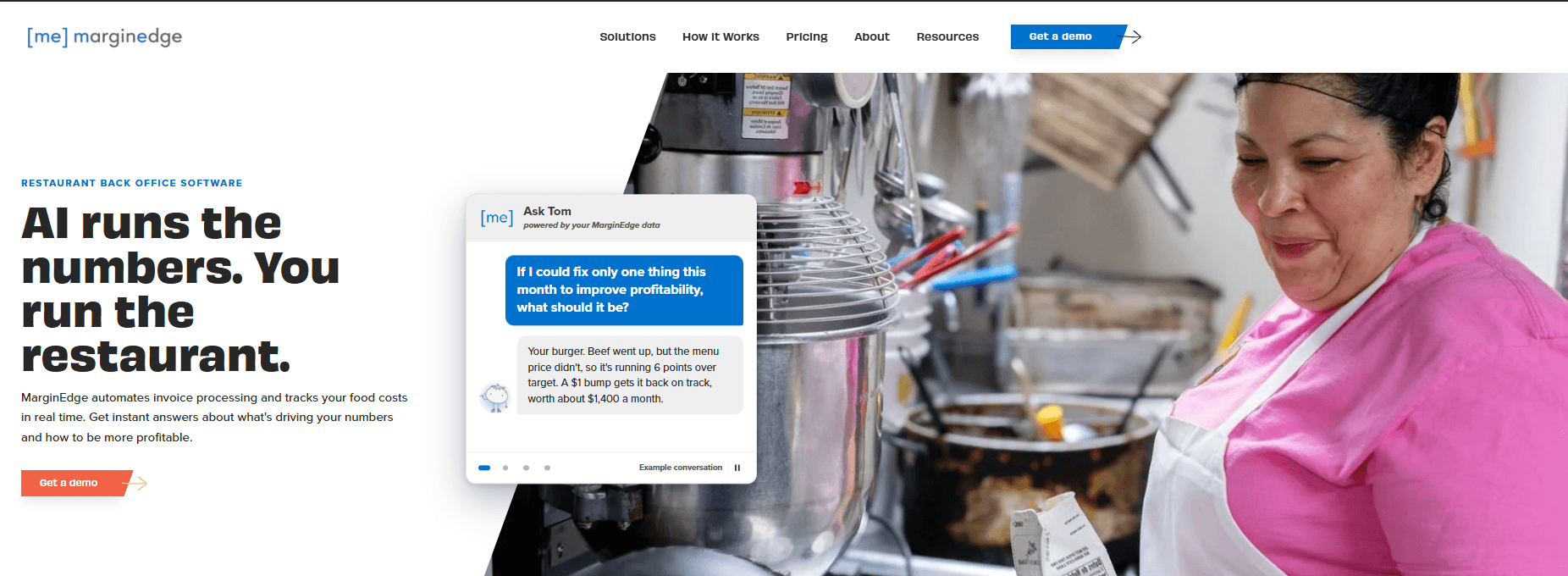
MarginEdge processes vendor bills and matches line items to products. When prices change, it updates recipe costs. The homepage lists recipe costing, a daily profit-and-loss view and alerts for price changes on frequently purchased products. It also promotes an AI assistant that can answer questions about rising food costs. MarginEdge publishes one price per location.
Key Features
- Unlimited invoice processing: The base plan includes unlimited invoice processing.
- Recipe costing: MarginEdge updates costs using prices from processed invoices.
- Price alerts: The system notifies operators when key product prices change.
- Daily P&L: Operators can track prime cost trends without waiting for month-end reports.
Pros
- One clear price per location.
- MarginEdge does not limit invoice processing by volume.
- It connects purchasing directly to menu costing.
Cons
- The vendor prices add-on products separately.
- It offers the best value to operators who regularly process invoices through the system.
Pricing
The homepage lists a price of $350 per month per location. That price includes unlimited invoice processing and the AI assistant.
Best For
Operators who want food costing without a tiered plan menu.
When to Consider an Alternative
Choose Restaurant365 if you need built-in accounting. Choose meez if recipe documentation matters more.
4. xtraCHEF by Toast

Toast says the software uses scanned invoice prices to update plate costs. Operators can also add labor, packaging and delivery costs to each dish. xtraCHEF maps Toast menu modifiers to recipes and uses Toast sales data for actual vs. theoretical reports. A Toast blog comparison says these reports rely on physical inventory counts. It also notes that xtraCHEF does not track perpetual inventory.
Key Features
- Invoice-driven recipe costing: xtraCHEF updates plate costs with prices from scanned invoices.
- Non-ingredient costs: Operators can add labor, containers and delivery fees to each dish.
- Modifier mapping: xtraCHEF assigns costs to Toast menu add-ons.
- Actual vs. theoretical: The software uses Toast sales data for these reports.
Pros
- Strong fit with Toast POS data.
- It accounts for real plate costs, not just ingredient costs.
- Teams can record allergens in recipes.
Cons
- The vendor does not publish pricing.
- It works best with Toast and offers less value to restaurants that use other POS systems.
- The reports rely on inventory counts rather than continuous stock tracking.
Pricing
Contact Toast. See Toast recipe costing.
Best For
Restaurants already on Toast.
When to Consider an Alternative
Operators who use other POS systems should compare MarketMan and MarginEdge.
5. Craftable

Craftable food costing software combines inventory, purchasing, recipe costing and AP. It also offers strong beverage tools. The company says its invoice AI matches invoice lines to inventory items. When an ingredient price changes, Craftable automatically updates every recipe, sub-recipe and batch recipe that uses it. The company also offers Foodager, a food costing product with recipe and sub-recipe costing, modifier mapping and automated menu engineering. We compare Craftable and Foodager as one vendor.
Key Features
- Automatic repricing: Craftable updates recipes, sub-recipes and batches when invoice prices change.
- Mobile inventory counts with barcode scanning.
- Foodager provides menu engineering and theoretical cost reports.
- The platform connects purchasing and AP to inventory.
Pros
- Handles food and beverage in one system.
- Cost changes carry through sub-recipes and batches.
- Hotels and groups can manage multiple outlets.
Cons
- The vendor does not publish pricing.
- The two product names may confuse buyers.
- Third-party reviewers mention setup effort.
Pricing
Contact sales. See Craftable inventory and Foodager.
Best For
Hospitality groups and bar-heavy concepts.
When to Consider an Alternative
A single restaurant that needs a simple recipe tool may prefer meez or Galley.
6. Apicbase
Apicbase brings recipes, ingredients, suppliers, inventory and procurement together. It also manages allergen and nutrition data. Third-party sources say Apicbase updates recipe costs when ingredient prices change. They also describe menu engineering linked to suppliers and prices. We could not verify pricing on an official Apicbase page, so we mark its pricing as unverified.
Key Features
- Recipe and menu costing that connects costs to supplier prices.
- Teams can manage procurement and inventory across locations.
- The platform stores allergen, nutrition and labeling data.
- Groups can distribute recipes across locations.
Pros
- It helps groups control recipes across locations.
- Good for production and catering workflows.
- It includes allergen and nutrition tools.
Cons
- The vendor uses quote-based pricing. Reviewers say it targets larger operations.
- We could not independently verify pricing.
- It may offer more features than a small restaurant needs.
Pricing
Visit the official site or contact Apicbase for current rates.
Best For
Restaurant groups, ghost kitchens and caterers that need consistent recipes across locations.
When to Consider an Alternative
Independent restaurants should compare MarketMan and MarginEdge.
7. meez

meez provides recipe-focused Food Costing Software. Chefs can build recipes with sub-recipes, yields and unit conversions. They can enter costs manually or import them from spreadsheets, then view each recipe’s margin. Higher tiers add inventory, invoice processing and a costing feed that updates costs daily. Only Enterprise includes menu engineering, POS integration and analytics. meez offers recipe costing without full food cost accounting.
Key Features
- Chefs can scale recipes and calculate yields.
- Every plan includes a recipe margin calculator.
- Chefs can import costs from spreadsheets. Premium adds invoice-based cost feeds.
- Pro adds inventory counts.
- It integrates with back-office systems such as Restaurant365, MarginEdge and MarketMan.
Pros
- Low entry price with a 14-day trial.
- No setup fee for the core plans.
- It helps kitchens standardize recipes and train staff.
Cons
- Starter requires users to enter costs manually.
- Users need Enterprise for menu engineering and POS integration.
- meez does not offer a native iOS or Android app. Users access it through a browser.
Pricing
- Starter: $19/month (billed annually)
- Pro: $89/month (billed annually)
- Premium: $179/month (billed annually)
Best For
Chefs and kitchens that start from recipes.
When to Consider an Alternative
Choose MarketMan or Restaurant365 if you need purchasing and AP.
8. Galley Solutions
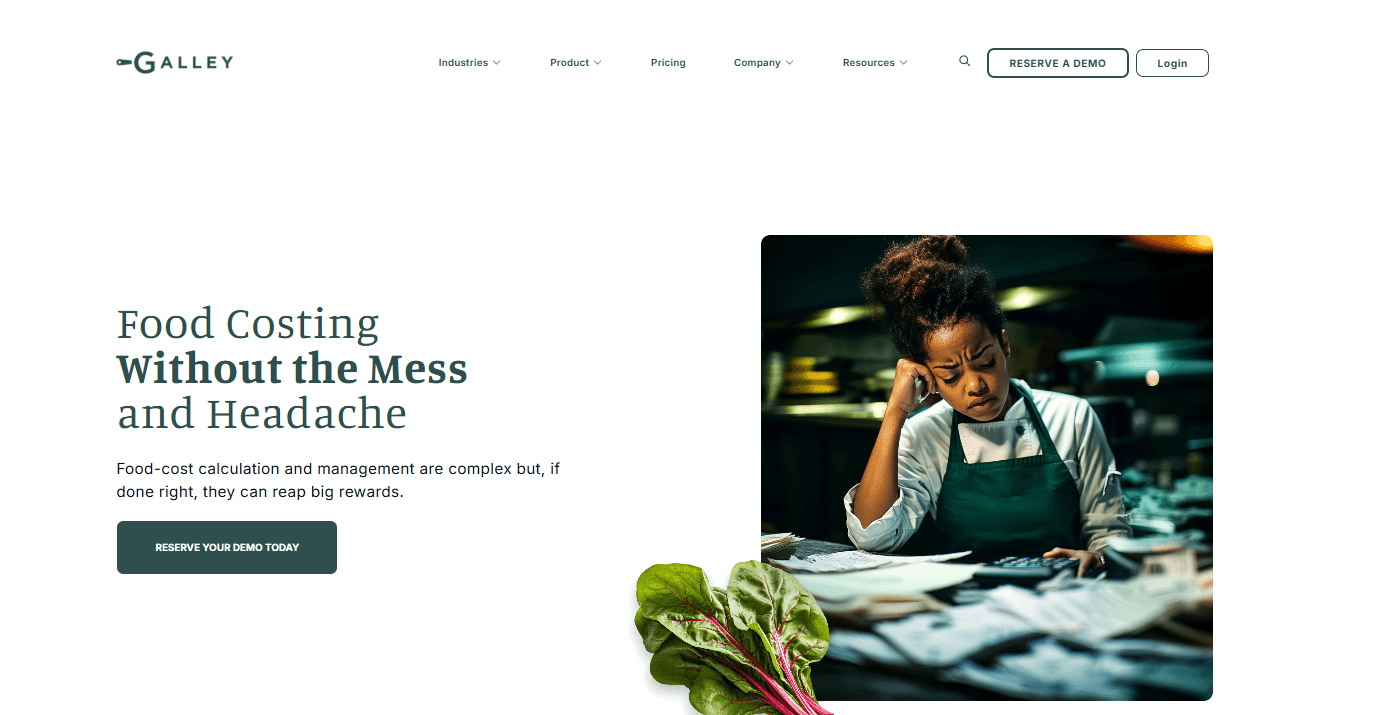
Galley Solutions provides Food Costing Software for caterers and food producers. The software says its recipe costing automatically updates with live vendor prices. The software imports invoices through EDI and scanning. It also creates production plans and packing lists for caterers. Galley offers a free test kitchen and an SMB plan from $99 per month. We did not verify the free plan’s limits.
Key Features
- The software updates costs with live vendor prices.
- Teams can cost menus and check margins.
- The software creates production plans and packing lists.
- EDI and invoice scanning help update ingredient prices.
Pros
- Free entry point.
- It supports catering and production workflows.
- Galley publishes its SMB pricing.
Cons
- We could not verify the free plan’s limits.
- Galley gives larger operations custom quotes.
- Less restaurant-POS focused than some rivals.
Pricing
Contact for pricing
Best For
Caterers and commissary or production kitchens.
When to Consider an Alternative
Restaurants that need deep POS integration should compare MarginEdge and xtraCHEF.
9. ChefTec

It provides food costing software with recipe and menu costing, inventory control and purchasing. ChefTec Basic includes recipe and menu costing, physical inventory counts, basic nutritional analysis, and manual purchasing and ordering. The Ultra adds production management, waste and lot tracking. It also calculates plate costs with current, low, high and average ingredient prices.
Key Features
- Ultra calculates recipe and menu costs using current, low, high and average ingredient prices.
- Teams can complete physical inventory counts.
- The software supports purchasing and ordering.
- Ultra tracks waste and lots.
Pros
- Deep costing options.
- The company has served foodservice businesses for decades.
- Its product tiers support different operating needs.
Cons
- Basic requires users to manage purchasing and ordering manually.
- Less suited to multi-location groups.
Pricing
We could not independently verify pricing. Visit the official pricing page or contact the vendor for current rates. See ChefTec Basic.
Best For
Chefs and operators with one profit center.
When to Consider an Alternative
Multi-location groups should compare MarketMan and Restaurant365.
10. Recipe Cost Calculator
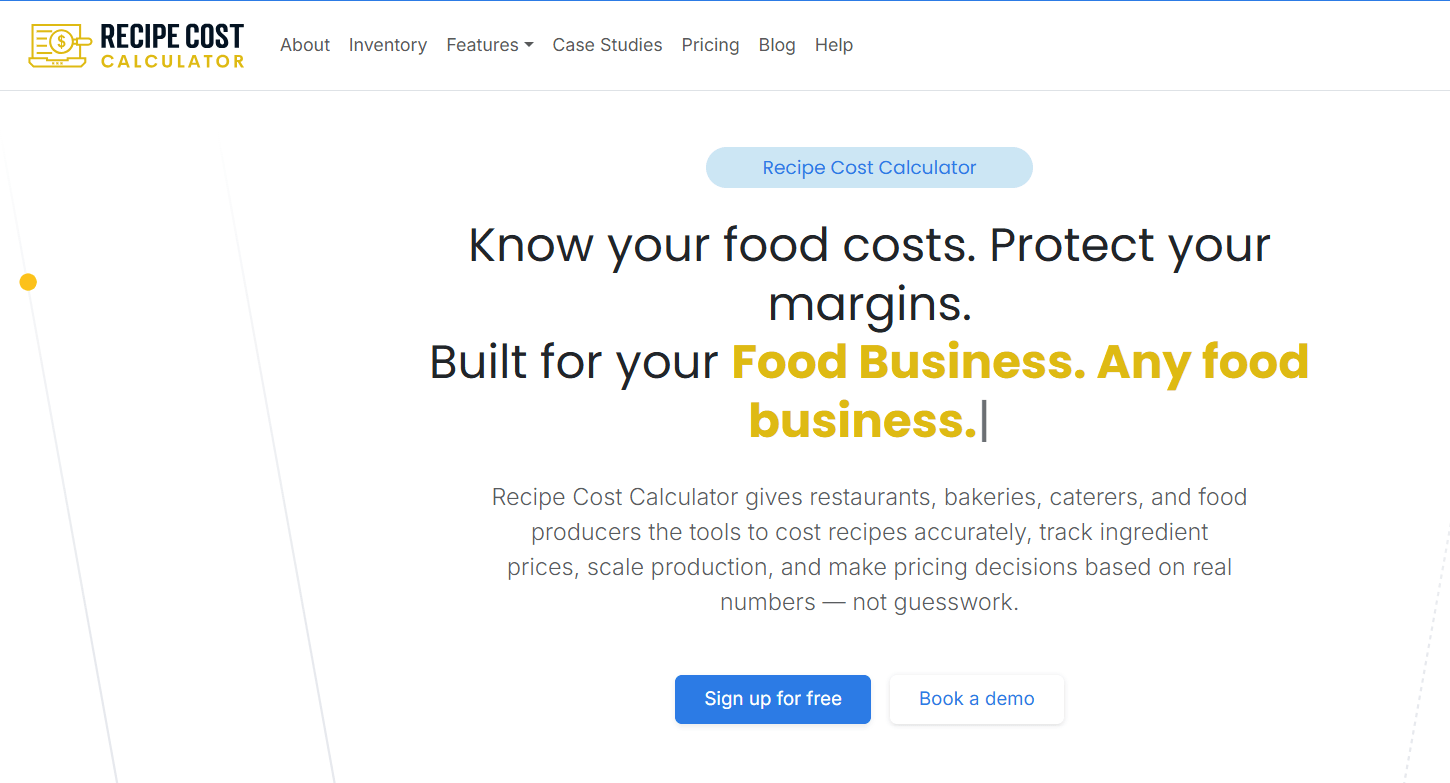
Recipe Cost Calculator provides food costing software for owner-operated restaurants, bakeries, cafes and caterers. It is a Canadian product that focuses on recipe costing rather than full restaurant back-office management. We could not verify current pricing or plan limits on its official page.
Key Features
- Users can cost recipes by entering ingredient prices.
- Users can update multiple costs at once.
- The tool provides pricing guidance for each batch and portion.
Pros
- Aimed at small operators.
- Simple scope.
Cons
- One reviewer said US dollar billing increased their costs.
- Limited evidence of POS and accounting integrations.
Pricing
- Core: $24.17/month (billed annually)
- Core + Planning: $40.83/month (billed annually)
- Core + Planning + Inventory: $107.50/month (billed annually)
Best For
Bakeries, caterers and small cafes that need to cost recipes.
When to Consider an Alternative
Choose meez or Galley if you need yield calculations, recipe scaling or vendor price feeds.
11. WISK
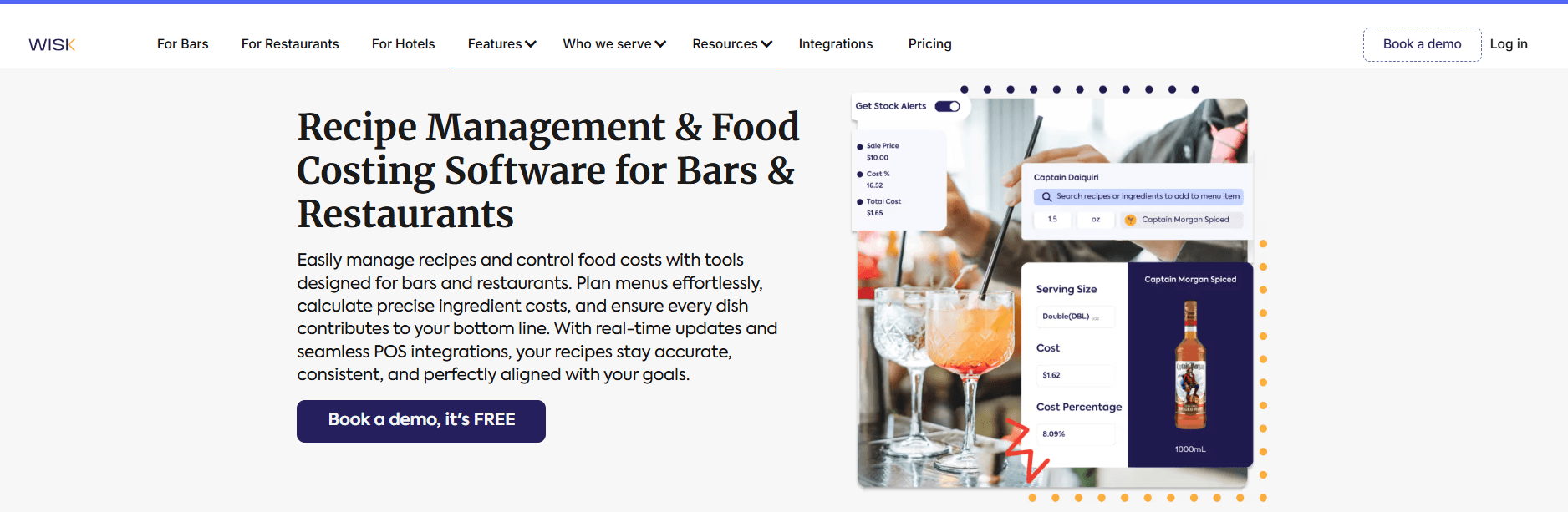
WISK provides Food Costing Software alongside its beverage inventory tools. It started with beverage inventory and now supports food operations too. Its pricing page lists Bar Essentials about $249 per month and F&B Professional at $399 per month. The F&B tier includes recipe costing, a database of 1.5 million food ingredients, batch and sub-recipe management, actual vs. theoretical reports, and more than 60 POS integrations. WISK charges per location and discounts annual billing.
Key Features
- Teams can count inventory on mobile devices with barcode scanning and access a 200,000-bottle database.
- F&B Professional includes recipe costing and sub-recipe management.
- The software generates actual vs. theoretical reports.
- Invoice scanning comes with monthly limits.
Pros
- It works well for bottle and keg counts.
- It includes variance reporting.
- The F&B tier includes POS integrations.
Cons
- Users need the F&B tier to access recipe costing.
- No free plan.
- A third party reported setup and implementation fees, but we could not verify them.
Pricing
WISK starts at $249 per month per location and discounts annual billing. See WISK pricing.
Best For
Bars and restaurants with heavy beverage inventory.
When to Consider an Alternative
Food-only kitchens should compare MarketMan, MarginEdge and meez.
12. Supy
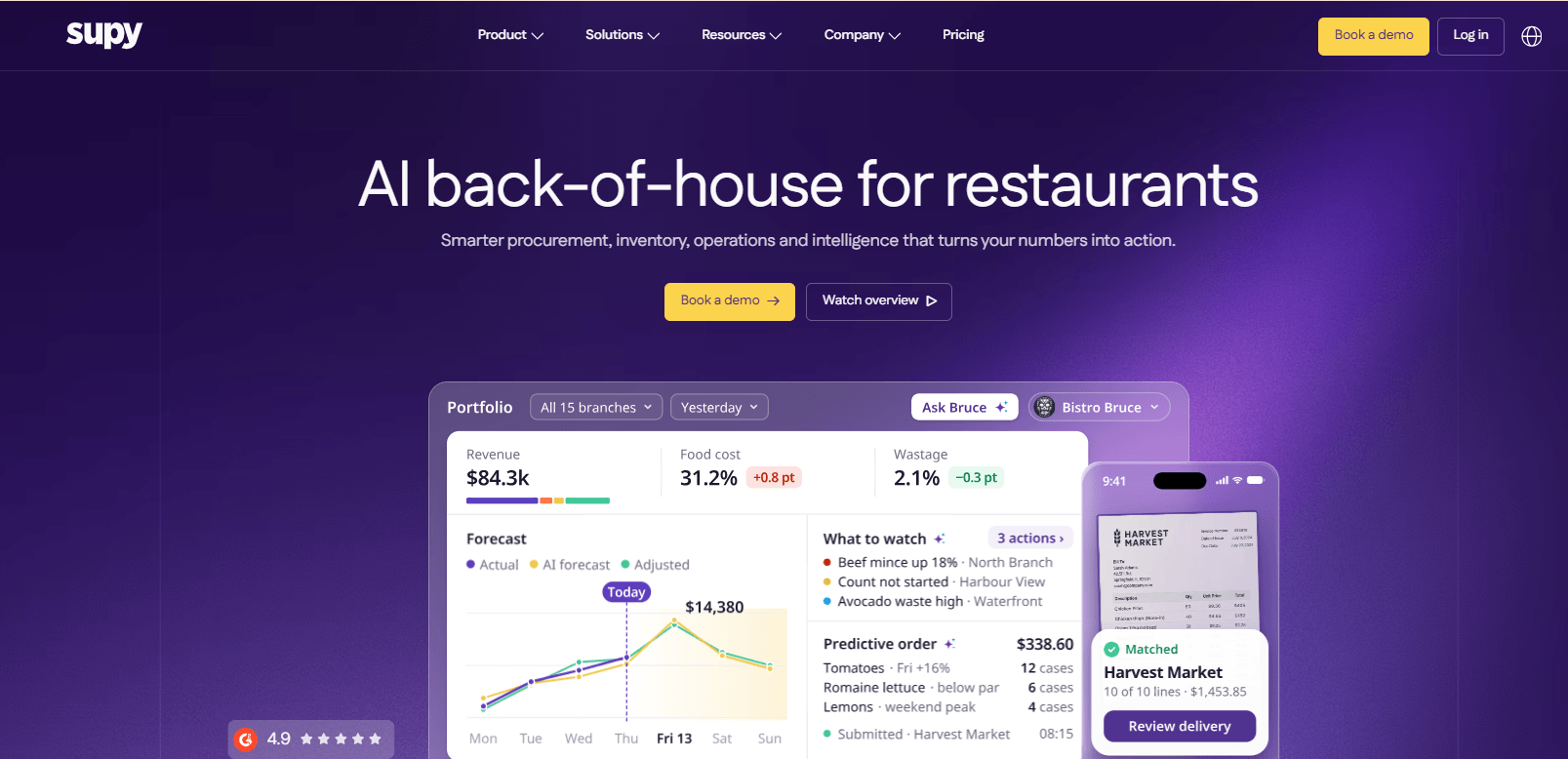
Supy is inventory, procurement and analytics software for multi-site restaurant groups. Its own materials describe recipe costing that connects recipes to supplier pricing and inventory data, a recipe cost simulator for testing prices, central kitchen management and wastage tracking. A restaurant-technology vendor’s comparison page says Supy’s recipe cost updates are tied to its invoice-to-goods-received workflow, meaning costs change when invoices are processed rather than from a separate price feed.
Key Features
- Recipe costing and cost simulator: Models dish cost and menu price changes before committing them.
- Invoice-verified pricing: Ingredient costs follow processed invoices.
- Central kitchen management: Handles production and transfers between branches.
- Wastage logging: Connects waste to inventory and cost reporting.
Pros
- Built around multi-branch inventory and purchasing.
- Location-specific pricing for the same ingredient is supported, per Supy’s costing guide.
- Recipe costing, inventory and analytics sit in one platform.
Cons
- Recipe cost updates depend on the invoice workflow being followed.
- US-market coverage was not verified.
Pricing
Quote-based. Supy states that pricing depends on setup and number of locations. See Supy’s costing guide.
Best For
Restaurant groups with several branches and a central kitchen.
When to Consider an Alternative
US single-location restaurants may find MarginEdge or MarketMan easier to price and verify.
13. Backbar
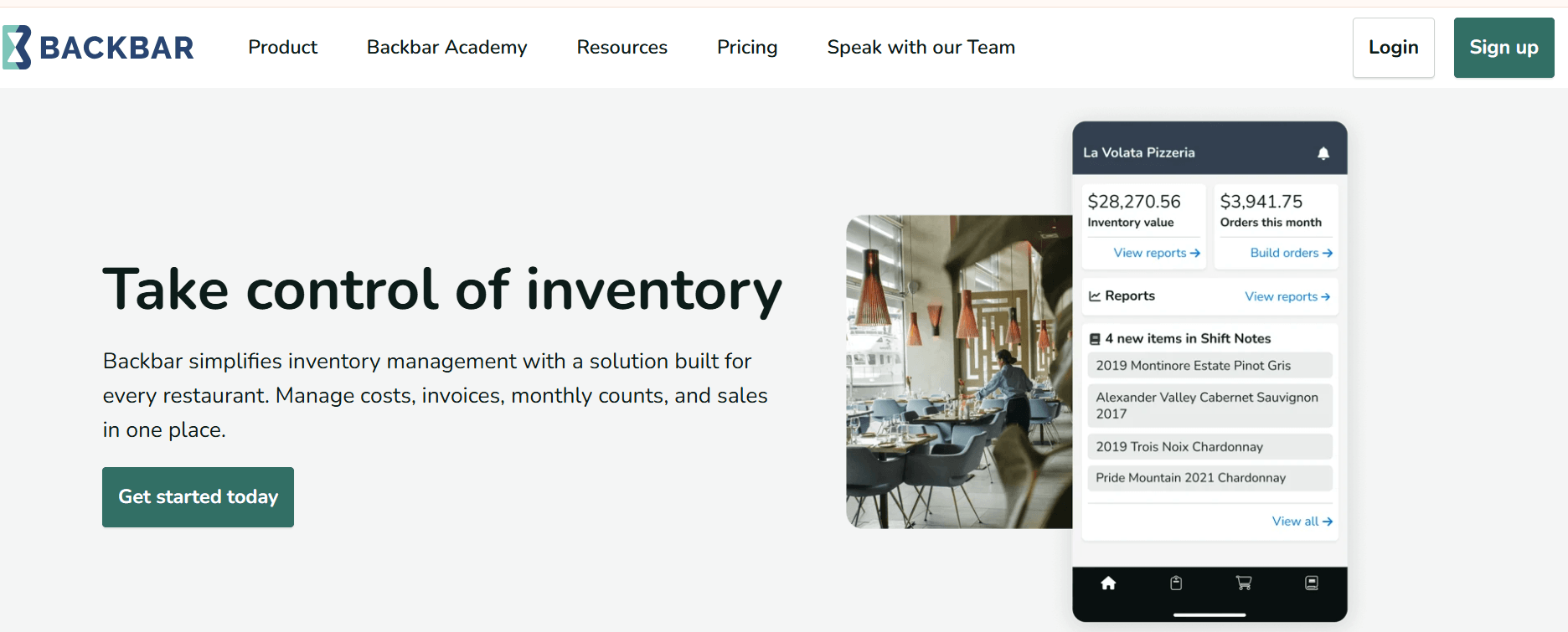
Backbar is a bar and restaurant inventory app with mobile counts, vendor purchasing and drink costing. The free Basic plan covers one location with unlimited users, limited drink costing and a recipe builder capped at 10 recipes. Paid plans remove the recipe cap and add recipe costing and pricing, unlimited report history, user permissions and cost variance tracking. Backbar’s own comparison page says it does not manage food and dry goods inventory, so it suits beverage programs rather than whole kitchens.
Key Features
- Pour and drink costing: Calculates pour cost, menu price and profit per drink.
- Recipe builder: Costs recipes from ingredients; 10 recipes on Basic, unlimited on paid plans.
- Mobile inventory: Works on web, iOS and Android with simultaneous users.
- POS integrations: The site lists Toast, Square and Shift4 (SkyTab).
Pros
- Free forever plan with real inventory features.
- Transparent published pricing.
- Built specifically for bar counts and partial bottles.
Cons
- Beverage-focused; food inventory is not covered per Backbar’s own comparison.
- Free plan has no POS integration and a 10-recipe cap.
- Free report history is limited to six months.
Pricing
- Basic: $0/month
- Essential: $79/month per location
- Professional: $129/month per location
Best For
Bars and cocktail programs that want costing without a large commitment.
When to Consider an Alternative
Operators who need food and beverage in one system should look at Craftable or WISK.
14. SynergySuite
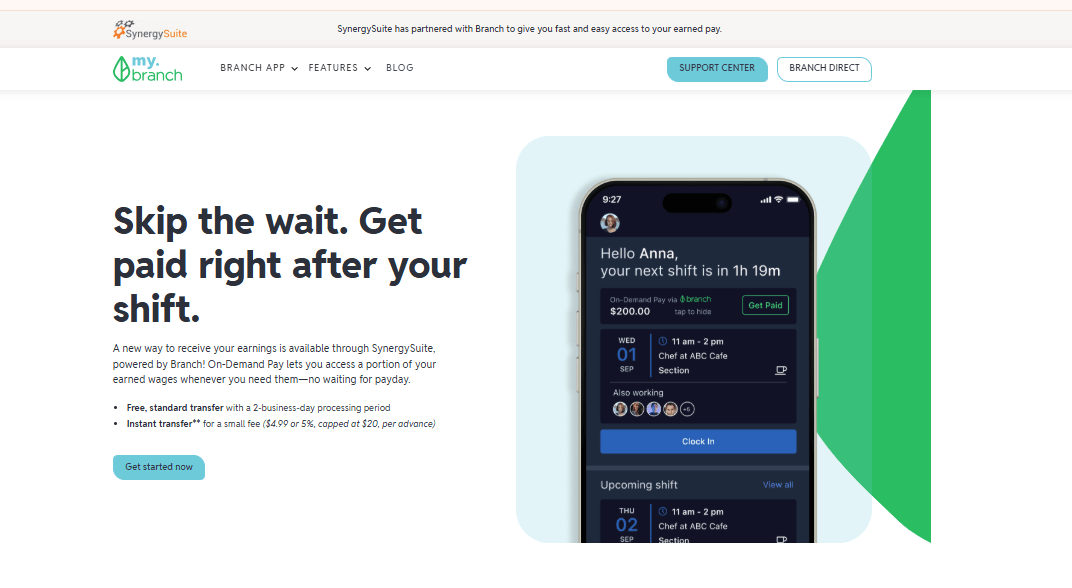
SynergySuite is a modular restaurant back-office platform covering inventory, purchasing, recipe costing, food safety, scheduling, cash management, HR and analytics. Its inventory pages describe full recipe costing with electronic vendor integration for current price lists and pack sizes, POS connection for theoretical inventory depletion, and actual vs. theoretical variance. The company also promotes AI-assisted recipe costing for multi-unit brands. Costing is most useful when paired with its purchasing module.
Key Features
- Recipe costing and margin analysis: Updates as ingredients and supplier pricing change.
- Vendor EDI price lists: Brings pack sizes and prices into recipes.
- Theoretical depletion: Uses POS data to track inventory usage.
- Actual vs. theoretical variance: Helps flag missing product.
Pros
- Modular, so groups buy what they need.
- Variance and costing connect to purchasing.
- Aimed at multi-unit standardization.
Cons
- Pricing could not be verified on an official page.
- Modular pricing makes total cost hard to predict.
- Little evidence of fit for single small restaurants.
Pricing
Contact SynergySuite for current rates.
Best For
Multi-unit restaurant brands standardizing recipes and purchasing.
When to Consider an Alternative
Single-location operators should compare MarginEdge or meez.
15. Crunchtime
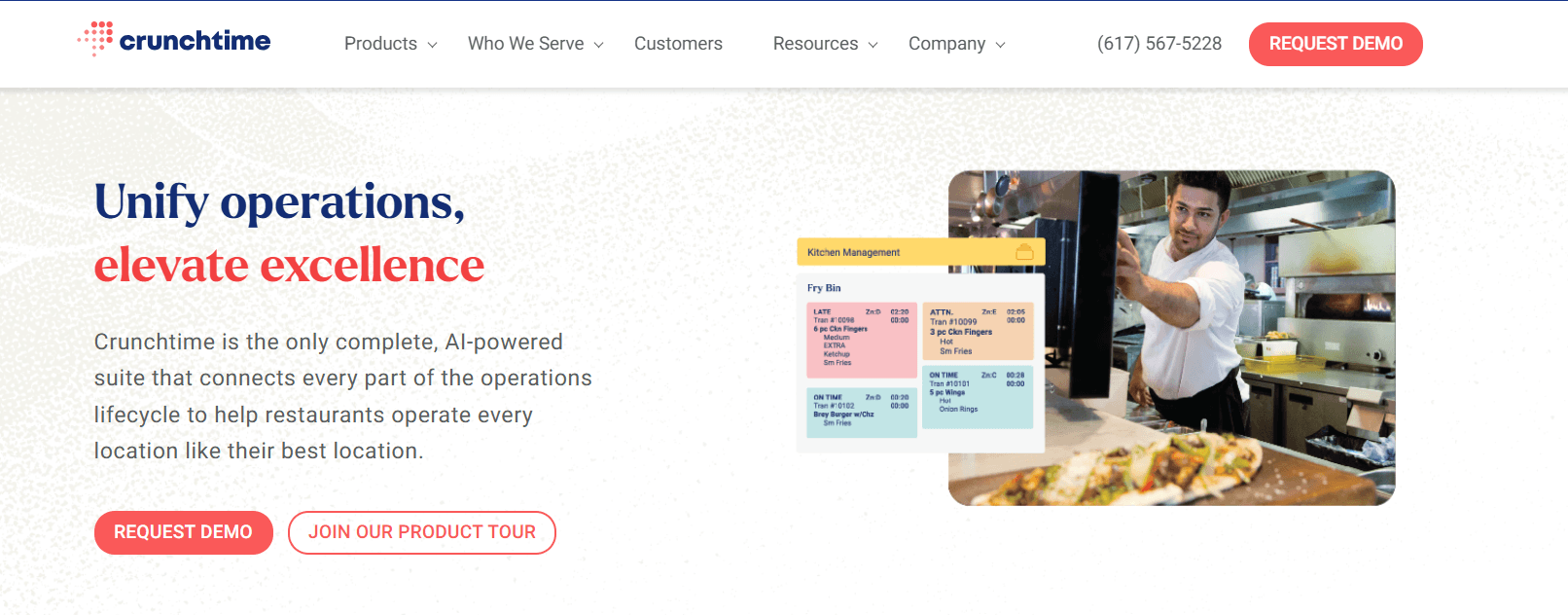
Crunchtime is enterprise restaurant operations software. Its inventory product covers counts, reviews, ordering, reconciliation, recipe management and sales forecasting, and the vendor says it tracks individual ingredients during recipe creation and flags food waste to reduce actual vs. theoretical variance. The vendor also claims food cost reductions of 3 to 5 percent with predictive AI; treat that as a marketing claim, not a verified result. Public case material references theoretical food cost variance reports used across multiple concepts.
Key Features
- Centralized recipe management across brands and locations.
- Actual vs. theoretical variance reporting.
- Inventory counts and reconciliation.
- Sales forecasting feeding ordering.
Pros
- Built for large, multi-concept chains.
- Covers inventory through reconciliation in one product.
- Standardized recipes across locations.
Cons
- No published pricing.
- Likely more than a small operator needs.
- Implementation effort is not documented publicly.
Pricing
Contact sales. See Crunchtime inventory management.
Best For
Chains with many units and centralized cost control teams.
When to Consider an Alternative
Independents should look at MarketMan, MarginEdge or meez.
16. Recipe Costing (Kitchen Porter Tech)

Recipe Costing Software from Kitchen Porter Tech is a cloud product that starts with recipe and menu costing and adds inventory, purchasing, receiving and meal planning. Directory listings describe sub-recipes, cost breakdowns that include food, materials and labor, allergens carried from ingredients into recipes and menu items, daily sales tracking by location and printable recipe cards. The vendor also says it offers its own restaurant POS.
Key Features
- Menu item costing with labor and materials.
- Allergen carry-through from ingredients to menu items.
- Sub-recipes with full cost breakdowns.
- Daily sales and labor reports per location.
Pros
- Can start small and grow into inventory and purchasing.
- Labor included in plate cost.
- Allergen data travels with ingredients.
Cons
- Limited public evidence on invoice automation.
- Integrations were not verified.
Pricing
- Free: $0/month
- Small Company: $50/month or $500/year
- Large Company: $100/month or $1,000/year
Best For
Small restaurants starting with plate costing.
When to Consider an Alternative
If you need invoice automation, compare MarginEdge or MarketMan.
17. reciProfity
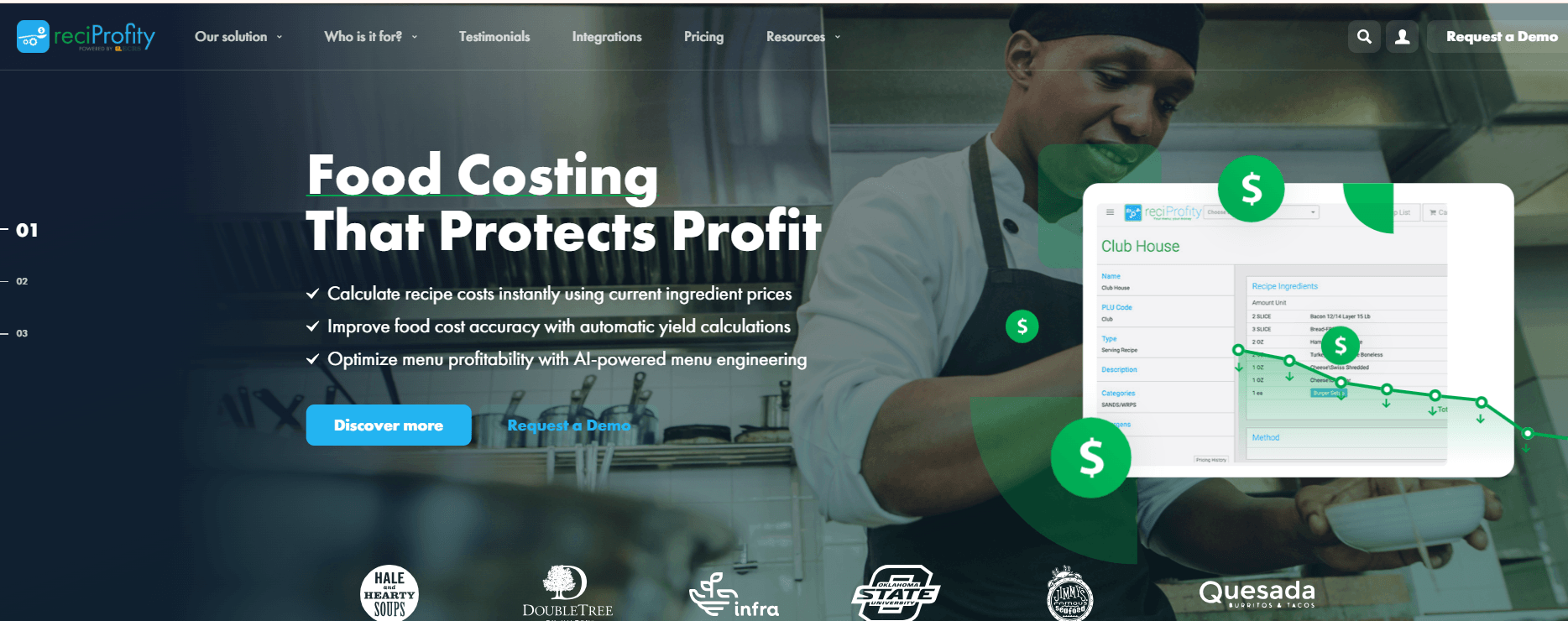
reciProfity describes itself as food costing, recipe costing and inventory management software for restaurants, retail prepared foods and institutions, built on more than 30 years of experience per its vendor listing.
Key Features
- Food and recipe costing.
- Inventory management.
Pros
- Long track record, per the vendor.
- Covers restaurants and institutional foodservice.
Cons
- Little verifiable feature detail.
- Pricing and integrations were not verified.
Pricing
Pricing could not be independently verified. Visit the vendor or contact reciProfity for current rates.
Best For
Operators wanting traditional costing and inventory in one tool.
When to Consider an Alternative
Teams that want invoice-driven updates should compare MarginEdge or MarketMan.
18. Recipal
Recipal targets food manufacturers more than restaurants. Its materials describe costing per batch and per package, splitting each recipe into food, packaging, labor and overhead, plus wholesale and retail pricing and label generation. It offers a free recipe cost calculator. That makes it suited to bakeries, sauce makers and snack brands rather than dine-in restaurants. Its approach to Food Costing Software also differs from tools built around restaurant inventory and POS workflows.
Key Features
- Cost per batch and per package with packaging and overhead.
- Wholesale and retail pricing.
- Nutrition labels alongside costing.
- Free recipe cost calculator on its site.
Pros
- Costs packaging and overhead, which restaurant tools often skip.
- Free calculator to test the approach.
- Labels and inventory in the same tool.
Cons
- Not built around restaurant POS or invoice workflows.
- Pricing could not be verified.
- Our evidence includes the vendor’s own roundup.
Pricing
- Single Serving: $29 per recipe
- Business: $59/month
- Business Plus: $129/month
Best For
Packaged food and bakery businesses.
When to Consider an Alternative
Restaurants should look at meez or MarginEdge.
19. Restaurant Magic
Restaurant Magic Software is based in Tampa, Florida. A trade-press profile describes its Data Central system for commissaries and production kitchens, which prepares batches ahead of orders or creates them as orders arrive, along with a full inventory system and reporting for food cost analysis.
Key Features
- Batch production management for commissaries.
- Inventory system with reporting.
- Food cost analysis reporting.
Pros
- Production-kitchen focus.
- Inventory and costing in one system.
Cons
- Pricing and current features were not verified.
- Evidence is a trade article, not vendor documentation.
Pricing
Pricing could not be independently verified. Contact the vendor for current rates.
Best For
Commissary and production kitchens supplying multiple outlets.
When to Consider an Alternative
Galley or Apicbase have more published detail for production workflows.
20. BEP Back Office

BEP Back Office markets recipe costing software built by restaurant operators for single and multi-unit businesses. Its pages describe automated cost calculations, plate cost trend tracking, real-time food cost insights and automated cost-of-goods-sold reporting. Restaurants considering this Food Costing Software should confirm which integrations and reporting features the current product supports.
Key Features
- Recipe costing with ingredient-level costs.
- Plate cost trends to monitor menu profitability.
- COGS reporting automated from cost data.
Pros
- Built for both single and multi-unit operators, per the vendor.
- Focused on recipe costing and food cost percentage.
Cons
- Pricing and integrations were not verified.
- Limited independent reviews found.
Pricing
- Standard: $199/month
- Advanced: +$40/month
- Essentials: $349/month
- Professional: Custom pricing
Best For
Operators who want a focused recipe costing tool.
When to Consider an Alternative
If you need invoice processing or inventory depth, compare MarketMan or MarginEdge.
How to Choose the Right Food Costing Software
The right Food Costing Software should help you track ingredient costs, monitor food cost percentages and understand where your money goes. Before you choose a platform, compare these ten factors.
1. Recipe and ingredient costing
Accurate recipe costing starts with the right ingredient quantities, units, yields and prices. Manual entry may work for a restaurant with a short menu. However, restaurants that deal with frequent price changes should consider software that updates ingredient costs from supplier invoices.
2. Food cost percentage
Food cost percentage shows how much you spend on ingredients compared with your food sales. Check whether the software tracks theoretical food cost, actual food cost or both. Theoretical cost reflects what your recipes should cost, while actual cost reflects what your inventory and purchases show.
3. Inventory management
Tools such as MarketMan, WISK and ChefTec connect food costing with inventory counts. Before choosing one, check how each platform tracks stock. Does it rely on periodic stock counts or offer continuous inventory tracking? Do not assume that a platform provides real-time inventory updates.
4. Purchasing and invoices
Invoice scanning and electronic data interchange (EDI) help keep ingredient prices current. Check whether the software processes supplier invoices automatically and whether your plan limits the number of invoices you can scan.
5. Menu profitability
Recipe margins alone do not give you a complete picture of menu performance. Check whether the software analyses menu popularity and contribution margins. Also, confirm which subscription tier includes these features. For example, meez reserves menu engineering for its Enterprise plan.
6. Integrations
Your Food Costing Software should work with your existing POS and accounting systems. Restaurants that use Toast should look closely at xtraCHEF. If you use another POS system, confirm that the software supports it natively before subscribing.
7. Ease of use
Consider who will use the software every day. Chefs may prefer recipe-first tools that make it easy to create recipes and update ingredient quantities. Finance teams may prefer platforms that connect food costs with purchasing, inventory and accounting records.
8. Pricing and scale
Compare the cost per location, invoice scan limits, paid add-ons and setup fees. The entry prices in this guide range from $19 to $449 per month. Also, check how costs change when you add more locations or users.
9. Reporting
Look for reports that show food cost variances, purchasing activity and ingredient price changes. These reports help you identify rising costs and investigate differences between expected and actual spending.
10. Security and administration
Check whether the software offers role-based permissions and location-level access controls. You should also know who can view, edit or approve ingredient costs, recipes and purchasing records.
Frequently Asked Questions
What is the best food costing software in 2026?
No single platform suits every restaurant. MarketMan works well for inventory-driven costing, while MarginEdge focuses on invoice-driven costing at a flat price. meez suits kitchens that prioritise recipe management, and Restaurant365 serves restaurant groups that want accounting included.
What is the best food costing software for small restaurants?
meez, with plans starting at $19 per month, and Galley, with a free test kitchen and SMB plans starting at $99 per month, have some of the lowest published entry prices among the tools with verified pricing in this guide. Compare their features and plan limits before choosing one.
How does food costing software work?
You enter your ingredients, quantities and prices into the software. It calculates the cost of each recipe and helps you track food costs. Some platforms also process supplier invoices or connect to vendor feeds to update ingredient prices when they change.
What is the difference between recipe costing and food costing?
Recipe costing calculates the cost of preparing an individual dish. Food costing covers the wider operation, including ingredient purchases, inventory usage and food cost percentage. Food Costing Software may include both functions, depending on the platform.
Can food costing software calculate food cost percentages?
Yes. MarketMan, MarginEdge, xtraCHEF and WISK describe cost reporting features that compare costs with sales. However, check whether each platform reports theoretical food cost, actual food cost or both before you buy.
Is there free food costing software?
Galley offers a free test kitchen, while Backbar provides a free Basic plan for one location. Backbar’s free plan limits users to 10 recipes and does not include POS integration. meez offers a 14-day trial rather than a permanent free plan.
What features should I look for in food costing software?
Prioritise automatic ingredient price updates, actual-versus-theoretical cost reporting, POS integration and clear inventory tracking. Also, compare subscription limits and make sure the pricing remains affordable as your restaurant grows.
Conclusion
The best Food Costing Software for your restaurant depends on where you need better cost control.
If recipe management and menu costs are your main concerns, start with meez or Galley. If you struggle with purchasing and inventory counts, compare MarketMan, MarginEdge and WISK. Restaurant365 is worth considering if you manage multiple locations and want accounting features in the same platform. Toast restaurants should also compare xtraCHEF.
Before you sign up, ask each vendor for current pricing, invoice scan limits and integration details. Test the features your team will use most, rather than choosing a platform based on its advertised feature list alone.