

Finding the right scheduling tool can feel overwhelming, especially when your team is growing and every minute with a lead matters. Because of that, many businesses who use Chili Piper eventually compare the top Chili Piper competitors not because Chili Piper fails, but because they want a solution that fits their workflow, budget, and sales needs as they grow.
What Is Chili Piper
Chili Piper is an advanced tool for booking meetings and routing leads. It helps B2B teams move prospects from interest to meeting without stress. The platform qualifies leads automatically. It also directs them to the right rep and schedules calls from web forms, emails, and other touchpoints.
Chili Piper works for companies that are tired of losing good leads. Many teams lose prospects because booking a meeting feels difficult. Instead of long forms or slow follow-up emails, Chili Piper lets people book a call the moment they show interest. There’s no delay, and you avoid missed chances.
 Calendly focuses on simplicity, which makes it a strong alternative to Chili Piper for freelancers and small teams. It allows users to set availability, share booking links, and manage appointments without stress. The tool also connects with many third-party platforms CRMs, email tools, and payment systems so users can automate tasks and free up more time. Because it works smoothly across different devices, it helps teams create a consistent scheduling experience for both internal use and customer-facing interactions.
Pros
- Very responsive customer support with proactive help
- Simple interface that encourages fast onboarding
- Highly flexible routing logic for complex sales processes
- Strong ROI from more booked meetings and fewer no-shows
Cons
- Setup for customization and integrations may require time to learn
- Some users experience slow calendar loading
Pricing
• Essentials: $25 per user/month
• Enterprise: $35 per user/month
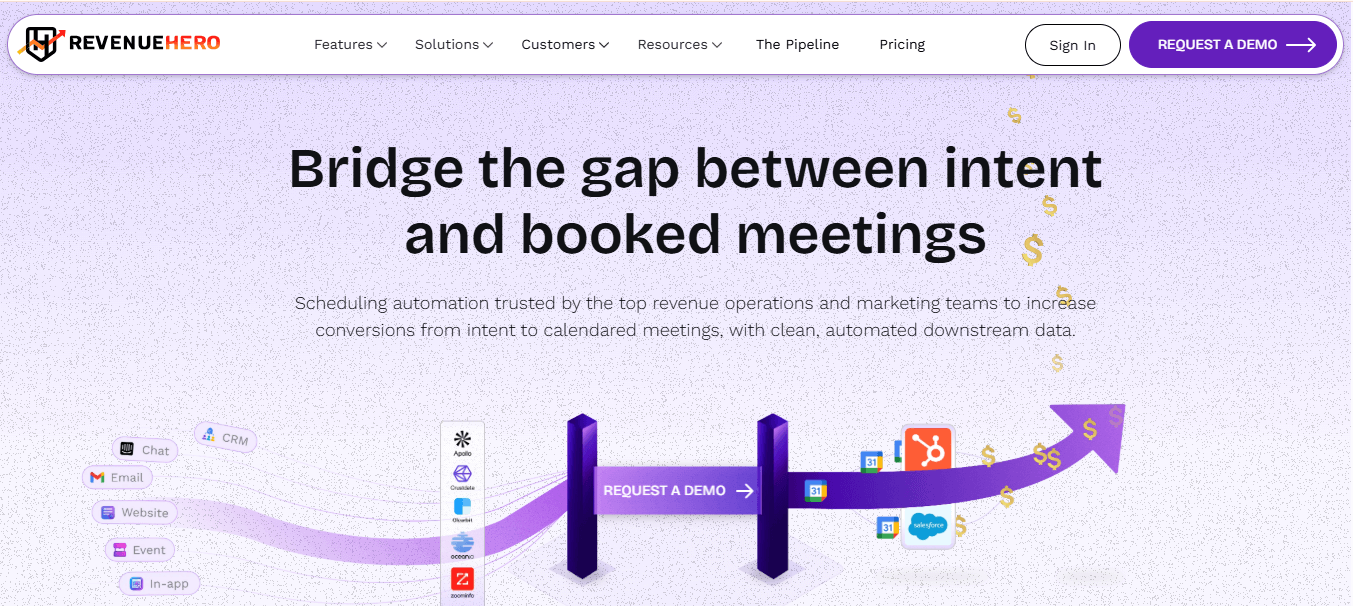
RevenueHero vs. Chili Piper
RevenueHero and Chili Piper both focus on routing and scheduling, yet teams often choose RevenueHero for its stronger routing performance, friendlier support, easier setup, and more affordable pricing. Chili Piper, however, stands out for its MS Teams integration and its long presence in the market, even though reviewers mention that it can cost more and offer less flexibility in routing.
3. HubSpot Sales Hub
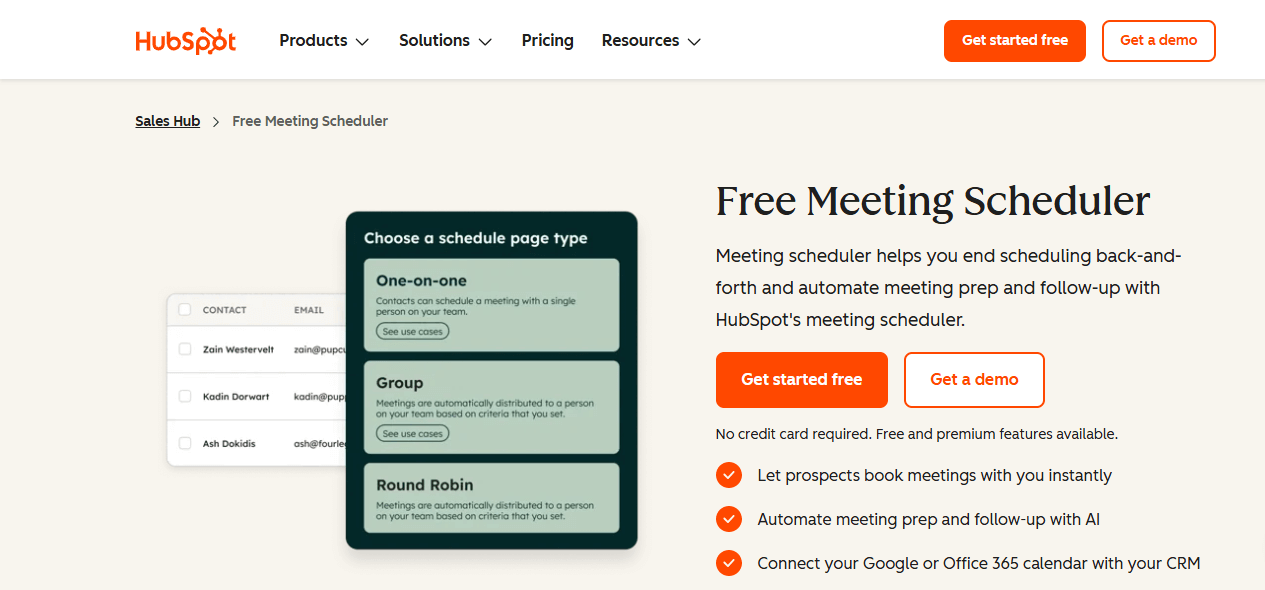
HubSpot Meetings helps prospects book time with you or your team without back-and-forth emails. It connects directly to your HubSpot CRM, so every new booking updates your contact database instantly. Because of this automatic sync, your records stay accurate while your team gains more time to focus on conversations that move deals forward.
Features
- Meeting scheduler with round-robin scheduling for team distribution
- Automated email sequences and follow-ups
- Deal pipelines and customizable invoicing
- Sales automation tools and templates
- Native CRM integration with automatic contact logging
Pros
- Deep integration with HubSpot’s full suite of tools
- Active scheduling for fair meeting distribution
- Group booking for complex deals
Cons
- Can be expensive as features scale up
- Learning curve for new users
- Advanced features require Professional or Enterprise tiers
Pricing
- Free Tools: Free to use; new users may need the Starter CRM Suite beginning at $30/month
- Starter: From $18/month
- Professional: From $800/month plus a required $3,000 onboarding fee
HubSpot vs. Chili Piper
HubSpot offers a broader platform with scheduling as one component, making it ideal for companies wanting an all-in-one solution. Chili Piper specializes in instant lead routing and qualification, which gives it an edge for teams focused purely on speed-to-lead. HubSpot’s native CRM integration reduces data loss and revenue leakage, but advanced routing features are only available at higher tiers.
4. Acuity Scheduling

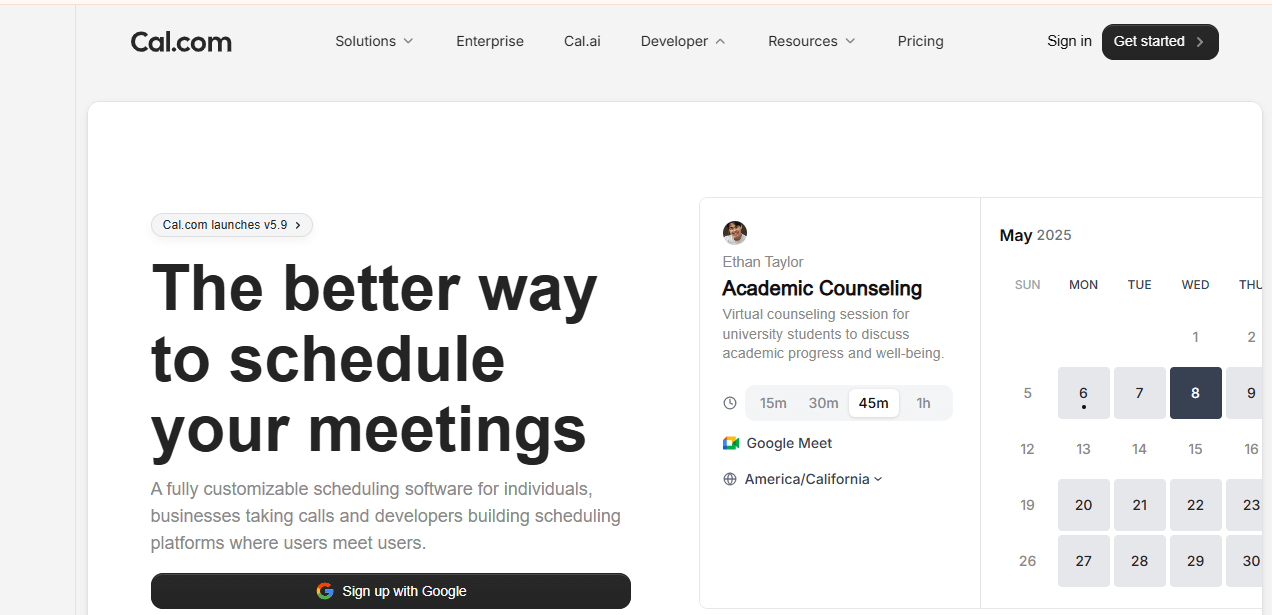
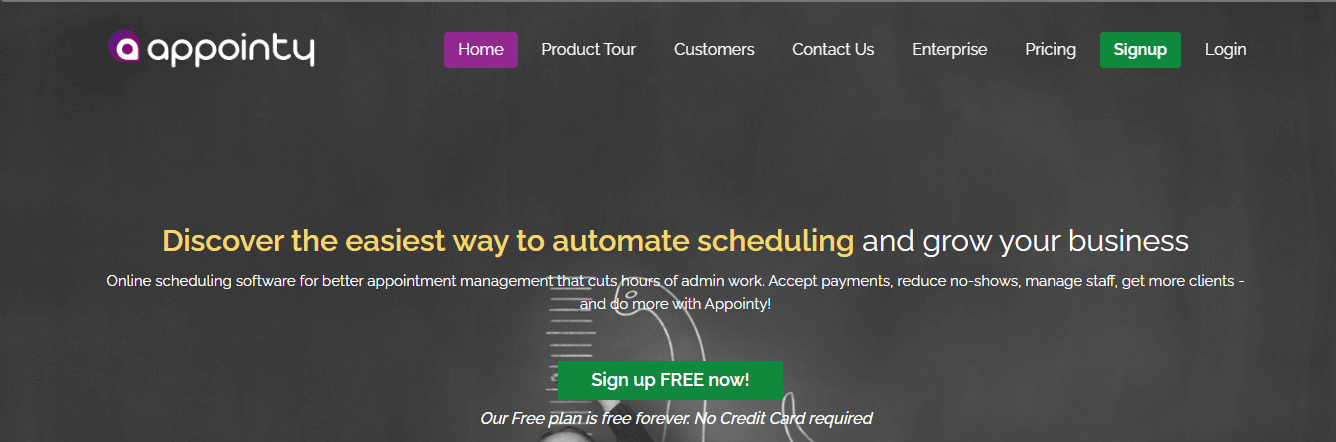
Appointy is a cloud-based scheduling tool that helps professionals and businesses manage appointments efficiently. Businesses in healthcare, wellness, education, professional services, and other industries can use it to organize their daily scheduling tasks. The platform allows teams to handle bookings without constant back-and-forth communication, saving time and reducing errors.
Features
- Online booking: Customers can self-schedule appointments 24/7 through customizable booking pages.
- Social media integration: Creates booking tabs on Facebook pages and integrates with Twitter for promotion.
- Website widget: Seamlessly embeds on existing websites for direct appointment booking.
- Staff management: Control business hours at both staff and service levels with flexible scheduling.
- Automated reminders: Sends email and SMS notifications to reduce no-shows.
Pros
- Free forever plan available with substantial features
- Excellent customer service with responsive live chat support
- Easy to set up and use for small businesses
- Comprehensive feature set at affordable pricing
- Strong social media booking capabilities
Cons
- Interface could be more modern and intuitive
- Limited customization options for email templates
Pricing
- Free: Forever plan with core features
- Growth: $19.99/month (billed annually)
- Professional: $49.99/month
- Enterprise: $79.99/month with comprehensive feature set
- 14-day free trial available for all paid plans.
7. Doodle
Doodle takes the headache out of scheduling. Instead of sending endless emails back and forth, you can quickly share your availability and get instant feedback from participants. It handles invites, reminders, and follow-ups so you don’t have to worry about missed meetings. Plus, their support team is always ready to help if something goes wrong.
Features
- Group polling: Let everyone vote on the times that work best for them.
- 1:1 scheduling: Share personal booking pages for individual meetings.
- Calendar integration: Sync with Google Calendar, Outlook, and more.
- Automated reminders: Reduce no-shows with timely notifications.
Pros
- Finds common times for teams without endless back-and-forth.
- Clean, intuitive interface anyone can use.
- Fast setup with minimal learning required.
- Flexible for both casual and formal meetings.
Cons
- Doesn’t include advanced routing features needed for sales-heavy teams.
- CRM integration is basic compared with tools built for sales automation.
Pricing
- Free: Basic scheduling and polls.
- Pro: $6.95/month.
- Team: $8.95/user/month.
- Enterprise: Custom pricing.
Doodle vs. Chili Piper
Doodle shines when groups need to agree on a meeting time quickly. It’s perfect for internal team syncs, client check-ins, or casual scheduling. Chili Piper, on the other hand, focuses on sales teams. It routes leads instantly, using smart qualification rules, and integrates deeply with CRMs. If your priority is fast, collaborative scheduling at an affordable price, Doodle fits the bill.
8. Square Appointments
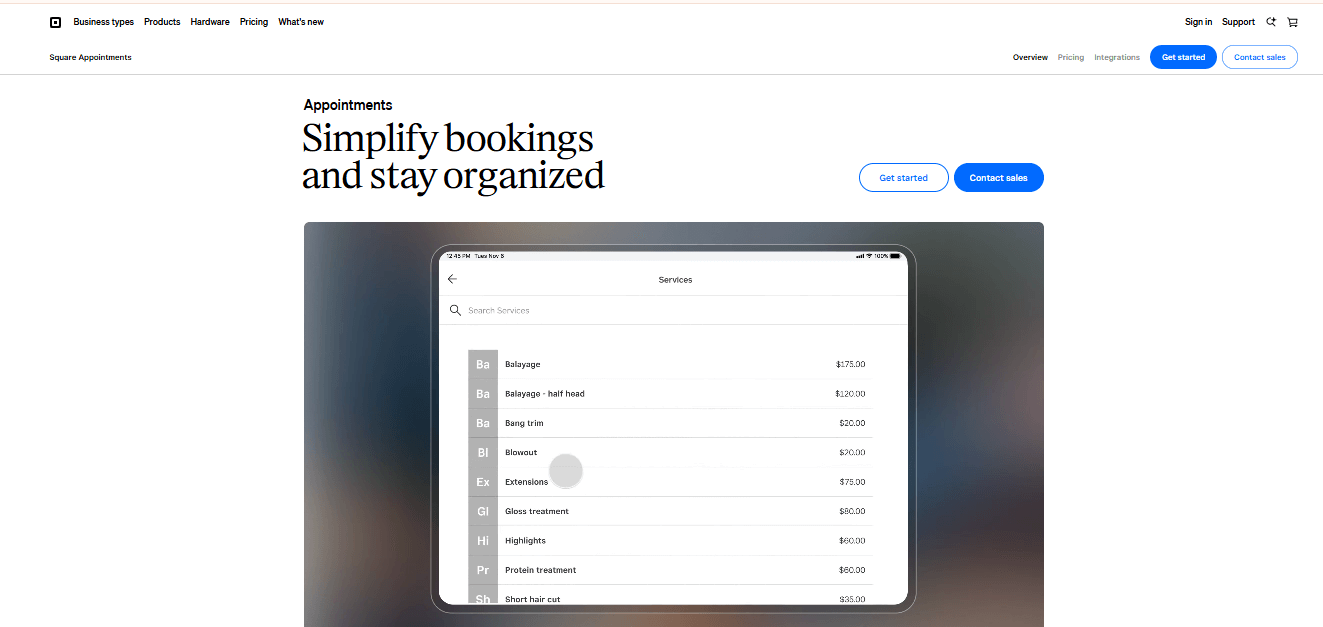
Square Appointments helps businesses manage appointments, accept payments, and keep their daily schedules organized. It also tracks customer feedback, manages staff, and provides real-time analytics. Businesses can use these tools to save time, boost productivity, and run operations more efficiently.
Features
- Let customers book appointments directly on your website using the booking widget
- Set team availabilities across multiple locations and time zones
- Connect easily with popular apps like Wix, QuickBooks, and JotForm
- Send appointment reminders automatically via email or SMS
- Assign resources such as rooms, chairs, or stations to specific services
Pros
- Easy to set up and simple to use
- Supports resource management for smooth scheduling
- Provides notifications to reduce no-shows
- Combines scheduling and payment in one platform
Cons
- Offers limited options for colors and design customization
- Tracking individual customer sessions can be difficult
Pricing
- Free: Pay only processing fees
- Plus: $29 per user/month + processing fees
- Enterprise: Custom pricing
Square Appointments vs. Chili Piper
Square Appointments suits service-based businesses that need to charge for appointments and manage in-person services with integrated POS. Chili Piper, in contrast, targets B2B companies, focusing on lead routing and sales meeting scheduling. Businesses that prioritize payment collection and appointment management will find Square Appointments more suitable.
9. YouCanBookMe
YouCanBookMe works as a simple scheduling tool that connects directly with Google Calendar. It focuses on clarity, quick setup, and a clean experience, which makes it a good fit for individuals and small teams that want dependable booking without extra layers. The platform gives you full control over your availability, helps you automate common actions, and also allows you to send customized notifications. Customers can book appointments without confusion. It also handles communication around cancellations, rescheduling, reminders, and confirmations, which helps reduce back-and-forth messages.
Features
- Direct Google Calendar integration: Syncs in real time to keep your availability accurate.
- Personalized scheduling pages: Lets you create branded booking pages.
- Automated email reminders: Sends confirmations and reminders to cut down no-shows.
- Custom booking forms: Collects important details from attendees before meetings.
Pros
- Quick setup with an easy interface
- Consistent Google Calendar syncing
- Budget-friendly for small teams
- Strong customization for booking pages
Cons
Setup can feel confusing for beginners
Pricing
- Free: $0/month
- Individual : $7.20/month
- Professional: $10.40/month
- Teams: $14.40 per member/month
YouCanBookMe vs. Chili Piper
YouCanBookMe focuses on simple, direct scheduling with excellent Google Calendar support, while Chili Piper handles more advanced lead routing and instant qualification. As a result, YouCanBookMe works best for individuals, consultants, or small teams with straightforward booking needs, especially those who rely heavily on Google Calendar.
10. Picktime
Picktime is a free online appointment scheduling platform that offers surprisingly robust features without cost. It’s designed for businesses of all sizes across industries including healthcare, education, fitness, beauty, and professional services. The platform handles appointments, classes, resources, and equipment scheduling from a unified interface.
Features
- Unlimited bookings: No restrictions on number of appointments on free plan.
- Customizable booking pages: Brand your scheduling pages with logos, colors, and custom domains.
- Multi-calendar sync: Integrates with Google, Outlook, Office 365, Exchange, and iCloud.
- Staff management: Set individual availability, working hours, and permissions for team members.
- Resource scheduling: Book rooms, equipment, and facilities based on availability.
- Class and group bookings: Schedule workshops, courses, and group sessions.
- Automated reminders: Email and SMS notifications to reduce no-shows.
Pros
- Comprehensive free plan with professional features
- Very affordable paid plans starting at $2.25/user/month
- Easy to set up with intuitive interface
- Excellent customer support via live chat and email
- Multi-location and multi-staff management
- Strong payment processing integration
- Flexible scheduling intervals and custom time slots
Cons
- Interface not as modern as some competitors
- Limited knowledge base and documentation
- Customization sometimes requires testing to understand
Pricing
- Free: Unlimited bookings, 1 staff member, core features
- Starter: $3.00 per user/month (team management, advanced reporting)
- Pro: $2.25 per user/month (for 10+ users, priority support, custom integrations)
Picktime vs. Chili Piper
The former offers a generous free plan with comprehensive scheduling features for service-based businesses, while Chili Piper specializes in instant lead routing for B2B sales teams. It excels at appointment management for businesses that need class scheduling, resource booking, and multi-location support with payment processing. Chili Piper focuses on speed-to-lead with sophisticated CRM-based routing and instant qualification. For small businesses, individual practitioners, or service providers seeking a cost-effective scheduling solution with solid features, Picktime provides exceptional value.
11. Zoho Bookings
Zoho Bookings works as an AI-powered scheduling tool that helps individuals and teams book meetings and services with ease. Because it sits inside the wider Zoho ecosystem, it gives users an end-to-end booking experience that supports automation, calendar connections, CRM links, and payment processing. It suits people who rely on other Zoho products for activities like sales calls, interviews, support sessions, and service bookings. The platform offers a wide toolset that connects smoothly with Zoho apps such as Calendar, Meeting, CRM, Sites, Flow, and Assist, and it still remains friendly enough for everyday users.
Features
- AI-powered setup: Automatically creates event types, staff lists, and department labels during signup.
- Two-way calendar sync: Works with Zoho Calendar, Google Calendar, and Outlook/Office 365.
- Multiple meeting types: Supports one-on-one meetings, group sessions, recurring appointments, and resource-based scheduling.
- Customizable booking pages: Lets you adjust colors, logos, layouts, and URLs to match your brand.
- Automated reminders: Sends email, SMS, and WhatsApp notifications to help reduce missed appointments.
Pros
- Free plan available for individuals
- Smooth integration with Zoho tools (CRM, Books, Cliq, and more)
- Lower pricing compared to many competitors
- Simple interface with a quick learning curve
- Reliable two-way calendar sync
Cons
- Customer support may respond slowly
- Some settings can be difficult to locate
- Managing multiple bookings at once can feel overwhelming
Pricing
- Free: One user, online meetings, notification emails, essential features
- Basic: $6–8 per user/month
- Premium: $9–12 per user/month
Zoho Bookings vs. Chili Piper.
Zoho Bookings works well for individuals, small teams, and businesses that already use Zoho products. Its flexible appointment scheduling, strong calendar syncing, customizable booking pages, and comprehensive features makes it an appealing option for users seeking an affordable scheduling solution.
12. Undock
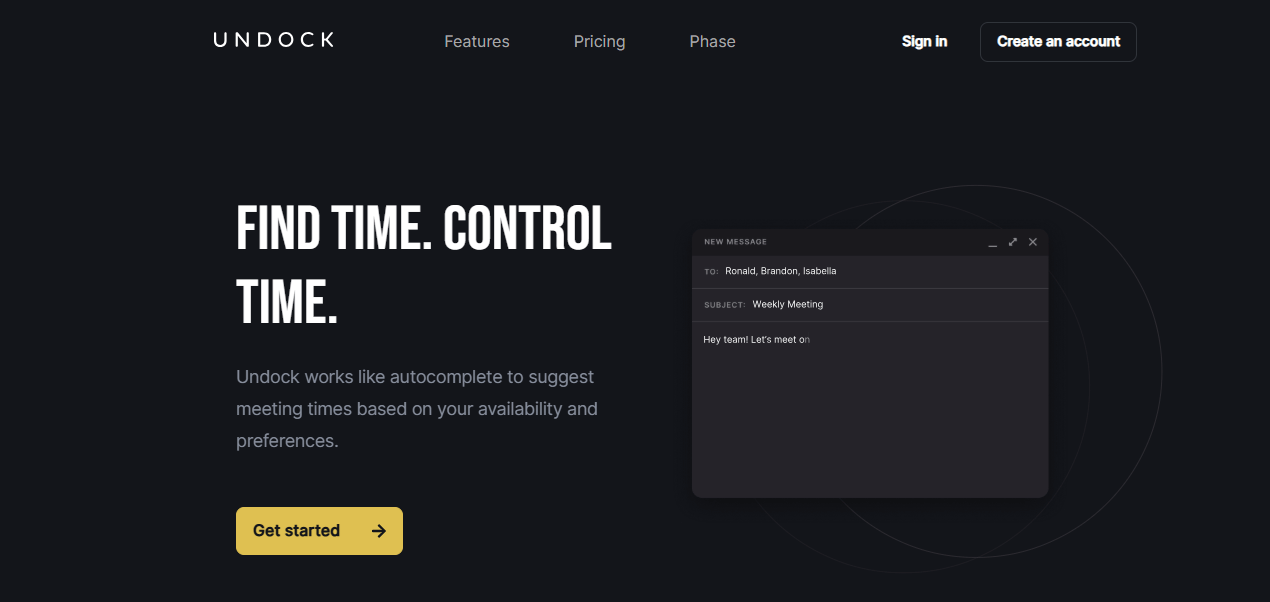
Undock provides a meeting coordination and scheduling platform that helps individuals and teams set up and manage meetings with ease. It suits users across different industries who want faster meeting planning without unnecessary complexity. The tool lets you control your schedule by defining preferred meeting times, daily limits, and privacy settings, which helps prevent overbooking. It also lets you share availability with guests so you can set up meetings quickly. In addition, Undock supports collaboration by allowing users to create and share agendas and set up events with a single click.
Features
- Efficient scheduling: Helps users find mutually available times across calendars, which saves time and boosts productivity.
- Seamless integration: Connects with Google Calendar, Outlook, Microsoft Teams, and other tools, so users can keep their existing workflows.
- User-friendly interface: Offers a clean layout that makes navigation simple for beginners and experienced users.
- Collaboration features: Allows teams to coordinate schedules, share agendas, and plan meetings together.
Pros
- More affordable than Chili Piper, with a free plan for up to 10 users
- Simple, intuitive design that is easy to learn
- Responsive customer support with helpful representatives
Cons
- Fewer features than Chili Piper, especially around lead qualification and lead routing
- Newer product with fewer integrations and customer reviews
Pricing
- Free
- Premium: $10/month
- Unlimited: $20/month
Undock vs. Chili Piper
Undock fits teams that want smoother virtual meetings and better collaboration. It connects with popular calendar apps, supports teamwork, and offers useful analytics, which helps improve meeting organization. Although it could use more customization and advanced capabilities, it remains a strong choice for teams that want a simple, effective way to coordinate meetings.