
By Software Blog

RingCentral has long been a go-to name in business communications, but its rising costs, add-on fees, and complex billing have many teams reconsidering their options. It is a cloud-based communication and collaboration platform that helps businesses handle calls, messages, video meetings, and team communication from one system. Companies use it to replace traditional office phone systems and manage all communication channels through the internet. Today, these companies also want a phone system that’s easier on the budget without losing the features that keep their sales, support, and internal operations running smoothly. The good news? You don’t have to sacrifice call quality, uptime, or modern collaboration tools to save money. In this article, we explore ten affordable RingCentral alternatives with reliable calling, smart integrations, better pricing, and the kind of simplicity your  business needs.

What To Look For In a RingCentral Alternative

When you compare RingCentral alternatives, focus on the factors that matter most to your business.

  1. Core Requirements: Decide which features you absolutely need and which ones are simply nice additions. Some companies may not require advanced contact center functions or global calling options.
  2. Integration Needs: Pick a platform that connects smoothly with your current tools, whether you use a CRM, helpdesk system, or productivity apps.
  3. Scalability: Choose a service that can expand with your business without pushing you into steep pricing upgrades.
  4. User Experience: A low cost won’t help if your team struggles to use the system. Always request demos or trial periods before committing.
  5. Support Quality: A budget-friendly option shouldn’t mean poor support. Look for providers that offer dependable, round-the-clock assistance.

Top 10 BEST Affordable RingCentral Alternatives

1. Nextiva 
Nextiva is a cloud-based communications platform that uses VoIP technology to provide business phone numbers, texting, call center tools, call tracking, and audio conferencing. It supports customer communication and teamwork by offering call routing, voicemail, and mobile access in an interface that users find simple to set up and operate.

Features

  • Handles several communication channels, including phone calls, SMS, live chat, video, team messaging, and social media.
  • IVR (Interactive Voice Response) system lets callers interact through voice or keypad inputs.
  • Call analytics provide insights into call volume, team capacity, and customer interaction quality.
  • Call forwarding automatically reroutes calls based on your schedule.
  • Contact management tools help organize caller information.
  • Video chat supports screen sharing and file sharing.

Pros

  • Cloud-based phone service suitable for remote work.
  • Affordable VoIP option for businesses.
  • Automatic call forwarding based on user availability.
  • Built-in contact management.
  • Supports video communication with collaboration features.
  • Works across multiple communication channels.

Cons

  • Desktop app may use heavy system resources and slow down devices.

Pricing

  • Core: $15 per user/month
  • Engage: $25 per user/month
  • Power Suite CX: $75 per user/month

Best For
Ideal for remote teams that need the flexibility to answer calls from a computer or mobile app, no matter where they are.

Why It’s an Affordable Alternative
Nextiva costs about $5–$10 less per user each month than RingCentral’s starting plan while still offering similar communication capabilities, making it a budget-friendly choice for many businesses.

2. Ooma Office

Ooma is a well-known VoIP phone system made for small businesses that want reliable call management without high costs. It offers a mobile app, a virtual receptionist, extension dialing, call monitoring, and 500 monthly inbound toll-free minutes on its lowest plan. Many retail businesses prefer Ooma because its call management tools and call flow designer help small teams guide customers to the right information quickly, even when no agent is immediately available.

Features

  • Virtual receptionist for creating custom messages with details like operating hours and store locations
  • Drag-and-drop call flow designer for building simple call paths
  • Video conferencing available with Ooma Office Pro
  • Call recording and voicemail transcription with higher plans
  • Mobile app for managing calls on the go
  • Multiple device assignment for one user
  • Automated call forwarding based on schedules
  • Caller Info Match pulls customer data from platforms such as Google, Zoho, HubSpot, LinkedIn, and Facebook

Pros

  • Includes a toll-free number with 500 monthly inbound minutes
  • Allows one user to connect several devices
  • Offers scheduled call forwarding
  • Caller Info Match displays helpful customer details automatically
  • Supports video chat with HD quality, noise suppression, and host controls

Cons

  • Some users report difficulties setting up the mobile app
  • Becomes costly for companies with more than 100 users when compared to competitors

Pricing
Ooma Office costs $19.95 per user each month.

Why It’s an Affordable Alternative
Ooma Office gives small teams unlimited calling, clear audio quality, dependable customer support, and a strong iOS app at a fair price. It works best for small and mid-sized businesses with fewer than 100 employees.

Best For
Small businesses operating on a tight budget.

3.  Zoom Phone

Zoom Phone is an affordable VoIP system with a clean interface and a short learning curve, making it a solid choice for beginners. Its low pricing doesn’t compromise its abilities, as the platform supports helpful call management tools such as call flip, call queues, and AI-generated summaries. Small businesses that already use Zoom’s video conferencing tools often find it especially useful. Since Zoom Phone operates over the internet rather than traditional phone lines, it delivers clearer audio, modern calling features such as call groups and auto-attendants, and reduced reliance on outdated hardware.

Features

  • HD call quality with noise suppression, echo cancellation, and typing noise reduction
  • Simple call recording across all plans
  • Advanced call actions: call forwarding, call flip, call whisper, and call barge
  • Ability to acquire new phone numbers or transfer existing ones at no extra charge

Pros

  • Single interface for phone, video, and chat
  • One-click transition from voice to video calls
  • Central admin dashboard for monitoring users, call quality, and usage
  • Works across multiple devices and apps
  • Unlimited auto-attendants
  • Call queuing with automatic call distribution

Cons

  • No full free trial; the free version limits calls to 40 minutes
  • International calling charges may be high for small businesses

Pricing

  • Pro Plus: $15 per user/month
  • Business Plus: $18.33 per user/month
  • Phone + Workplace Business: $22.49 per user/month

Best For
Teams that need video conferencing combined with phone and messaging tools.

Why It’s an Affordable Alternative
Teams already using Zoom can add phone service without extra training or setup hassle. The $15 per user plan costs less than many competitors while offering easy integration with Zoom’s existing video features.

4. Dialpad

Dialpad is a cloud-based communications platform that brings together voice calls, video meetings, AI-powered transcriptions, meeting summaries, business SMS, and virtual agents. It also provides strong security with HIPAA compliance, AES 256-bit encryption, and role-based access controls. Dialpad stands out from many VoIP competitors because it includes AI tools such as live transcription, automated summaries, and real-time analytics that help teams stay productive and understand customer interactions more clearly.

Features

  • Central dashboard that displays recent contacts, voicemails, and message threads
  • Real-time analytics showing call volume, user activity, call duration, and AI-generated customer satisfaction indicators
  • Built-in AI tools like live transcription, sentiment monitoring, and automated call summaries
  • Search function that allows users to dial numbers or find contacts by name
  • Clear visual graphs for quick performance insights

Pros

  • Supports smooth and dependable video conferencing
  • Delivers high-quality and consistent call performance
  • Provides AI-driven analytics that help teams understand conversations better

Cons

  • Lacks some deeper reporting capabilities
  • Users occasionally experience minor app glitches

Pricing

  • Standard: $15 per user/month
  • Pro: $25 per user/month

Best For
Sales teams and customer support departments that want AI insights during live conversations.

Why It’s an Affordable Alternative
Dialpad offers advanced AI features at a mid-level price, giving teams helpful conversation intelligence without the added cost of separate coaching or analytics tools.

5. Vonage

Vonage is a cloud-based phone system built with a wide mix of in-house calling, messaging, and security tools, along with a large collection of third-party integrations. Its feature set makes it a strong choice for companies that handle heavy call volumes or plan to grow their communication needs. Many call centers and large organizations choose it for its flexibility, communication options, and reliability.

Features

  • Manage company phone numbers directly from the admin dashboard and create both local and toll-free numbers.
  • Use team messaging, video meetings for up to 200 participants, call recording, and auto-dialing.
  • Connect VoIP desk phones, allowing teams to use both traditional office handsets and mobile/desktop apps.

Pros

  • Clear call quality.
  • You can choose only the features you need.
  • Automatic call forwarding sends calls to another device after a set number of rings.
  • Available on both mobile and desktop.
  • Integrates with tools like Google Workspace, Salesforce, and Slack.

Cons

  • Several useful features such as toll-free numbers, call recordings, and auto-attendant require extra monthly payments.
  • Customer support does not include a 24/7 option.

Pricing
Vonage’s base plan starts at $13.99 per month, per line, and can go up to $27.99 per month, per line.

Best For: Best for call centers and businesses with North American calling needs.

Why It’s an Affordable Alternative:
Vonage offers flexible communication features at a cost that suits growing businesses, giving call centers the tools they need without overspending.

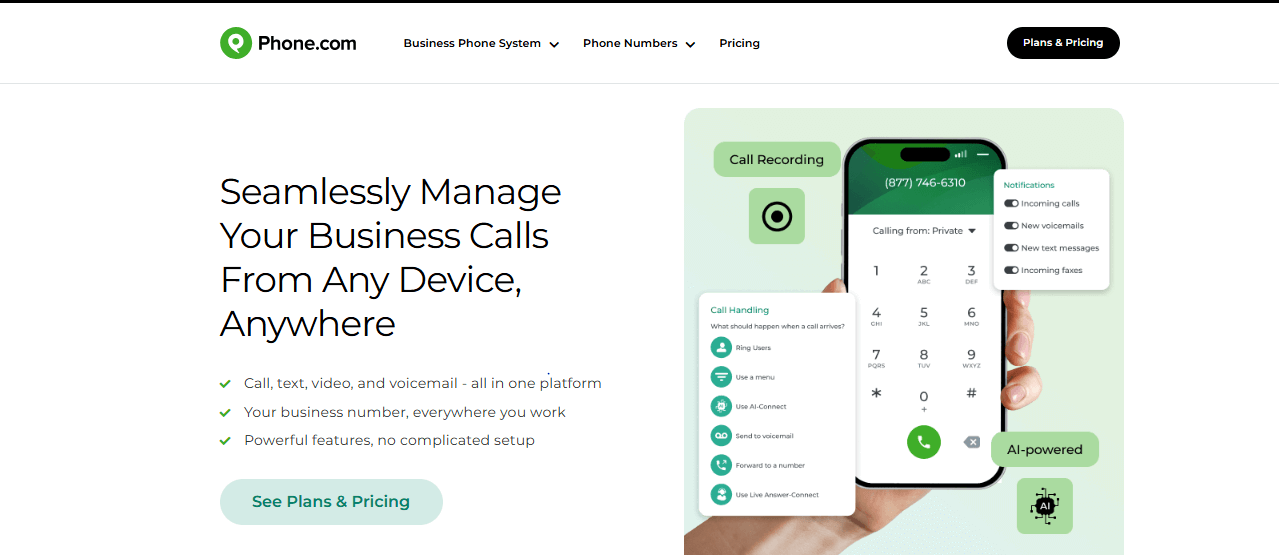
Phone.com is a cloud-based PBX phone system designed for small businesses in sectors like retail, tech, health, education, and services. It combines SIP trunking and PBX in a single VoIP solution, giving users access to features such as call queuing, conferencing, and call recording.

Features

  • AI-powered Answer Bot picks up calls with your company name and delivers a custom pre-written response.
  • HIPAA-compliance capabilities.
  • Dashboard that lets you easily set up call routing, voicemail, and other settings.
  • Smart call routing rules based on factors like time of day or caller ID.
  • Conference calling.
  • Call recording.

Pros

  • Competitive international calling rates.
  • Supports integration with traditional analog telephones.
  • Offers HIPAA-compliant features.
  • Built-in analytics let you track busiest hours and top performers.
  • Access to call logs and recordings for deeper insight.

Cons

  • Customer support can be slow at times.
  • You only get call analytics and CRM integrations on the most expensive plan.

Pricing

  • Basic: $15/month per user
  • Plus: $22.50/month per user
  • Pro: $33.33/month per user

Why It’s an Affordable Alternative 
Compared to RingCentral, Phone.com is more affordable for smaller teams while still offering essential business-phone features. Although RingCentral provides a wider set of integrations and advanced analytics, Phone.com’s simpler pricing structure and core VoIP functions make it a great choice for growing businesses.

7. 8×8
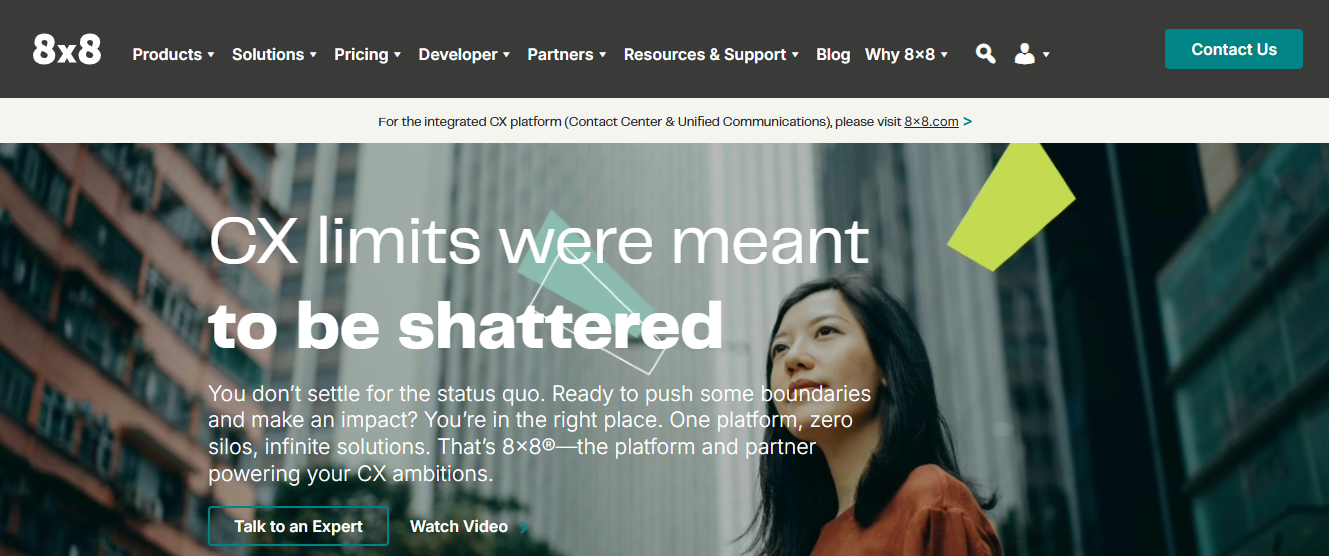
8×8 provides a unified platform for voice, video, and messaging communication. Businesses can handle calls, conferences, and messaging globally, using its IVR software to direct callers to the right department. The platform also tracks call patterns with IVR analytics, helping teams identify issues in call flows and improve customer interactions.

Features

  • Integrated contact center with advanced call routing, IVR, and support for multiple channels.
  • Local phone numbers in over 130 countries for global reach.
  • Compliance with HIPAA, GDPR, and SOC 2 standards.
  • Unlimited international calling for eligible plans.
  • Supports audio and video conferences with up to 500 participants.
  • Mobile management for admins to monitor system performance and activity.

Pros

  • Reduces costs with flexible plans and international calling.
  • Supports large conference calls without limitations.
  • Provides mobile access for system monitoring and management.

Cons

  • Base phone systems include fewer AI-powered features compared to competitors.
  • Mobile apps can experience glitches after updates.

Pricing
You must request a quote to receive specific pricing.

Best For
8×8 suits companies with international operations and multilingual customer service teams, making it ideal for offshore call centers or businesses that provide 24/7 customer support.

Why It’s an Affordable Alternative
Compared to RingCentral, 8×8 offers cost-effective international calling and flexible subscription options. Companies can access global communication tools without paying for higher-priced packages, making it a practical solution for businesses seeking reliable global connectivity at a lower cost.

8. Quo
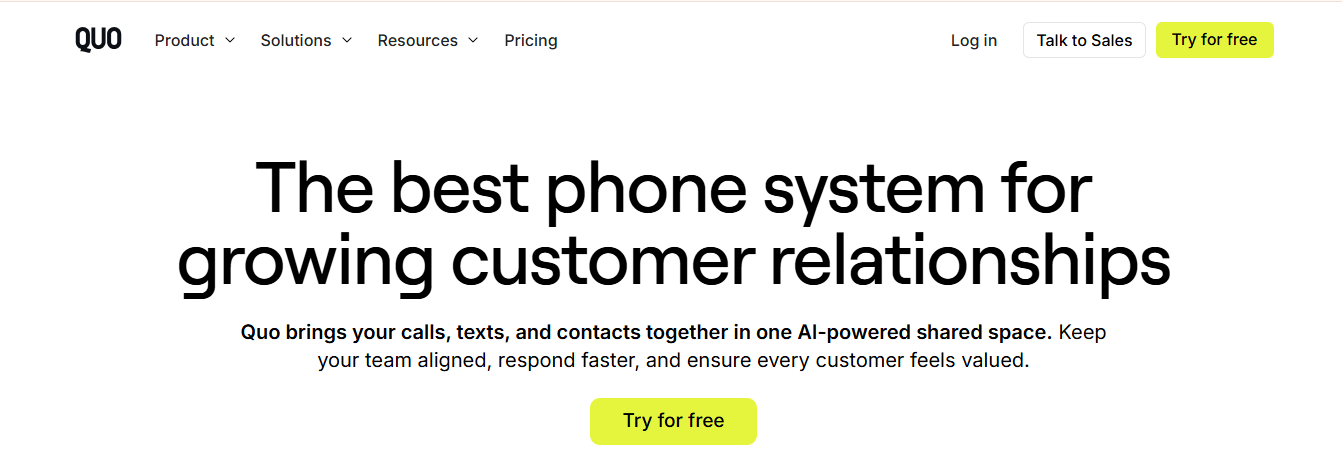
Quo (formerly OpenPhone) combines calls, texts, and customer information into a single platform. It gives teams clear visibility into every customer interaction through shared inboxes, internal notes, and a simple CRM. Small teams benefit from unlimited messaging, shared contact management, and a collaborative environment that ensures no customer is overlooked.

Features

  • Respond to customers quickly with AI-powered assistance available 24/7.
  • Flexible call flows route customers to the right person instantly.
  • Custom contact properties capture key customer details.
  • Share phone numbers among team members.
  • Make unlimited calls and send unlimited messages.
  • AI generates multiple suggested replies for inbound messages.
  • Collaborative shared inboxes, contacts, and notes.

Pros

  • Easy-to-use and simple interface.
  • Strong messaging capabilities.
  • Encourages teamwork through shared contacts and inboxes.
  • Supports basic automation with rules-based triggers.
  • Lightweight and practical for teams that don’t need complex tools.

Cons

  • Offers only basic phone system features.

Pricing

  • Starter: $15 per user/month
  • Business: $23 per user/month
  • Scale: $35 per user/month

Best For
Small and growing businesses looking for an affordable communication solution.

Why It’s an Affordable Alternative
Quo provides essential business communication tools at a lower cost than larger providers, making it ideal for small teams that need unlimited messaging, shared numbers, and simple contact management without paying for unnecessary advanced features.

9. GoTo

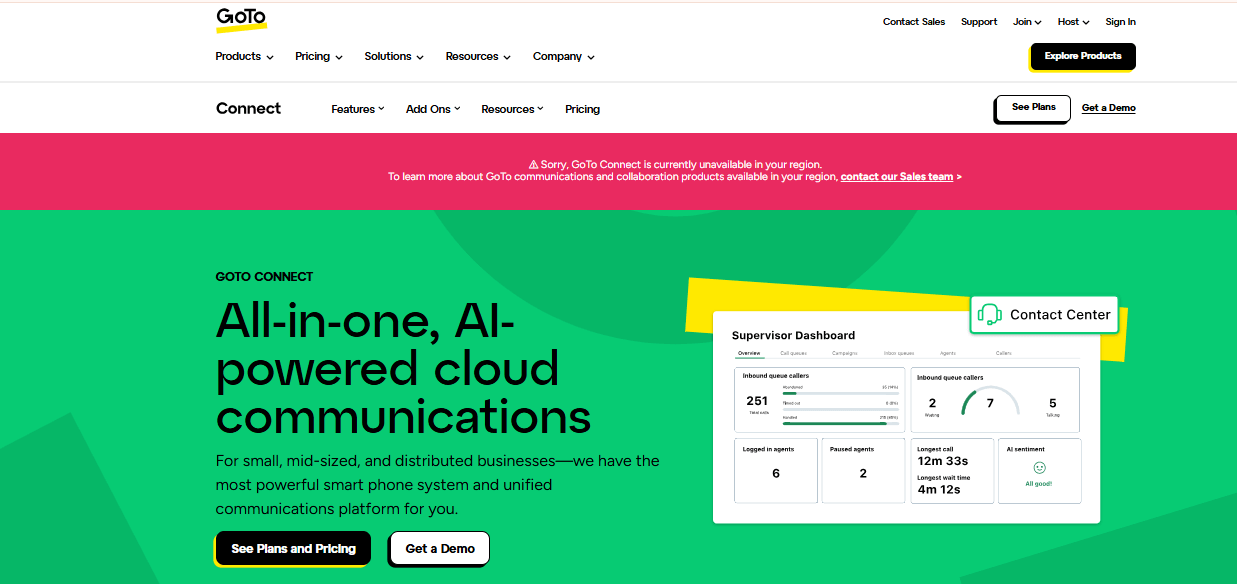
GoTo Connect is a unified communication platform that combines phone, meeting, and messaging tools for small and medium-sized businesses. It provides an enterprise-grade phone system with over 100 features, including local, long-distance, and international calling minutes. The platform supports video and audio conferencing for up to 250 participants with screen sharing, as well as messaging for one-on-one chats, group chats, team channels, file sharing, and SMS for external communications.

Features

  • Unlimited calling and SMS
  • Video conferencing with screen sharing
  • Ring groups and call queuing
  • Mobile app with full functionality
  • Virtual receptionist and call forwarding and call flip
  • Call recording and call monitoring

Pros

  • Comprehensive call management tools, including visual dial plan editor, auto-attendants, call queues, and ring groups, even on entry-level plans
  • Unlimited calling with free international minutes to over 50 countries

Cons

  • Limited to 1,000 toll-free minutes per business account across all plans

Pricing

  • Phone System: $26/user/month
  • Connect CX: $34/user/month
  • Contact Center: $80/user/month

Best For
Businesses that prioritize reliability and consistent uptime.

Why It’s an Affordable Alternative
GoTo Connect provides dependable communication tools at a lower cost, helping businesses avoid downtime and saving potentially thousands in lost productivity due to communication failures.

10. Microsoft Teams Phone

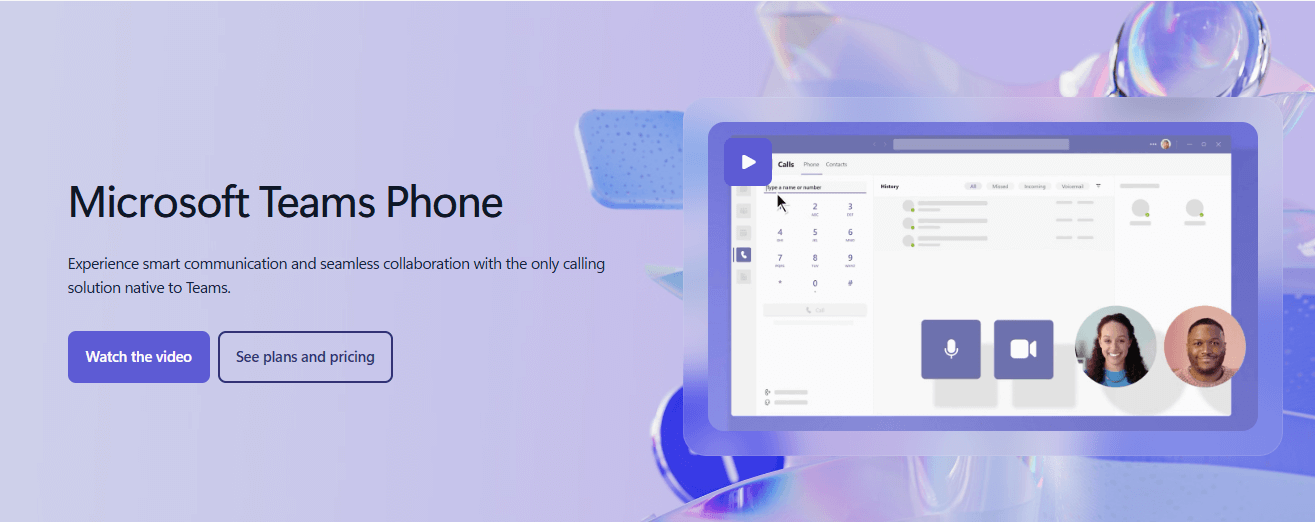
Microsoft Teams Phone is a cloud-based phone system built into Microsoft Teams. It allows businesses to make and receive calls directly within the Teams platform, which already handles meetings, chats, and team collaboration. Teams Phone cannot be purchased separately; users must have a Microsoft Teams license. Companies that already use Microsoft’s ecosystem, such as Teams, SharePoint, and Dynamics 365, gain the most benefit, as the phone system integrates seamlessly with existing tools and workflows.

Features

  • Microsoft 365 Integration: Connects with Outlook, OneDrive, and SharePoint for smooth operations.
  • Familiar Interface: Access phone features directly within the Teams environment.
  • Advanced Call Controls: Includes call delegation, auto-attendants, and call queues for efficient call management.

Pros

  • Works deeply with Microsoft 365 applications.
  • Simplifies vendor management by consolidating services.
  • Offers strong security features inherent to Microsoft products.

Cons

  • Requires an active Microsoft 365 subscription.
  • Costs more than some standalone VoIP solutions.
  • Lacks the specialized features of dedicated VoIP providers.

Pricing

  • Teams Phone Standard: $10 per user/month, includes basic phone features.
  • Pay-as-You-Go: $13 per user/month, includes metered outbound calls.
  • Calling Plan: $17 per user/month, includes 3,000 domestic outbound minutes.
  • Domestic and International Calling: $34 per user/month, includes 3,000 domestic or 600 international minutes.

Best For
Organizations that already rely on Microsoft 365 and want a unified communication system within their existing tools.

Why It’s an Affordable Alternative

For businesses already using Microsoft 365, Teams Phone adds phone functionality for a low cost per user, creating a single platform for calls, chats, and collaboration.

Switching from RingCentral doesn’t mean giving up quality or important features. It simply opens the door to options that fit your budget and your team’s real needs more closely. The ten affordable RingCentral alternatives show that you can get reliable business communication tools, strong performance, and smooth integrations without overspending.

Leave a Comment

Your email address will not be published.

Job alerts

Subscribe to our weekly job alerts below and never miss the latest jobs

Sign in

Sign Up

Forgotten Password

Job Quick Search

Cart

Cart

Share