

Customer success has moved from a “maybe later” idea to a priority and the right customer success software should be part of the equation. No business can afford to treat it like an afterthought. In fact, customer success software belongs right beside your core pillars: product, marketing, and sales. Why? Because customers today expect more than access to a product. They expect meaningful outcomes.
People don’t just want to sign up or make a purchase, they want to see progress. If you sell SaaS, subscriptions, or anything in-between, customers stay only when they’re getting real value. And in a world where switching providers is as easy as a few clicks, losing customers is a costly mistake.
That’s why customer success matters. It’s about helping people reach their goals, not just stepping in when they hit a roadblock. Teams need tools that support this proactive approach. With good customer success software, you can monitor customer health, automate touchpoints, personalize guidance, and reduce churn. The best customer success software equips your team to create the kind of experiences that keep customers loyal.
Here are 12 of the top customer success software solutions built to help your business grow by keeping your customers happy.
Top 12 Best Customer Success Software
1. Freshdesk

Freshdesk uses artificial intelligence to help businesses handle customer support conversations more effectively. It focuses on AI-driven chats, no-code bots, and a ticketing system that keeps support teams organized. The platform also brings automation and collaboration tools together so teams can respond before issues escalate. Because it combines AI conversations, bot building, and structured ticket handling in one system, it gives businesses a unified way to manage customer service.
Features
- Intuitive ticketing system that helps teams handle support requests quickly
- AI tools automate routine tasks and create room for agents to solve more complex issues
- Categorization and prioritization tools ensure urgent tickets receive immediate attention
- Centralized ticketing pulls messages from email, chat, and phone into one dashboard
- Self-service options allow customers to solve simple problems independently, which reduces ticket volume
Pros
- Easy interface encourages fast user adoption
- Consolidated ticketing across email, chat, and phone
- AI chatbots and automations cut down repetitive tasks
Cons
- Some advanced AI capabilities require extra setup and training
- Customisation options still feel limited
Pricing (per agent, monthly)
- Growth: $15
- Pro: $49
- Enterprise: $79
Best For
Freshdesk works best for businesses that want AI-driven customer support. It helps teams deliver consistent responses, handle large ticket volumes from one workspace, and improve their workflow through AI-powered automations.
2. Gainsight
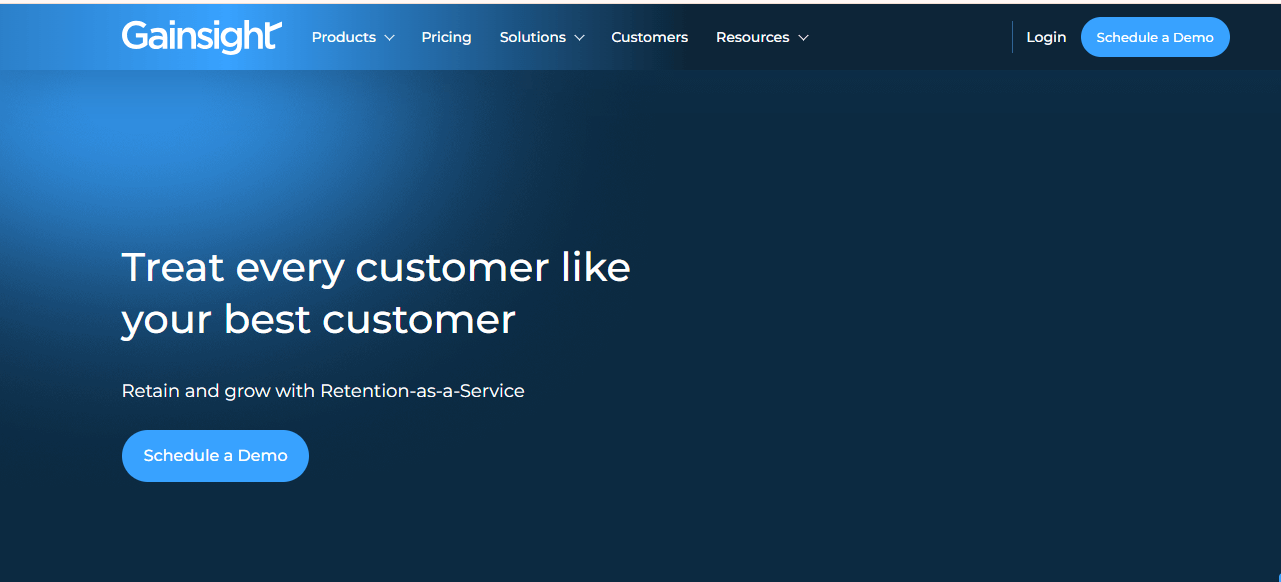
Gainsight Customer Success (CS) positions customer-facing teams to manage accounts with clarity and confidence. It gives leaders and operators a full view of customer health, expansion opportunities, and revenue threats in one platform. The system uses guided workflows, automated actions, and AI insights to help teams act faster and make better decisions. It also evaluates customer interactions across several channels, offering insights that support stronger engagement. In addition, white-label options allow you to design surveys, set automated follow-ups, and run text analysis. You can also use account planning tools, targeted campaigns, and video messaging to elevate communication.
Features
- Engagements: Create interactive product walkthroughs inside Gainsight PX.
- Knowledge Centers: Build your own articles or pull in your external knowledge base and deploy them through collapsible knowledge center bots.
- Embedded Content: Add product tours and custom web links inside these bots.
- Product Mapping: Map out key areas of your product to understand how users interact with each part.
Pros
- 360-degree customer visibility
- Playbooks and success plans for structured follow-up
- Forecasting tools for spotting expansion opportunities
Cons
- Self-service features cost extra on all plans
- Chatbots require an additional purchase
Pricing
• Contact sales for a quote
Best For
• Customer success teams looking for deep health scoring and guided workflows.
3. Custify
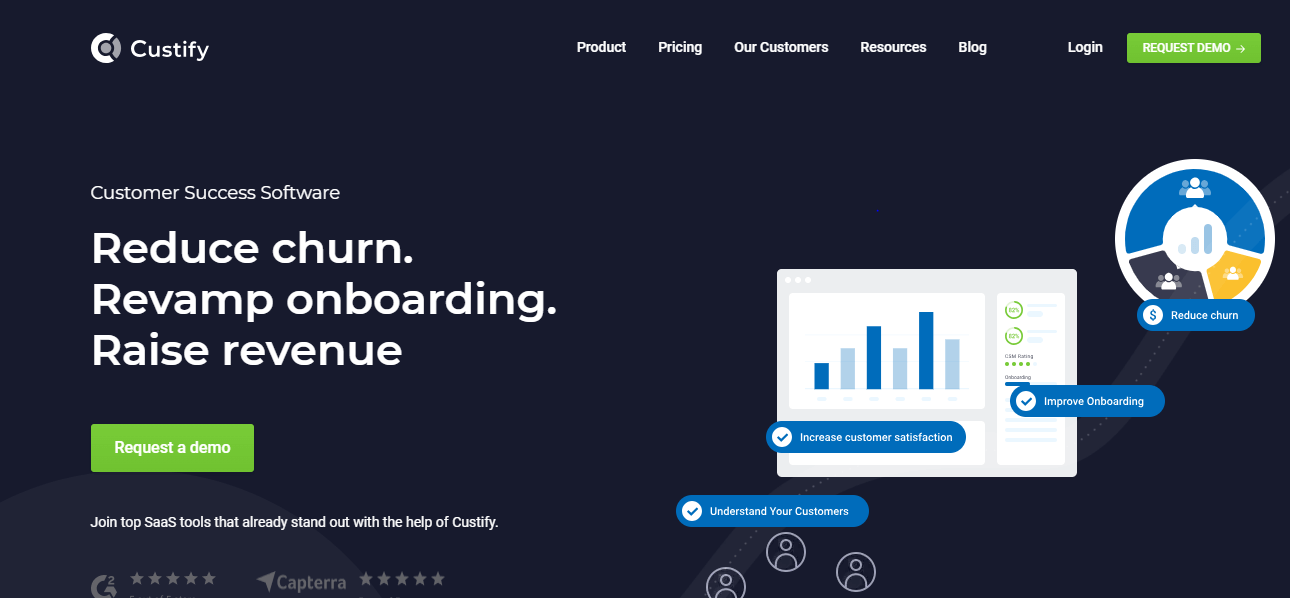
Custify helps customer success teams work more efficiently by giving them clear visibility into how customers use a product. It focuses on B2B SaaS companies and equips them with tools to monitor KPIs, segment customers, track adoption, and spot potential upsell opportunities. Because it sends timely notifications and surfaces important data, CSMs can take action early and reduce churn. Moreover, it solves common challenges such as poor customer visibility, difficulty measuring customer health, and the struggle to manage communication at scale.
Features
- Real-time dashboards: Present live insights into product usage, customer health, and team activity.
- Automated workflows: Handle repetitive tasks like onboarding messages and follow-up reminders, allowing teams to spend more time on strategic work.
- Customer health scores: Offer detailed scoring models built from behavior and engagement data to help teams address issues early.
- Automation support: Send sequences, reminders, and account updates without manual effort, which helps teams stay consistent.
- Tasks and alerts: Trigger notifications when customers show reduced activity or approach renewal dates, encouraging timely action.
- Dashboards and reports: Provide customizable visualizations that help teams understand performance and customer success metrics.
Pros
- Allows personalized health scoring models for precise monitoring.
- Creates automated triggers that assign tasks or send messages when customer behavior changes.
- Gives access to real-time analytics for strategic decision-making and trend identification.
Cons
- Integrating Custify with certain tools can be complex.
- New users may experience a steep learning curve.
Pricing
Available upon request.
Best For
Companies that want strong analytics and personalization features to strengthen customer success efforts and improve overall SaaS performance.
4. Velaris
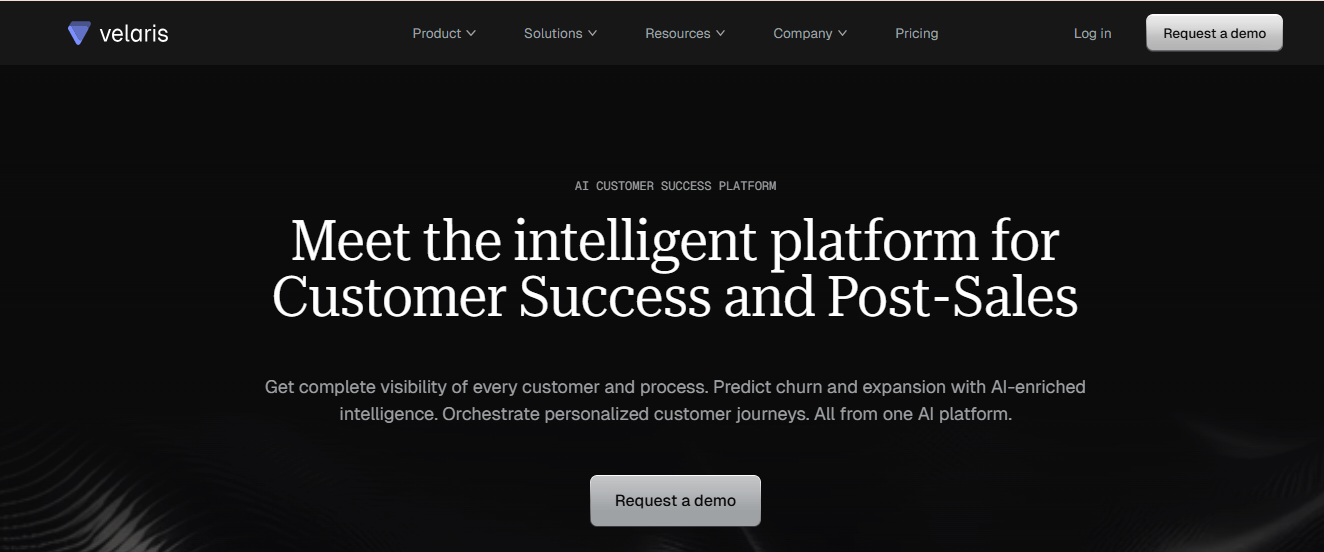
Velaris is a customer success platform that helps teams understand their customers, improve daily work, and reduce unnecessary manual effort. It gives teams a clear picture of each customer through dynamic health scores, dashboards, and detailed reports. With these insights, teams can spot opportunities, identify risks, and act quickly. The platform also supports workflow automation, allowing teams to set up processes with a simple drag-and-drop builder. As a result, they can complete tasks faster while maintaining consistency. Velaris also brings customer data and project management into one system, helping teams track outcomes and work directly with customers through a dedicated portal.
Features
- AI insights reveal customer needs and behavior patterns
- Configurable success plans support different customer segments
- Customer portal enables in-app collaboration between teams and clients
- Project and task tracking connects customer work to measurable outcomes
- Workflow builder automates routine tasks to free up time
Pros
- Automation reduces repetitive work
- Health scores adjust as customers move through their lifecycle
- Unified view shows usage, sentiment, and engagement in one place
Cons
- Limited integration options
- Smaller teams may not use every available feature
Pricing
Pricing available on request
Best For
Teams that want deeper customer insights and automated processes while keeping collaboration simple.
5. Hiver
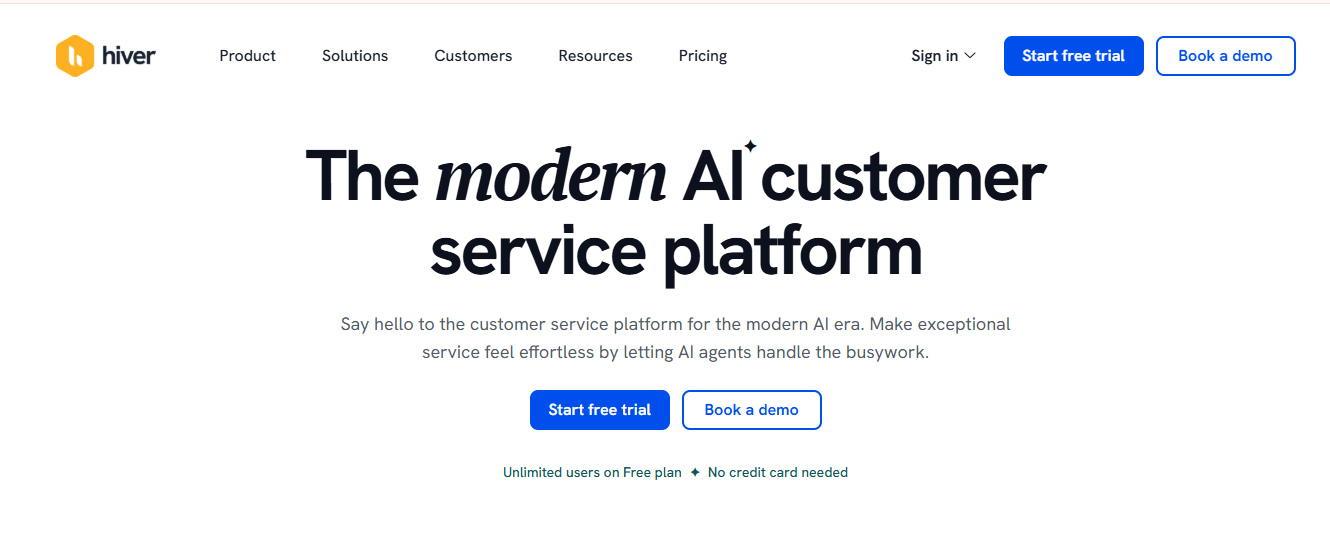
Hiver is an AI-driven customer service platform that helps teams handle customer conversations in one place. It works inside an interface that feels like email, so teams can move faster without dealing with a complicated setup. Because of this familiar layout, users can view every channel email, live chat, WhatsApp, voice, SMS, and social media from a single panel and switch between them with ease. Hiver aims to give businesses the depth of a full help desk while keeping the experience simple to understand. As teams work, they can see open, pending, or resolved tickets at a glance, which helps them stay organized even during busy hours.
Features
- Hiver AI powers multiple parts of the support workflow and improves how teams respond.
- AI Copilot offers contextual suggestions, reply drafts, tone adjustments, and quick fixes for agents.
- AI Agents automate routine tasks such as FAQs, follow-ups, and other repetitive actions.
- AI Insights study past conversations to predict potential issues and risks.
- Unified inbox keeps email, live chat, WhatsApp, voice, SMS, and social media in one place for quick access.
Pros
- Strong tools that help team members work together more smoothly.
- Real human support available 24/7 through chat or email on every plan, including the free option.
- AI features built into every stage of the customer support cycle.
Cons
- Mobile performance still lags behind the desktop version.
- Fewer third-party integrations compared to some competing platforms.
Pricing
- Free: $0 per user/month
- Growth: $25 per user/month
- Pro: $45 per user/month
- Elite: $75 per user/month
Best For:
Teams that want an intuitive help desk built directly inside a familiar email-like environment, especially those that rely heavily on collaboration and want AI to support their daily workflows.
6. Zendesk
Zendesk helps businesses manage customer service and engagement by bringing support conversations, help center tools, and live messaging into one system. The platform uses AI to guide actions, shorten response times, and organize inquiries. Because of this, teams can move through customer issues faster while keeping the experience smooth and consistent.
Features
- Role Conditions: Zendesk applies conditions based on specific roles, including agents, admins, and custom roles, when setting up contextual workspaces. This gives users more control over how each workspace behaves.
- Admin Pages: Admins get cleaner layouts, clearer page explanations, and helpful links that support quick navigation.
- The Explore dashboard adopts a more flexible layout, allowing users to adjust visuals and insights to fit their preferences.
- Agent Copilot: The AI suite offers smart prompts and suggested actions that guide agents through tasks and help them respond faster.
- Multiple Conversations: Admins can handle several conversations at once, which improves customer response times across different channels.
Pros
- Easy-to-use interface
- Gradual AI adoption supports better intent building
- Simple bot setup
- Wide feature set
Cons
- Pricing may be high for small teams
- Dialogue Builder sometimes malfunctions
- Customer support needs improvement
Pricing
- Build Your Own Plan: starts at $19/month (small businesses)
- Suite Team: $55/agent/month
- Suite Professional: $115/agent/month
- Suite Enterprise: custom quote
Best for
Businesses that want AI-powered customer experience tools.
7. ChurnZero
ChurnZero serves subscription-based businesses by helping teams understand how customers interact with their products. It connects directly with your CRM and tracks usage patterns, renewal likelihood, and overall customer satisfaction. The system also analyzes customer activity and sends real-time alerts when someone updates their account, allowing teams to respond quickly and keep relationships strong.
Features
- Predicts churn and highlights customer trends with Customer Success AI
- Drafts communications and prepares meeting summaries
- Supports in-app guides, product walkthroughs, and targeted messages
- Assigns health scores to show customer status and risk levels
- Identifies accounts that need attention
- Builds automated workflows triggered by customer actions
Pros
- In-app communication
- Strong renewal forecasting
- Insightful reporting and analytics
Cons
- Limited customer experience tools such as knowledge bases
- Pricing is not publicly available
Pricing
Book a demo to get pricing information.
Best For
ChurnZero suits businesses that want clear insights, helpful automation, and stronger customer relationships that encourage long-term loyalty.
8. SurveySparrow
SurveySparrow helps businesses collect feedback, improve customer experiences, and gather useful data through visually appealing and easy-to-answer surveys. It engages participants with conversational formats, boosts response rates across different channels, and supports teams that want to understand customers or employees better. The platform works well for customer satisfaction studies, employee engagement programs, and market research. Additionally, it offers tools that make feedback easier to interpret and turn into action.
Features
- Conversational surveys that encourage participation and improve overall response quality
- Omnichannel distribution through email, social platforms, and QR codes
- Ticket management that turns responses into actionable tasks for fast resolution
- AI insights powered by Cognivue that examine large volumes of feedback
- Sentiment detection that highlights patterns, emotions, and themes from open-ended responses
Pros
- Works well for monitoring satisfaction levels across customer experience programs
- AI reviews text feedback and detects tone and emotion
- Conversational layouts often lead to higher engagement and response rates
Cons
- Custom analytics and reporting lack depth
- Logic setup may feel difficult for users with limited technical experience
Pricing
Pricing available upon request.
Best For
Businesses that want engaging surveys, simple feedback collection, and helpful insights from AI-driven analysis.
9. Sprout Social
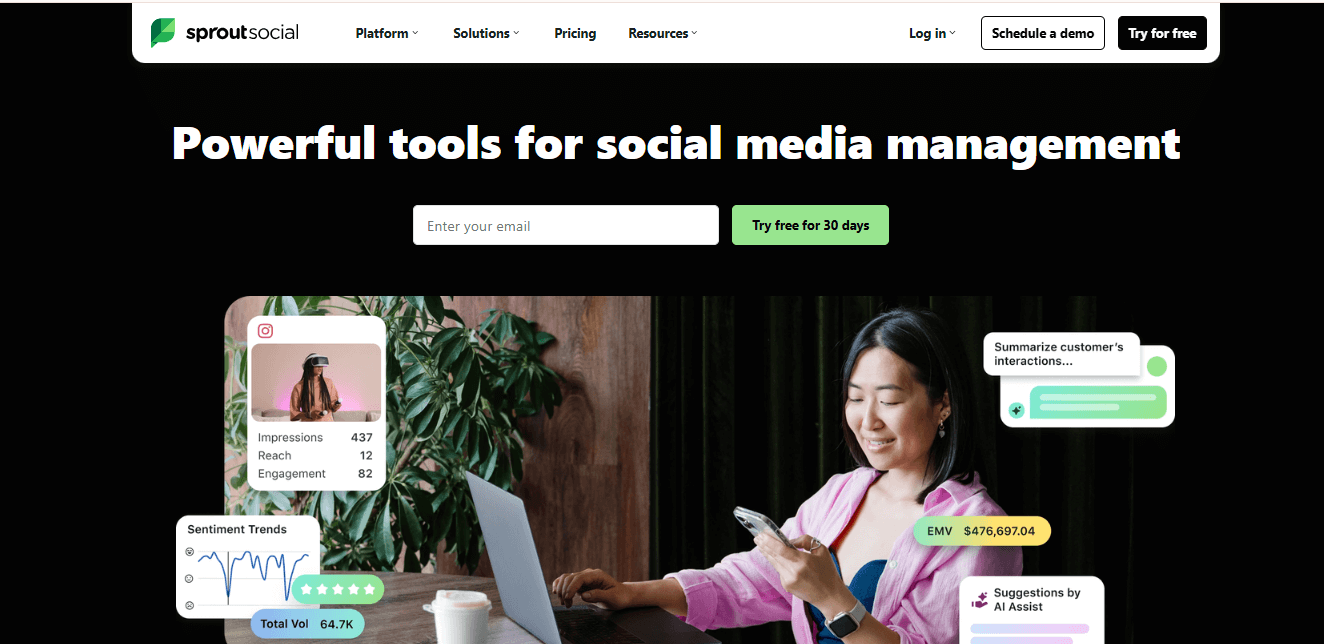
Sprout Social is a cloud-based platform that helps businesses manage their social media conversations and publishing activities. It gives teams a visual calendar that makes it easier to plan, adjust, and maintain a consistent posting rhythm. Users gain a clearer view of what goes live and when, which helps them stay organized even during busy weeks.
Although the platform covers several social tasks, the Smart Inbox sits at the center of the experience. It gathers messages, comments, and mentions from all connected accounts and displays them in one view. Because of this, teams can respond faster, filter messages, tag conversations, and assign replies without jumping across apps.
Features
- Smart Inbox: Collects messages, comments, and mentions from multiple platforms into one feed so teams can monitor and reply without switching accounts. This unified view encourages quicker responses and better customer engagement.
- Case Management: Allows users to turn social messages into support cases, assign them to the right team members, and track progress. This helps teams handle issues in an orderly way and move customers toward faster resolutions.
- Team Collaboration Tools: Supports role-based access, task assignment, and internal notes to help teams stay aligned and reduce back-and-forth.
- Visual Publishing Calendar: Lets users plan, schedule, and adjust posts with ease so they can keep a consistent presence across all channels.
Pros
- Strong sentiment and trend analytics
- Helpful collaboration tools for cross-team coordination
- One inbox for all social conversations
Cons
- Large message volume can make it harder to keep the inbox tidy
- Focus on social channels only, with no broader customer success features
Pricing
- Standard: $199 per seat/month
- Professional: $299 per seat/month
- Advanced: $399 per seat/month
Best For
Teams that want to manage all social inboxes from a single hub
10. Akita
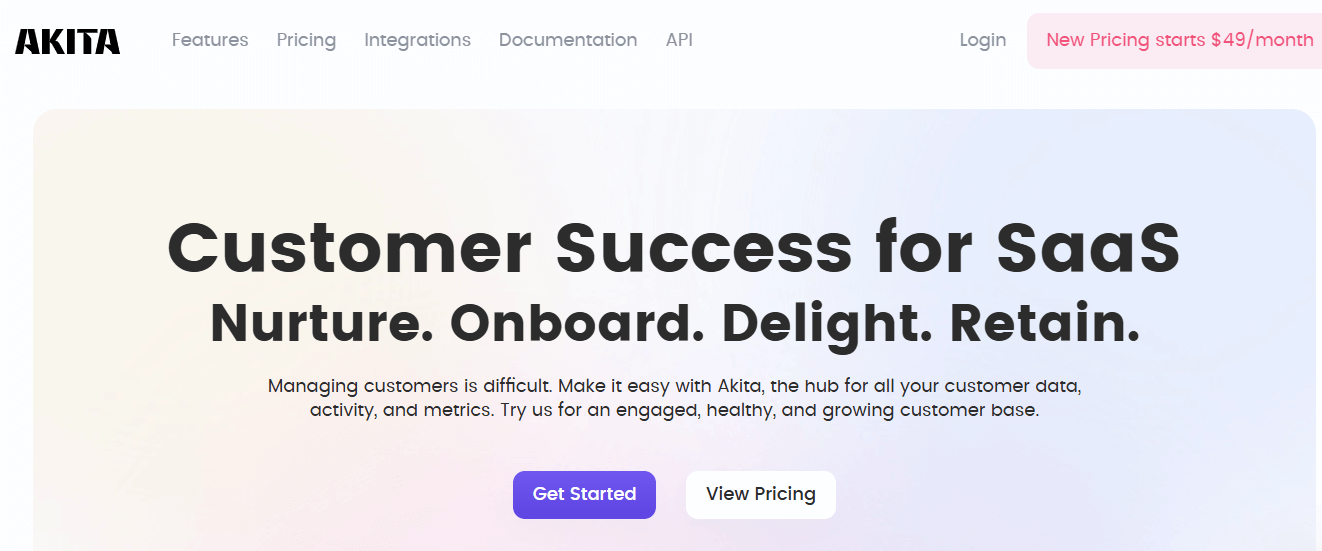
Akita helps teams manage Customer Success by automating key activities like onboarding, tracking interactions, and monitoring engagement. It presents real-time customer health insights through an interface that feels easy to navigate. Because it connects with popular CRM systems, it keeps data consistent and supports decision-making with customizable reports. As a result, teams can respond earlier, guide customers better, and strengthen retention efforts.
Features
- Centralized Communication: Brings all customer conversations into one place so teams stay aligned and reduce costly missteps.
- Analytics Insights: Delivers clear data visuals and reports that help teams understand behavior patterns and act with more confidence.
- Team Collaboration Tools: Gives everyone a shared view of customer activity, which encourages smoother coordination across the team.
- Task Automation: Handles routine follow-ups and reminders to save time and allow teams to focus on meaningful engagement.
Pros
- Automated playbooks support renewal and retention actions.
- Custom health scoring helps identify early churn signals.
- Real-time alerts notify teams when customer accounts show signs of risk.
Cons
- Dashboard customization feels somewhat limited.
- Data integration and onboarding may require internal technical support.
Pricing
- Small Teams: $49/month
- Growing Teams: $99/month
- Enterprise: $499/month
Best For
Akita suits SaaS, e-commerce, and financial service companies that want to strengthen customer relationships and improve long-term satisfaction.
11. Front
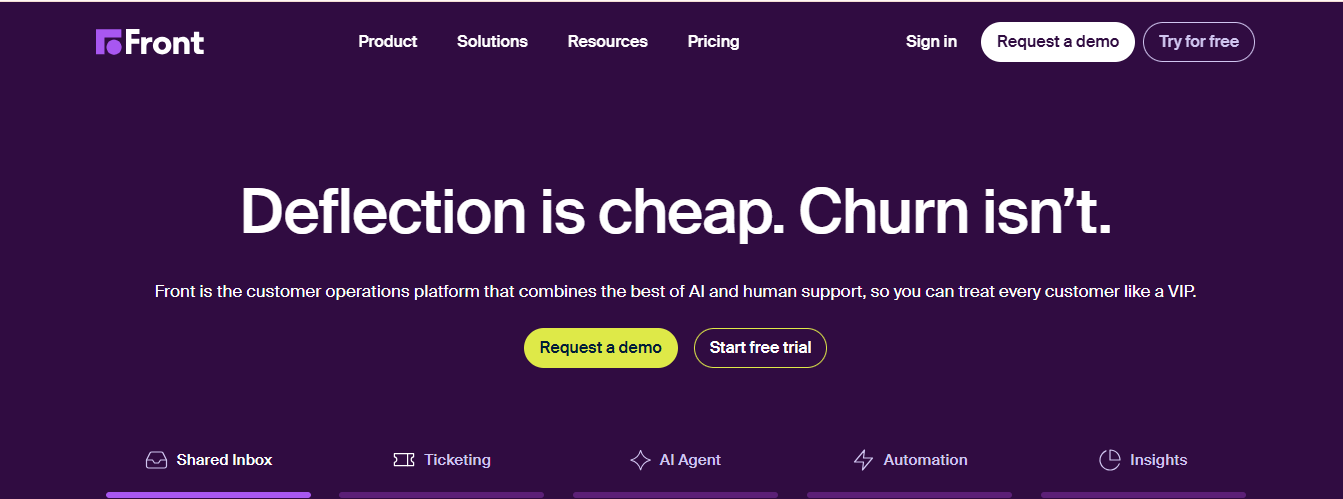
Front brings customer communication into one place by combining email, SMS, and social channels in a single platform. It helps teams stay organized, improves response workflows, and supports accountability through conversation assignments. The system also allows teammates to discuss issues privately through comments and notes, which strengthens internal collaboration. Although some users want better automation and search capabilities, the platform still delivers strong shared inbox features and practical CRM-style insights that keep teams focused and efficient.
Features
- Personalization: Users can adjust their email layout and workflow settings to match how they work best, which boosts productivity.
- Notes: Private notes provide internal context on each conversation without notifying customers.
- Internal Discussion: Teams can talk through messages in dedicated comment threads, helping them make decisions faster.
- Assignments and Tasks: You can assign emails and tasks to specific teammates so everyone knows who owns what.
- Workflows: Automated actions help reroute messages or trigger follow-up steps based on defined rules.
- Templates: Response templates help teams maintain consistency and save time during busy periods.
Pros
- Tracks team response speed and engagement
- Automations and workflows cut down reply delays
- Combines email, chat, SMS, and social inboxes into one space
Cons
- Advanced filters and analytics take time to understand
- Some users dislike recent interface updates
Pricing
- Starter Plan: $29 per seat per month
- Growth Plan: $79 per seat per month
- Scale Plan: $99 per seat per month
Best For
Teams that need shared inboxes, automated workflows, and helpful insights to support collaboration and improve operational performance.
12. Dock
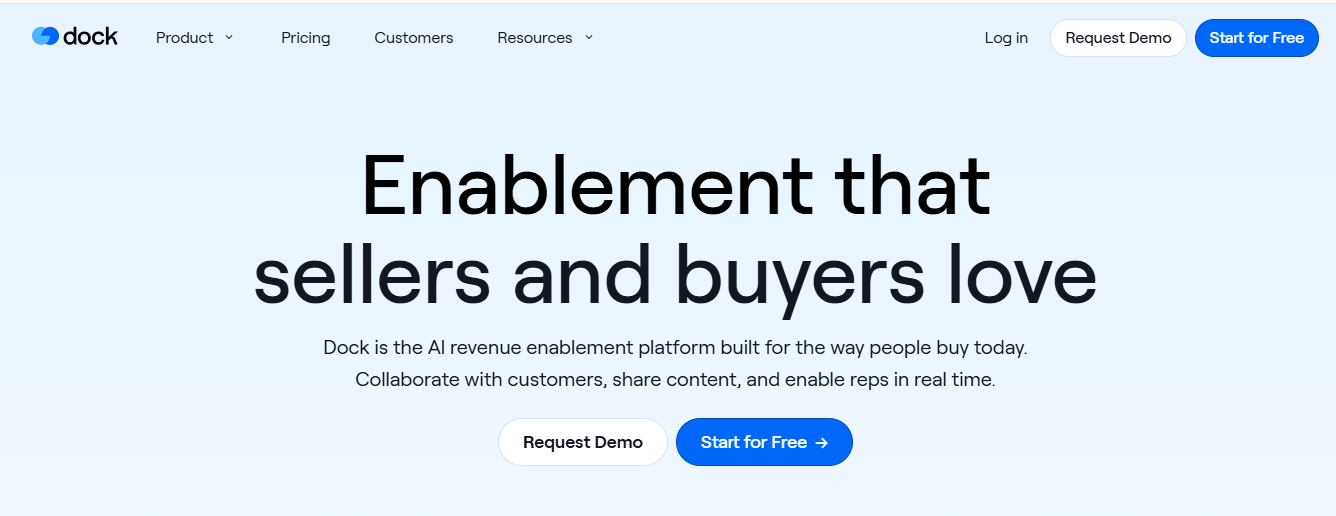
Dock is a cloud-based workspace that helps teams build digital sales rooms, onboarding plans, client portals, and project hubs. It lets administrators set up customized workspaces for buyers and customers. The platform also solves common problems such as slow onboarding and scattered communication, and it gives sales and customer success teams a more organized way to guide clients.
Features
- Editing tools and content management support smoother collaboration
- Analytics reveal how buyers and customers interact with shared materials
- Template creation speeds up workspace setup
- Customer onboarding tools guide users through each step
- Engagement tracking shows who viewed what and when
- Information monitoring keeps important updates in one place
Pros
- Analytics clearly show onboarding progress and customer activity
- Shared workspaces encourage collaboration between internal teams and clients
- Personalized portals keep onboarding and renewal tasks in a single location
Cons
- Custom branding and workflow edits may feel less intuitive
- Heavy usage can cause occasional performance delays
Pricing
- Free – $0 per month
- Standard – $350 per month
- Premium – $750 per month
Best For
Teams that want machine learning-driven insights to understand engagement patterns and improve client interactions.