

A dispatcher books a furnace repair for 2 p.m. However, the technician across town is still finishing a delayed job. The paper work order never reaches him. Meanwhile, the customer waits, and an invoice sits on a truck dashboard for three days. Small scheduling problems like these can lead to missed revenue, unhappy customers, and unexpected overtime .Field service management software in 2026 helps businesses avoid these problems.
It gives dispatchers a clear view of schedules and technician availability. It also puts job details on technicians’ phones and keeps customer records in one place. In addition, teams can manage invoices and payments without relying on paperwork.
The right platform can prevent double bookings, reduce unnecessary travel, and help businesses collect payments faster.
However, choosing the right tool takes careful consideration. A five-person plumbing company needs different features from a commercial HVAC contractor operating across several states.
We compared ten field service management software platforms. We examine their features, pricing, advantages, and limitations. You’ll also learn which businesses should consider each option.
What Is Field Service Management Software?
Field service management software helps businesses coordinate work performed at customer locations.
Office staff use these platforms to create work orders, schedule appointments, and assign technicians. Technicians then access job details through mobile apps. They can also update job statuses, add notes, collect signatures, and process payments.
Most platforms also store customer records, service addresses, and job histories.
Depending on the provider, field service management software may include:
- Equipment and asset management.
- Inventory and parts tracking.
- Recurring maintenance schedules.
- Service agreement management.
- GPS tracking and route planning.
- Technician performance reports.
- Estimates, invoicing, and payment processing.
However, not every platform offers all these features. Some providers also reserve advanced tools for higher-priced plans or paid add-ons.
It’s also important to understand how this software differs from related business tools.
- Workforce management software: This software focuses on employee shifts, timekeeping, and labour scheduling. It doesn’t always manage customer jobs.
- Customer relationship management (CRM) software: A CRM tracks leads, contacts, and sales activities. It becomes a field service solution when it includes work orders, dispatching, and technician tools.
- Computerized maintenance management system (CMMS): A CMMS manages maintenance for assets a business owns, usually within its facilities. Field service software, on the other hand, manages work performed for customers.
Some platforms combine these capabilities. For example, Salesforce and Microsoft offer field service products within larger business platforms. Meanwhile, Jobber and Housecall Pro focus directly on service businesses.
Top 10 Best Field Service Management Software in 2026
1. ServiceTitan
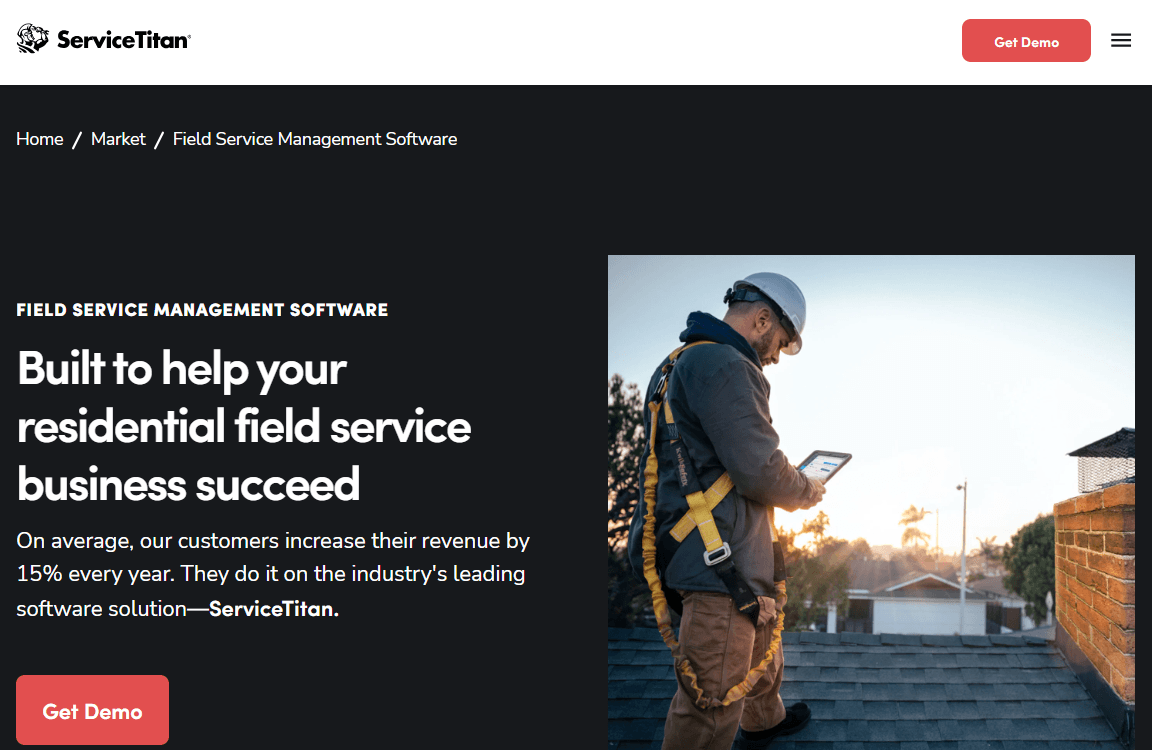
ServiceTitan supports HVAC, plumbing, and electrical companies that manage a steady volume of service calls.
The platform combines call booking, scheduling, dispatching, and invoicing. It also includes a pricebook, which helps technicians prepare quotes using standardized line items.
Higher packages add mobile estimates, payroll management, commission tracking, and customizable memberships. These tools can help companies that sell maintenance agreements and pay technicians through incentive programmes.
However, ServiceTitan charges per technician. Therefore, it makes more sense for businesses with several service vehicles and enough jobs to justify the investment.
Its focus on the trades also limits its appeal to businesses such as cleaning companies and landscapers.
Features
- Dispatching and scheduling come with every package.
- Call booking helps businesses manage incoming service requests.
- Invoicing and a pricebook help technicians prepare consistent quotes and bills.
- Essentials and higher packages include mobile estimates and payroll management.
- The full suite includes advanced reporting, commission tracking, and customizable memberships.
Pros
- Businesses can add more capabilities as they grow without changing platforms.
- Membership and commission tools support service agreements and incentive-based pay.
Cons
- ServiceTitan doesn’t publish its subscription prices.
- Per-technician billing increases costs as the team grows.
- Third-party reviews mention lengthy onboarding and implementation costs. Ask the provider for written estimates.
- Features vary by package, so confirm which plan includes your required tools.
Pricing
- Contact ServiceTitan for a custom quote.
Best For
Multi-truck HVAC, plumbing, and electrical companies that need call booking, dispatching, estimating, and payroll tools.
Verdict
ServiceTitan deserves a place on your shortlist if you run a growing trade business. However, expect a quote-based sales process and costs that increase with your technician count.
2. Jobber
Jobber helps small service businesses manage customer requests, quotes, schedules, invoices, and payments.
Customers can submit requests through online forms or book appointments. After receiving a request, the business owner can send a quote, schedule the visit, and issue an invoice when the work ends.
Jobber also provides a client hub. Customers can use it to approve quotes, review appointments, and pay invoices without calling the office.
The platform offers four plans for different team sizes. Its Core plan supports one user, while Plus covers up to 15 users.
As a result, Jobber suits solo operators and small teams in lawn care, cleaning, and home services. Larger companies with dedicated dispatch teams may need a more advanced platform.
Features
- Online booking and customizable request forms capture leads from websites and social media.
- Core includes quotes, invoices, and online payments.
- The client hub lets customers approve quotes, review appointments, and pay invoices.
- Connect adds automated client reminders and QuickBooks Online synchronization.
- Grow adds job costing, two-way text messaging, and custom workflow automation.
- Plus includes a lead Pipeline, Marketing Suite, and AI-powered receptionist.
Pros
- Plans scale by user count, making it easier for solo operators to start.
- Online booking and the client hub reduce back-and-forth communication.
- The marketplace connects Jobber to more than 100 external tools.
Cons
- Some features require higher plans. For example, QuickBooks sync starts with Connect, while job costing and two-way texting start with Grow.
- Pricing depends on team size, billing terms, and promotions.
- Team plans cap users at 5, 10, or 15, so growing businesses may need to upgrade.
Pricing
- Core: $49 per month for one user on month-to-month billing.
- Connect: $139 per month for one user.
- Grow: $199 per month for one user.
Best For
Solo operators and small cleaning, lawn care, and home service teams that need quoting, scheduling, and invoicing tools.
Verdict
Jobber is a good starting point for small teams moving away from paper records and spreadsheets. However, check the user limits and feature restrictions before choosing a plan.
3. Housecall Pro
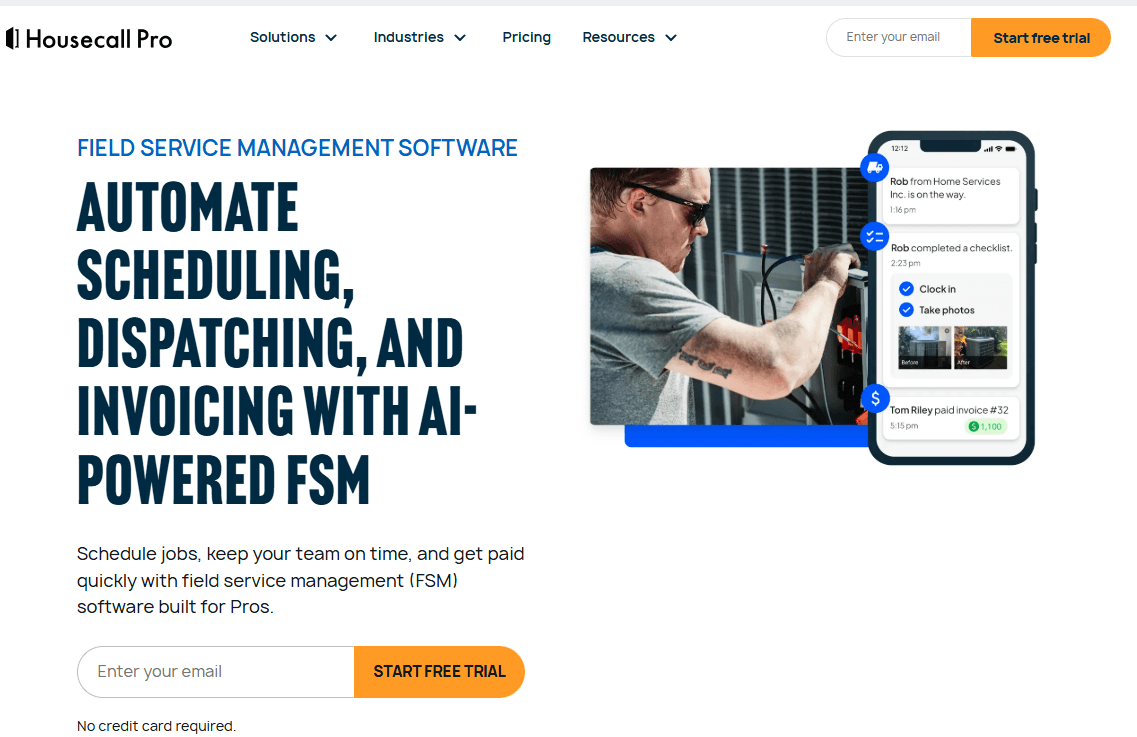
Housecall Pro helps residential service businesses manage online bookings, dispatching, quotes, and payments.
Customers can book appointments online, while dispatchers assign jobs to technicians. Technicians can then send quotes and proposals through the mobile app. The platform also handles invoices and payments.
Housecall Pro organizes its plans around team size. Basic supports one user, Essentials supports up to five, and MAX supports up to eight.
Higher plans add tools such as QuickBooks integration, an open API, and recurring service plans. These features can benefit companies that offer regular maintenance visits.
Overall, Housecall Pro suits home service businesses that have outgrown a one-person operation. It also offers a more predictable plan structure than per-technician pricing models.
Features
- Online booking lets customers request appointments without calling.
- Scheduling and dispatching start with the Basic plan.
- Technicians can send quotes and proposals for customer approval.
- The platform handles invoices and payments.
- MAX adds an open API, advanced reporting, sales proposals, and recurring service plans, according to secondary sources.
Pros
- User limits of one, five, and eight make subscription costs easier to estimate.
- Recurring service plans support maintenance agreements.
- Essentials adds accounting integration for businesses using QuickBooks.
Cons
- Sources report different extra-user fees, ranging from $35 to $100 per month. Confirm the applicable rate with the provider.
- Sources also disagree about which plans include employee GPS tracking.
- Lower plans may require an additional fee for recurring service plans.
- Payment processing fees apply separately from the subscription.
Pricing
- Contact for quote
- A free trial is advertised.
Best For
Residential service companies with a few technicians that need online booking, dispatching, and payment tools.
Verdict
Housecall Pro is a strong option for home service teams that want clear subscription tiers. However, confirm GPS tracking, add-on, and extra-user fees before signing up.
4. FieldEdge
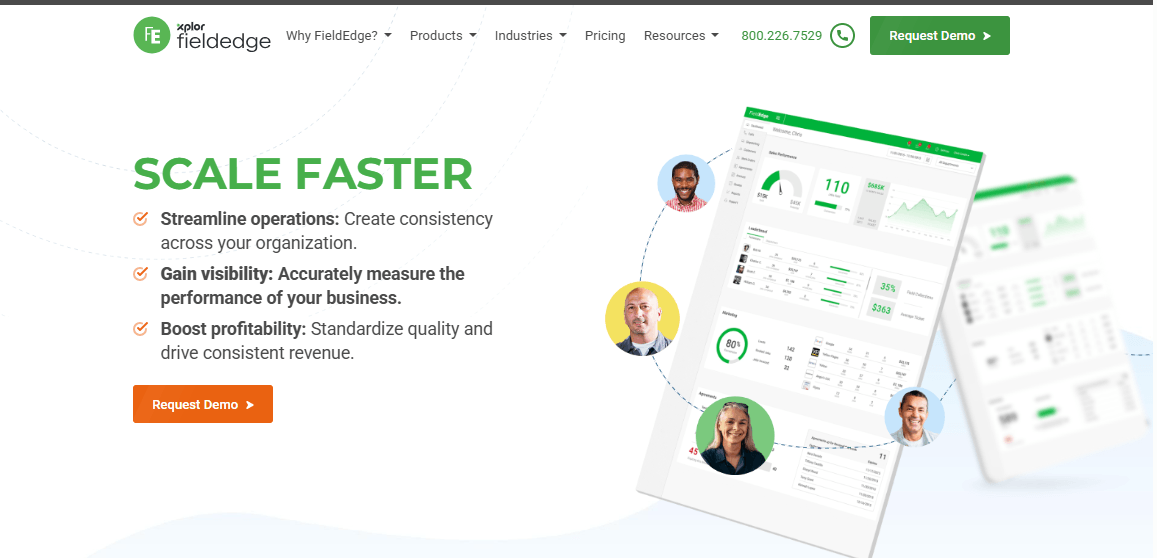
FieldEdge is a field service platform for mechanical trades. It is now part of Xplor Technologies. The software focuses on dispatching, flat-rate pricing, service agreements, and QuickBooks synchronization. Consequently, it often appeals to HVAC, plumbing, and electrical companies that use QuickBooks for accounting.
FieldEdge offers three packages: Select, Premier, and Elite. Each plan adds more advanced capabilities, starting with basic dispatching and quotes.
Premier adds advanced dispatching, multi-option quotes, and agreement management. Meanwhile, Elite includes call recording, text marketing, and warehouse inventory. The platform also bundles mobile app licenses into its plans. Therefore, contractors should check how many technicians can access the app before subscribing.
Features
- Select includes dispatching, booking, and scheduling.
- A flat-rate pricebook and quotes help technicians maintain consistent pricing.
- Service agreement management starts with basic tools and expands in Premier.
- Mobile app licenses come with each tier, according to a secondary source.
- Premier adds advanced dispatching, multi-option quotes, and saved reports.
- Elite adds unlimited saved reports, outbound call recording, Proposal Pro, two-way texting through MarketingEdge, and warehouse inventory management.
Pros
- Pricebook and service agreement tools support HVAC, plumbing, and electrical workflows.
- QuickBooks synchronization reduces duplicate data entry.
- Three packages let businesses add advanced features as their operations grow.
Cons
- FieldEdge doesn’t publish its subscription prices.
- Mobile app licenses depend on the selected tier.
- Third-party reviewers describe reporting as basic on lower plans. Test your required reports during a demo.
- Warehouse inventory sits on Elite and, according to one source, depends on QuickBooks Desktop Enterprise.
Pricing
- Contact FieldEdge for a custom quote.
- Public subscription prices aren’t disclosed.
Best For
Mid-size HVAC, plumbing, and electrical contractors that use QuickBooks and need flat-rate pricing and service agreement tools.
Verdict
FieldEdge is worth considering if your business relies on flat-rate pricing and service agreements. However, request a quote and test reporting capabilities and mobile license limits during a demo.
5. Service Fusion
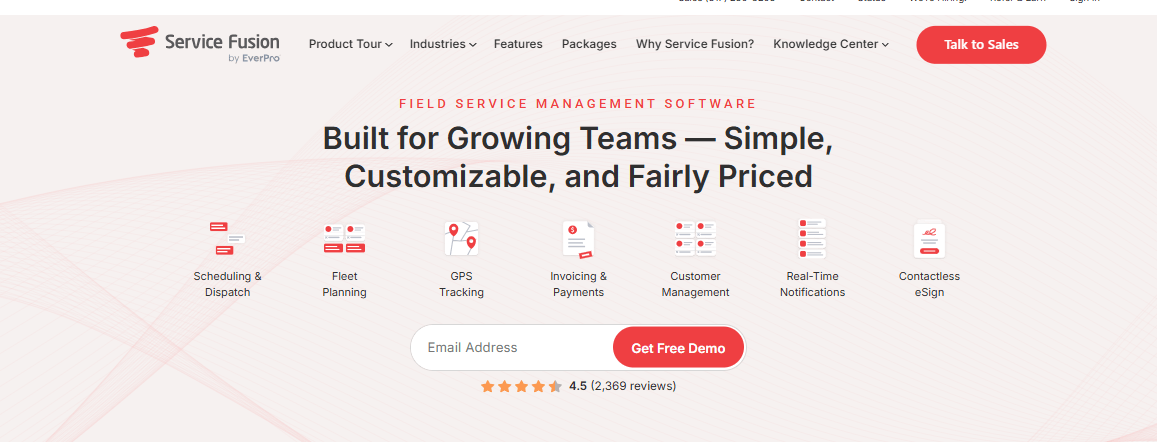
Service Fusion charges a flat monthly fee regardless of how many dispatchers, technicians, or office staff use the platform. This pricing model can benefit growing service companies. Unlike per-user subscriptions, adding another employee doesn’t increase the monthly fee.
The Starter plan includes customer management, estimates, jobs, scheduling, dispatching, integrated payments, and QuickBooks integration. Plus adds job photo uploads, inventory management, job costing, and integrated voice and text. Meanwhile, Pro includes eSign, a customer web portal, custom documents, and progressive and recurring invoicing.
However, businesses that need advanced features must upgrade. For example, a small company that needs inventory management has to choose Plus.
Features
- Every plan includes scheduling and dispatching with unlimited office users and field workers.
- Starter includes estimates, jobs, integrated payments, and QuickBooks integration.
- Plus adds job photos, inventory management, job costing, and integrated voice and text.
- Pro adds eSign, a customer web portal, custom documents, and progressive billing with recurring invoicing.
- The pricing page also lists GPS fleet tracking and the ServiceCall.ai phone product.
Pros
- Unlimited users keep subscription costs steady as the team grows.
- QuickBooks integration comes with the Starter plan.
- Progressive billing and recurring invoices support contract and multi-stage work.
Cons
- Annual billing requires a single payment at sign-up.
- Inventory and job costing require Plus, while the customer portal and eSign require Pro.
- One third-party review reports additional charges for GPS tracking and ServiceCall.ai. Confirm these costs with Service Fusion.
- You may need a sales conversation or demo to evaluate the product. Confirm trial availability.
Pricing
- Contact for quote
Best For
Growing service companies with several dispatchers and technicians that prefer flat monthly pricing over per-user fees.
Verdict
Service Fusion can offer better value as your team grows. However, check which plan includes your required features and confirm the cost of GPS and phone services.
6. Workiz
Workiz covers the core loop for small home service companies: schedule a job, send an estimate, do the work, and invoice. Automations handle repetitive steps along the way, and Genius Scheduling and Genius Leads are built to help with booking and incoming leads. Companies that need more than scheduling can add inventory management, equipment tracking, service plans, purchase orders, and sales proposals. QuickBooks Online integration keeps accounting aligned, and Zapier and an open API connect other tools. The product is aimed at small to mid-size shops that want automation and room to add inventory and equipment records later, though its pricing is now quote-only
Features
- Every paid plan includes scheduling, jobs, estimates, and invoices.
- Secondary sources list QuickBooks Online integration and location tracking on Standard.
- Automation limits increase from five on Standard to ten on Pro and 30 on Ultimate.
- Pro includes Genius Scheduling, Genius Leads, and custom reporting.
- Ultimate adds inventory management, equipment tracking, service plans, sales proposals, and purchase orders.
- Zapier integration is available more broadly, while the open API is limited to Ultimate.
Pros
- Automation limits give businesses room to expand their workflows.
- Ultimate includes equipment tracking and inventory management.
- Service plans support recurring maintenance work.
Cons
- Inventory and equipment tracking require the top plan.
- Earlier published plans included five users with additional per-member charges. Confirm current terms because we couldn’t verify those figures.
Pricing
- Contact Workiz for a custom quote.
- Public subscription prices aren’t disclosed.
Best For
Small to mid-size home service companies that need built-in automation and may later require inventory and equipment tracking.
Verdict
Workiz is worth considering if you want automation tools and room to add inventory features. However, request a quote and confirm user limits before committing.
7. Zuper
Zuper sits between small-business tools and enterprise platforms, with more configurable workflows and AI features. Dispatchers schedule and assign work orders, and technicians work from mobile and desktop apps. Intelligent dispatching can sequence stops with route optimization and group work by service territory, and recurring routes handle repeat visits. Inventory can be tracked across multiple warehouses with serial numbers, and proposals, project management, and asset lifecycle tracking cover larger jobs. Zuper AI supports quick job updates, hands-free reporting, and round-the-clock customer responses. It’s priced per user, which keeps budgeting simple for mid-size teams.
Features
- Every tier includes work order management, scheduling, and dispatching.
- Intelligent dispatching, route optimization, recurring routes, and service territories.
- Multi-warehouse inventory includes serial number tracking.
- Core includes custom workflows, proposals, project management, and asset lifecycle tools.
- Zuper AI supports quick job updates, hands-free reporting, and 24/7 customer responses.
- Zuper Connect is an add-on that starts at $199 per month and is available with Premium, according to a secondary source.
Pros
- Route optimization and service territories start at the middle tier.
- Published per-user prices make comparisons easier.
- Multi-warehouse inventory suits businesses that manage parts across several locations.
Cons
- A secondary source reports onboarding fees, scoping, and an annual contract. Confirm these details in writing.
- The same source reports fewer pre-built integrations than Salesforce or Dynamics 365.
- Add-ons such as Zuper Connect cost extra.
Pricing
- Schedule a demo
Best For
Mid-size field service companies that need route optimization, inventory management, and AI features without adopting a large enterprise platform.
Verdict
Zuper offers a useful middle ground for teams that need advanced dispatching and inventory tools. However, check onboarding costs and confirm that its integrations support your accounting system.
8. Salesforce Field Service
Salesforce Field Service adds field operations to Salesforce’s CRM and service products, so it makes the most sense for organizations already running Salesforce. Dispatchers work in a scheduling console with AI-powered scheduling and route optimization and a real-time view of field activity, and they can reassign jobs when plans change.
Technicians use a mobile app that works offline, with work orders, quotes, and payment collection in the field. Asset management and service contract management connect each job to the equipment and agreement behind it. Licensing is role-based, with separate Dispatcher, Technician, and Contractor licenses. It’s built for enterprises, and its licensing needs careful planning.
Features
- The dispatcher console uses AI-powered scheduling and route optimization.
- Technicians can view and update work orders offline, prepare quotes, and collect payments.
- Work order, asset, and service contract management connect jobs to equipment and agreements.
- Contractor Plus licenses give external contractors access to the portal and mobile app.
- Add-ons include Appointment Assistant, Visual Remote Assistant, and Agentforce for Field Service.
- The Scheduling Agent requires Flex Credits, except with the top Agentforce 1 edition.
Pros
- Field data stays alongside customer, case, and sales records in one CRM.
- Offline mobile access supports technicians working in areas with poor connectivity.
- Role-based licenses let enterprises pay separately for dispatchers, technicians, and contractors.
Cons
- Businesses need at least one Service Cloud license.
- Technicians and contractors need at least one Dispatcher license to use the scheduling tool.
- Dispatcher and Technician licenses don’t support contact centre or case management applications.
- Add-ons such as Agentforce, Visual Remote Assistant, and Appointment Assistant increase costs.
- Licensing rules and pricing may require a sales conversation.
Pricing
- Starter Suite: Starts at $25 per user/month.
- Pro Suite: Starts at $100 per user/month.
- Core: $195 per user/month, billed annually.
- Advanced: $395 per user/month, billed annually.
- Max: $550 per user/month, billed annually.
Best For
Enterprises already using Salesforce that need AI scheduling, asset management, and field operations connected to CRM records.
Verdict
Salesforce Field Service is a strong choice for organizations that want field operations inside their existing Salesforce environment. However, budget carefully for licenses and add-ons.
9. Microsoft Dynamics 365 Field Service
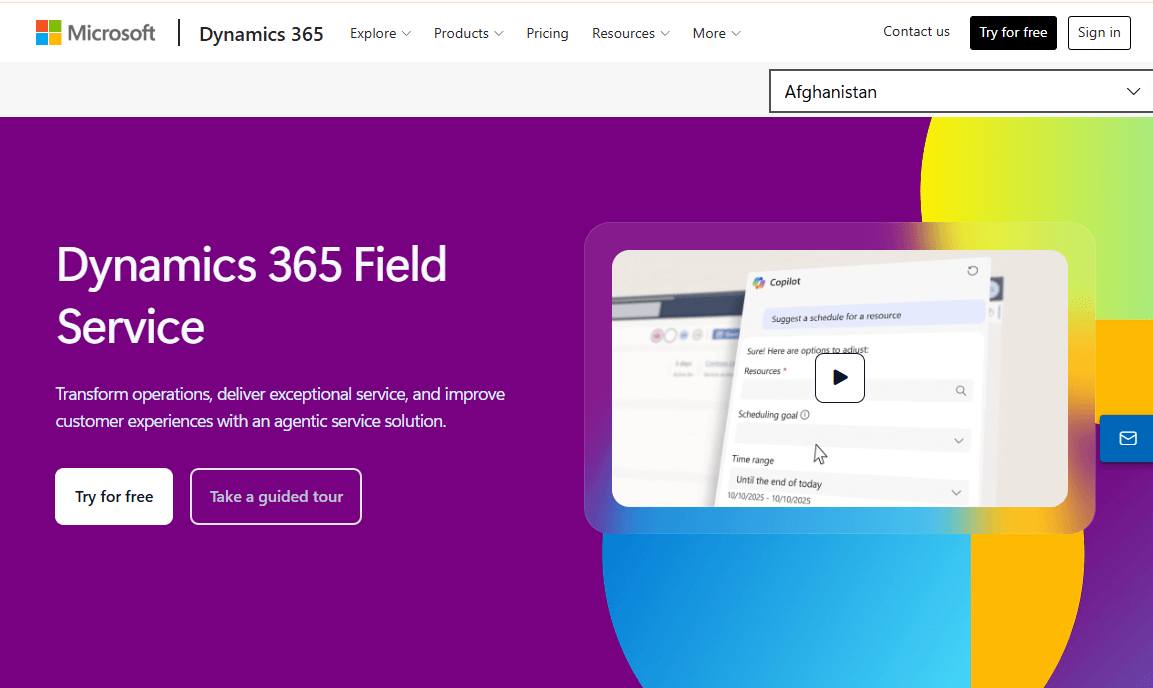
Dynamics 365 Field Service suits organizations that already run Microsoft business applications. Work orders and resource scheduling sit at its core, and Microsoft describes the product as including step-by-step guides and remote expert assistance, so a less experienced technician can get help on a complex repair. Technicians use mobile apps, and external technicians can be added through a lower-priced Contractor license that requires an existing Field Service license. Resource Scheduling Optimization is a separate add-in for building optimized schedules. It’s a platform to configure around existing Microsoft systems, not a ready-made tool for a small contractor.
Features
- Work orders and resource scheduling help teams manage jobs and technician assignments.
- Step-by-step guides and remote expert assistance support technicians during complex repairs.
- Mobile apps give technicians access to job information in the field.
- Resource Scheduling Optimization provides optimized schedules as a separate add-on.
- The Contractor license supports external technicians and requires an existing Field Service license.
- The Team Member license covers lighter tasks, such as updating records and read-only access.
Pros
- Published per-user prices make subscription costs easier to estimate.
- Contractor and Team Member licenses provide lower-cost options for external technicians and occasional users.
- Microsoft offers a free trial through its pricing page.
Cons
- Route and schedule optimization requires a separate add-on.
- The platform offers more value to organizations already using Microsoft applications.
- Businesses cannot purchase Contractor licenses without an existing Field Service license.
- Microsoft doesn’t publish implementation costs. Ask about configuration and partner support before purchasing.
Pricing
- Dynamics 365 Field Service: $105 per user per month, paid yearly, according to Microsoft’s pricing page.
- Field Service Contractor: $50 per user per month, according to a Microsoft partner.
- Team Member: $8 per user per month, according to a Microsoft partner.
- Resource Scheduling Optimization: $30 per resource per month, according to secondary sources.
Best For
Mid-size and large organizations that already use Microsoft business applications and need work orders, resource scheduling, and technician guidance.
Verdict
Dynamics 365 Field Service is a solid option for businesses built around Microsoft applications. However, account for add-ons and configuration work when estimating the total cost.
10. ServiceTrade
ServiceTrade is built for commercial service contractors such as fire protection, mechanical, and commercial HVAC companies, whose work centers on recurring inspections and service contracts rather than one-off residential calls.
Technicians are tasked with jobs and log time, while offices manage assets that need maintenance, customer service portals, project work, and subcontractors. Contract price lists, multiple terms and conditions, and recurring contract invoices handle commercial billing, and multi-brand and multi-region support serves larger contractors. A technician capacity planner on the dispatch board shows who has room for more work. A residential plumber or small landscaping crew won’t find much to use here.
Features
- Select includes QuickBooks integration, unlimited office users, and live support from 9 a.m. to 7 p.m. ET.
- Premium adds a customer service portal, asset maintenance tasking, project management, salesperson assignments, and subcontract work.
- Premium also includes multiple terms and conditions, contract price lists, and support for custom integrations.
- Enterprise adds recurring contract invoices, geographical regions, multiple brands, and business analytics reporting.
- Higher tiers list technician job tasking, service timecards, a technician capacity planner, and AI-powered business insights.
Pros
- The package structure supports commercial contracting workflows, including inspections and subcontracting.
- Unlimited office users mean only technicians affect subscription costs.
- Higher tiers support businesses operating across multiple brands and regions.
Cons
- Residential service companies may find the platform too specialized.
- Some features, including recurring contract invoices and the capacity planner, require Enterprise.
Pricing
- Contact ServiceTrade for a custom quote.
Best For
Commercial HVAC, mechanical, and fire protection contractors with at least five technicians and recurring service contracts.
Verdict
ServiceTrade is worth considering if your business focuses on commercial contracts and inspections. However, residential service companies should compare more general-purpose alternatives.
How to Choose the Right Field Service Management Software
Choosing the right field service management software starts with understanding how your business operates. Don’t focus on features alone. Instead, map how a job moves from the first customer request to final payment. Then, identify where delays or problems occur.
For example, a small plumbing company may only need appointment scheduling, estimates, and invoicing. However, a large HVAC business may require advanced dispatching, inventory tracking, GPS visibility, and technician performance reports.
Match the Software to Your Team Size and Budget
Your team size and billing model affect the total cost of field service management software.
Some providers, including ServiceTitan, Zuper, Salesforce, and Dynamics 365, charge per user or technician. Therefore, subscription costs increase as you hire more employees.
In contrast, Service Fusion uses flat-rate pricing, which may suit businesses with larger teams. Jobber and Housecall Pro offer plans with set user limits. These options work well for smaller teams, although you may need to upgrade as your workforce grows.
Test the Features Your Team Needs
Before choosing field service management software, test the features your employees use every day. Ask vendors to demonstrate these functions during a trial or product demo.
Pay particular attention to the following:
- Scheduling and dispatch: Ask dispatchers to reschedule a job and assign it to another technician when someone is unavailable.
- Mobile app: Have a technician complete a sample job using the app. Test notes, photos, signatures, and payment collection. Also, check which features work offline.
- GPS and routing: Confirm what the tracking and route optimization tools show dispatchers. Check whether these features come with your plan or cost extra.
- Customer history and work orders: Make sure technicians can view previous jobs, customer details, and equipment records before arriving.
- Inventory: If you store parts in trucks or warehouses, check whether the software tracks stock across these locations.
- Invoicing and payments: Compare payment processing fees. Also, check how quickly technicians can turn completed jobs into invoices.
- Recurring service: Confirm how the platform schedules maintenance agreements and repeat jobs.
- Integrations: Check compatibility with your accounting, CRM, ERP, and communication tools. If you use QuickBooks, confirm which version the platform supports.
Calculate the Total Cost
Don’t compare field service management software based on subscription prices alone. Additional charges can increase your monthly expenses.
Include per-technician fees, paid add-ons, payment processing, text messaging, phone services, and onboarding costs. Then, ask each vendor for a written quote based on your actual team size.
This approach gives you a clearer picture of what each platform will cost your business.
Consider Ease of Use and Future Growth
The platform with the most features isn’t always the best choice. Unused features still cost money and increase training time.
Instead, choose field service management software that your employees can learn and use comfortably. A simpler platform that technicians adopt will often deliver better results than an enterprise system they struggle to use.
Also, consider your future needs. The software should support your current operations while giving your business room to grow.
Review Employee Privacy and Data Security
GPS tracking helps dispatchers monitor technician locations and manage field operations. However, businesses must consider employee privacy before enabling this feature.
Review applicable state laws, workplace privacy rules, and consent requirements. Customer and location data may also fall under privacy laws such as the California Consumer Privacy Act. In addition, healthcare-related field service businesses should consider HIPAA requirements.
Finally, don’t assume a vendor meets every legal requirement simply because it holds a security certification. Security certifications and regulatory compliance are different. Ask vendors for relevant documentation before choosing their field service management software.
Conclusion
The ten platforms here solve the same basic problem in different ways. Jobber, Housecall Pro, and Workiz fit small teams moving off paper and spreadsheets. ServiceTitan, FieldEdge, and ServiceTrade are built around the workflows of specific trades. Service Fusion’s flat-rate model favors offices with many users, and Zuper, Salesforce, and Dynamics 365 serve larger teams that need deeper scheduling, inventory, and integration.
Before you decide, shortlist two or three products, request written pricing for your team size, and run a real job through each mobile app and dispatch board. Confirm how each product handles GPS, inventory, and automation in your real workflows. Prices and plan details change often, so verify them with each vendor before you buy.