

Choosing the best HVAC field service management software in 2026 can decide whether your company runs smoothly or loses revenue to missed calls, scheduling conflicts and slow invoicing. Heating and cooling businesses face emergency breakdowns, seasonal rushes and tight margins at the same time. Therefore, the right platform does far more than track jobs. It books the call, dispatches the nearest technician, presents a clear price and collects payment on the spot.
However, the market has become crowded, and the options differ widely in price and purpose. Some vendors publish simple monthly plans, while others hide their rates behind a sales call. In addition, some platforms serve small residential crews, whereas others target large commercial contractors. As a result, many owners waste weeks comparing tools that do not fit their business. Below are 10 best options you can consider.
Top 10 Best HVAC Field Service Management Software in 2026
1. ServiceTitan
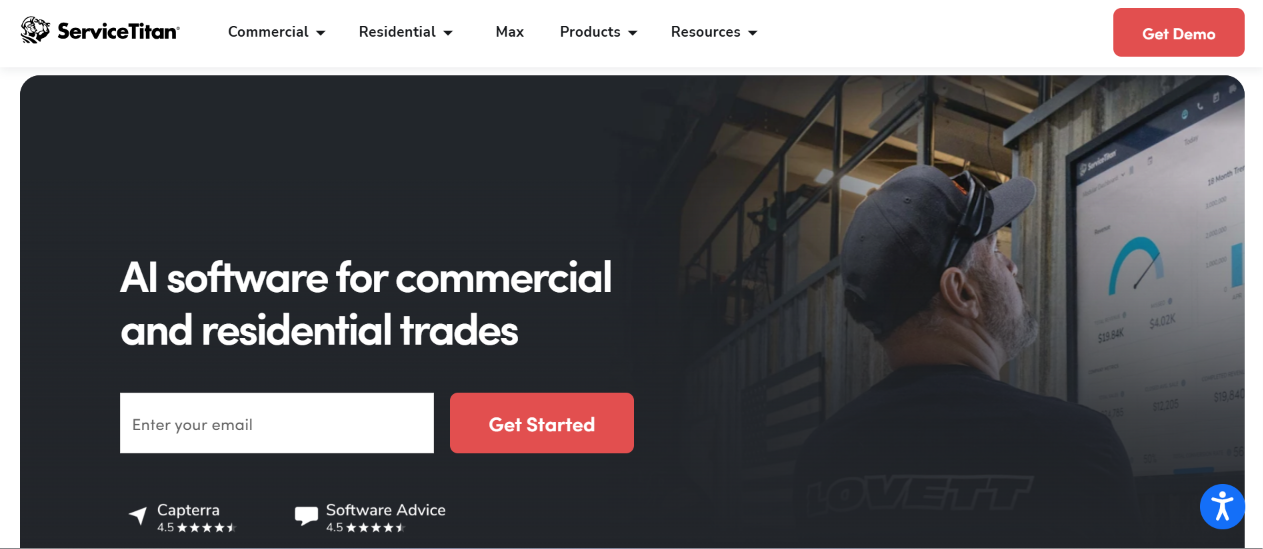
ServiceTitan is the best-known name in the home-services software market. The company built its platform for trades such as HVAC, plumbing and electrical, and it serves both residential and commercial service businesses. It is often described as the enterprise benchmark,
In practice, ServiceTitan works as an all-in-one operating system. It connects the call center, dispatch board, field app, invoicing, reporting and marketing attribution in a single database. Because of that depth, larger contractors can measure nearly every part of the business. Smaller shops, however, often find the cost and the implementation effort hard to justify.
Features
- Scheduling, dispatching and a technician mobile app with proposals, quotes and invoicing.
- Service agreements and recurring maintenance management for membership-based revenue.
- Customer management and detailed, customizable business reporting.
- Integrated financing options that technicians can offer at the point of sale.
- Add-on modules, including marketing, payroll and inventory, plus an AI assistant layer (marketed as Atlas AI).
Pros
- Delivers the deepest dispatch, reporting and sales-process tooling among residential platforms.
- Scales well to multi-location operations with large call volumes.
- Ships continuous updates and a broad ecosystem of add-ons.
Cons
- Requires a long setup period and, according to reviewers, a steep learning curve for new teams.
- Does not publish prices, so buyers must complete a sales process before they see a quote.
Pricing
ServiceTitan does not publish its prices. However, it offers three tiers on a per-technician basis.
Final Thought: Choose ServiceTitan if you run 15–20 or more technicians, employ dedicated dispatchers and office managers, and want the most complete HVAC field service management software available. Skip it if you run a small crew and need a fast, low-cost start.
2. Housecall Pro
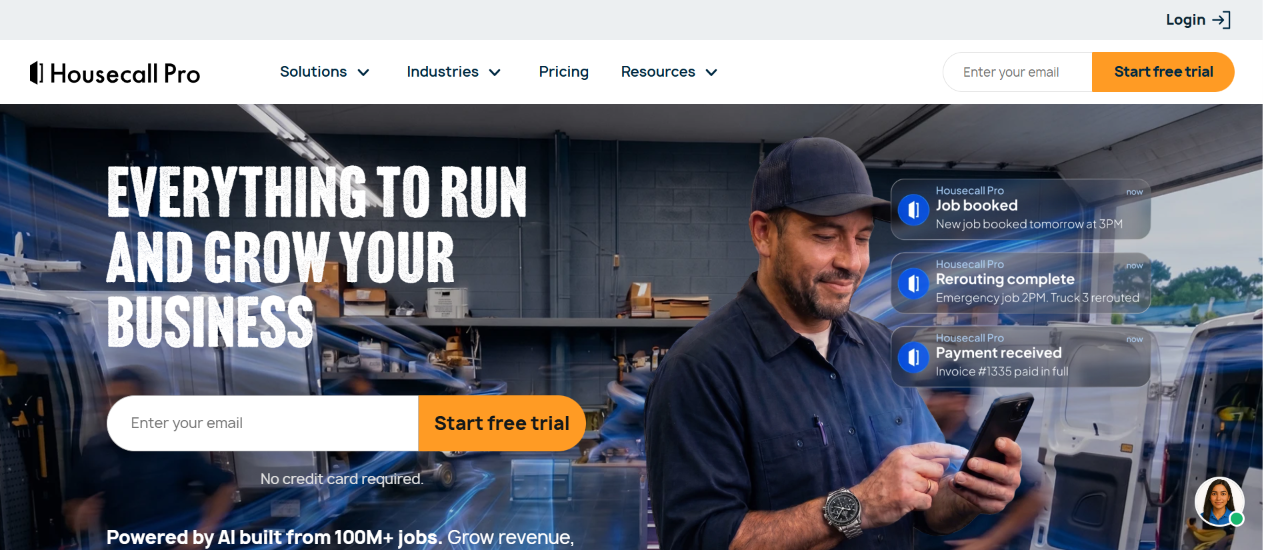
Housecall Pro is a cloud-based platform for home-service businesses, and many small HVAC contractors choose it for its ease of use. Technicians learn the mobile app quickly, and owners can go live within days instead of months. Consequently, it appeals to contractors who want modern tools without an enterprise-sized project.
The platform also stands out for its pricing and its built-in customer-facing tools. Online booking, automated reminders and consumer financing help HVAC teams win more jobs and collect payment faster. As a team grows beyond a handful of users, however, per-seat fees and add-ons can raise the monthly bill noticeably.
Features
- Scheduling, dispatching, quotes, proposals and invoicing in one mobile-first app.
- Online booking, automated customer reminders and notifications.
- Recurring service plans and a sales proposal tool for maintenance agreements.
- A price book on every plan, which supports good-better-best flat-rate quoting.
- Built-in consumer financing, so technicians can offer payment plans on large repair or replacement quotes.
Pros
- Provides a simple, modern interface that field technicians adopt quickly.
- Includes consumer financing and a price book without forcing an upgrade.
- Supports live phone and chat help on every plan.
Cons
- Gates QuickBooks sync behind the Essentials plan, so the Basic plan lacks it.
- Sells many useful capabilities as add-ons, which can inflate the final bill.
Pricing
HousecallPro offers tailor pricing.
Final Thought: Housecall Pro offers the best balance of simplicity and features for small residential HVAC shops. If you plan to grow past ten users, however, model the add-on and seat costs before you sign.
3. FieldEdge
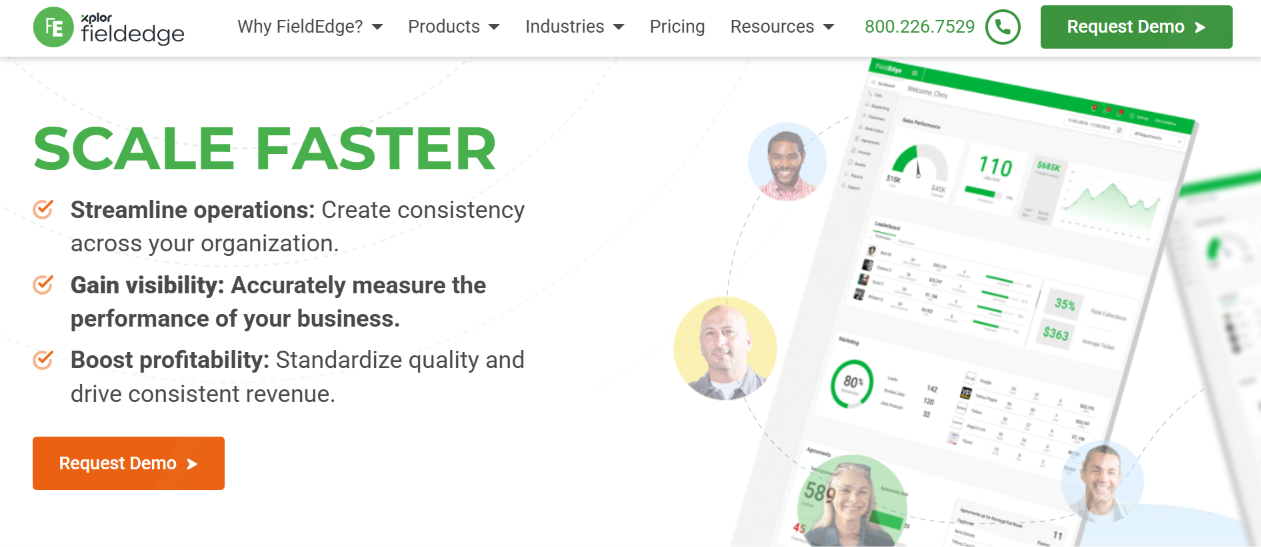
FieldEdge has served the HVAC trade since 1980, and today the platform belongs to Xplor Technologies. It is described as one of the most HVAC-native options on the market.
The software pairs dispatch and scheduling with a flat-rate pricebook, a strong service-agreement module and real-time QuickBooks synchronization. As a result, contractors who rely on maintenance memberships and accounting accuracy often prefer it to more generic tools.
Features
- Drag-and-drop scheduling, dispatch management and work order creation.
- A customizable flat-rate pricebook that lets technicians present multiple pricing options.
- Real-time QuickBooks synchronization, mobile invoicing and payment collection.
- Customer history, performance dashboards and detailed reporting.
- Integrations with tools such as Sage Intacct, DocuSign, Podium and ReviewBuzz.
Pros
- Delivers HVAC-specific workflows that come from more than four decades of industry focus.
- Offers a contract-free monthly subscription model, according to Capterra.
- Handles service agreements and flat-rate pricing particularly well.
Cons
- Keeps pricing private, so you must contact sales for a quote.
- Frustrates some users because advanced features and reports feel less intuitive and need extra guidance.
Pricing
FieldEdge offers quote based pricing..
Final Thought: FieldEdge suits established HVAC contractors who want proven, industry-specific tooling and tight accounting integration. Ask for a written quote that lists every setup and add-on fee.
4. Jobber
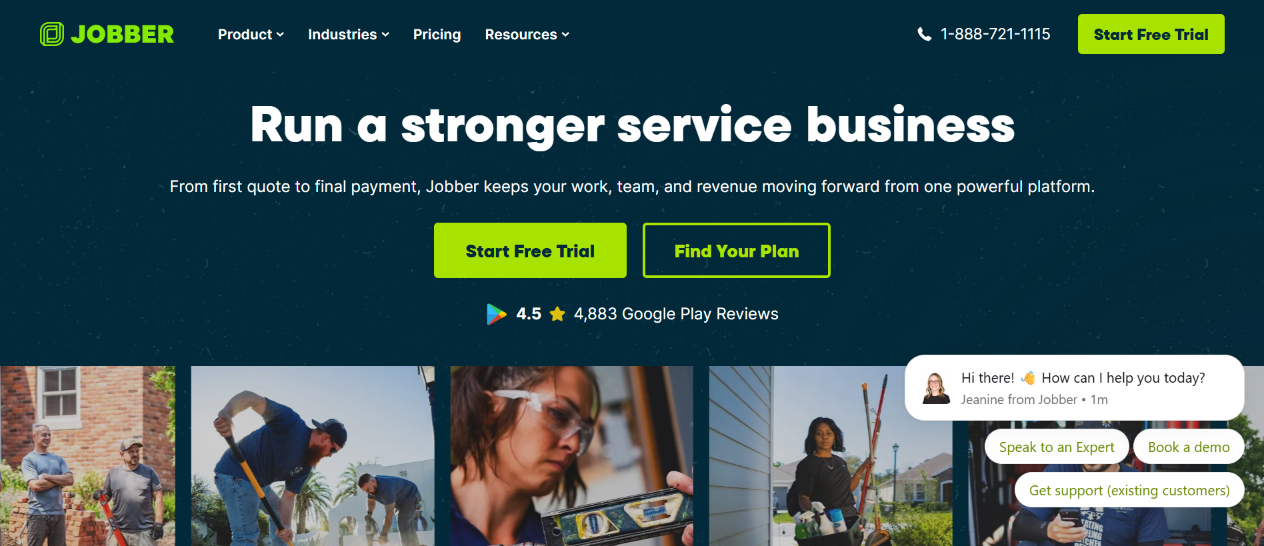
Jobber targets small home-service businesses, and HVAC contractors make up a meaningful share of its customers. The company does not match ServiceTitan or FieldEdge for HVAC-specific depth, such as equipment records or advanced flat-rate pricebooks. Nevertheless, it covers the daily basics very well, and its route tools help crews squeeze more jobs into each day. Therefore, it works especially well for lean teams that value simplicity over customization.
Features
- Quoting, scheduling, route optimization and GPS tracking for technicians.
- Job forms and checklists, quote follow-ups and two-way SMS.
- A client hub where customers approve quotes, view invoices and pay online.
- Automated payments, with card processing on every plan.
- Optional add-ons: Pipeline, Marketing Suite and an AI Receptionist.
Pros
- Publishes all plans and prices, so you can compare costs without a sales call.
- Rates well with users: one 2026 comparison lists 4.6 on both G2 and Capterra.
- Offers one of the lowest entry prices among well-known platforms.
Cons
- Lacks deeper HVAC features such as advanced equipment tracking, and it does not include built-in consumer financing, according to one comparison.
- Limits each plan to a set number of users, so costs rise as the crew grows.
Pricing
Jobber is priced at roughly $39 to $49 per month for one user.
Final Thought: Jobber gives small HVAC crews the clearest path to professional quoting and scheduling at a predictable price. Larger or more complex operations will eventually need a deeper platform.
5. ServiceTrade
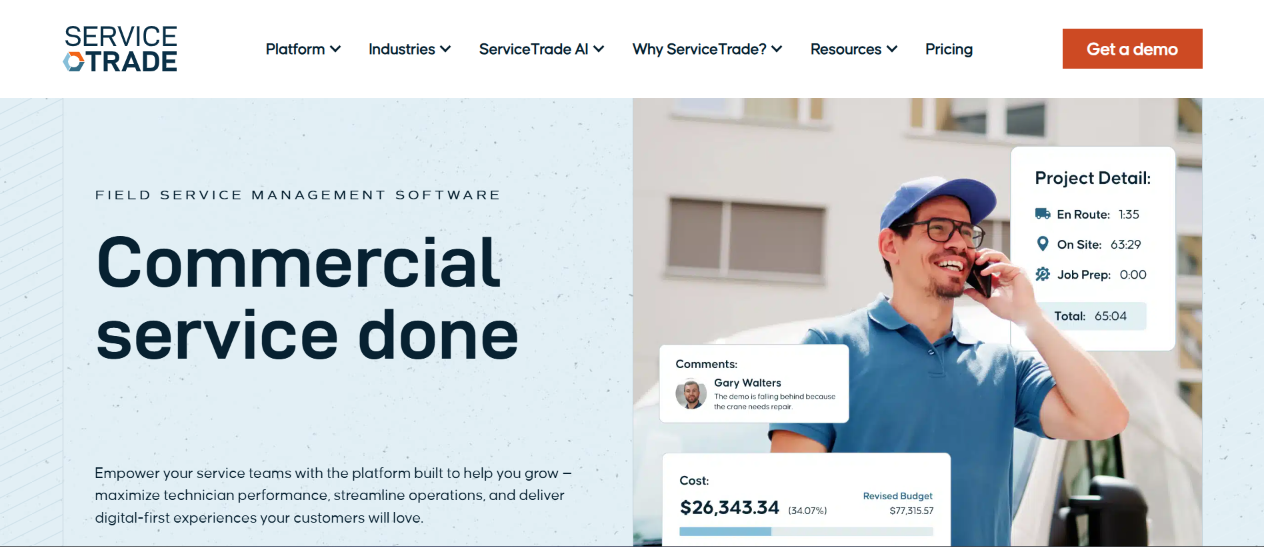
ServiceTrade builds its platform for commercial service contractors, and it covers HVAC, mechanical, fire and life safety, electrical, refrigeration and kitchen exhaust work. Customers rate it highly: Capterra shows 4.6 out of 5 from more than 330 reviews, and Software Advice reports a 90% recommendation rate. The company, based in Durham, North Carolina, has operated since 2013.
Where residential tools focus on call-to-cash speed, ServiceTrade focuses on asset history, inspections and the path from a technician’s finding to an approved repair. Its customer portal gives building owners direct visibility, while its AI layer, branded Stella, automates tasks such as invoice assembly. Residential contractors will likely find it too specialized, but commercial teams value that focus.
Features
- Quoting, scheduling, dispatching, invoicing and technician timecards in a core platform.
- Mobile inspections that produce compliance-ready reports and turn deficiencies into repair quotes.
- A customer portal, project management tools and detailed asset service history.
- ServiceTrade AI (Stella agents, Smart Assistants and Trade Intelligence) to automate routine office tasks.
- Integrations with QuickBooks, Sage Intacct, Microsoft Dynamics 365, Acumatica, ComputerEase, Vista and Trimble Spectrum.
Pros
- Maintains detailed equipment and asset history that commercial clients expect.
- Connects with the accounting and ERP systems commercial contractors already use.
- Earns top-tier user ratings for support and value.
Cons
- Does not publish pricing, so every buyer must request a demo and quote.
- Fits commercial work better than high-volume residential flat-rate sales, so small residential shops should look elsewhere.
Pricing
ServiceTrade uses quote-based pricing. The company sets price by users, modules and company size, request a written proposal that itemizes each product.
Final Thought: ServiceTrade stands out as one of the strongest commercial options for contractors who sell and perform planned maintenance and inspections on buildings.
6. BuildOps
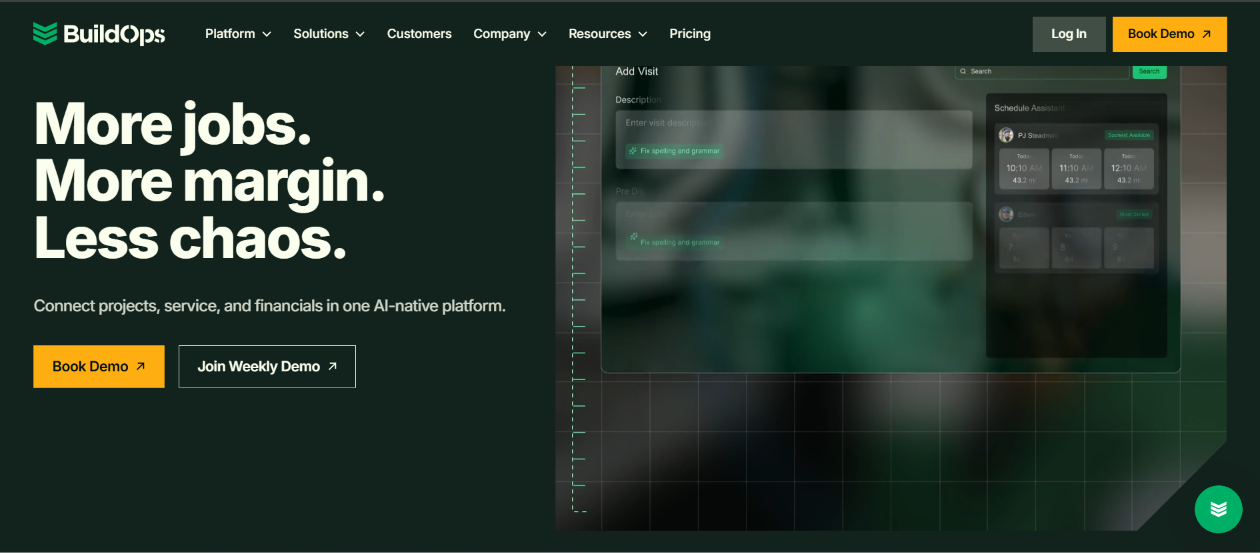
BuildOps, founded in 2018 and based in Santa Monica, California, markets itself as an all-in-one platform for commercial contractors. It combines dispatch, quoting, invoicing, service agreements and project management so that a contractor can run service and installation work in one system. Contractors who split their business between service calls and construction projects gain the most from this approach. They avoid stitching together separate tools for job costing and field operations. However, competitors and some reviewers point to costs that climb with users and modules, so buyers should evaluate total cost carefully.
Features
- Dispatch management, job tracking and work order management.
- Project management and job costing for installation and construction work.
- Customizable forms, equipment tracking, inventory management and GPS.
- A mobile app with real-time updates and accounting integrations such as Viewpoint Vista.
- BuildOps CRM+ for HVAC and mechanical sales teams.
Pros
- Unifies service, projects and billing for commercial contractors in a single platform.
- Earns strong praise from office users and customer success teams in reviews.
- Integrates with common commercial accounting and ERP tools.
Cons
- Pricing private and, according to a competitor’s analysis, charges for every user and the full suite.
- Offers more than a pure service contractor may need, which can raise the price of unused features.
Pricing
BuildOps does not offer a free plan and does not publish pricing. It quotes each customer based on the number of users, modules and customizations.
Final Thought: BuildOps fits commercial contractors that balance recurring service with larger projects. Pure service shops should compare it closely against ServiceTrade.
7. Service Fusion
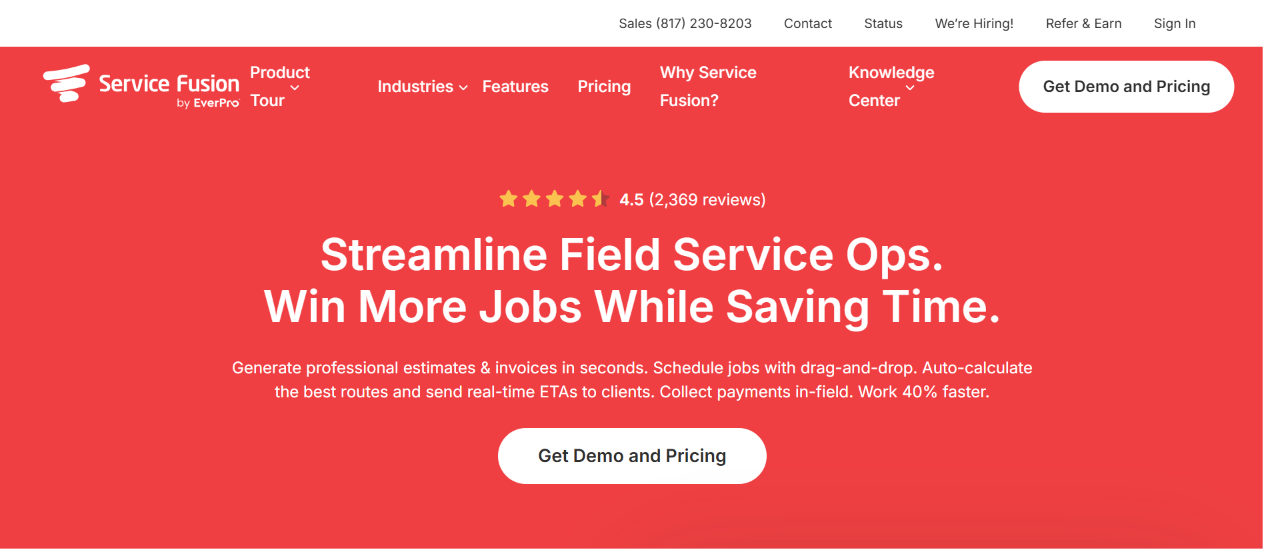
Service Fusion is an all-in-one platform for service contractors, and it has built its reputation on a pricing model that charges a flat monthly fee regardless of headcount. Every plan includes unlimited users. As a result, a crew of ten or fifteen pays the same as a crew of four, which makes the platform attractive for teams that keep adding technicians and office staff. The product covers dispatch, route optimization, estimates, invoicing, payment processing and customer management.
Features
- Job dispatch, scheduling and route optimization.
- Estimates, invoicing, payment processing and customer management.
- Flat-rate pricebooks and unlimited users on every plan.
- Add-ons such as GPS fleet tracking and ServiceCall.ai, an AI call-handling tool.
- Flexible workflows and a simple mobile app for technicians.
Pros
- Charges a predictable flat fee, and it becomes cheaper per seat as the team grows.
- Provides a straightforward interface that technicians learn quickly.
- Holds solid satisfaction scores: 4.1 on G2 and 4.3 on Capterra.
- Does not require an annual contract, because month-to-month billing remains available.
Cons
- Offers no free trial, only demos.
- Costs more than per-user tools for very small teams of two or three people.
Pricing
Service Fusion offers annual billing and carries a 15% discount that the company charges as a single upfront payment.
- Starter: $208 per month billed annually, or $245 month to month.
- Plus: about $325 per month billed annually, or $382 month to month.
- Pro: $533 per month billed annually, or $627 month to month.
- GPS fleet tracking and ServiceCall.ai cost extra, and the vendor does not disclose their prices.
Final Thought: Service Fusion rewards growing HVAC companies that expect to add users, because the unlimited-user model keeps costs predictable.
8. FieldPulse
FieldPulse serves a wide set of trades, including HVAC, plumbing, electrical and general contracting. In 2026, the company attracted attention for a reported $50 million Series C round and for its Operator AI voice dispatcher.
The platform bundles scheduling, dispatch, estimates, invoicing, payments and CRM into one product, and it adds financing, custom forms and customer engagement tools. Even so, FieldPulse moved to quote-only pricing, and buyers must budget for add-ons such as the pricebook.
Features
- Multi-technician scheduling, dispatch and routing.
- Estimates, invoicing, payments and a built-in CRM.
- Customer self-booking, financing and Engage, a customer communication tool.
- Custom forms, recurring jobs and service plans, and the ClearPath workflow module.
- Three plan tiers (Essentials, Professional and Enterprise), with Open API access on the top tier.
Pros
- Covers the broadest range of trades among the platforms in this guide.
- Earns high satisfaction ratings and strong customer support scores.
- Offers more room for customization than entry-level apps.
Cons
- Does not publish prices, which makes comparison shopping harder.
- Lists the pricebook as an add-on, according to a September 2026 comparison..
Pricing
FieldPulse sells seat-based plans but publishes no dollar amounts, so buyers must request a quote. Third-party estimates vary widely, so use them only as a starting point.
Final Thought: FieldPulse makes a strong mid-market choice for HVAC contractors who want AI features and flexibility. Get every add-on priced in writing.
9. Workiz
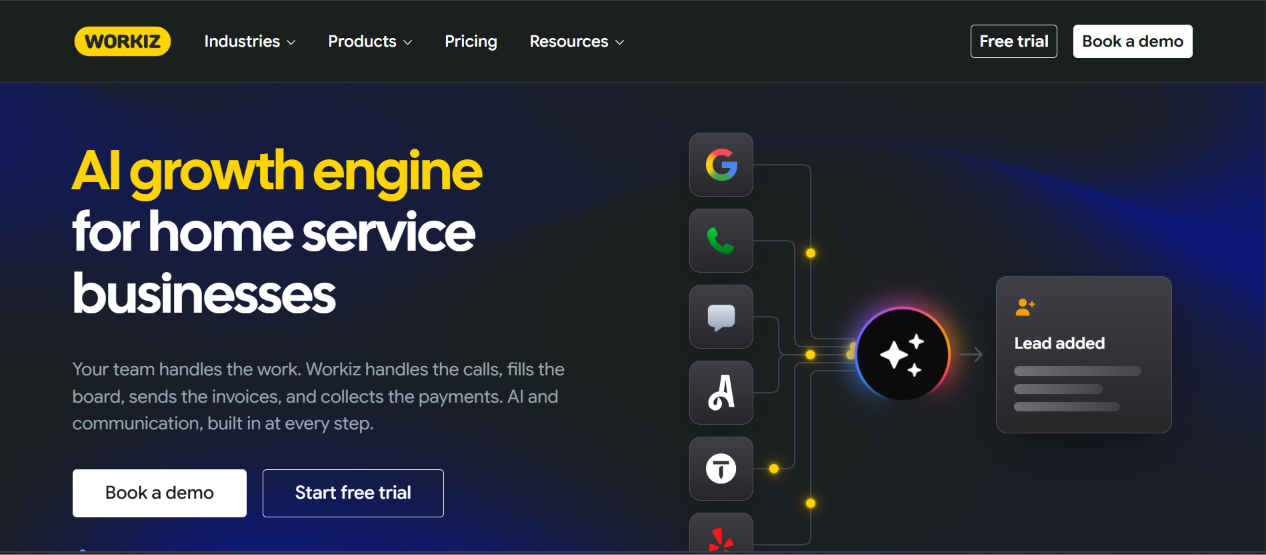
Workiz positions itself as a field service platform with communication at the center. It includes business phone features, two-way texting and Genius AI tools for answering and scheduling calls. Locksmiths, appliance repair companies and HVAC contractors all use it.
Workiz changed its pricing several times in 2026. Public prices appeared in May, then disappeared, and by late August the company showed all plans as quote-only. Consequently, you should treat any published number you find as dated and ask Workiz for a current written quote.
Features
- Scheduling, dispatching, estimates, invoicing and online booking.
- Genius Phone, Genius Answering and Genius Marketing, which Workiz sells separately.
- Workiz Pay and financing integrations with providers such as Sunbit and Wisetack.
- Recurring jobs on all plans, with service plans on the Ultimate tier.
- Automation allowances that grow by tier (5, 10 and 30 on Standard, Pro and Ultimate).
Pros
- Combines calling, texting and job management in one tool.
- Sets up quickly, usually in days.
- Offers a free trial of about seven days without a credit card, according to one tracker.
Cons
- Removed public pricing in 2026, so budgeting requires a sales conversation.
- Sells phone, AI answering and marketing tools separately, which raises the real monthly cost.
Pricing
Contact Workiz to get a quote based pricing..
Final Thought: Workiz works well when inbound calls drive your business, but confirm the real price and the add-on bundle before you commit.
10. Successware
Successware offers business management software for HVAC, plumbing, electrical and roofing contractors. Its biggest differentiator is an integrated accounting function with detailed job costing and receivables management. The platform helps staff identify sales opportunities, price jobs, build marketing campaigns and send maintenance reminders.
Features
- Scheduling, dispatching and a mobile app (Successware Mobile) for technicians.
- Job costing that links labor, materials and overhead to each job.
- Integrated accounting and accounts-receivable tools.
- Sales, flat-rate pricing and maintenance-reminder tools.
- Integrations with QuickBooks Payroll, Podium, CompanyCam and Dropbox.
Pros
- Keeps accounting, dispatch and reporting in one platform.
- Earns praise for responsive, knowledgeable customer support and training.
- Gives managers detailed control of job costs and profitability.
Cons
- Does not publish fixed pricing tiers, so you need a quote.
- Draws comments about a dated interface and too many pages for routine tasks.
Pricing
Successware uses quote-based pricing that depends on office and field users and the modules a contractor needs. Marketplaces such as Software Advice and GetApp list a starting price of about $190 per month, while the vendor itself publishes no tiers. Because the figure comes from third-party listings, confirm it directly.
Final Thought: Successware makes sense for established contractors who value accounting depth and hands-on support more than a modern interface.