

If a customer emails about a late delivery on Monday, starts a chat on Wednesday, and posts a public complaint on Friday, your team could easily miss the connection. As a result, the next agent may have to ask the customer to explain everything again if those messages sit in three different tools. Without a shared record, this often leads to missed messages, duplicate replies and slow responses. Customer interaction management software in 2026 helps prevent these problems by bringing conversations from different channels into one place. It also keeps each customer’s interaction history together, making it easier for teams to assign conversations, track requests and manage replies.
However, not every product works the same way. For example, some offer shared inboxes for small support teams, while others provide contact centre features to manage thousands of phone calls. Pricing also varies, since vendors may charge per agent, per concurrent seat or per AI-resolved interaction.
What Is Customer Interaction Management Software?
Customer interaction management software brings customer conversations from different channels into one place. These channels include email, phone, live chat, SMS, social media, messaging apps and website forms.
More importantly, the software links each conversation to a customer record. This allows agents to see previous messages and understand the issue before responding. In addition, most platforms offer message routing, ticket management, automation, AI assistance and reports on response times and team workload.
Although it overlaps with CRM software, the two serve different purposes. A CRM tracks customer details, accounts and sales pipelines, whereas customer interaction management software focuses on conversations. As a result, teams can manage incoming messages, assign responsibility and resolve customer issues more effectively.
What to Look for in Customer Interaction Management Software
The right platform should help your team manage conversations without adding unnecessary complexity. Here are the features to compare:
- Omnichannel communication: Look for software that brings email, chat, phone and social media conversations together so agents don’t ask customers to repeat themselves.
- Customer interaction history: Agents should see previous conversations to understand customer issues and provide informed responses.
- Routing and assignment: Check for round-robin assignment, skills-based routing and shared inboxes to ensure every message has an owner.
- Workflow automation: Look for tools that automatically tag, assign and escalate messages to reduce repetitive work.
- AI capabilities: Check for AI features such as reply suggestions, conversation summaries and automated resolutions. Confirm whether they cost extra.
- Reporting and analytics: Look for reports on response times, resolution rates and agent workload to identify service gaps.
- Integrations: Check whether the platform connects with your CRM, e-commerce and billing tools so agents can access customer information easily.
- Scalability: Consider user limits, minimum seat requirements and the cost of adding channels or features as your team grows.
- Security and administrative controls: Look for role-based access, single sign-on (SSO) and audit logs. Businesses handling health data should also check HIPAA requirements and business associate agreements.
- Total cost of ownership: Consider more than subscription fees. Factor in AI charges, voice add-ons, extra inboxes and onboarding costs
Top 10 Best Customer Interaction Management Software in 2026
1. Zendesk
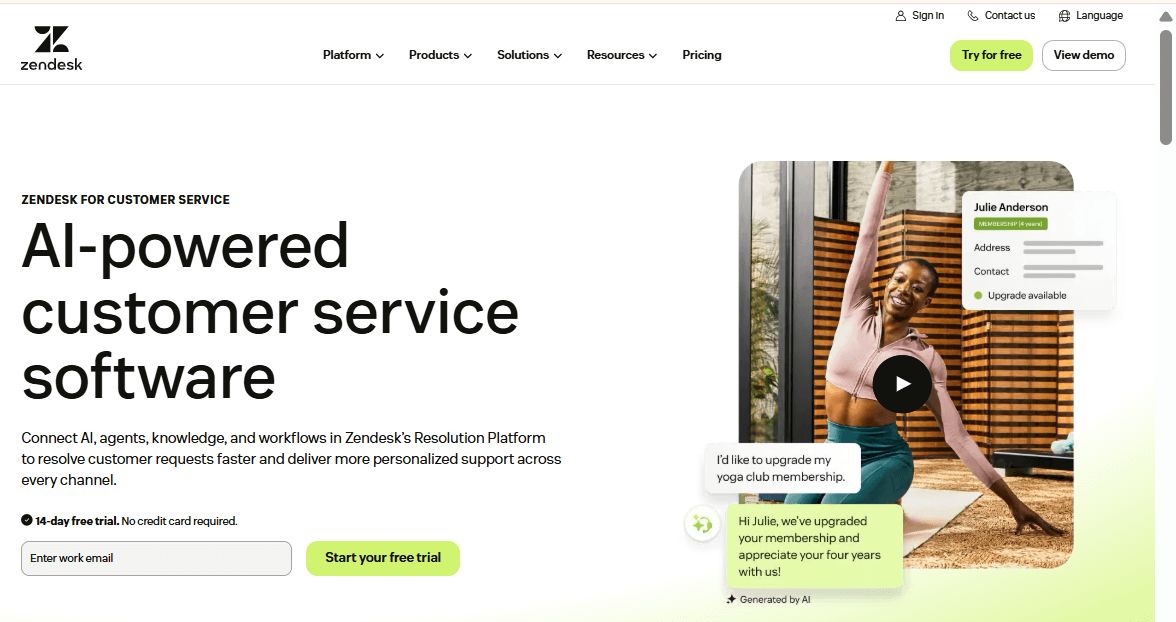
Zendesk is a popular choice for businesses that manage customer support through tickets. However, its entry-level Support Team plan covers email ticketing but excludes chat and voice. For businesses that need more channels, Suite plans add an omnichannel workspace where agents can manage conversations across multiple platforms.
Features
- Omnichannel workspace that brings conversations from multiple channels into one agent view.
- Email ticketing on the Support Team plan.
- AI agents on every plan, with free automated resolutions per agent before metered charges apply.
- Copilot add-on for agent assistance, sold separately per agent.
- Workforce Engagement Bundle and Contact Center add-ons for staffing and voice.
- Skills-based routing and custom roles on higher tiers. Confirm availability with Zendesk.
Pros
- Teams can start with email ticketing and upgrade as their support needs grow.
- Add-ons let businesses introduce voice and workforce tools without migrating.
- Published plan prices make initial budgeting easier.
Cons
- AI usage incurs additional charges after the free allowance.
- Copilot, Workforce Engagement, and Contact Center each cost $50 per agent monthly.
- The Support Team plan excludes chat and voice.
- Third-party sources report conflicting prices and plan names for upper tiers.
Pricing
- Support Team: $19 per agent per month, billed annually ($25 monthly).
- Suite Team: $55 per agent per month, billed annually ($69 monthly).
- Suite Professional: $115 per agent per month, billed annually ($149 monthly).
- Suite Enterprise: Contact Zendesk for a custom quote.
Best For
Support teams that want to start with email and gradually introduce chat, voice, and workforce management.
Verdict
Zendesk gives growing support teams room to expand. However, AI usage fees and paid add-ons can increase the total cost considerably. Therefore, businesses should calculate these additional expenses before choosing a plan.
2. Fin (Formerly Intercom)
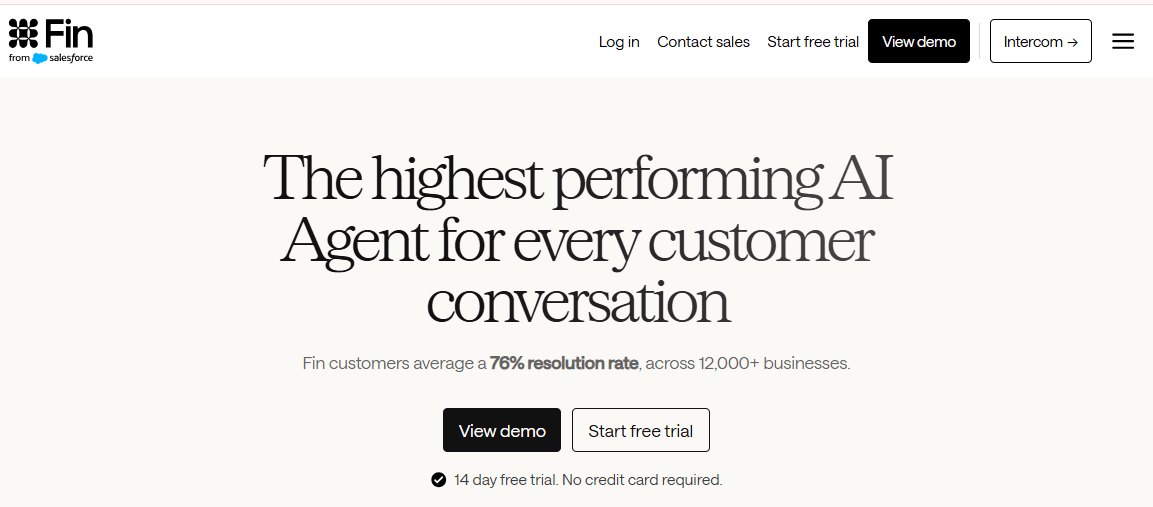
Fin focuses on chat-based customer service and AI-powered support. In May 2026, the company adopted the Fin name following the success of its AI agent. Shortly afterwards, in June 2026, Salesforce signed an agreement to acquire it for approximately $3.6 billion.
The platform combines live chat, shared inboxes, ticketing and a public help centre. Meanwhile, its Fin AI agent handles customer questions before passing more complex issues to human agents. However, pricing involves both monthly seat fees and charges for each AI outcome.
Features
- Messenger for live chat on websites and apps.
- Shared inbox for managing and responding to customer conversations.
- Ticketing and a public help centre across all three plans.
- Fin AI agent, which costs $0.99 per outcome and $9.99 per qualified lead.
- Advanced workflows, multiple inboxes and SLA tools on Advanced and Expert plans.
- SSO, custom roles and HIPAA support on the Expert plan.
- Integrations with other help desks, including Zendesk and Salesforce.
Pros
- Every plan includes access to the Fin AI agent.
- Lite seats allow colleagues from other departments to access conversations without paying for full agent seats.
- Businesses can add Fin to an existing help desk without replacing their current system.
Cons
- Outcome-based billing makes monthly costs harder to predict.
- At 2,000 resolutions per month, AI fees alone reach $1,980.
- Email campaigns, SMS, WhatsApp and phone support attract additional charges.
- The pending Salesforce acquisition may affect future product and contract decisions.
- Moving from Advanced to Expert comes with a significant price increase.
Pricing
- Essential: $29 per seat monthly, billed annually ($39 monthly).
- Advanced: $85 per seat monthly, billed annually ($99 monthly).
- Expert: $132 per seat monthly, billed annually ($139 monthly).
- Fin AI agent: $0.99 per outcome.
- Qualified lead: $9.99.
Best For
SaaS and online businesses that handle most customer support through live chat and want AI to automate repetitive questions.
Verdict
Fin is a strong option for businesses that prioritise AI-powered chat support. However, its outcome-based pricing can quickly increase monthly costs. For this reason, calculate your expected AI usage alongside seat fees before choosing a plan.
3. HubSpot Service Hub
HubSpot Service Hub works particularly well for businesses that already use HubSpot CRM. It connects support tickets, shared inboxes and help content to existing customer and company records. As a result, agents can view sales history alongside customer complaints.
Unlike dedicated interaction management platforms, Service Hub takes a CRM-first approach. Its pricing also depends on seat types and subscription tiers, while AI features consume credits. However, smaller teams can start with a free plan that includes basic support tools.
Features
- Ticket management connected to CRM contact and company records.
- Shared inboxes with limits that increase across subscription tiers.
- Breeze AI with monthly credits on paid plans.
- Additional AI credits available for purchase.
- Core and service seats with different access levels.
- Free tools with basic ticketing functionality.
Pros
- Sales, marketing and support teams share customer records.
- Small teams can start with the free plan.
- In addition, paid plans include AI credits.
Cons
- Third-party sources report different Starter prices. Therefore, confirm the current rate directly with HubSpot before subscribing.
- Professional and Enterprise plans also come with reported onboarding fees. In addition, Enterprise may require a 10-seat minimum.
- Furthermore, different seat types and AI credit limits can make budgeting more complicated.
Pricing
- Free: $0 for basic ticketing tools.
- Starter: $7 per seat monthly.
- Professional: $90 per seat monthly, billed annually.
- Enterprise: $175 per seat monthly, billed annually.
Best For
Growing businesses that already use HubSpot for sales and marketing and want to connect customer support to their CRM.
Verdict
HubSpot Service Hub works well when customer records and account history matter more than advanced channel management. However, smaller teams may find its pricing structure unnecessarily complicated, particularly when they need additional seats or AI credits.
4. Front
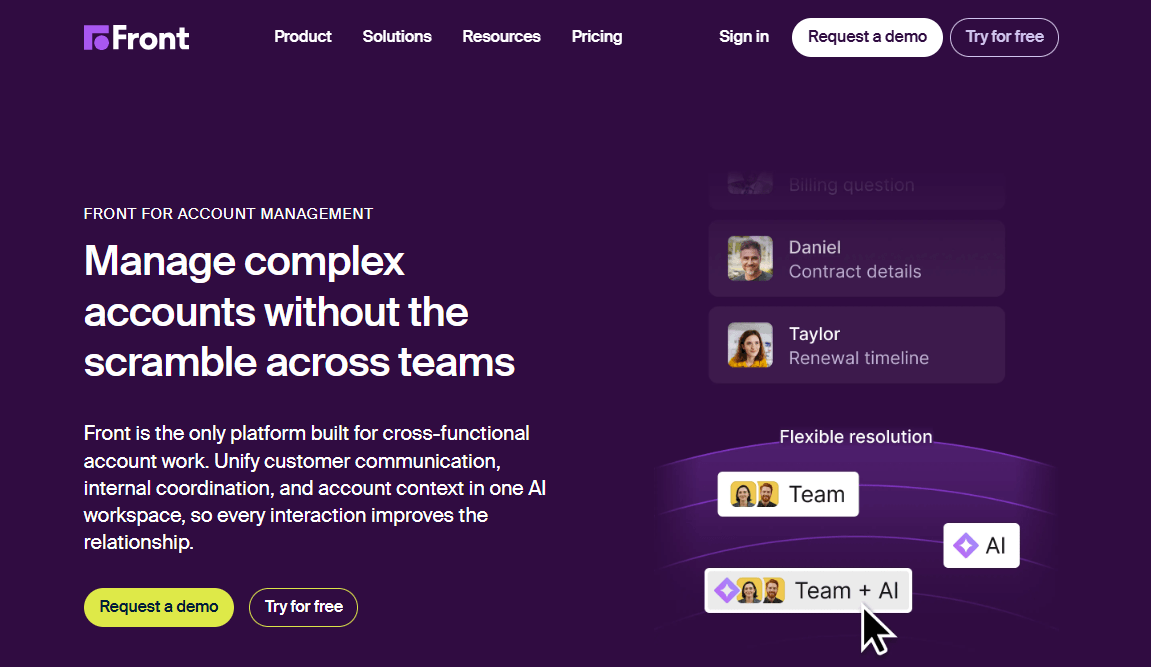
Front helps teams manage customer conversations through a shared inbox. Instead of relying entirely on traditional ticket queues, agents collaborate through familiar email-style threads. They can assign conversations, leave internal comments and respond from one workspace.
This approach makes Front useful for customer support, account management and operations teams. However, its plans have different limits. Starter supports one channel type and up to 10 seats, while larger teams can upgrade to Professional. Businesses should also note that Front sells advanced AI features separately.
Features
- Shared inbox with conversation assignment and internal collaboration.
- Ticketing and basic analytics.
- AI Topics and up to 10 automation rules on Starter.
- No-code public knowledge base.
- Multiple workspaces, SSO and SCIM on Professional.
- Copilot for drafting and summaries.
- Smart QA for automated conversation reviews.
Pros
- The familiar email-style interface makes adoption easier.
- Internal comments also help teams collaborate on customer conversations.
- In addition, three clearly defined plans simplify initial comparisons.
Cons
- Starter supports only one channel type and 10 seats.
- Copilot and Smart QA each add approximately $20 per seat monthly.
- Furthermore, older pricing information still appears in third-party comparisons.
Pricing
- Starter: $25 per seat monthly, billed annually. Up to 10 seats.
- Professional: $65 per seat monthly, billed annually.
- Enterprise: $105 per seat monthly, billed annually.
- Copilot and Smart QA: Approximately $20 per seat monthly each.
Best For
Teams of 10 to 50 people that manage customer conversations through email and need better collaboration.
Verdict
Front suits email-heavy teams that value shared ownership and internal collaboration. However, paid AI features can push the actual cost well above the advertised subscription price.
5. Help Scout
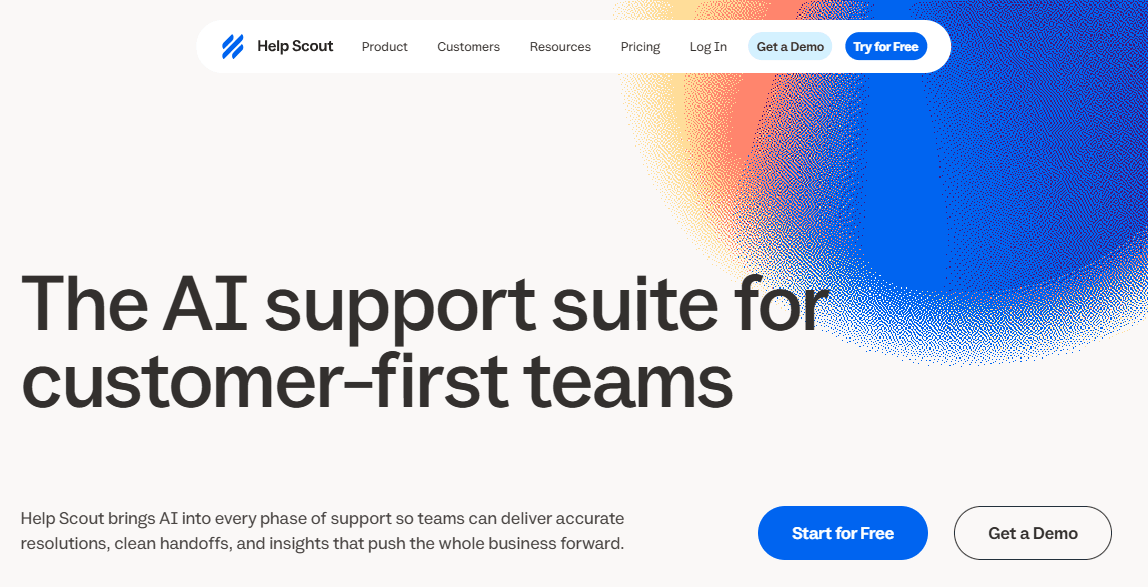
Help Scout combines an email-focused shared inbox with a built-in knowledge base. It helps small and mid-sized support teams manage customer questions without complicated workflows.
Agents handle conversations through a shared inbox. Meanwhile, customers can search help articles through the Beacon website widget before contacting support. Each subscription also limits the number of inboxes and Docs sites. As a result, businesses may need to pay extra for additional capacity and AI resolutions.
Features
- Shared inbox and Docs knowledge base.
- Email and chat support on paid plans.
- Workflows and more than 100 integrations on Standard.
- AI Assist for rewriting and translating replies.
- AI Drafts and AI Summarize on Plus and Pro.
- Round-robin routing and advanced workflows on Plus.
- AI Answers bot, charged per resolution.
- Beacon website widget for search and messaging.
Pros
- Free plan supports up to five users.
- AI drafting and summaries come with Plus and Pro.
- Furthermore, clear user and inbox limits help teams choose suitable plans.
Cons
- Additional inboxes and Docs sites cost extra.
- Salesforce, Jira and HubSpot integrations require Plus or higher.
- AI Answers can also increase costs as resolution volume grows.
- Pro requires at least 10 users.
Pricing
- Free: $0 for up to five users.
- Standard: $25 per user monthly, billed annually.
- Plus: $45 per user monthly, billed annually.
- Pro: $75 per user monthly, billed annually.
Best For
Small support teams that primarily handle email and want an affordable shared inbox with a knowledge base.
Verdict
Help Scout offers a straightforward starting point for small teams. However, businesses with multiple departments or brands should account for additional inbox and knowledge base costs before choosing a plan.
6. Freshdesk Omni
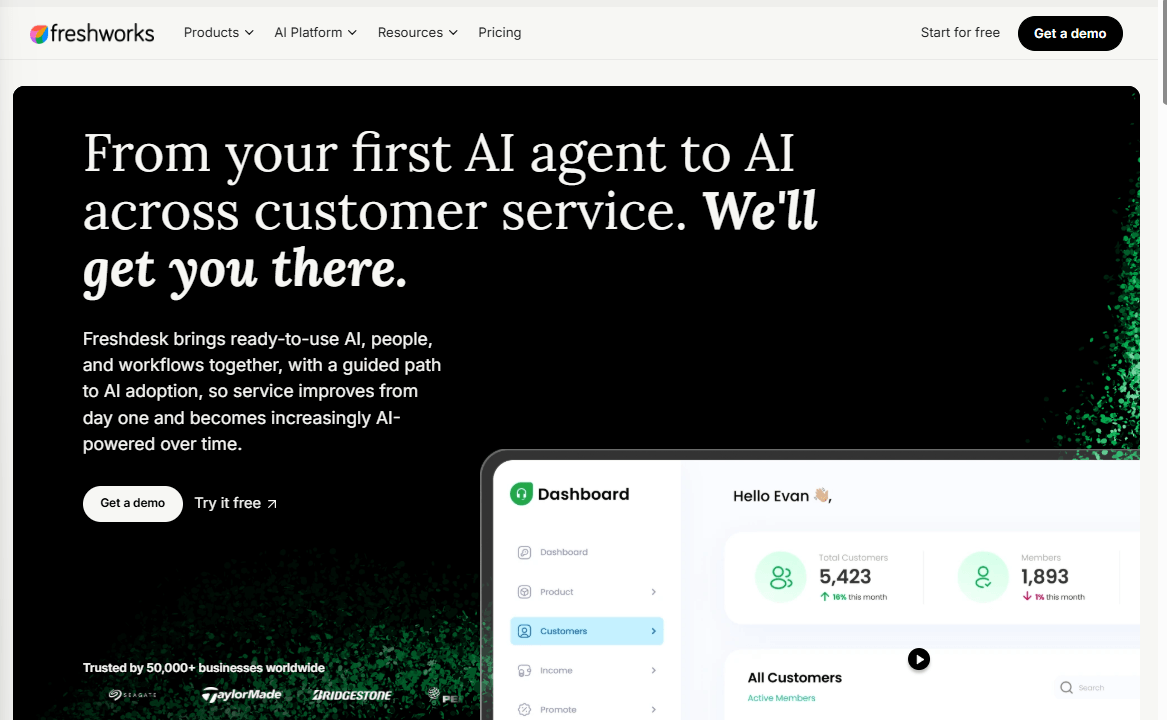
Freshdesk Omni brings email, live chat and messaging into one agent workspace. Freshworks sells it separately from classic Freshdesk. Consequently, its subscription prices are higher, but they also include more communication channels.
Its Freddy AI Agent handles customer questions through email and chat. Freshdesk Omni supports both channels, while classic Freshdesk limits AI chat support. Businesses that also need phone support, however, must purchase a separate voice package.
Features
- Omnichannel workspace for email, chat and messaging.
- Optional voice add-on for phone support.
- Freddy AI Agent for automated customer support.
- 500 free AI sessions as a one-time allowance on paid Omni plans.
- Freddy AI Copilot for drafting and summarizing on Pro and Enterprise.
- Skills-based routing, sandbox and audit logs on Enterprise.
- Freddy AI Insights for support analytics.
- MCP support with annual action allowances by plan.
Pros
- Paid plans include chat and messaging without separate channel subscriptions.
- Every Omni plan also includes the initial AI session allowance.
- In addition, per-agent pricing makes it accessible to growing support teams.
Cons
- The 500 free AI sessions do not renew monthly.
- Growth does not include Freddy AI Copilot.
- Voice requires an additional subscription and call charges.
- Furthermore, older pricing guides contain outdated figures.
Pricing
- Growth: $29 per agent monthly, billed annually ($35 monthly).
- Pro: $79 per agent monthly, billed annually ($95 monthly).
- Enterprise: $119 per agent monthly, billed annually ($143 monthly).
- Voice add-on: $15, $39 or $69 per agent monthly.
- Freddy AI Copilot: $29 per agent monthly on Pro and Enterprise.
- Additional AI sessions: $49 per 100 sessions.
- No free Omni plan found.
Best For
Growing support teams that want email, chat and messaging in one workspace without paying contact-center prices.
Verdict
Freshdesk Omni offers broad channel coverage at competitive prices. However, businesses should check the cost of voice support and additional AI sessions before choosing a plan.
7. Salesforce Service Cloud
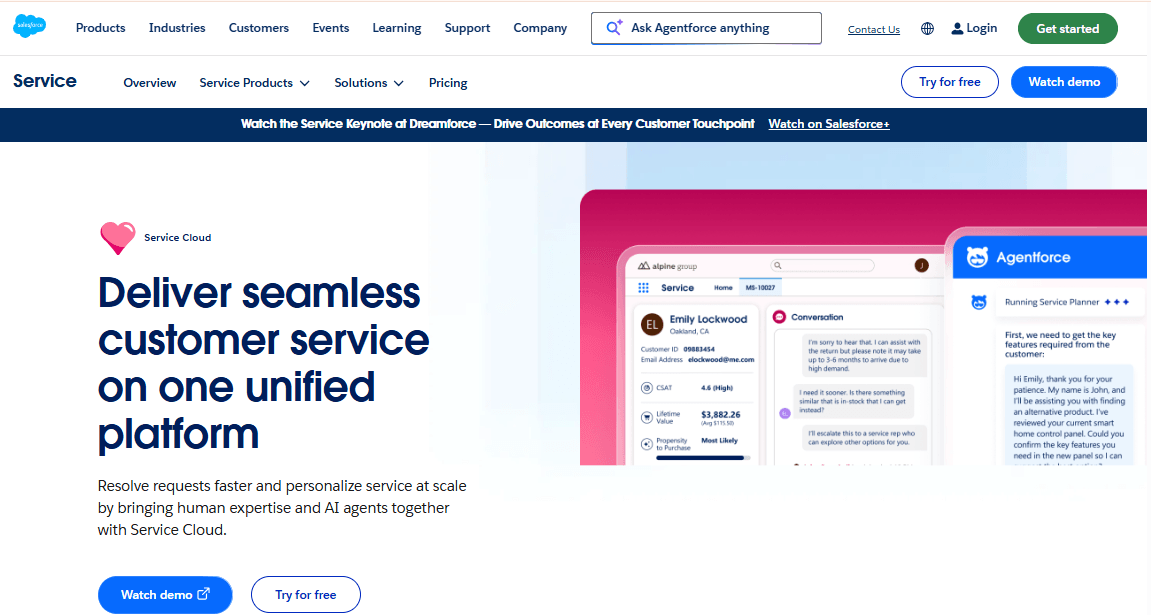
Salesforce Service Cloud manages customer conversations as cases within the Salesforce platform. Agents can access customer accounts, contacts and sales opportunities while handling support requests. As a result, sales and service teams can share customer interaction history.
The platform offers several editions with different capabilities. Starter provides basic service tools, while Enterprise introduces more advanced automation and AI features. Therefore, businesses should compare the available editions carefully before purchasing.
Features
- Case management, reports and dashboards on Starter Suite.
- Knowledge base for customer self-service.
- Omnichannel routing and real-time chat on Pro Suite.
- Case swarming and computer telephony integration.
- AI-powered customer service features on Enterprise.
- Workflow automation, incident management and asset tracking.
- Agentforce AI add-ons for advanced automation.
Pros
- Sales and support teams share customer records and interaction history.
- Multiple editions support businesses as their service operations grow.
- In addition, routing and automation tools support structured service workflows.
Cons
- Starter offers limited functionality for larger support operations.
- Pro Suite limits automated flows to five per organization.
- AI and incident management require Enterprise or higher.
- Implementation often requires specialist or partner support.
- Furthermore, additional AI licenses and integrations increase costs.
Pricing
- Starter Suite: $25 per user monthly.
- Pro Suite: $100 per user monthly.
- Core: $195 per user monthly.
- Advanced: $365 per user monthly.
- Max: $550 per user monthly.
- Agentforce add-ons cost extra.
- Paid plans require annual billing.
Best For
Large businesses that already use Salesforce or need advanced case management connected to CRM data.
Verdict
Salesforce Service Cloud works well for complex customer service operations. However, smaller teams may find its implementation requirements and subscription costs excessive.
8. Talkdesk
Talkdesk provides cloud contact center software for businesses that handle voice and digital customer interactions. However, the platform separates digital communication from voice services across its subscription editions. As a result, businesses can choose an edition based on the channels they need.
For example, Digital Essentials covers email, chat, SMS and social messaging. Voice Essentials adds calling and speech tools, while Elite combines more advanced features, including workforce management and quality tools. Businesses can therefore choose an edition based on the channels they use.
Features
- Email, chat, SMS and social messaging on Digital Essentials.
- Studio for building customer interaction flows.
- Voice engagement and speech recognition on Voice Essentials.
- Voicemail transcription.
- Real-time dashboards and business intelligence.
- API access across Essentials editions.
- Quality management and workforce tools on Elite.
- Industry-specific Experience Clouds.
Pros
- Digital-only teams can avoid paying for voice features.
- Published subscription prices also simplify initial budgeting.
- In addition, separate editions help businesses match plans to their communication needs.
Cons
- Digital Essentials does not include voice.
- Some third-party websites still publish outdated prices.
- Certain add-ons and alternative pricing models require custom quotes.
- Furthermore, contact center implementation requires additional time and resources.
Pricing
- Contact Talkdesk for a custom quote.
- Additional features and alternative pricing models require custom quotes.
Best For
Mid-sized contact centers that want published pricing and need to manage voice or digital interactions.
Verdict
Talkdesk offers a clear pricing structure for digital-first and voice-focused teams. However, businesses with mixed communication needs should compare the Elite edition before making a decision.
9. Genesys Cloud CX
Genesys Cloud CX targets large contact centers that manage high volumes of calls and digital interactions. It combines interaction routing, workforce management and quality monitoring in one platform.
The platform offers four main subscription tiers, each with different capabilities. CX 1 focuses on voice, while CX 2 introduces digital channels. CX 3 adds workforce engagement, and CX 4 includes journey management and AI tokens.
Genesys also offers named-user and concurrent-user licensing. The latter can benefit contact centers where agents work in shifts because businesses pay for concurrent access rather than assigning a licence to every individual agent.
Features
- Voice routing, speech-enabled IVR and outbound campaigns on CX 1.
- Call recording and analytics.
- Digital channels and quality management on CX 2.
- Workforce engagement management on CX 3.
- Journey management and AI Experience tokens on CX 4.
- Digital-only licensing options.
- Additional licenses for digital and workforce tools.
Pros
- Businesses can choose features based on each team’s needs.
- Concurrent licensing supports shift-based contact centers.
- In addition, one platform handles routing, quality management and workforce engagement.
Cons
- Final prices may require direct discussions with sales.
- Named and concurrent licensing models cannot be combined.
- AI features consume tokens, which may limit usage at scale.
- CX 1 does not include digital channels.
- Furthermore, telephony and implementation services cost extra.
Pricing
- Contact Genesys for a custom quote.
Best For
Large contact centers that need voice, digital communication, quality management and workforce tools in one platform.
Verdict
Genesys Cloud CX provides extensive contact center capabilities. However, its complexity and pricing make it better suited to large operations than small support teams.
10. Five9
Five9 provides cloud contact center software for businesses that handle voice and digital customer interactions. Its entry-level packages also include AI features such as call summaries, live transcription and agent assistance.
Unlike most platforms on this list, Five9 charges per concurrent seat rather than per named agent. It also requires a minimum purchase of 50 seats. This pricing model suits large contact centers with rotating shifts. However, it makes the platform expensive for smaller teams.
Features
- Voice, chat, email, SMS and social messaging, depending on the subscription.
- Agent desktop and outbound dialer.
- Call recording and CRM integrations.
- AI summaries and live transcription.
- AI insights and agent assistance.
- Workforce engagement and quality management on higher tiers.
- Concurrent-seat licensing.
- Optional named-agent AI and workforce licenses.
Pros
- Concurrent licensing can reduce costs for contact centers with rotating shifts.
- Entry-level packages include several AI assistance features.
- Higher plans also add workforce planning, quality management and analytics.
Cons
- All published plans require at least 50 seats.
- Third-party sources report conflicting prices and package details.
- Higher subscription tiers require custom quotes.
- Additionally, integrations and usage overages can increase the total bill.
Pricing
- Contact Five9 for a custom quote.
Best For
Mid-sized and large contact centers with at least 50 concurrent agents that want built-in AI assistance.
Verdict
Five9 suits large, call-heavy operations that benefit from concurrent licensing. However, its 50-seat minimum makes it impractical for most small support teams.
Final Verdict
The best customer interaction management software depends on how your business communicates with customers.
Zendesk and Freshdesk Omni suit growing support teams that need multiple channels. Fin works well for businesses prioritizing AI-powered chat. HubSpot Service Hub makes sense for companies that want support conversations connected to CRM records. Meanwhile, Genesys and Five9 offer more advanced capabilities for large contact centers.
When comparing Customer Interaction Management Software in 2026, look beyond subscription prices. Consider AI usage fees, channel availability, integration costs, and the number of agents your business needs to support. These factors will help you choose a platform that fits your current operations and future growth.