

Choosing the best financial project management software can make or break your budget, your timelines, and your team’s sanity. Finance teams, project managers, and business owners all face the same challenge: they must track costs, forecast spending, and deliver projects on time without losing sight of profitability. Spreadsheets once handled this work, but they now struggle to keep up with complex budgets, shifting scopes, and real-time reporting demands.
Fortunately, modern tools solve these problems. The right platform connects project plans directly to financial data, so you can monitor expenses as they happen. Moreover, many solutions now use automation and AI to flag overruns early, streamline invoicing, and generate accurate forecasts in minutes. As a result, teams make faster decisions and avoid costly surprises.
In this guide, we break down the top 10 options, highlight their standout features, and explain who each one suits best. Read on to find the software that will keep your projects on budget and your finances under control.
Top 10 Best Financial Project Management Software in 2026.
1. Kantata
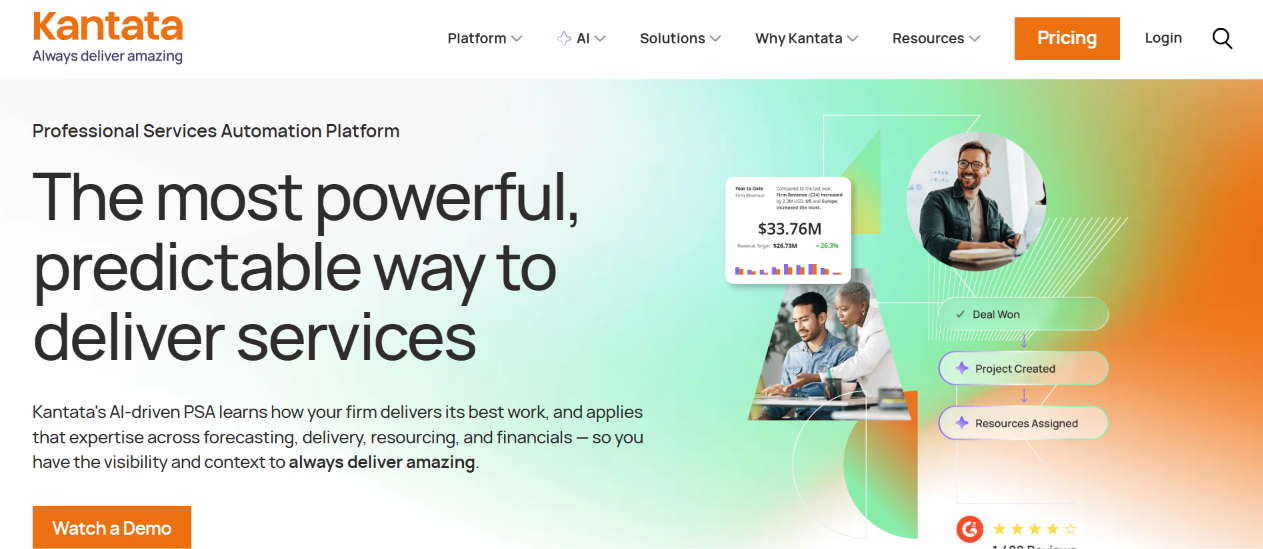
Kantata, formerly known as Mavenlink, is a cloud-based professional services automation (PSA) platform that connects scoping, resourcing, delivery, and financial forecasting in a single system. Because it ties time, expenses, and revenue directly to the project plan, finance leaders and delivery teams work from the same numbers. Consequently, Kantata earns a place near the top of any list of the best financial project management software for services organizations.
Moreover, the vendor has expanded into AI in 2026, with accelerators for sales, resourcing, delivery, and forecasting, plus an agentic business intelligence layer.
Features
- Kantata calculates revenue recognition and margin tracking from time, expense, and billing data.
- Teams capture billable and non-billable hours, assign expenses to projects, and generate invoices, including in multiple currencies.
- Managers see utilization and allocate people against forecasted demand.
- Users ask natural-language questions about margins and risks without a separate BI tool.
- Kantata connects with QuickBooks, NetSuite, Sage Intacct, and Xero.
Pros
- Goes deeper on margin tracking, utilization reporting, and forecasting than general-purpose work management tools.
- Handles multi-entity, multi-currency, and complex revenue recognition scenarios that overwhelm simpler PSA tools.
- Receives praise for its clean interface and strong onboarding and training resources.
Cons
- Publishes no price list, so buyers must request a quote and often negotiate a seat minimum.
- Overshoots the needs of small teams, particularly those with fewer than roughly 50 billable resources.
Pricing
Kantata uses custom, per-user quotes and offers no free plan.
Best for: Mid-sized and enterprise professional services firms (roughly 50 to 5,000+ employees)
2. BigTime
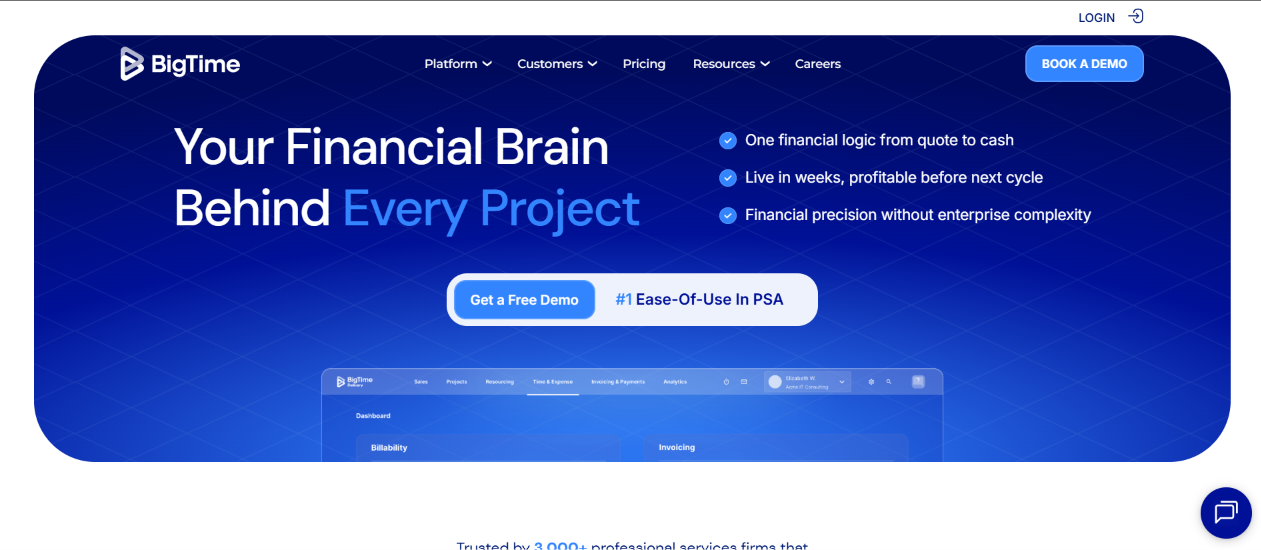
BigTime is a professional services platform that combines time and expense tracking, billing, project budgeting, resource planning, and reporting. It focuses on one outcome: helping firms bill every hour and protect project margins.
In addition, BigTime publishes its tier prices openly, which makes budgeting simple. As a result, it remains one of the best financial project management software options for firms that want PSA depth without an enterprise price tag.
Features
- Staff log hours and expenses from desktop or mobile, and managers approve them through configurable workflows.
- Teams generate invoices, accept online payments, and send automated reminders. Higher tiers add multi-currency invoicing and custom templates.
- The Premier plan adds project budgeting, multi-level approvals, and simple resource planning.
- The Advanced plan includes DCAA compliance, a client portal, and project templates..
- BigTime syncs with QuickBooks and Sage Intacct.
Pros
- Publishes transparent per-user pricing for three tiers.
- Provides deep time and expense tracking that suits billable-hour businesses.
- Earns strong customer support ratings in user reviews.
Cons
- Locks project budgeting and resource planning behind the Premier tier.
- Receives user complaints about an unintuitive interface and setup challenges.
Pricing
- Essentials: $20 per user per month.
- Advanced: $35 per user per month.
- Premier: $45 per user per month. All prices assume annual billing.
Best for: Small to mid-sized professional services firms, including consulting, engineering, IT, and accounting
3. Productive
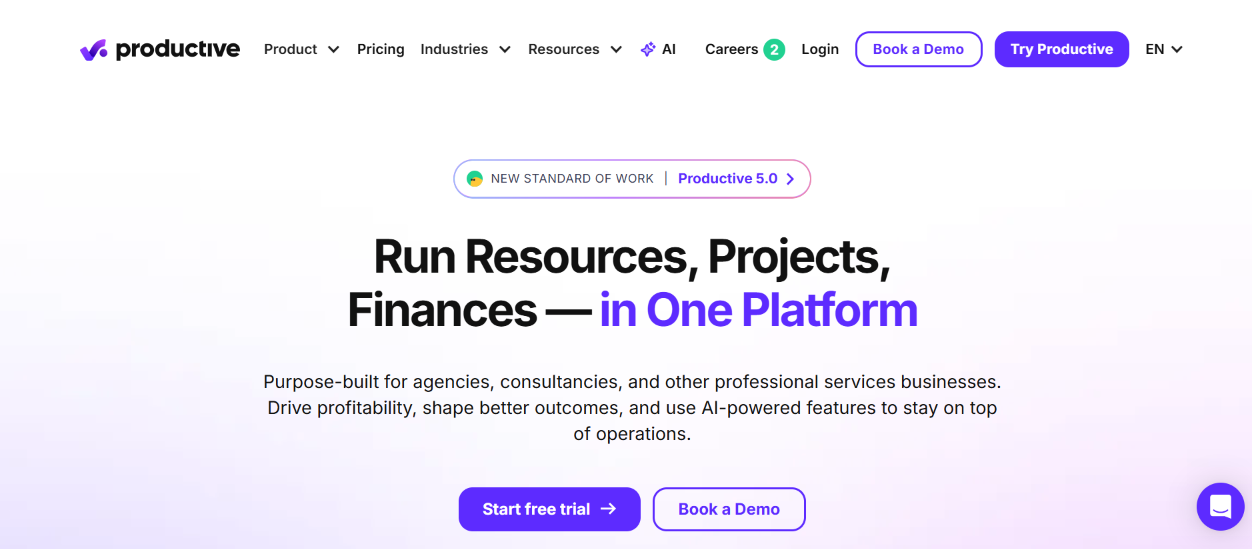
Productive is an agency and services management platform that combines project budgeting, real-time profitability tracking, time and billing, resource planning, and financial reporting. In practice, it feels like a modern work management tool with a serious finance engine underneath.
Furthermore, its entry-level plan already includes budgeting and resource planning, which many competitors reserve for higher tiers.
Features
- Teams budget fixed-price, time-and-materials, and recurring work, and they standardize billing with rate cards.
- Reports factor in employee cost rates and company overhead, so margins reflect reality.
- Teams invoice clients, manage expenses, and track revenue recognition.
- The Ultimate plan models future revenue and staffing scenarios.
- Users review margin trends and log time on iOS and Android.
Pros
- Includes budgeting and resource planning in the lowest-priced plan.
- Connects tracked time directly to project performance and profitability.
- Publishes clear tier pricing and offers a 14-day trial without a credit card.
Cons
- Offers no free plan and requires a three-seat minimum.
- Reserves scenario modeling and revenue forecasting for the top tier.
Pricing.
- Essential costs roughly $9 to 10peruserpermonthonannualbilling(11 to $12 monthly). Professional costs roughly $24 to 25annually(28 to $29 monthly).
- Ultimate costs roughly $32 to 33annually(39 to $40 monthly).
Best for: Agencies, consultancies, and other billable-services businesses
4. Scoro
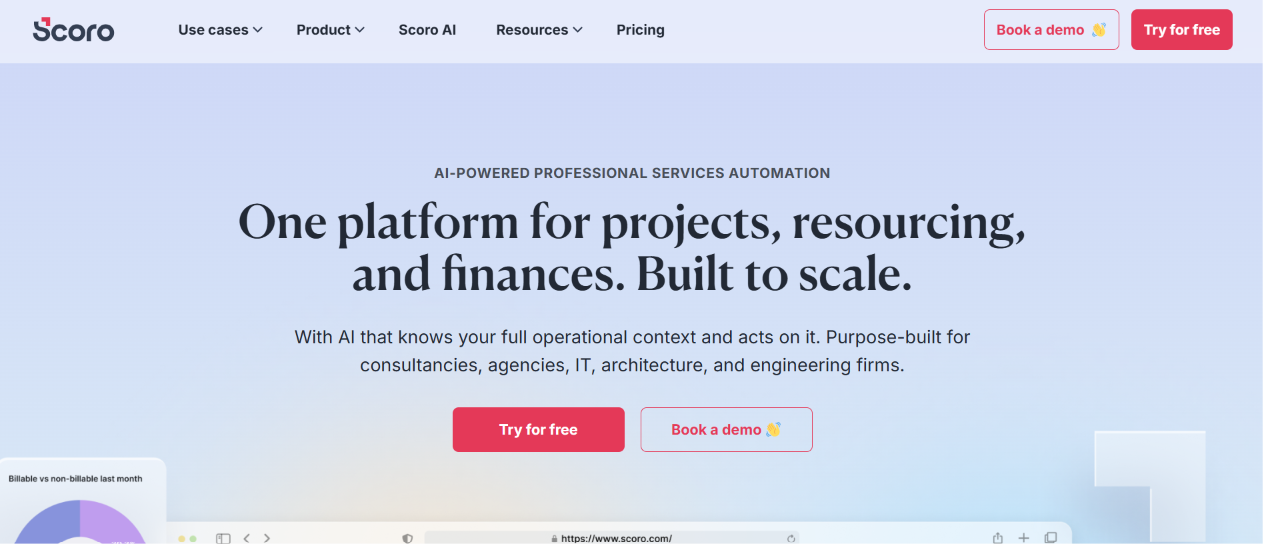
Scoro is a work management and PSA platform that bundles quoting, project planning, time tracking, billing, and real-time dashboards. Instead of stitching together a CRM, a task manager, and an invoicing tool, teams run the full quote-to-cash cycle in one workspace.
Scoro also integrates with QuickBooks, Xero, and Slack. For that reason, many service firms shortlist it when they search for the best financial project management software that still feels like a project tool.
Features
- Teams create quotes, convert them to projects, and bill from the same record.
- Standard adds Gantt charts, dependencies, recurring tasks, and multi-currency support.
- Pro adds project budgets, retainers, billable time, labor cost tracking, and a resource planner.
- Ultimate adds single sign-on, company budgets and forecasts, WIP reporting, unlimited custom fields, and a customer portal.
- Managers monitor real-time KPIs and build custom reports.
Pros
- Covers sales, delivery, and billing without extra tools.
- Provides strong reporting and profitability insights on higher plans.
- Offers a 14-day free trial without a credit card.
Cons
- Ranks among the more expensive options, and most plans require at least five users.
- Splits important features across tiers, which frustrates some buyers.
Pricing
- Essential $26,
- Standard $37
- Pro $63 per user per month. Monthly billing costs more (about $28, $42, and $71). Ultimate uses custom pricing.
Best for: Consultancies, agencies, and IT firms that want projects, quoting, billing, and reporting in one tool
5. Certinia

Certinia, formerly FinancialForce, builds its PSA and financial management applications natively on the Salesforce platform. Professional Services Cloud handles resourcing, projects, time, expenses, utilization, and project economics. Meanwhile, Financial Management Cloud covers accounting, billing, revenue recognition, cash, and reporting.
Because both products share the Salesforce data model, a closed opportunity becomes a staffed project and an invoice without re-keying data. Therefore, Certinia belongs on the shortlist of the best financial project management software for Salesforce-centric enterprises.
Features
- Teams estimate, staff, deliver, and bill projects on one platform.
- Planners match skills to demand and track utilization.
- Finance teams run the general ledger, billing, and revenue management in the same system.
- Leaders watch profitability and forecast delivery in real time.
- CRM, delivery, and finance data live in one place, and Salesforce AI capabilities extend the platform.
Pros
- Integrates seamlessly with Salesforce and shares a single data model with CRM.
- Allows extensive customization to match complex business processes.
- Serves large, well-known customers across technology and services.
Cons
- Overwhelms small teams, and some reviewers describe the platform as complex to manage.
- Publishes no public price list.
Pricing
Certinia sells on a per-user, quote-based subscription.
Best for: Large and mid-market services firms that already run on Salesforce
6. Celoxis
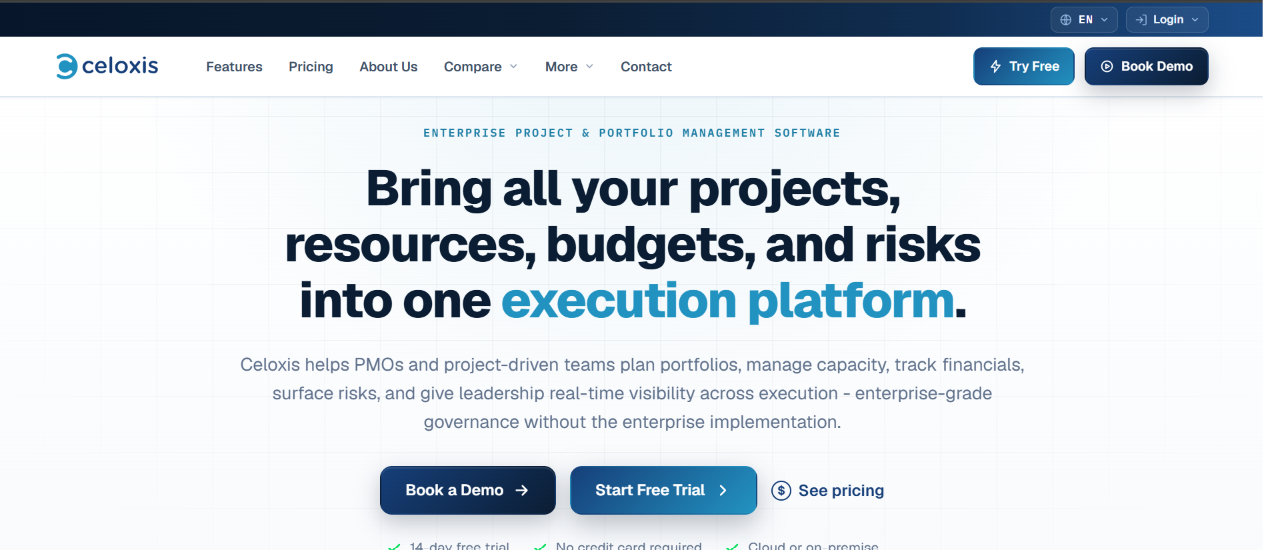
Celoxis is a web-based project portfolio management (PPM) platform that combines scheduling, resource management, cost tracking, and portfolio reporting. Its dashboards show margin, revenue, cost, effort, and budget utilization side by side. Consequently, PMOs can govern both delivery and financial health from one place.
Notably, Celoxis offers both cloud and on-premise deployment, which suits organizations with strict data residency requirements.
Features
- Managers plan work, dependencies, and baselines.
- Teams view workload, conflicts, and utilization.
- Professional and higher plans add costing, risk tracking, intake management, and portfolio features.
- The Business plan adds billing, a client portal, and advanced security.
- Celoxis connects with Jira, Azure DevOps, QuickBooks Online, and Zapier, though these are paid add-ons.
Pros
- Publishes transparent tier prices and includes free read-only users.
- Delivers strong financial and portfolio dashboards for the price.
- Supports both cloud and on-premise deployment.
Cons
- Requires at least five full-access users on cloud plans.
- Increases costs as named-user counts grow.
Pricing
- Cloud plans list standard-user prices prepaid annually:
- Core $10,
- Essentials $25, Professional $35
- Business $45 per user per month. Team-member and timesheet roles carry separate (lower) prices.
- Enterprise and on-premise licensing are quote-based. Celoxis also offers a free trial.
Best for: Mid-market and enterprise PMOs that need portfolio management with financial governance, including on-premise deployment
7. Smartsheet
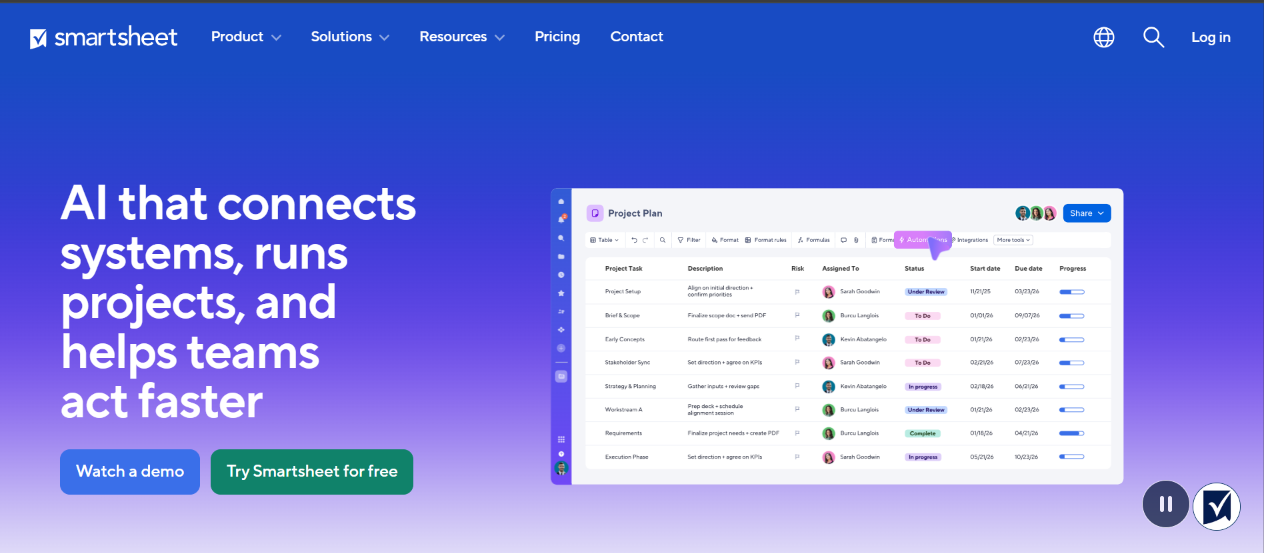
Smartsheet blends a familiar spreadsheet grid with Gantt, card, and calendar views, dashboards, and automation. Finance and operations teams use it for budgets, project cost tracking, and reporting. Although Smartsheet is not a PSA tool, its flexibility makes it a popular choice for teams that already manage money in spreadsheets.
Features
- Users build budget and expense sheets with formulas and ready-made templates.
- Teams roll up cost and schedule data into live dashboards.
- Business and higher plans include unlimited automations; Pro includes 250 per month.
- Enterprise and Advanced Work Management add scenario planning, portfolios, and resource tools.
- Only Members count as paid seats.
Pros
- Adapts to almost any workflow and collaborates well across departments.
- Offers a 30-day free trial and unlimited free contributors.
- Provides strong security and governance on higher tiers.
Cons
- Lacks built-in time-and-billing and revenue recognition, so services firms often need a separate tool.
- Offers no permanent free plan.
- Shows a learning curve and slower performance with very large datasets, according to reviewers.
- Locks advanced features behind Business, Enterprise, or Advanced Work Management tiers.
Pricing
Smartsheet offer quote based pricing
Best for: Finance-heavy PMOs and operations teams that think in spreadsheets
8. monday.com
monday.com is a flexible work management platform that teams adapt to budgeting, cost tracking, and project reporting. Its colorful boards, formula columns, and dashboards make financial data easy to read at a glance.
However, monday.com treats finance as a configuration rather than a core module. Therefore, it works best for teams that want flexibility and fast adoption more than built-in accounting.
Features
- Teams track planned versus actual spend and use formula columns to calculate variances.
- Leaders consolidate budgets, timelines, and workload across boards.
- Standard includes 250 monthly automation actions and Pro includes 25,000.
- Users log hours and connect accounting and CRM tools.
- Each paid tier now bundles a monthly allowance of AI credits.
Pros
- Offers a free plan for up to two seats.
- Scales from small teams to large organizations with strong automation.
Cons
- Requires at least three seats on paid plans and sells seats in buckets.
- Includes no native invoicing or revenue recognition in Work Management.
Pricing
- Free: up to two seats.
- Basic: $9,
- Standard: $12
- Pro: $19 per seat per month on annual billing
- Enterprise uses custom pricing. Paid plans require three seats.
Best for: Teams that want visual, customizable financial workflows without a full PSA system
9. Microsoft Planner and Project
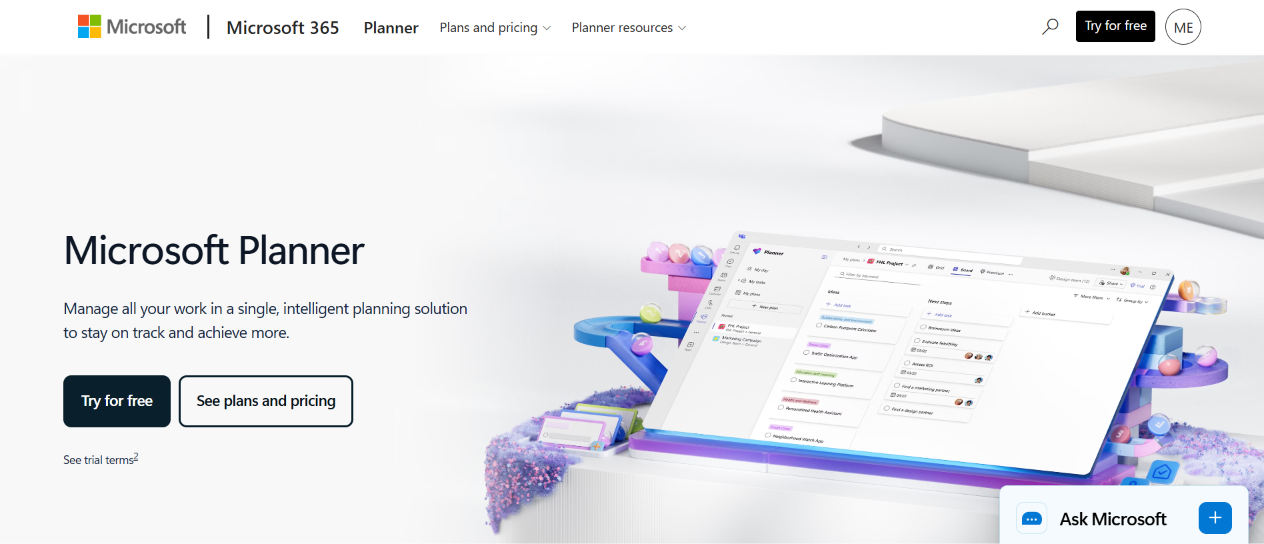
Microsoft Project, now sold under the Planner brand, remains the benchmark for scheduling and enterprise portfolio management. In September 2024, Microsoft renamed Project Plan 3 and Plan 5 to Planner and Project Plan 3 and Planner and Project Plan 5. In addition, Project Online retires on September 30, 2026, so buyers should plan around the cloud plans.
Financially, Project tracks cost through resources, task costs, and budgets. Accordingly, it suits finance-conscious PMOs, but it does not replace a billing or accounting system.
Features
- Gantt charts, critical path, and timeline views support complex plans.
- Plan 3 adds resource management and a desktop client.
- Plan 5 adds portfolio optimization, roadmaps, and enterprise resource allocation.
- Teams, SharePoint, and Power BI connect natively.
- Teams edit plans together in real time.
Pros
- Integrates tightly with Microsoft 365 and Power BI.
- Provides a clear upgrade ladder from basic task boards to enterprise PPM.
- Includes a free Planner tier within Microsoft 365 and a 30-day trial on paid plans.
Cons
- Handles cost management only, with no native invoicing, billing, or revenue recognition.
- Jumps sharply in price between Plan 1, Plan 3, and Plan 5.
Pricing
- Planner Plan 1: $10 ( included with Microsoft 365)
- Planner and Project Plan 3: $30
Best for: Microsoft 365 organizations and enterprise PMOs that need deep scheduling and portfolio control
10. Zoho Projects
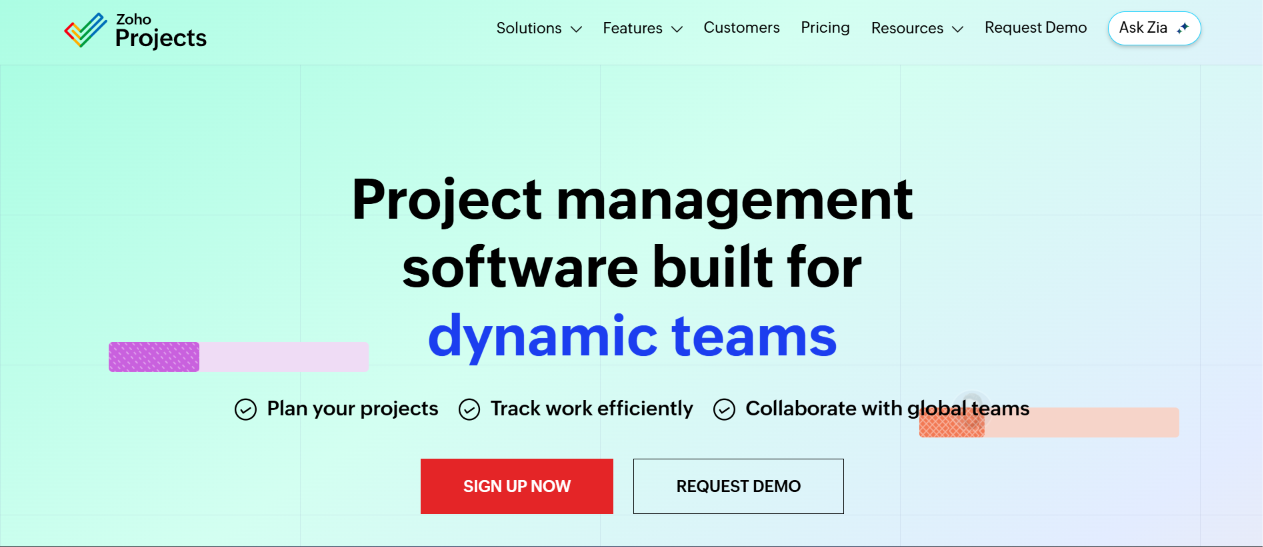
Zoho Projects is an affordable project management platform with built-in budgeting, time tracking, and earned value management (EVM). Its paid plans start at just a few dollars per user, so growing teams can add financial oversight without a large investment.
Furthermore, Zoho Projects links with Zoho Invoice, Books, and CRM, which simplifies billing for teams that already use those apps.
Features
- Managers compare planned versus actual cost, schedule, and time.
- Staff log billable and non-billable hours, and invoices flow through Zoho apps.
- Enterprise adds baselines, critical path, and cross-project dependencies.
- Enterprise users view multiple projects together.
- A permanent free tier covers very small teams.
Pros
- Costs far less than most alternatives, with a free plan available.
- Includes EVM and budget tracking even at low price points.
- Integrates smoothly with other Zoho products.
Cons
- Presents a learning curve for advanced features and complex permission settings.
- Limits customization on lower plans, and guest access can cost extra.
Pricing
Zoho Projects offers quote based pricing with a free trial
Best for: Budget-conscious small and mid-sized businesses, especially those in the Zoho ecosystem