

Basic file-sharing methods put your business at risk. Email attachments, USB drives, and unsecured FTP leave data exposed. Hackers can intercept messages. Recipients may accidentally forward them. Some providers even keep your files on unprotected servers for years. They get lost, stolen, or infected with malware. A quick file transfer can become a data breach. This methods sends files in plain text, letting anyone on the same network spy on or change your data. With secure file transfer service software, you can protect your data and deliver it safely. It focuses on security, compliance, and accuracy, so files reach the right people without tampering or loss.
The software encrypts files during transfer and storage. Only authorized users can read them. It verifies identities before giving access, automates transfers to avoid mistakes, and logs every action. You always know who sent, received, and opened each file. These features help you stay compliant with regulations and reduce the risk of costly breaches. The software also handles large files quickly, removes manual steps, and ensures every file arrives intact.
Choosing the right secure file transfer service software is crucial for protecting sensitive data and supporting teamwork. In this article, we highlight the best secure file transfer service software. We explain their key features, share their pros and cons, and help you choose the right solution for your business.
Top 10 Best Secure File Transfer Service Software
1.SFTPTOGO
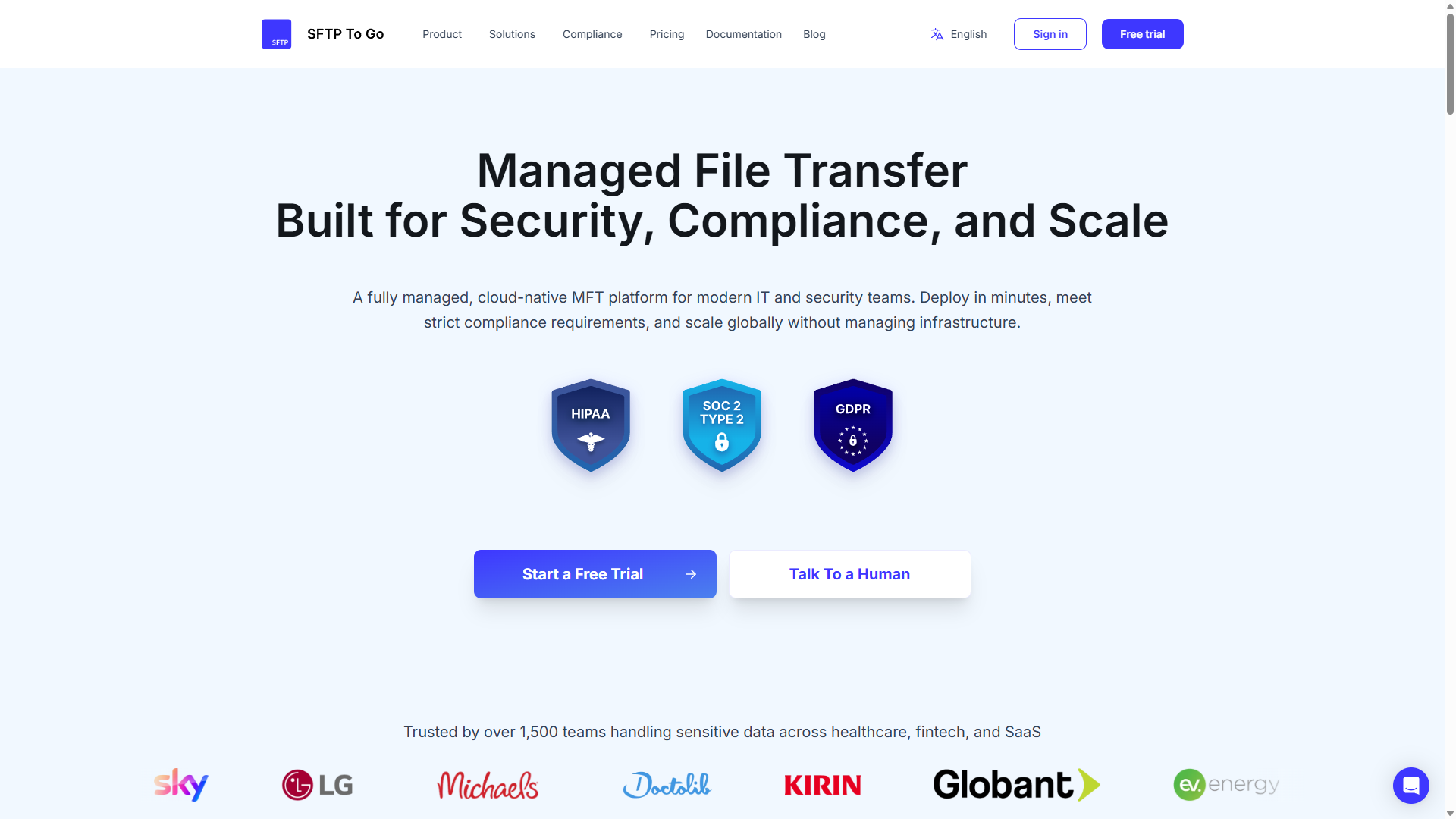
SFTP To Go is a fully managed cloud file transfer platform that combines secure file exchange, built-in storage, and native file automations. Teams can automate routine tasks like moving, copying, encrypting, and decrypting files on a schedule or when file events occur, without maintaining their own SFTP servers. Users can connect through SFTP, FTPS, or S3, and upload, download, and share files through an HTTPS web portal.
Its focused approach keeps everyday file operations straightforward while giving IT teams granular access controls, audit logs, APIs, and webhooks for integration. It’s particularly useful for recurring exchanges like payroll uploads, healthcare data transfers, and supplier reports.
Features
- SFTP, FTPS, and HTTPS file access, with Amazon S3 API access.
- Encryption in transit and AES-256 encryption for files stored on Amazon S3.
- Granular directory permissions, SSH key authentication, and MFA for web portal access.
- Secure file and folder sharing links, plus detailed file, access, and administrative audit logs.
- Native File Automations, with scheduled or event-driven actions to move, copy, delete, PGP-encrypt, or decrypt files and send notifications.
- SOC 2 Type II audited, with controls for GLBA, GDPR, DORA, FERPA, and HIPAA, with Business Associate Agreements available.
Pros
- Combines managed storage and secure transfers without server installation or maintenance.
- Supports technical integrations and browser-based file access in one service.
- Keeps routine file processing within the platform, reducing reliance on separate scripts and services.
Cons
- Advanced capabilities, including S3 API access, IP restrictions, and audit-log streaming, depend on the plan.
Pricing
- See SFTP TO Go pricing plans for current rates and included features.
- A seven-day free trial is available; a credit card is required, and the selected paid plan starts automatically unless canceled.
2. Tresorit
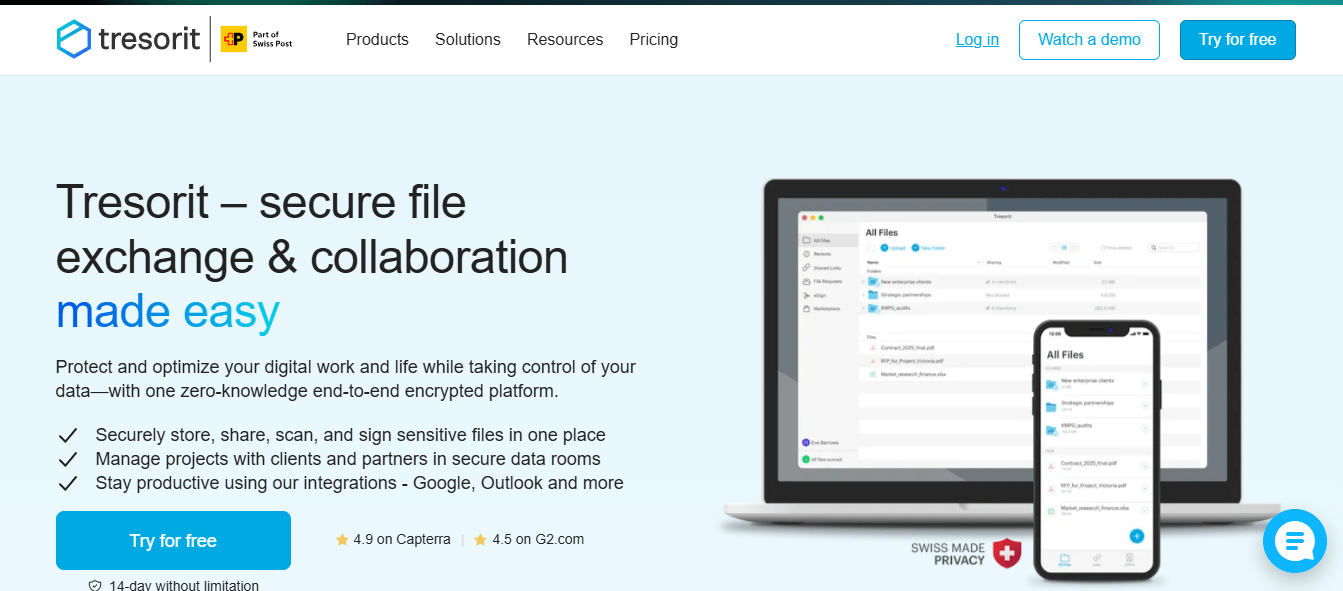
Tresorit helps teams collaborate securely by protecting their files with end-to-end encryption. The software synchronizes data through the cloud, allowing users to store, access, and share encrypted files from anywhere. Unlike many cloud services, Tresorit encrypts data before uploading it to the cloud. This means users don’t need to trust the cloud provider or the communication channels. Business users can share confidential data without re-encrypting files, and they can revoke access at any time to maintain control.
Features
- Enterprise-grade data security and privacy
- Audit logs and administration tools
- Server location choice for compliance and control
- EU-qualified eSignatures
Pros
- Local and remote wipe for better data protection
- Simple electronic signatures with faster turnaround times
- Built-in email encryption for secure communication
- End-to-end and zero-knowledge encryption
Cons
- Lacks some advanced collaboration tools
- Costs more than some competing services
Pricing
- Starts at $14.50
3. ShareFile
ShareFile is a collaboration platform that provides enterprise-level secure file-sharing solutions. You can use it to transfer confidential documents safely, supported by strong access controls, encryption, and compliance with regulations such as HIPAA and FINRA. Industries that prioritize data security and compliance such as accounting firms, legal practices, and professional services use ShareFile. The platform also helps businesses organize sensitive workflows, simplify client onboarding, and reduce email clutter.
Features
- Secure file sharing and collaboration: Share documents confidently while maintaining data security.
- E-signature capabilities: Sign documents electronically with built-in signature tools.
- Workflow automation: Automate repetitive document processes and routine tasks.
- Client portals: Provide clients with dedicated spaces for collaboration and communication.
Pros
- Extensive integrations with third-party apps and platforms.
- Built-in e-signature capabilities for contracts and forms.
- Enterprise-level security that protects business data.
Cons
- Complex features may feel overwhelming for smaller or simpler use cases.
- High pricing may be challenging for small teams or businesses.
Pricing
- Advanced: $17.60/month per user
- Premium: $27.50/month per user
- Industry Advantage: $45.83/month per user
- Virtual Data Room: $75/month per user.
4. NordLocker
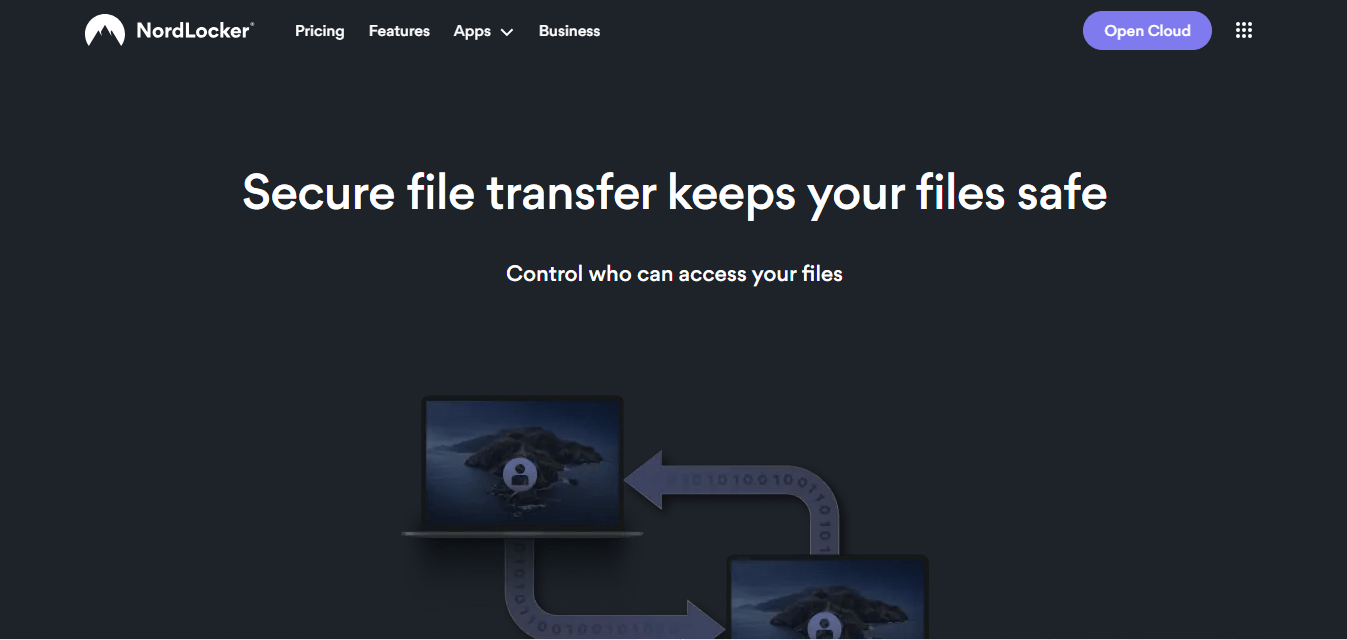
NordLocker secures file synchronization and sharing across platforms with end-to-end encryption. It encrypts files on your device before uploading them to the cloud, ensuring no one but you can access them. With its zero-knowledge architecture, NordLocker guarantees that even the service provider cannot view your data. The intuitive interface makes it simple for teams without deep technical knowledge to use. Because of its strong focus on security, it stands out as an excellent choice for industries handling sensitive information.
Features
- End-to-end encryption for files before cloud upload (client-side encryption)
- Zero-knowledge architecture to keep data private
- Cross-platform access on desktop and mobile devices
- User-friendly interface for quick adoption
- Secure cloud storage protects data even if devices are lost or stolen
- Integrations with Google Drive, Dropbox, OneDrive, and Box
Pros
- Combines AES-256, xChaCha20-Poly1305, and Ed25519 encryption algorithms
- Works easily across desktop and mobile operating systems
- Comes with a forever free plan
Cons
- Limited to 2TB of cloud storage
- Lacks collaboration and asset management tools.
Pricing
- 3 GB – Free
500 GB – $2.99/ month
2 TB – $6.99/month
5. Box Business
Box is a secure file-sharing platform that focuses on compliance and collaboration. Its AI-powered Intelligent Content Cloud enhances secure collaboration for organizations of all sizes. Businesses use Box to share files safely across teams and locations. The platform provides end-to-end data protection and productivity tools that help teams work efficiently. With granular access controls, data retention policies, and secure file preview, Box supports businesses especially small ones that must meet strict compliance requirements.
Features
- Enterprise-grade security (SOC 1–3, AES 256 encryption)
- Collaboration tools for team projects
- Unlimited storage on all Business plans
Pros
- Real-time collaboration tools
- Workflow automation with no-code apps and API access
Cons
- Box Drive’s user interface may not always show the correct file status, causing confusion about whether files are synced to the cloud or stored locally
Pricing
- Business: $24/month
- Business Plus: $39/month
- Enterprise: $54/month
- Enterprise Plus: Custom pricing
6. FileCloud
Filestage is a file-sharing software built for hybrid teams that need a structured way to review and approve documents and files. The platform lets you upload any file type, documents, images, videos, or audio and share it with stakeholders via a link. Reviewers can view, comment on, or approve files without creating an account. Filestage keeps feedback organized and easy to track, ensuring teams move projects forward with clarity.
Features
- Upload and share any file type, including documents, images, videos, and audio.
- Allow reviewers to comment or approve files without logging in.
- Provide visual feedback directly on files.
- Support multiple file reviewers at once.
- Integrate with popular tools such as Google Drive, Dropbox, Adobe Premiere, Notion, Miro, OneDrive, Asana, Adobe After Effects, Figma, Slack, Teams, and Jotform.
Pros
- Automatic file versioning reduces email back-and-forth.
- Organized review process keeps collaboration clear.
- Simple document sharing and feedback collection.
Cons
- Limited for general file-sharing purposes beyond reviews.
- Primarily focused on review and approval workflows.
Pricing
Starts at $6 per user/month.
7. WeTransfer
WeTransfer is a cloud-based file transfer software that allows users to send large files quickly and easily. Anyone can use the platform without creating an account, although a paid version is available. Users only need the recipient’s email address to get started. Beyond file transfer, WeTransfer also supports team collaboration by allowing users to build and edit content, write personalized emails, and share files with their audience in one place. The platform maintains strong security standards with encryption and early threat detection.
Features
- Send files up to 2 GB for free.
- Transfer files without creating an account.
- Protect file transfers with passwords.
- Transfer up to 20 GB with the premium plan.
- Access the platform on Android, iOS, and Mac apps.
Pros
- Supports fast and large file transfers.
- Works without requiring sign-up or an account.
- Offers an intuitive and simple user experience.
Cons
- Provides limited integrations with other tools and apps.
- Lacks advanced collaboration features for teams.
Pricing
- Free – Forever
- Ultimate – $23/month per person
- Enterprise – Custom pricing
8. GoAnywhere
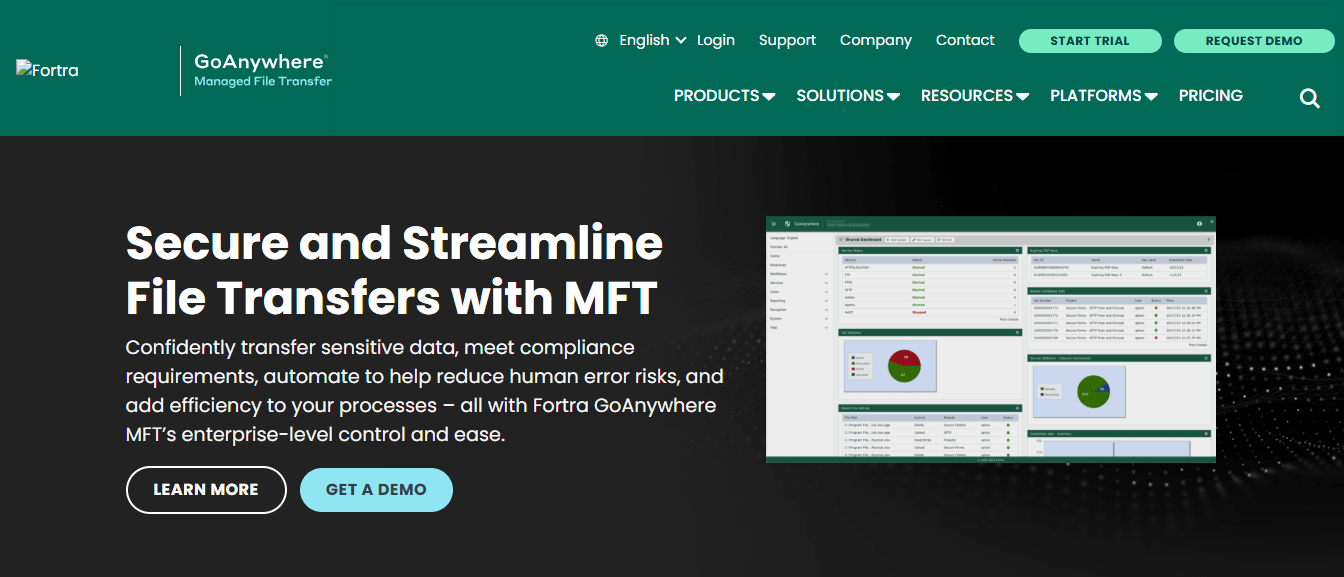
GoAnywhere is a managed file transfer solution that helps businesses automate and secure data exchanges. It provides reliable transfers, advanced automation features, and supports multiple protocols, making it a strong option for organizations that need consistent and safe file movement.
Features
- Automates file transfers with a comprehensive job scheduler
- Provides detailed audit logs to track activities and maintain compliance
- Supports multiple protocols for system compatibility
- Includes a secure mail feature to send files safely via email.
Pros
- Supports a wide variety of protocols
- Offers advanced automation capabilities
- Delivers detailed audit logs for compliance and monitoring.
Cons
- Requires additional training for some users
- Offers limited customization options
Pricing
Contact vendor for demo and pricing details.
9. Files.com
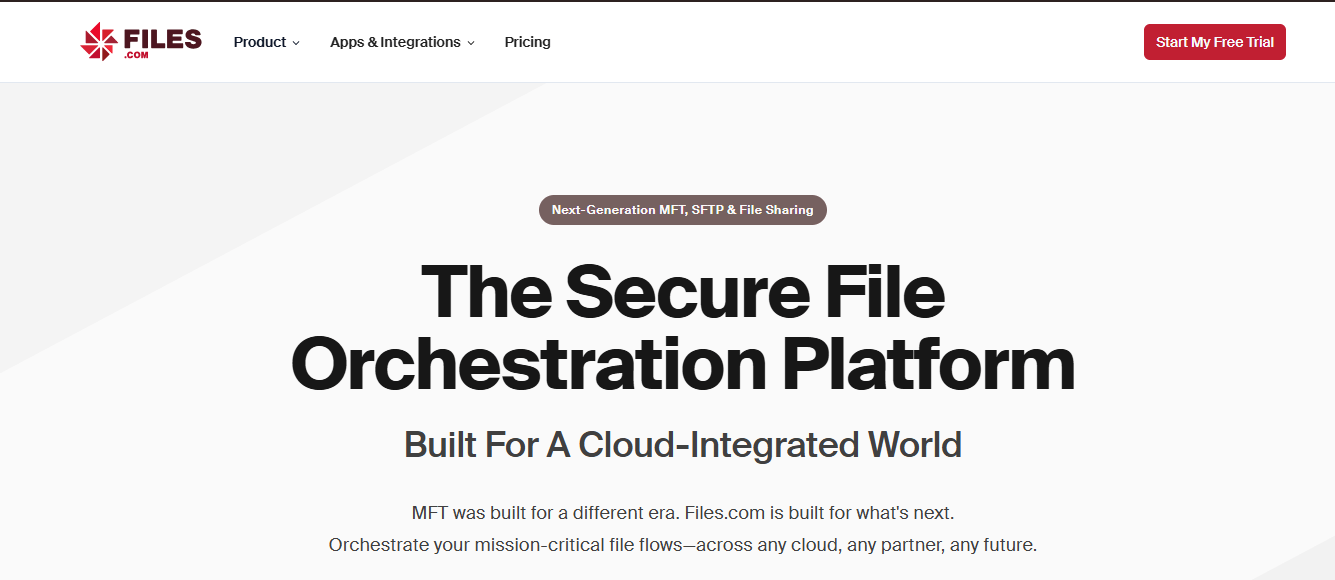
Files.com began as a simple cloud-based file management service that integrated different storage solutions into one platform. Today, it functions as a secure file management solution that supports link sharing and integrations with cloud services such as Google Drive and Dropbox. The platform provides a user-friendly interface that makes file management accessible for teams, even those without deep technical expertise. Files.com also supports automated workflows, so teams can schedule and manage transfers with less manual effort. Its secure sharing features protect data during exchanges, ensuring privacy and reliability.
Features
- Supports automated workflows for file transfers
- Provides detailed logging and reporting to track and audit activities
- Offers secure sharing options to protect data during transfers
- Integrates with third-party cloud services like Google Drive and Dropbox
- Includes a user-friendly interface for easy team adoption.
Pros
- Easy-to-use interface
- Automation for routine file transfers
- Comprehensive logging and reporting.
Cons
- Lacks advanced enterprise-level features
- Does not support on-premises deployment
Pricing
- Starter: $199/month
- Power: $499/month
- Premier: Contact sales.
10. Egnyte
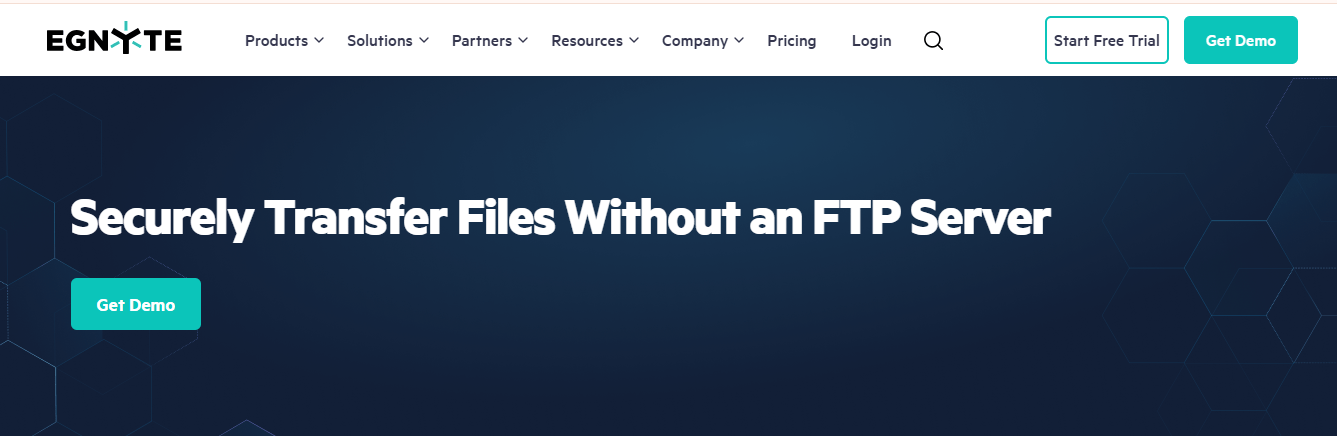
Egnyte is a file-sharing platform built for hybrid workers who need both on-premises and cloud storage. It allows businesses to control critical content, manage risks such as accidental data loss or compliance violations, and enable users to access and share files from any device. IT teams can manage content security, while business users collaborate faster and more effectively, even with external partners.
Features
- Enterprise file sharing
- Automated and continuous backup
- Access controls and permissions
- Secure external file sharing
- File syncing across devices
- Synchronization between cloud and on-premises storage.
Pros
- Offers hybrid storage options
- Provides enterprise-level file sharing
- Modern interface and content architecture
- Strong external sharing security and content governance.
Cons
- Feature set may overwhelm users with simpler needs
- Pricing may be too high for small businesses.
Pricing
- Business: $22 / User / Month
- Enterprise: $38 / User / Month
- Elite: $46 / User / Month
- Ultimate: Custom pricing.